




Keine Produkte im Warenkorb.
Bis zu 19%
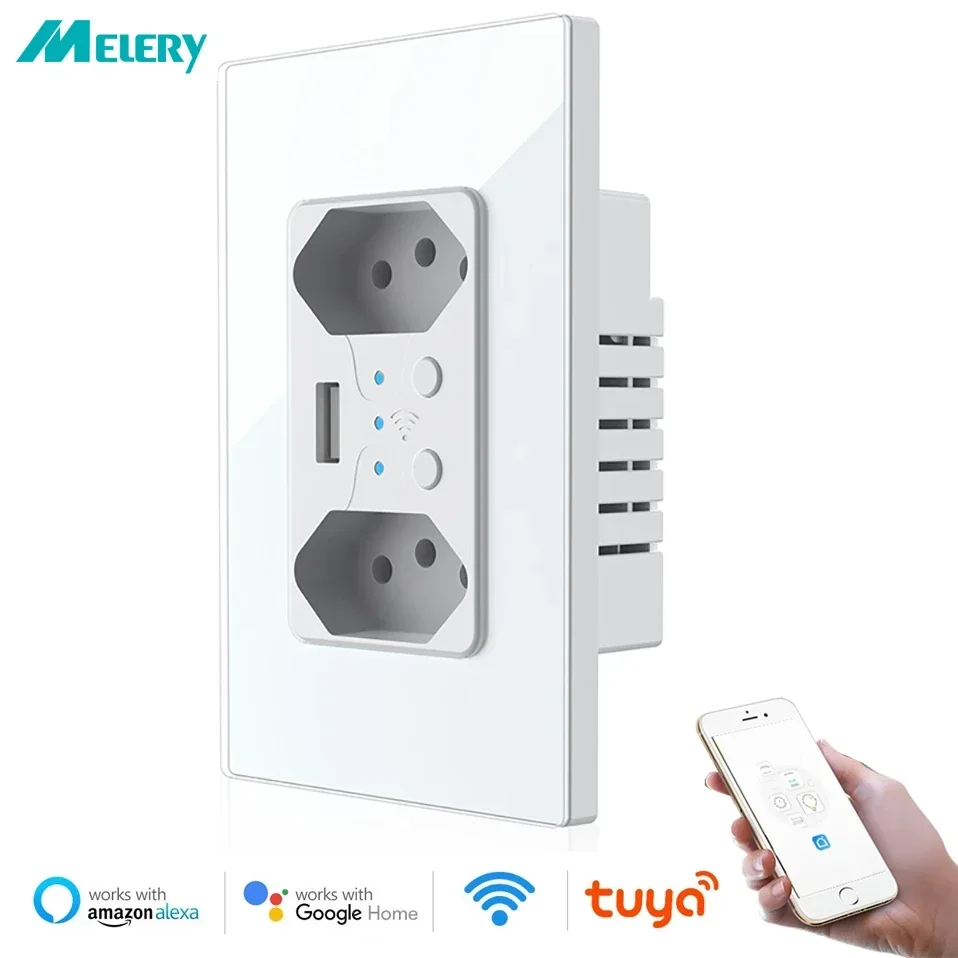
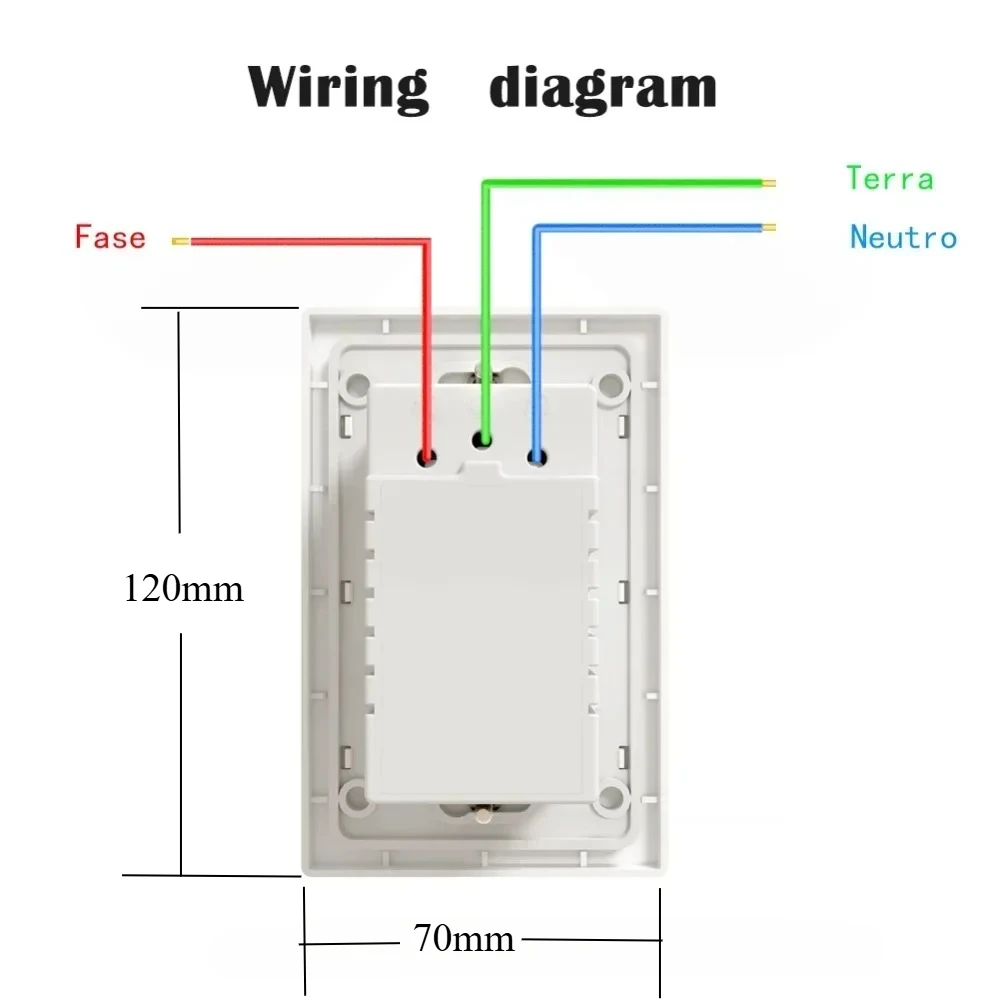
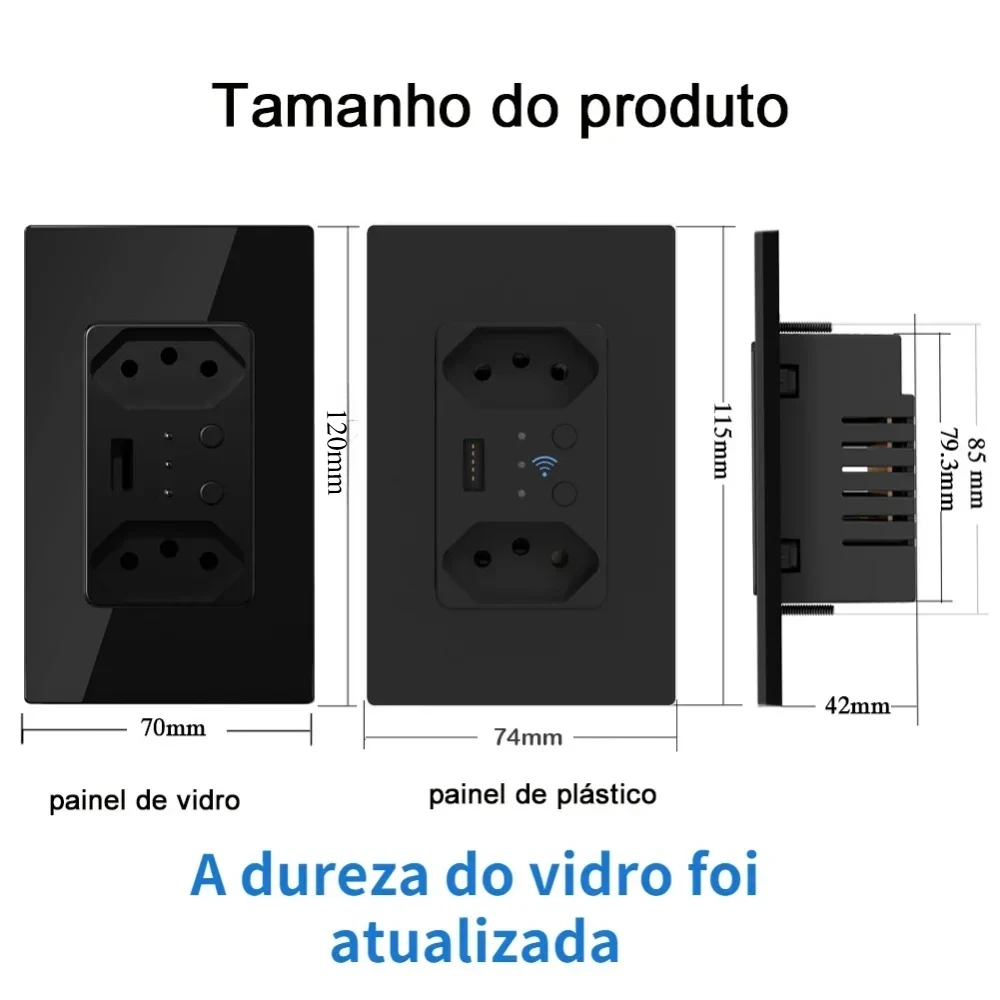
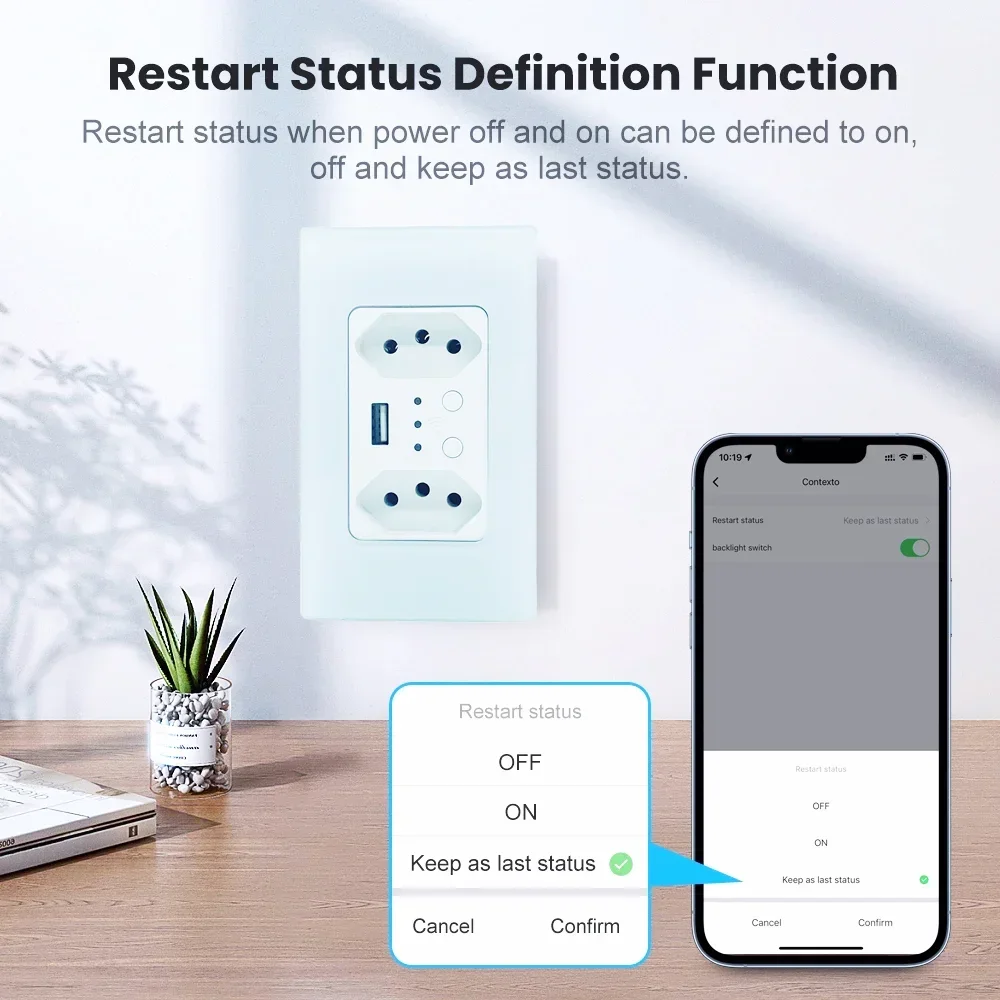
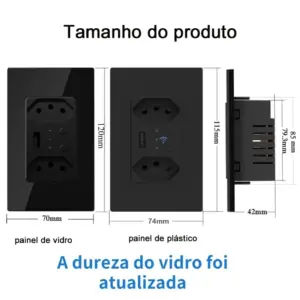

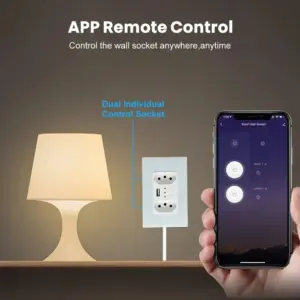
- Hochbesorgniserregende Chemikalie: Keiner
- Material: Plastic
- Backlight/Indication: Ja
- Socket Type: Combined
- Installation Type: Wall Embedded
- Ist ein intelligentes Gerät: Ja
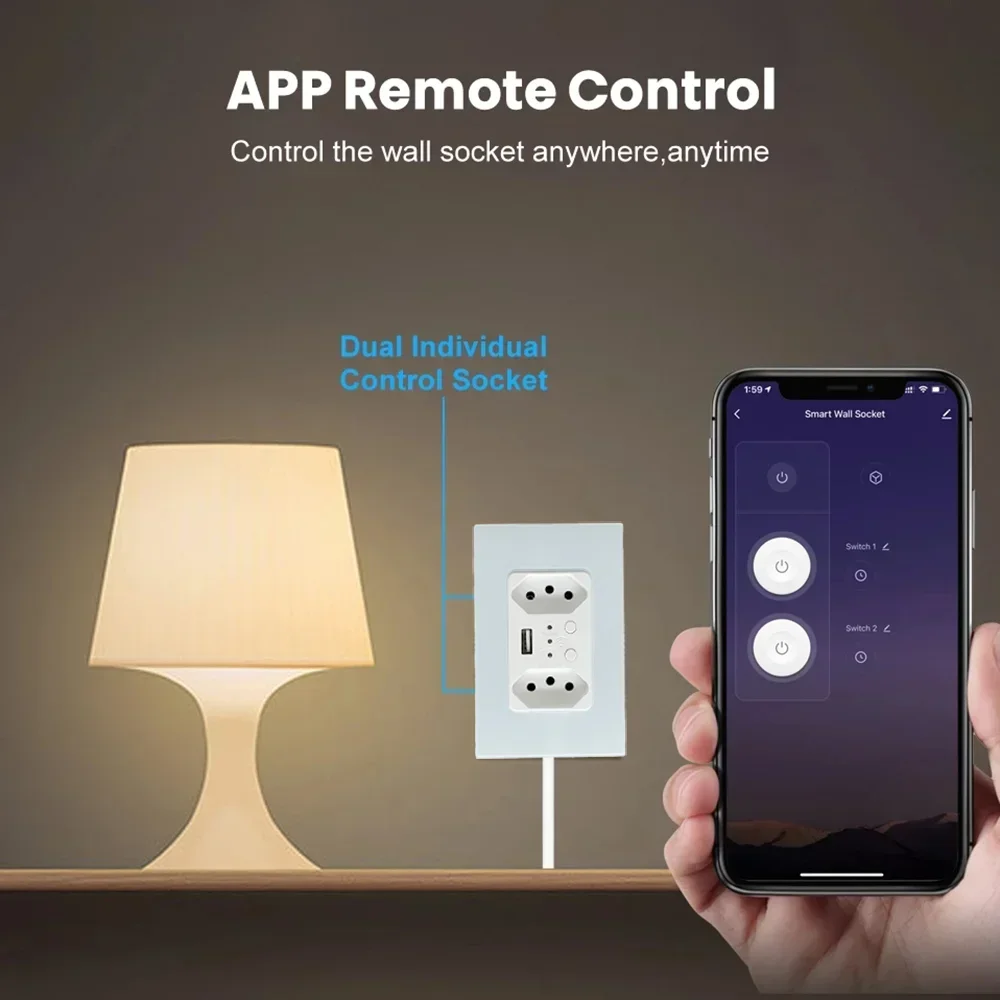
- Merkmale: Automatically Power On and Off,Remote Control,With USB Ports,Standing Style,WireLess
- Extension Cable Length: Keiner
- Shape: Rectangular
- Modellnummer: WWS400
- Rated Current: 13A
- Grounding: Standard Grounding
- Anwendung: Residential / General-Purpose
- Markenname: Melery
- Protection class: IP 21
- Number of slots: 2
- Herkunft: Festlandchina
- Standard: Brazil WIFI Smart Wall Sockets
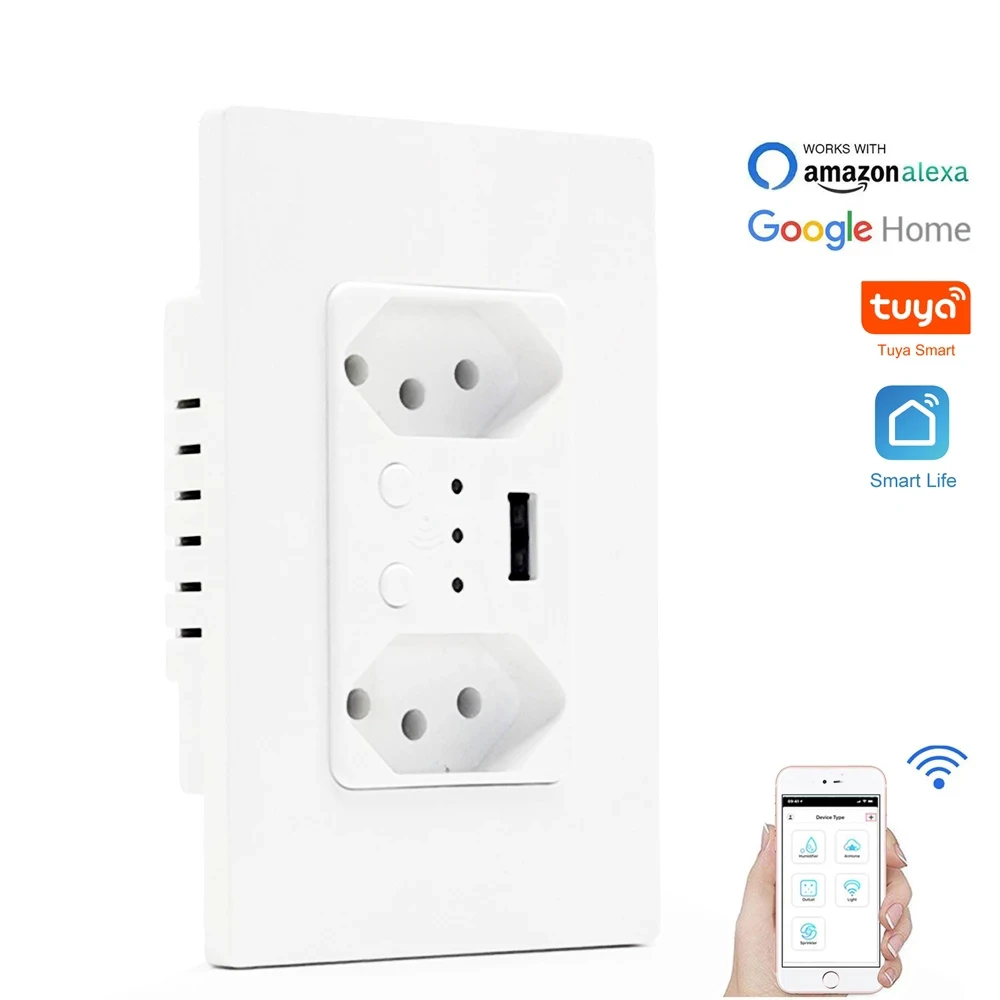
Melery WWS400 Tuya WiFi Smart Outlet, Black/White, In-Wall Dual Socket with/without USB, Alexa & Google Home Compatible
|
Category
|
Details
|
|---|---|
|
Model
|
WWS400 (Tuya WiFi Smart), with/without USB Optional
|
|
Input Voltage
|
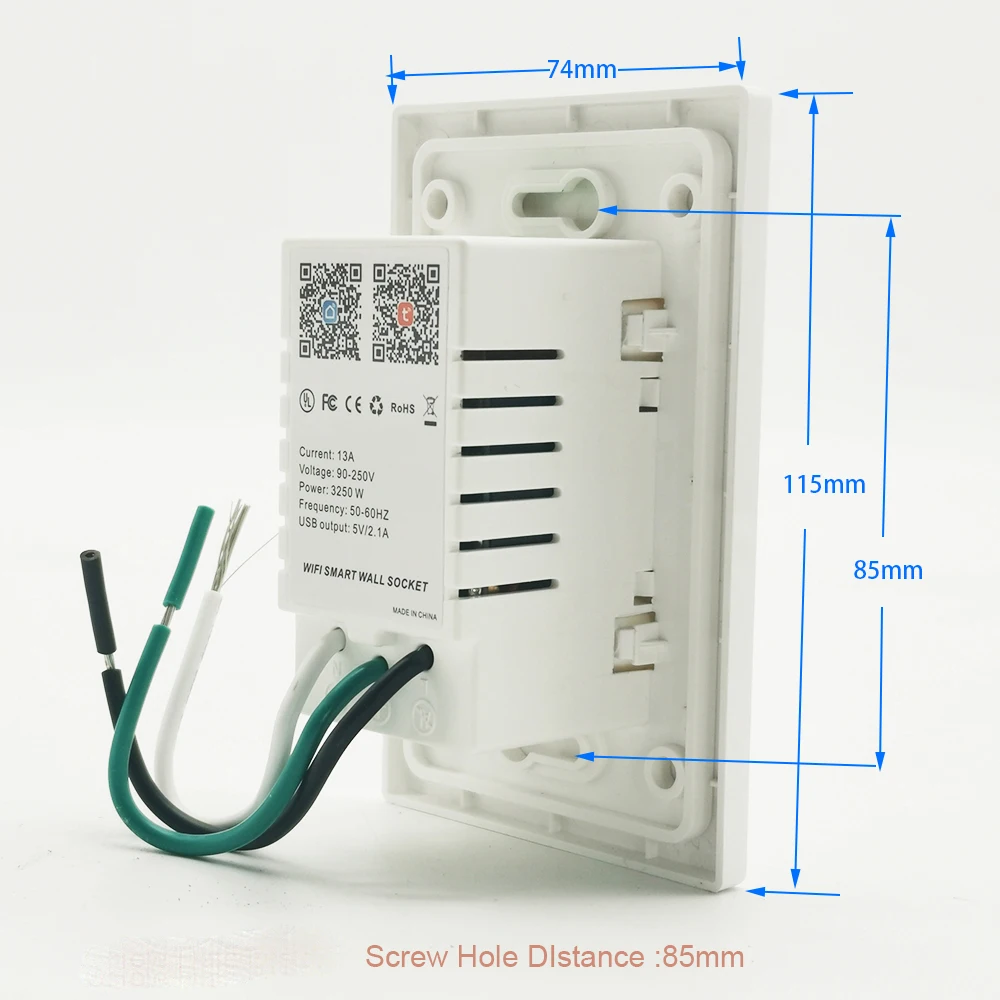
90-250V 50/60Hz (Fully Compatible with Brazil Power Grid)
|
|
Max Current
|
13A
|
|
Max Power Rating
|
3250W
|
|
USB Output (USB Version)
|
DC 5V/2.1A Fast Charging
|
|
Surge Protection Rating
|
1680J
|
|
Farbe
|
Classic White / Elegant Black (Optional)
|
|
Product Dimensions
|
5.5*3.86*2.6英寸
|
|
Net Weight
|
200g
|
|
Zertifizierung
|
CE/ROHS/FCC Certified
|
-
Tuya Smart Energy Management: Powered by Tuya’s intelligent algorithm, it realizes real-time monitoring of device power consumption, reducing standby energy waste through scheduled shutdown, helping you save on electricity bills in the long run .
-
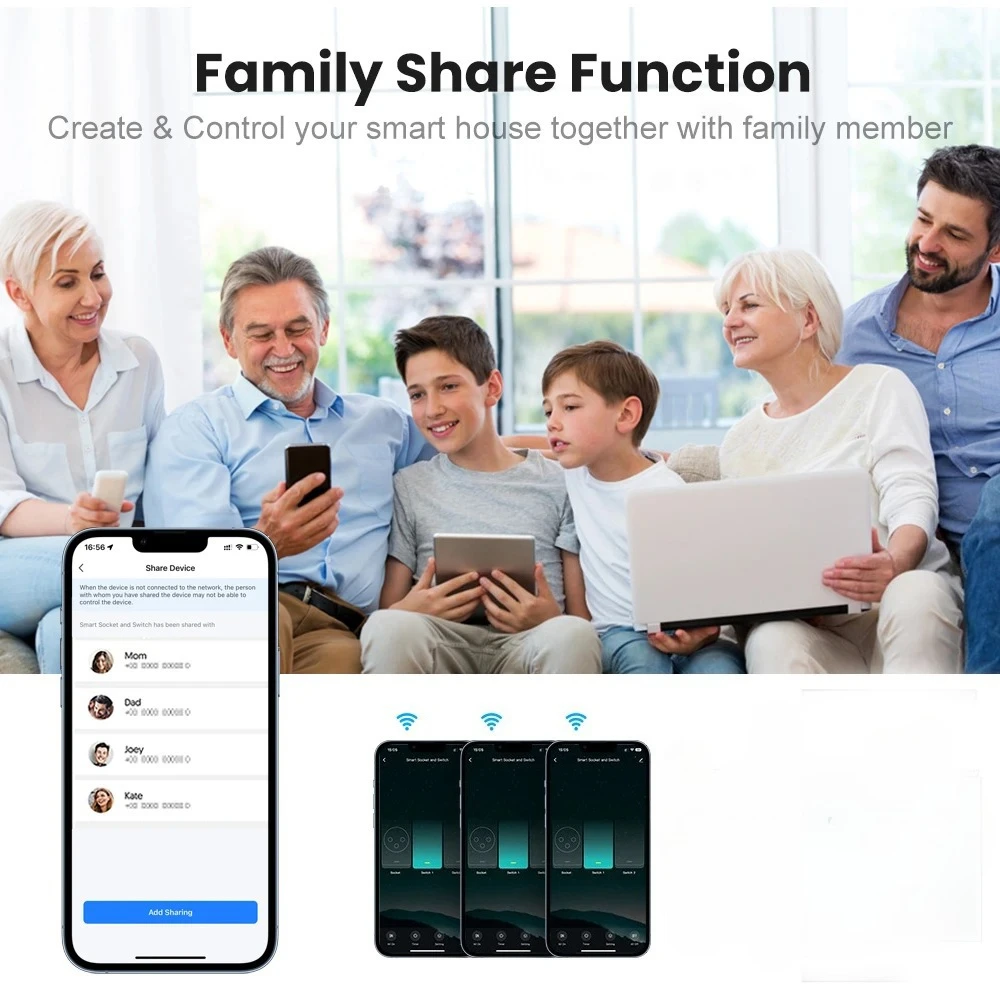
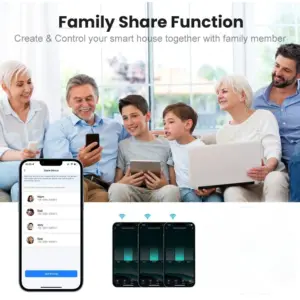
Tuya APP Family Sharing: Through Tuya Smart APP, you can easily share the device with family members with one click, no repeated settings required—everyone can control home appliances conveniently.
-
Multiple Safety Protections: In addition to surge protection, built-in thermal fuse protection automatically cuts off power in case of overvoltage, overheating, and other extreme situations, eliminating fire hazards.
-
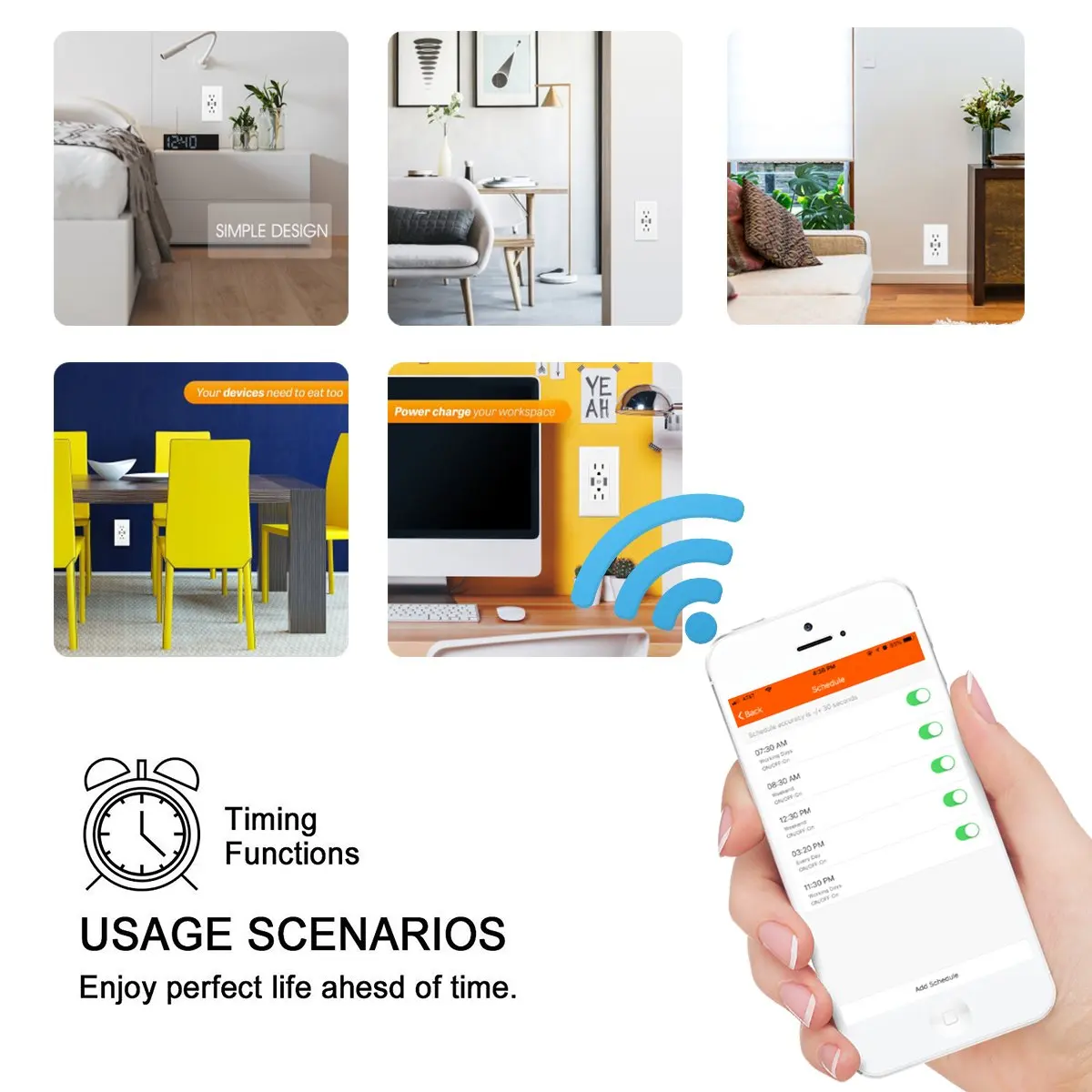
Dual Color & Versatile Design: Available in black and white to fit different home styles; combined PC plastic and glass panel for delicate texture and easy cleaning; in-wall design saves space, suitable for bedrooms, living rooms, kitchens, and garages.
-
Care for Special Groups: The elderly and people with mobility issues can control lights, air conditioners, fans, etc., via mobile APP or voice commands without getting up, greatly improving life convenience.
How to Pair with Amazon Alexa
-
Open the Amazon Alexa app on your mobile device and log in to your Amazon account.
-
Tap the “More” icon (three horizontal lines) in the bottom right corner, then select “Skills & Games”.
-
Search for “Smart Life” skill in the search bar and tap “Enable to Use”.
-
Enter your Smart Life account and password, then tap “Link Now” to complete the account binding.
-
After successful binding, tap “Discover Devices” or use the voice command “Alexa, discover devices” to let Alexa find your Melery smart outlet.
-
Once discovered, you can control the outlet with voice commands like “Alexa, turn on the living room outlet” or “Alexa, turn off the bedroom outlet”.
How to Pair with Google Home
-
Launch the Google Home app and sign in to your Google account.
-
Tap the “+” icon in the top left corner, then select “Set up device” and choose “Works with Google”.
-
Search for “Smart Life” in the list of supported services and tap it.
-
Log in to your Smart Life account to link it with your Google account.
-
After linking, Google Home will automatically scan and add your Melery smart outlet. If not automatically added, you can manually tap “Add device” to search for it.
-
Once added, you can use voice commands such as “Hey Google, turn on the kitchen outlet” or “Hey Google, turn off the garage outlet” to control the device.
✅ Connection Steps (Done in 3 Minutes)
-
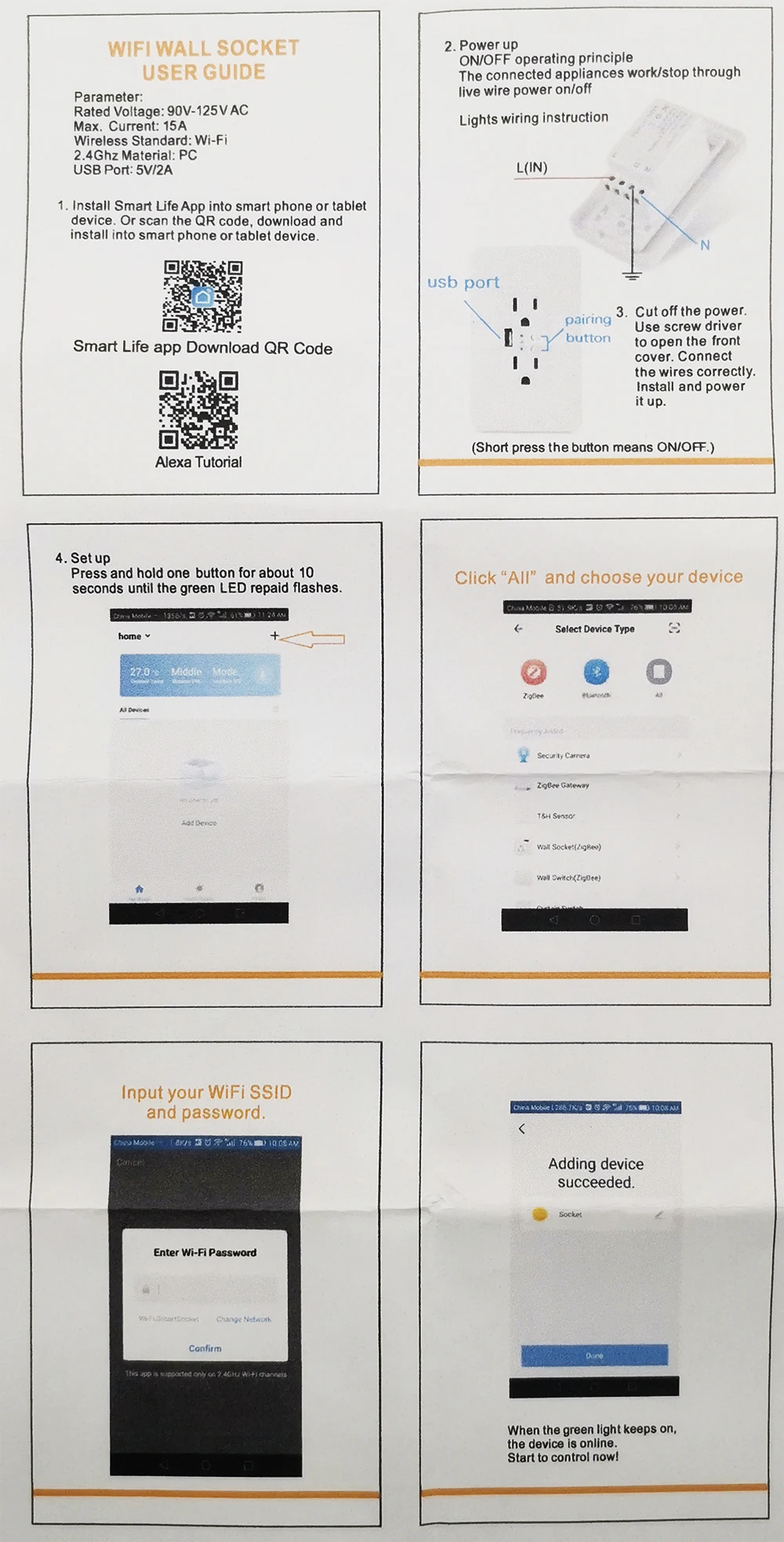
Download Tuya APP: Search for “Tuya Smart” or “Smart Life” in the App Store or Google Play, or scan the QR code on the manual to install;
-
Preparation: Connect your phone to a 2.4G WiFi network (Note: 5G WiFi is not supported);
-
Account Setup: Register and log in to your Smart Life account;
-
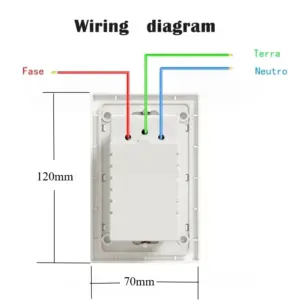
Install the Outlet: Correctly install the smart outlet into a standard wall junction box;
-
Add Device: In the App, select “Add Device” → “Electrical Outlet” and confirm the device;
-
Pairing Mode: Press and hold the outlet’s on/off button for 5 seconds to enter Easy Mode or AP Mode;
-
Complete Setup: Follow the App instructions to finish pairing, then you can start setting up schedules, sharing devices, and other functions.
�� Package List
-
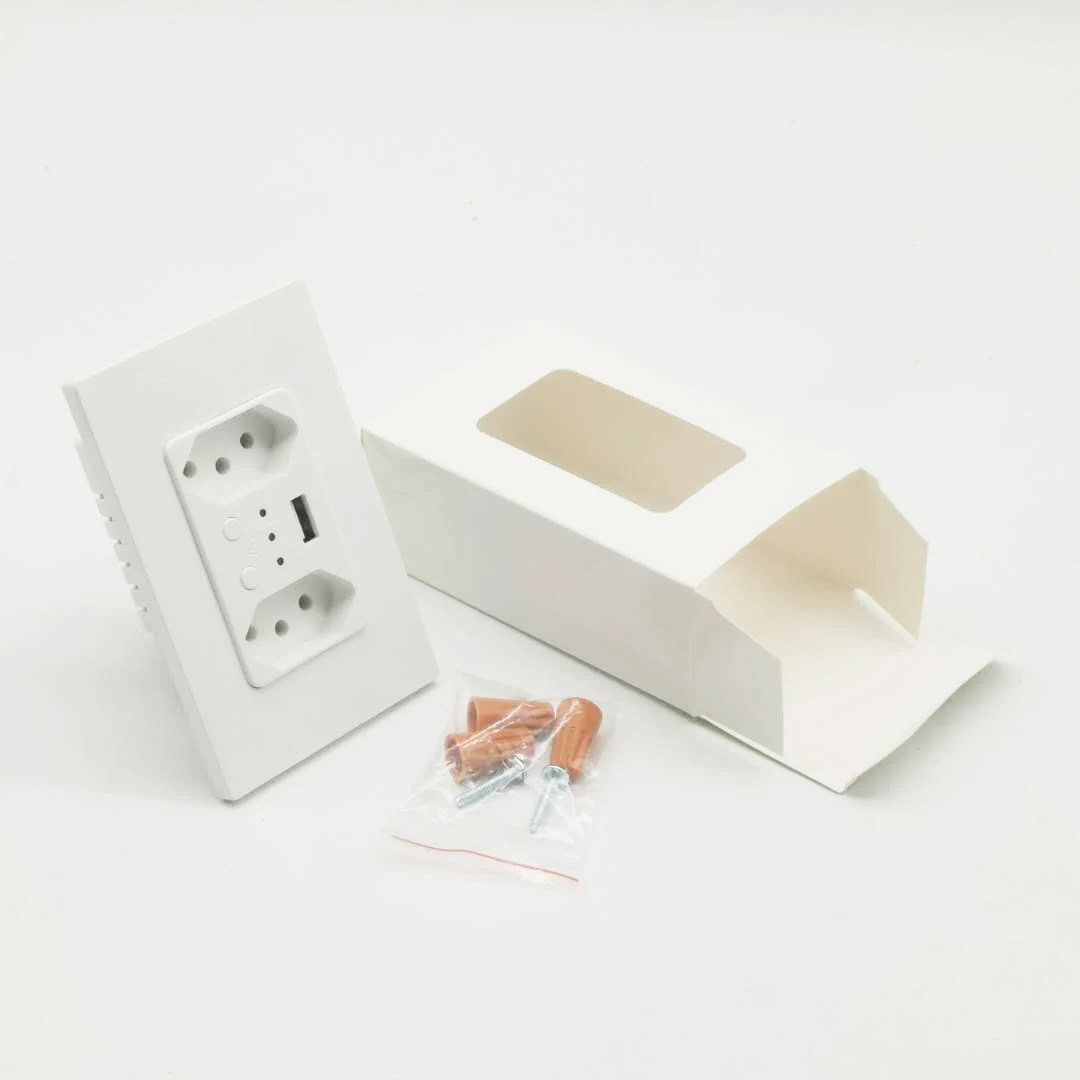
1 × Melery WWS400 Tuya Smart Outlet (Black/White, with/without USB, shipped according to your selection)
-
1 × Detailed Installation & User Manual (Including Portuguese Guide)
-
1 × Eco-Friendly Packaging Box




10 reviews for Melery Brazil 10A WiFi Smart Wall Socket USB Tuya Electrical Plug Outlet Glass Panel Alexa Google Home,Whole House Intelligence
Only logged in customers who have purchased this product may leave a review.
| Hochbesorgniserregende Chemikalie | Keiner |
|---|---|
| Material | Plastic |
| Backlight/Indication | Ja |
| Socket Type | Combined |
| Installation Type | Wall Embedded |
| Ist ein intelligentes Gerät | Ja |
| Features | Automatically Power On and Off,Remote Control,With USB Ports,Standing Style,WireLess |
| Extension Cable Length | Keiner |
| Shape | Rectangular |
| Modellnummer | WWS400 |
| Rated Current | 13A |
| Grounding | Standard Grounding |
| Anwendung | Residential / General-Purpose |
| Markenname | Melery |
| Protection class | IP 21 |
| Number of slots | 2 |
| Herkunft | Festlandchina |
| Standard | Brazil WIFI Smart Wall Sockets |





AliExpress Shopper (Verifizierter Käufer) –
Everything arrived on time
L***o (Verifizierter Käufer) –
F***r (Verifizierter Käufer) –
Excellent quality, perfect.
J***a (Verifizierter Käufer) –
Arrived in 2 weeks. Well packed in the box. I bought the glass finish model, very beautiful. Socket depth: 4.53cm. Now just need to install!
L***o (Verifizierter Käufer) –
TOMADA DUPLA INTELIGENTE TUTA SMART, FUNCTIONS PERFECTLY, RECOMMEND
AliExpress Shopper (Verifizierter Käufer) –
A good functional smart dual outlet with USB output at a very affordable price with discounts.
j***s (Verifizierter Käufer) –
Excellent outlet, works perfectly via Wi-Fi with Alexa commands, each outlet is individual.
j***s (Verifizierter Käufer) –
Product of excellent quality, performs its function perfectly, I recommend it to everyone.
M***o (Verifizierter Käufer) –
It seems to be an excellent plug, just like the ones I’ve tested from the same brand.
But I can’t give an opinion since my purchase was seized by Anatel, and it’s been over a month without any resolution to my request.
But since the seller is not at fault, and Aliexpress refunded me the amount paid, I leave here my good review regarding the purchase.
AliExpress Shopper (Verifizierter Käufer) –
It didn’t arrive, it seems to be good but unfortunately it didn’t arrive, it was held by Anatel.