



Keine Produkte im Warenkorb.
Bis zu 8%
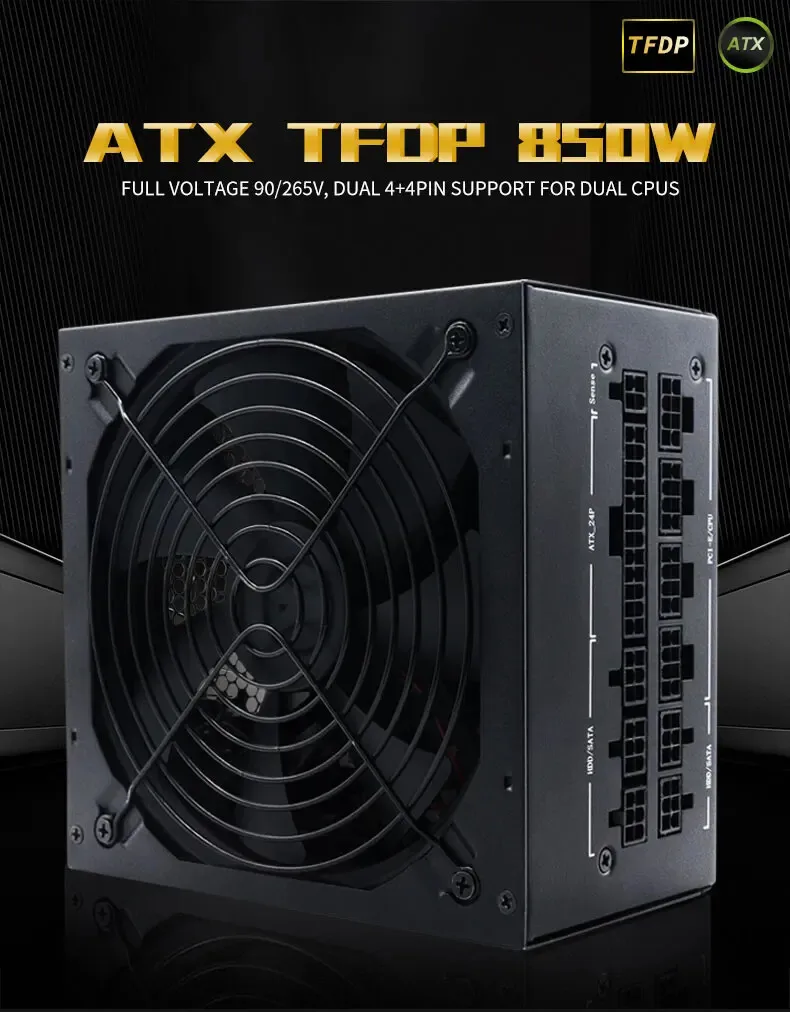
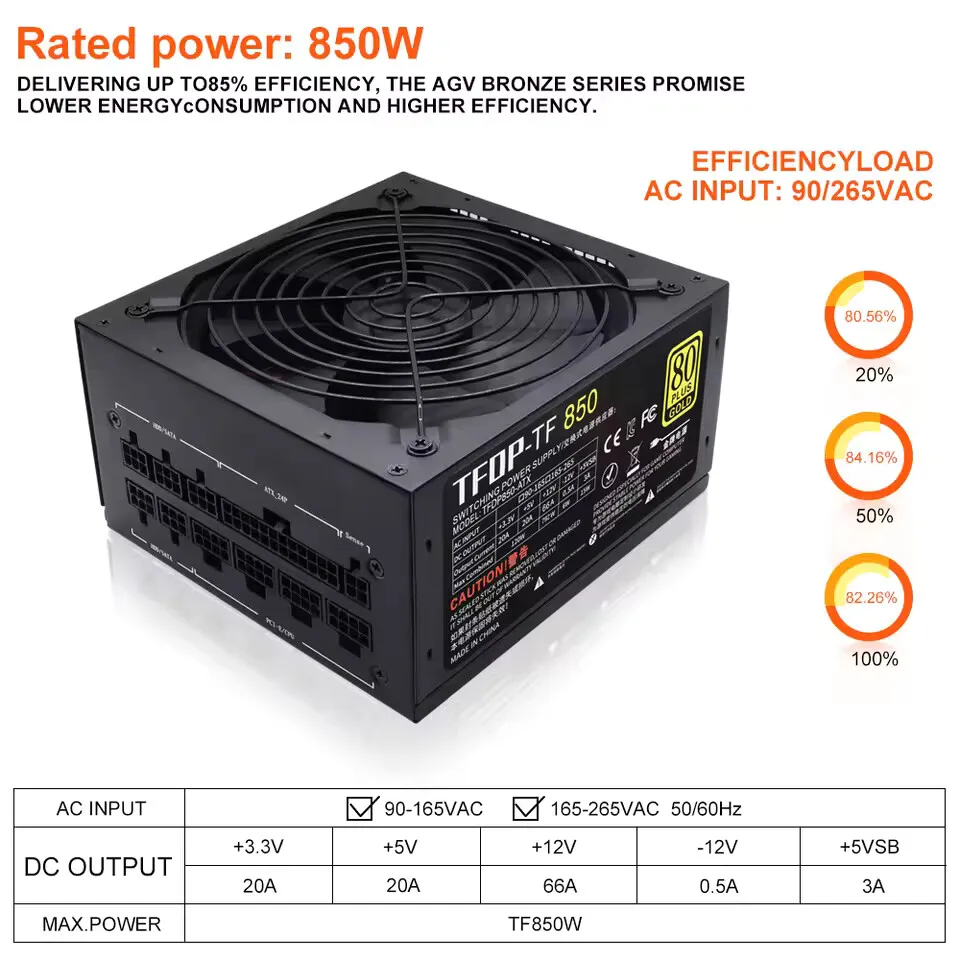
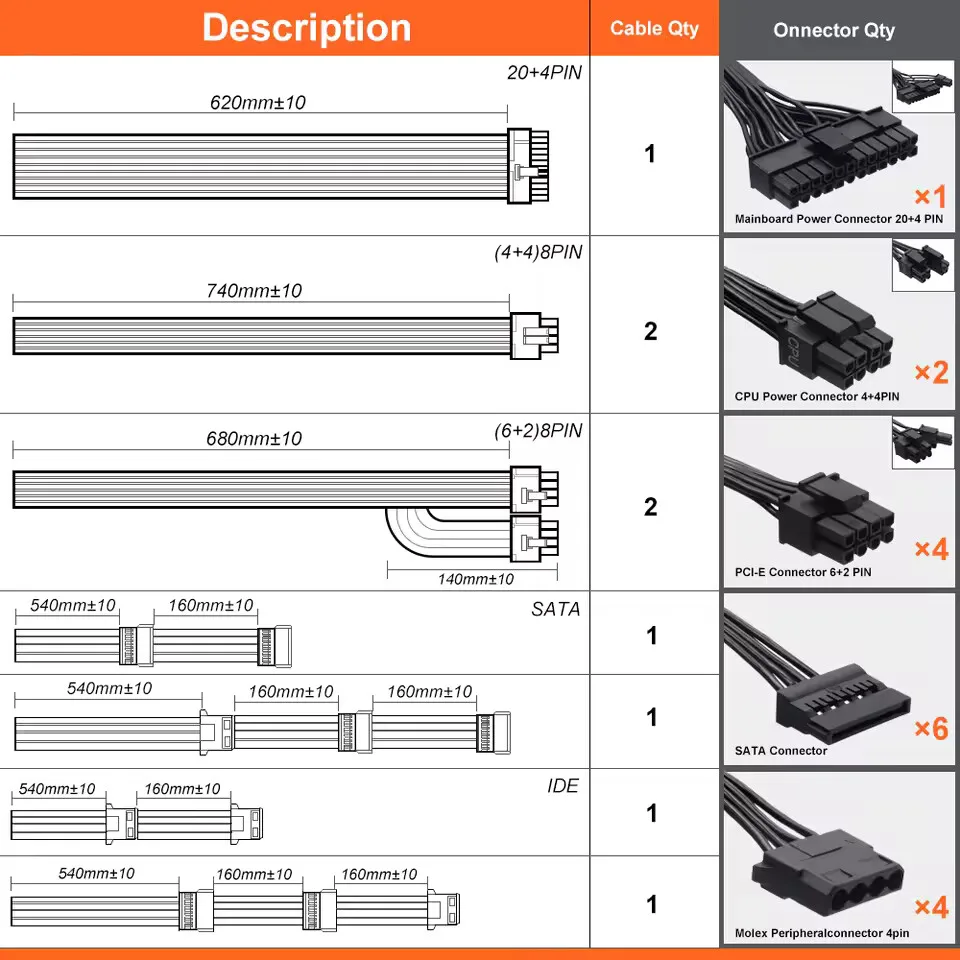
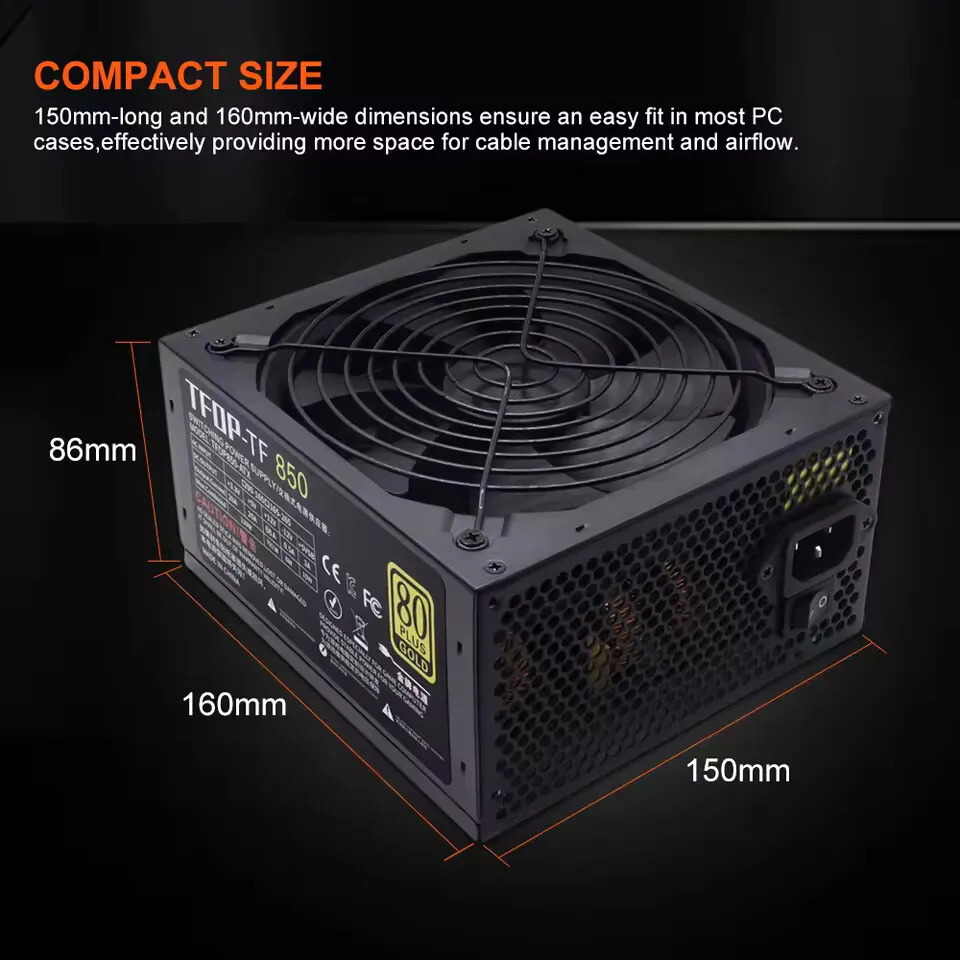
- Hochbesorgniserregende Chemikalie: Keiner
- Anwendung: Desktop
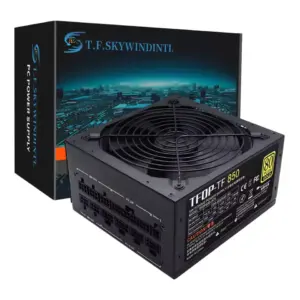
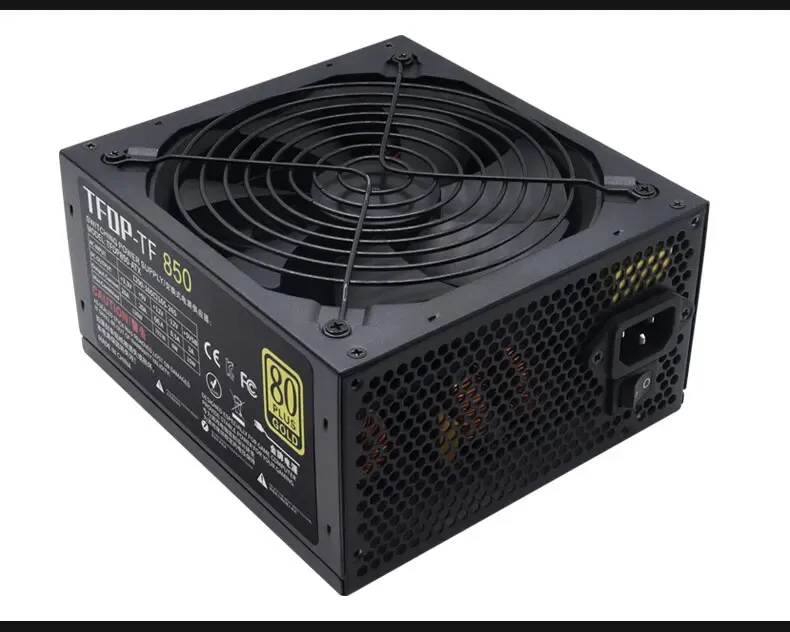
- Modellnummer: TF850CA
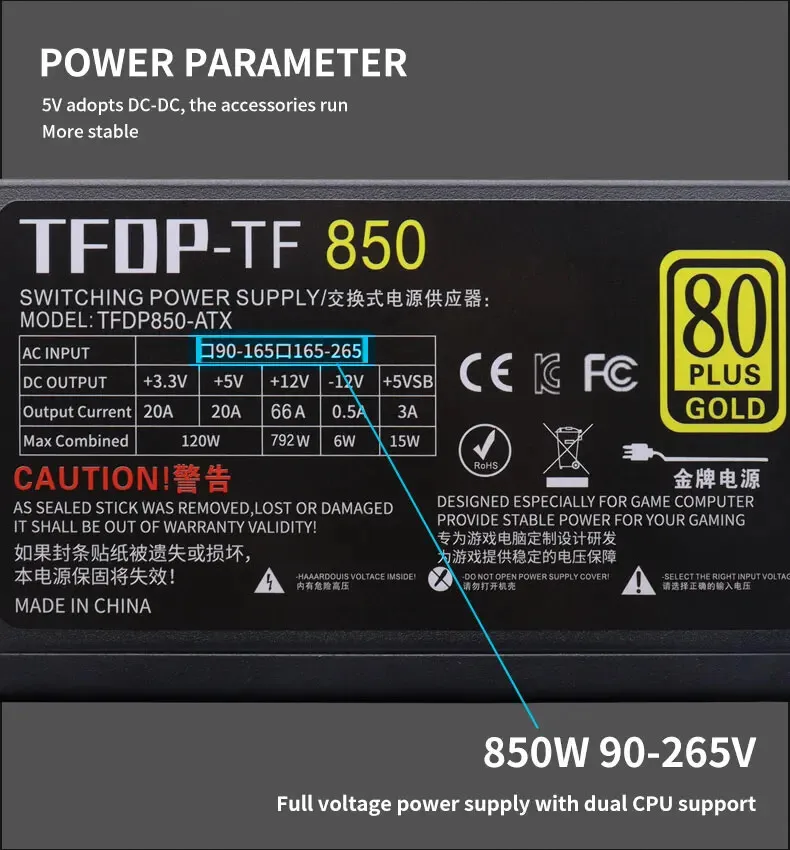
- Input Voltage: 110V/220V
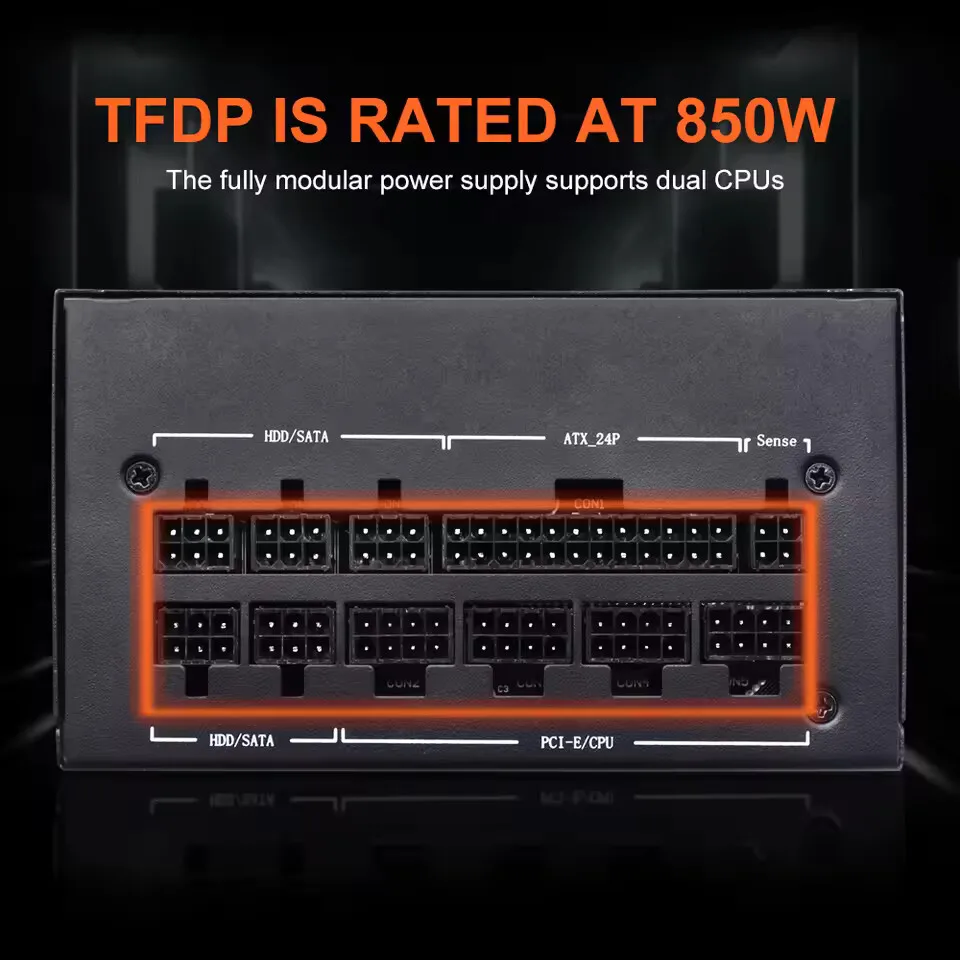
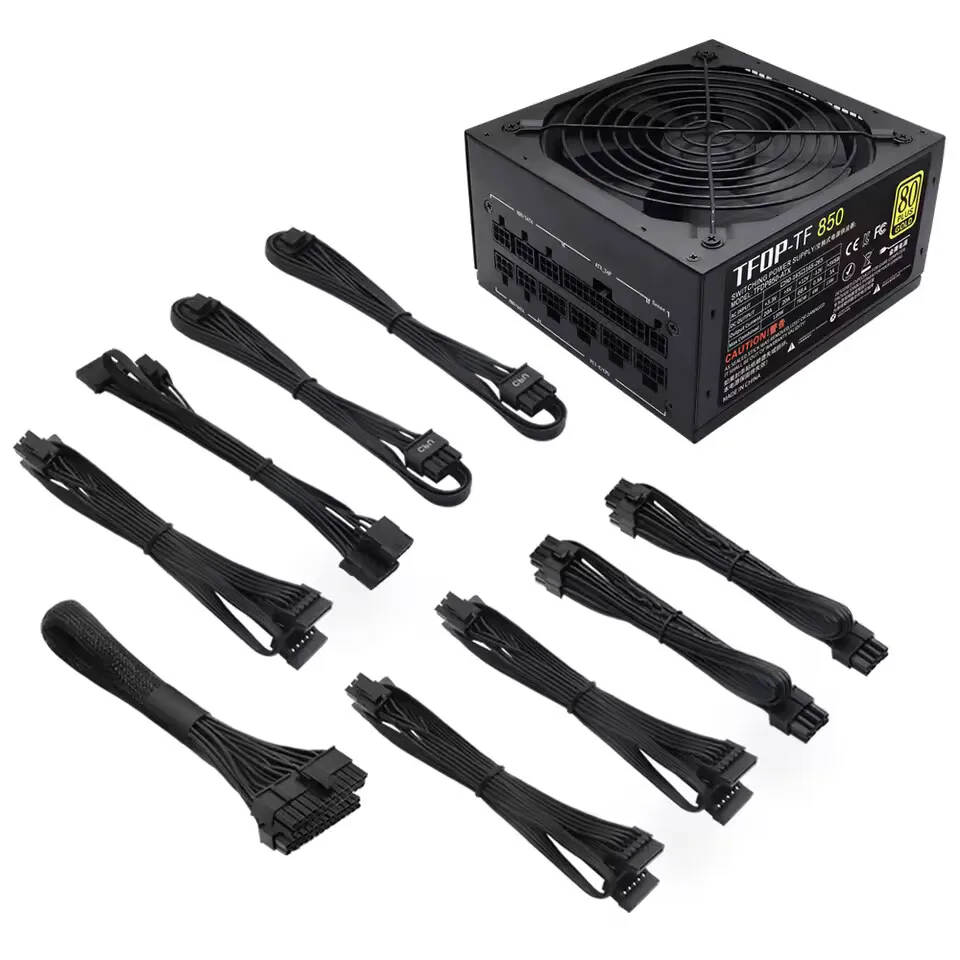
- Modular: Full Modular
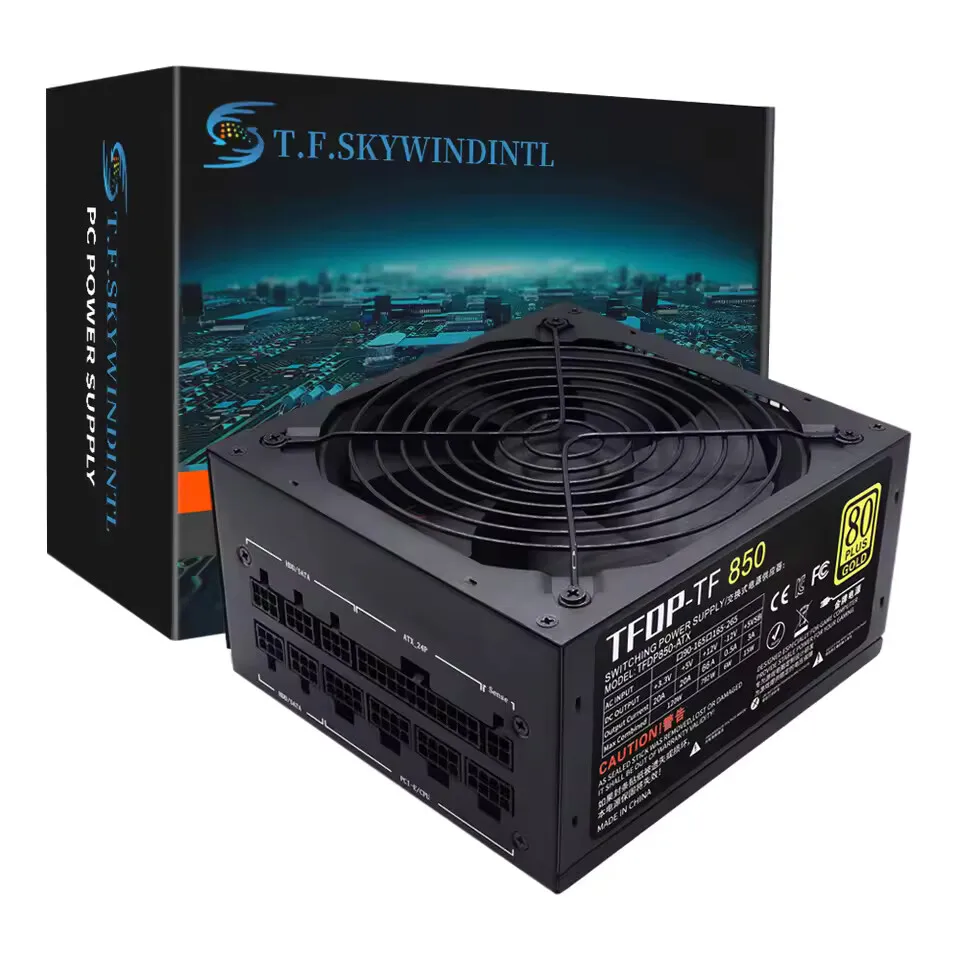
- 80 PLUS Certification: Gold
- Markenname: T.F.SKYWINDINTL
- Herkunft: Festlandchina
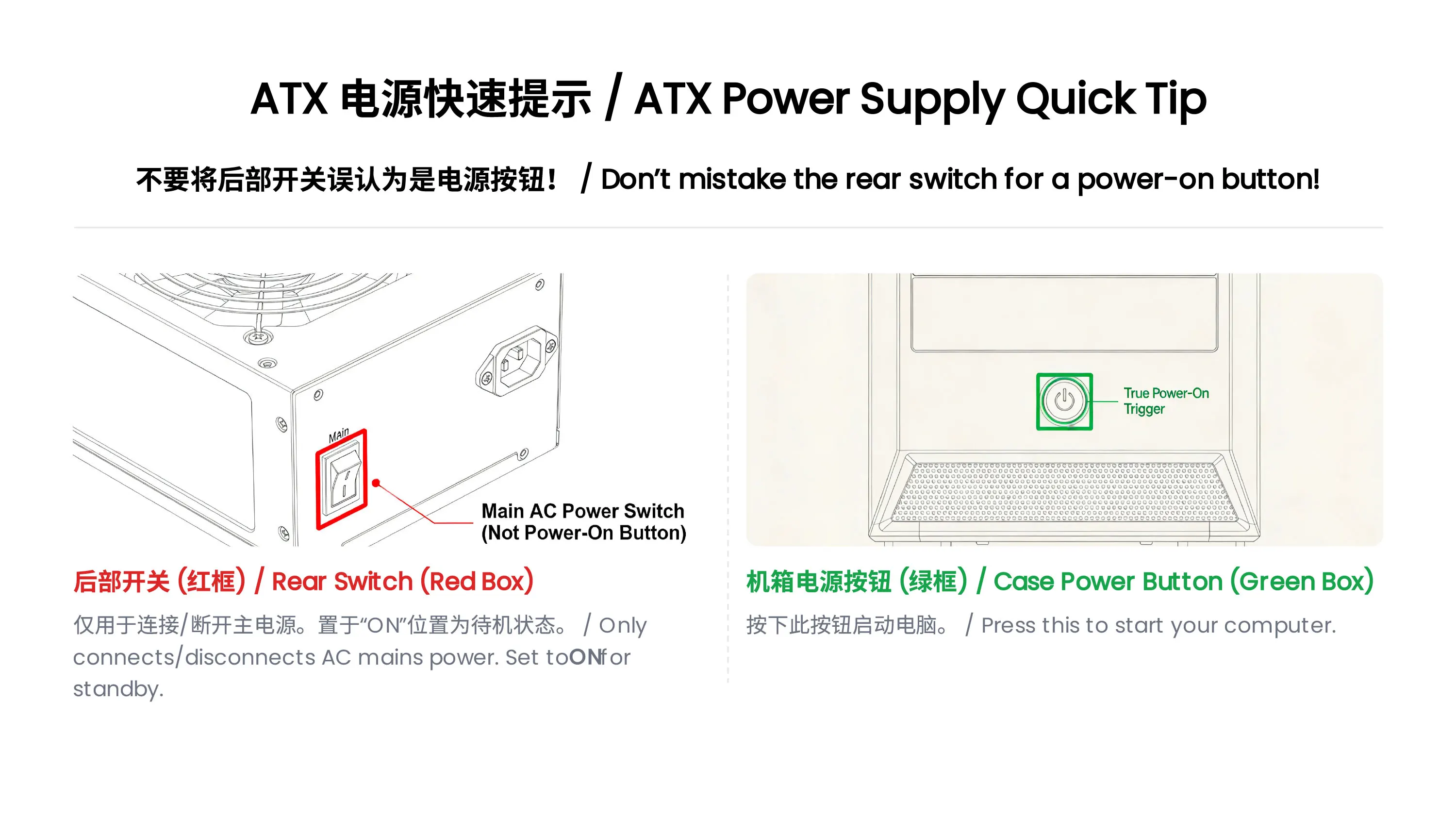
ATX Power Supply Rear Switch: What It Actually Does
Why can’t my ATX power supply start when I toggle the rear switch?
Many users mistakenly regard the rear switch of the ATX power supply as the power-on button. In fact, its function and the correct startup method are as follows:
Rear Switch Function: It only controls the connection/disconnection of AC mains power.
When set to ON: The power supply is connected to the mains and enters a low-power standby state, waiting for the startup signal from the motherboard.
When set to OFF: The power supply is completely disconnected from the mains, and no power is supplied to any component.
Correct Startup Steps:
Step 1: Flip the rear switch to ON and plug in the power cord.
Step 2: Press the power button on the computer case.
Step 3: The motherboard sends a startup signal to the power supply, which then starts to output power to all hardware (motherboard, CPU, etc.).
Warning: Frequent toggling of the rear switch may cause power surges and damage the power supply or motherboard.
ATX Power Supply DOA (Dead on Arrival) Troubleshooting Guide
What should I do if my ATX power supply is dead on arrival and not working at all?
If your ATX power supply is non-functional upon receipt, please follow these troubleshooting steps before contacting customer service:
Check the Rear Switch First
Confirm the rear AC switch is set to the ON position. The power supply cannot enter standby mode if the switch is OFF.
Verify Power Connection
Plug the power cord into a different wall outlet (avoid power strips with overload protection to rule out socket issues).
Ensure the 24-pin motherboard power connector and 4/8-pin CPU power connector are fully inserted and locked.
Check for Short Circuits
Make sure there are no loose screws or metal debris inside the case that could cause a short circuit (a short circuit may trigger the power supply’s protection mechanism and prevent it from starting).
Provide Detailed Fault Information
If the power supply still does not work, please record:
A video showing the rear switch position, power cord connection, and the result of pressing the case power button.
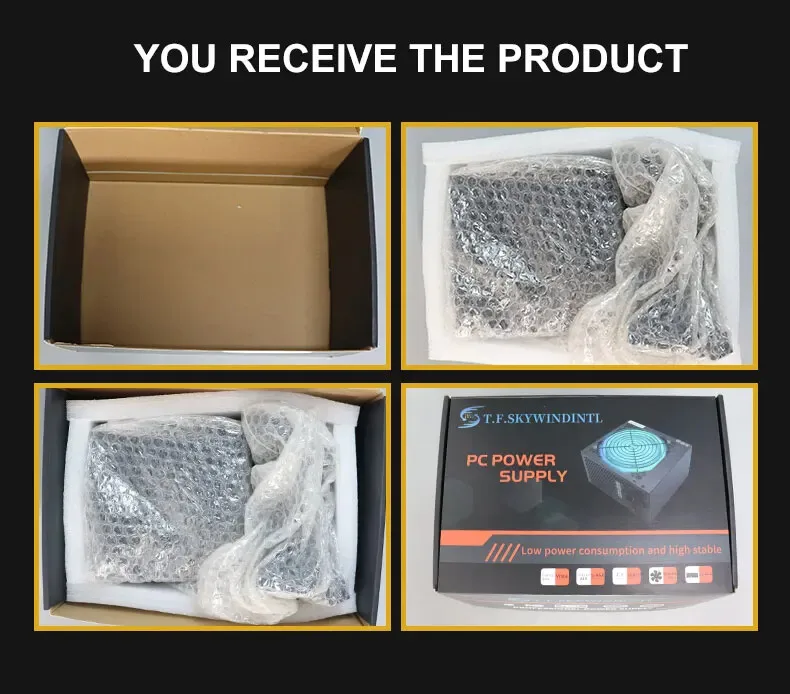
Photos of the power supply’s appearance and connector pins (to check for shipping damage).
Warning
Warning Instructions for Voltage Selector Switch
WARNING: This equipment is equipped with a 110V/220V voltage selector switch. The operation of voltage switching is directly related to the safety of the equipment and the personal safety of users. It is imperative to strictly follow the requirements of this instruction for operation; any unauthorized operation is strictly prohibited!
When the equipment is connected to a 220V power supply, if the voltage selector switch is mistakenly toggled to the 110V position, the internal circuit of the equipment will bear a current far exceeding the rated value due to voltage mismatch. This will instantly cause a circuit overload, resulting in a sharp heating of components, which in turn will lead to the equipment smoking and, in severe cases, a direct explosion. This may cause major safety accidents such as fire and electric shock to the surrounding environment and personnel.
To ensure the safe and stable operation of the equipment and avoid safety risks, please be sure to confirm that the input voltage of the power supply is consistent with the position of the voltage selector switch before connecting to the power supply: when connecting to a 220V power supply, the switch must be set to the 220V position; when connecting to a 110V power supply, the switch must be set to the 110V position. Please carefully check before operation and only turn on the power after confirmation.
Any equipment damage, safety accidents and related losses caused by violating this warning instruction and incorrect operation of the voltage selector switch shall be borne entirely by the person who performed the unauthorized operation.
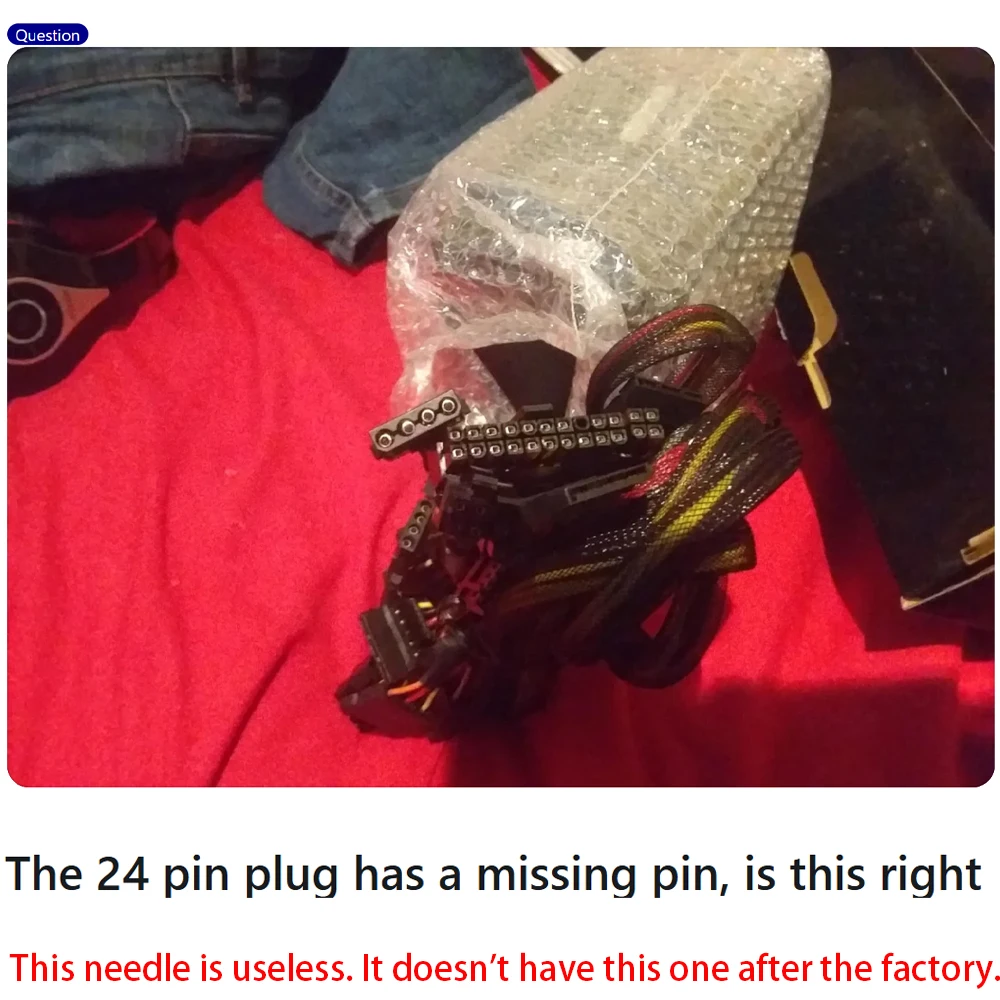

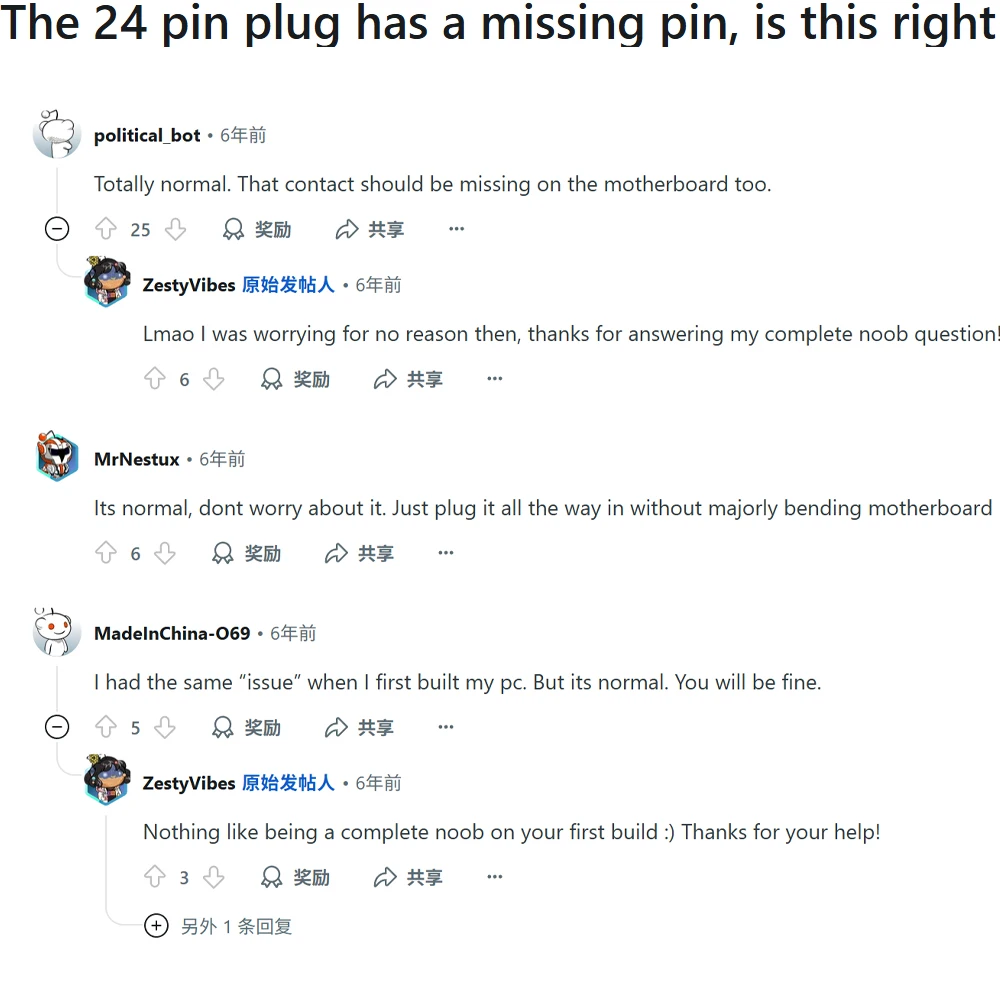
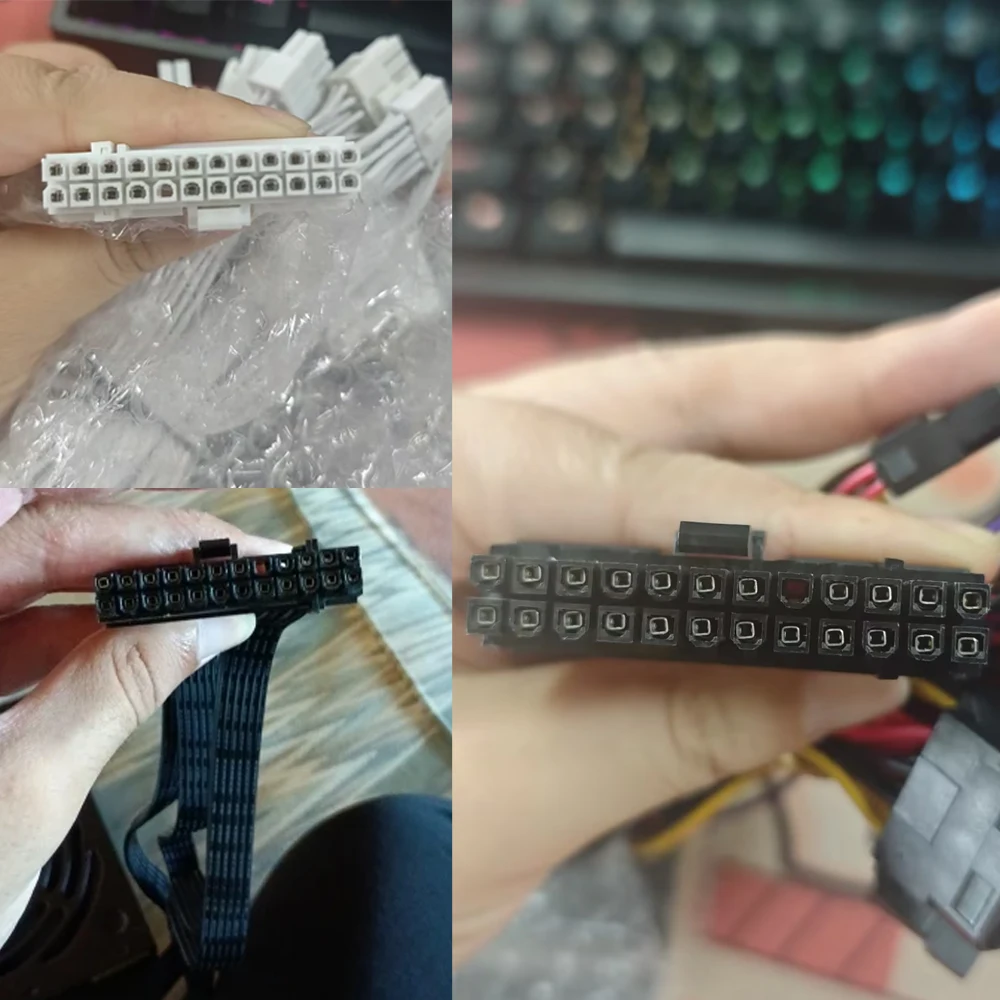
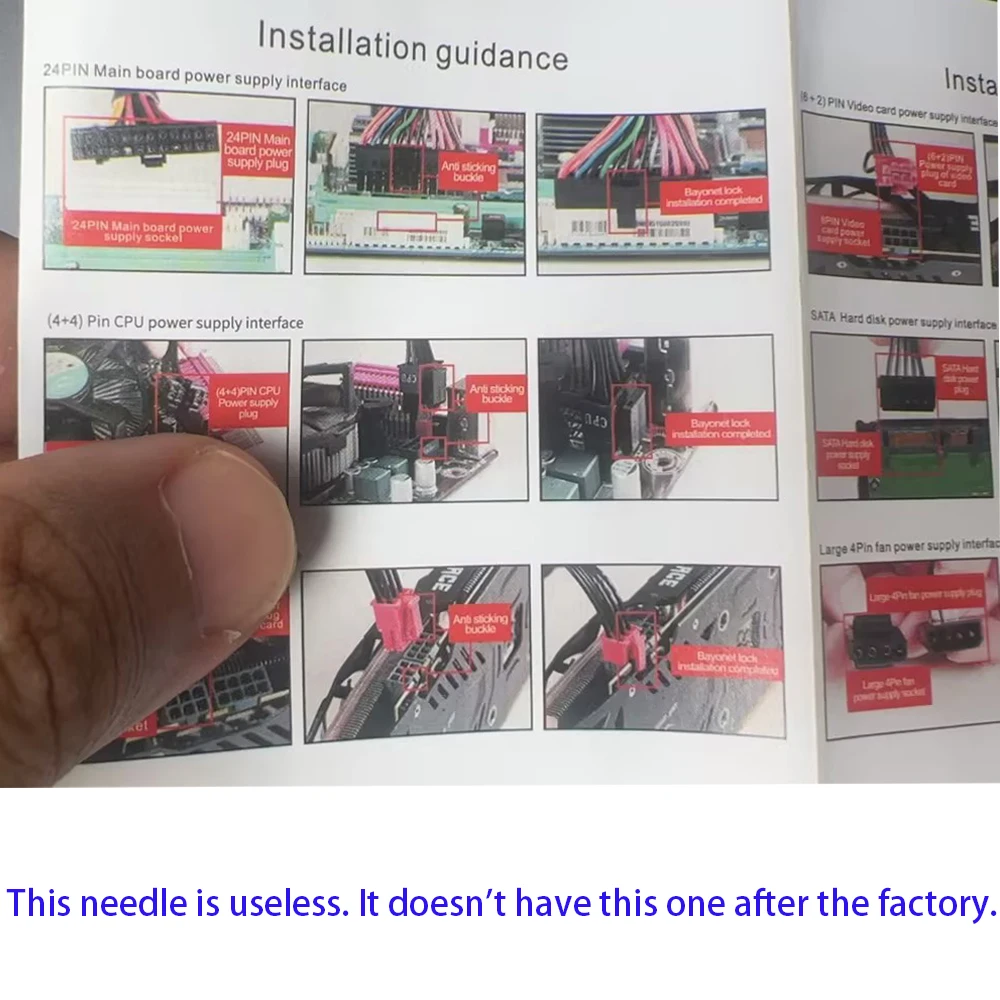
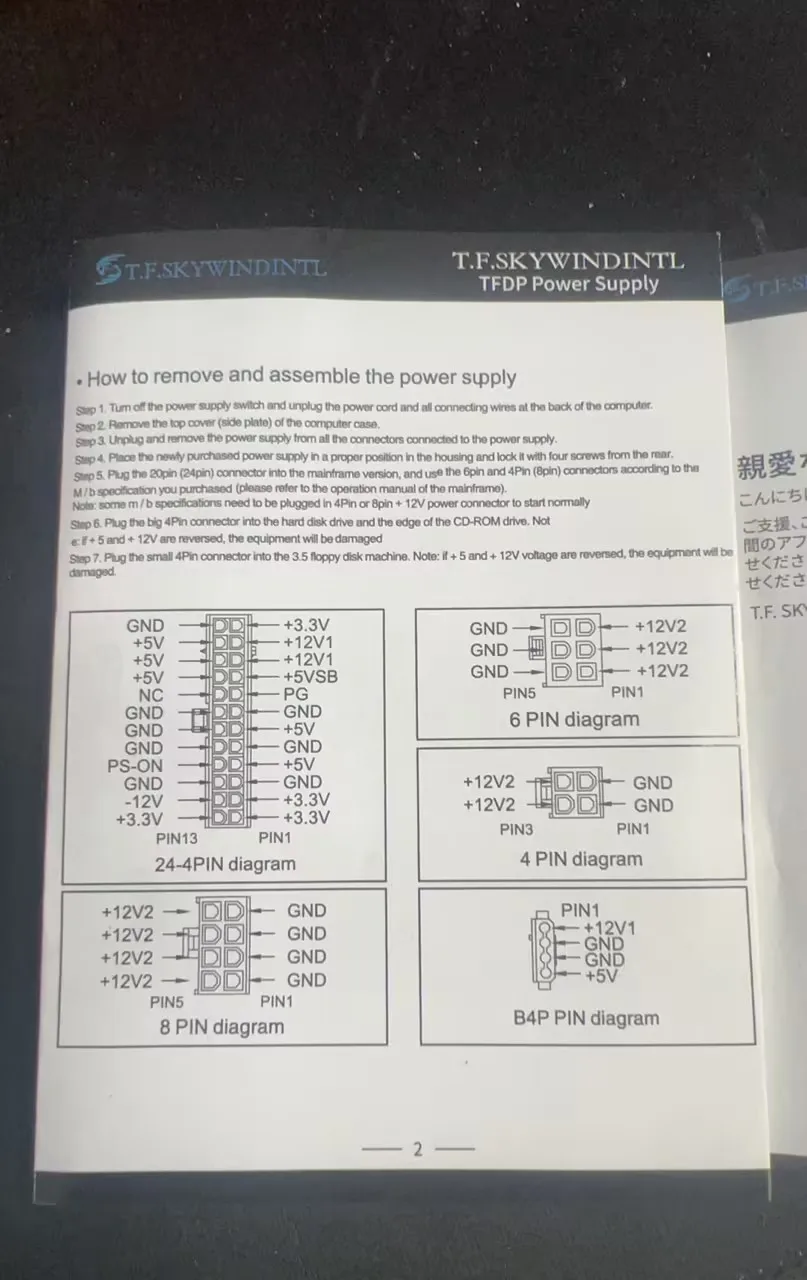
Power Supply Explanation (20+4pin)
Warning Instructions for Voltage Selector Switch
WARNING: This equipment is equipped with a 110V/220V voltage selector switch. The operation of voltage switching is directly related to the safety of the equipment and the personal safety of users. It is imperative to strictly follow the requirements of this instruction for operation; any unauthorized operation is strictly prohibited!
When the equipment is connected to a 220V power supply, if the voltage selector switch is mistakenly toggled to the 110V position, the internal circuit of the equipment will bear a current far exceeding the rated value due to voltage mismatch. This will instantly cause a circuit overload, resulting in a sharp heating of components, which in turn will lead to the equipment smoking and, in severe cases, a direct explosion. This may cause major safety accidents such as fire and electric shock to the surrounding environment and personnel.
To ensure the safe and stable operation of the equipment and avoid safety risks, please be sure to confirm that the input voltage of the power supply is consistent with the position of the voltage selector switch before connecting to the power supply: when connecting to a 220V power supply, the switch must be set to the 220V position; when connecting to a 110V power supply, the switch must be set to the 110V position. Please carefully check before operation and only turn on the power after confirmation.
Any equipment damage, safety accidents and related losses caused by violating this warning instruction and incorrect operation of the voltage selector switch shall be borne entirely by the person who performed the unauthorized operation.
specification
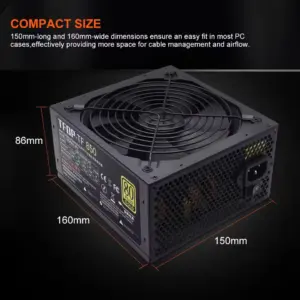
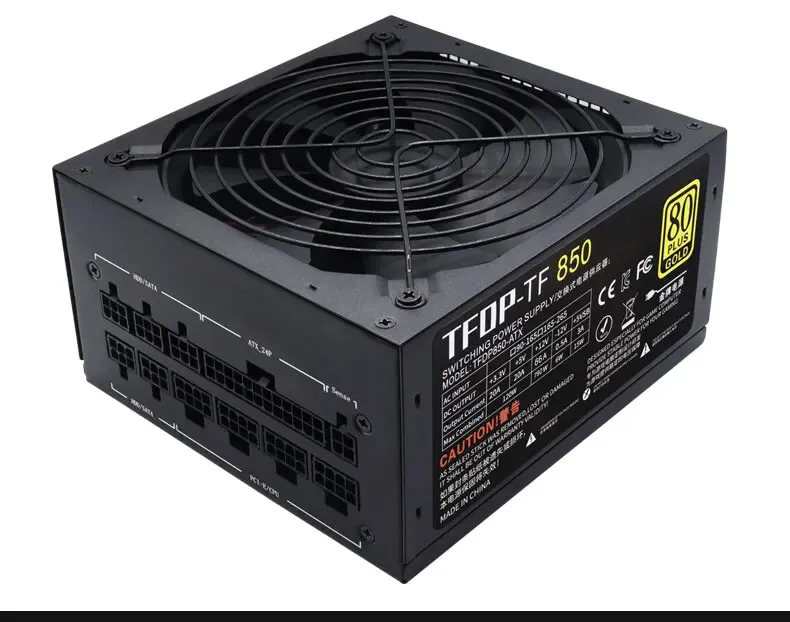
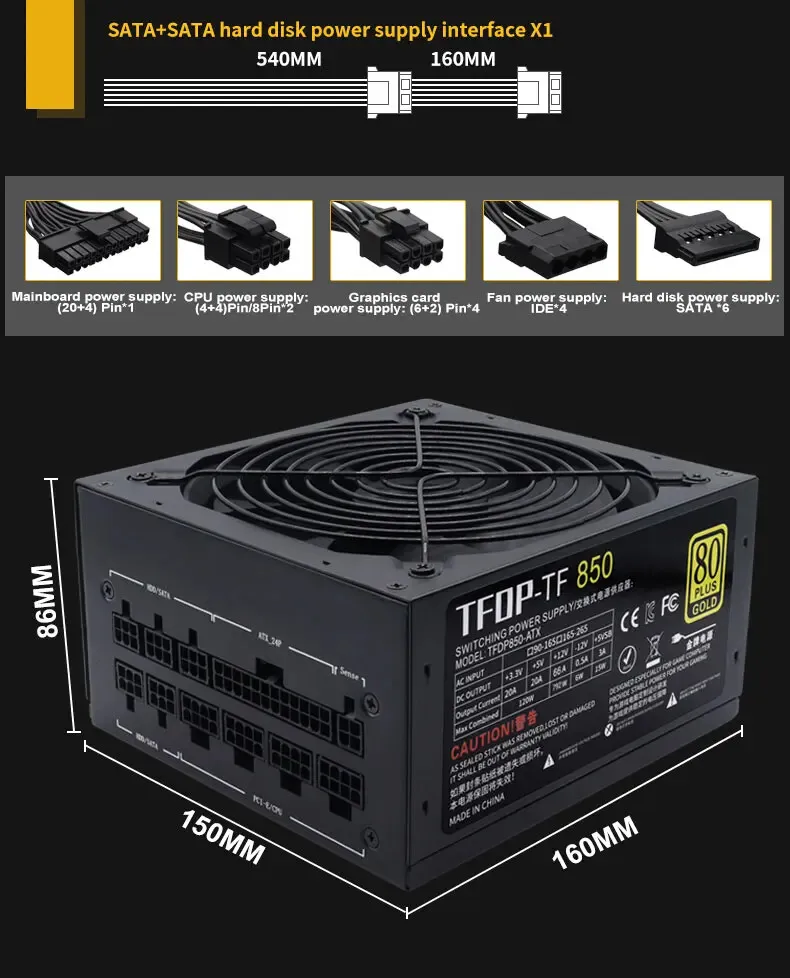
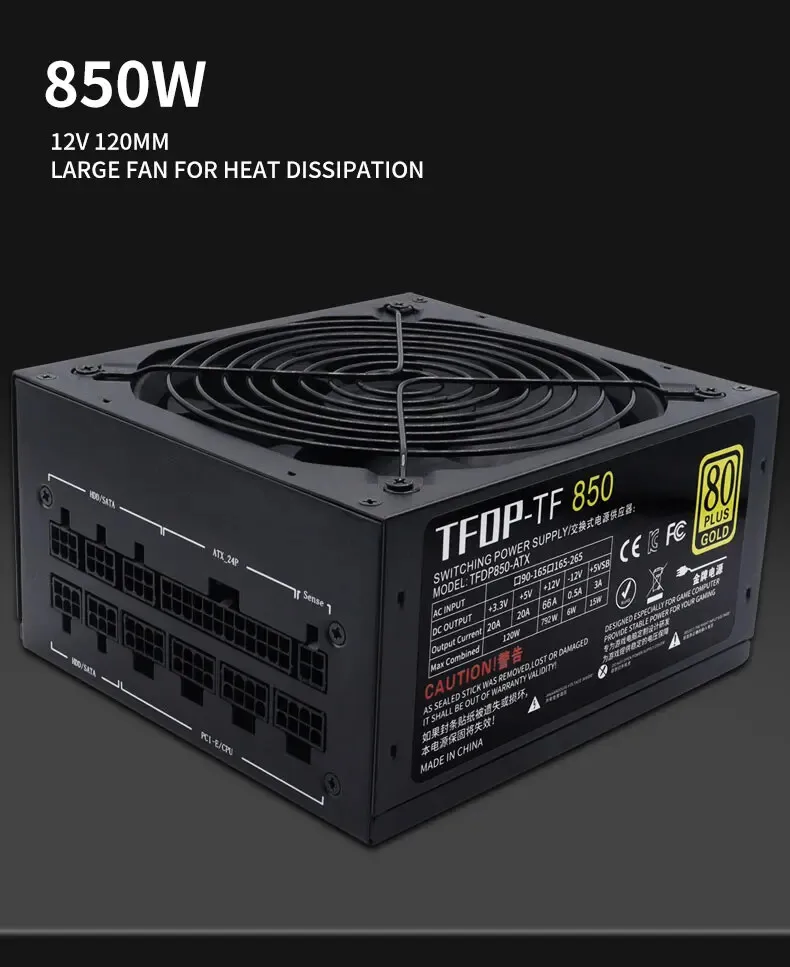
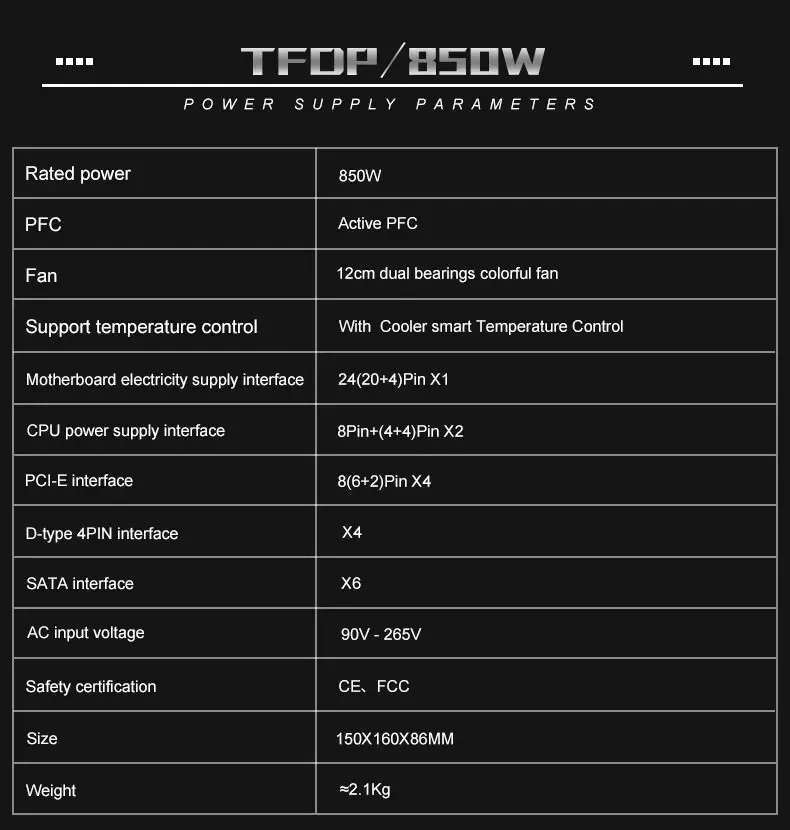
1: Power supply size: 150mm * 160mm * 86mm
2: Power standard: ATX 12V
3: Applicable to CPU range: AMD, Intel
4: PFC type: active PFC
6: Maximum power: 1000W
7: Efficiency: 89%
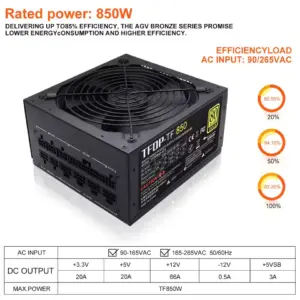
8: Input voltage:90V-264V
9:+ 3.3V output current 20A
+ 5V output current 20A
+ 12V1 output current 66A
– 12V output current 0.5A
+ 5Vsb output current 3A
10: Support wide voltage: Yes
11: Support temperature control PWM: Yes
12: Certification: CB, CCC, FCC, Class, B, CE, ROHS
13: Product weight: 2500g
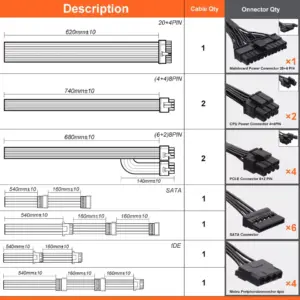
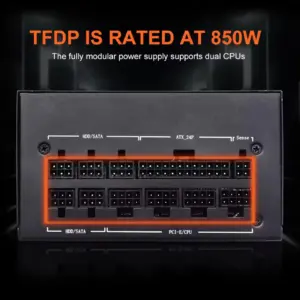
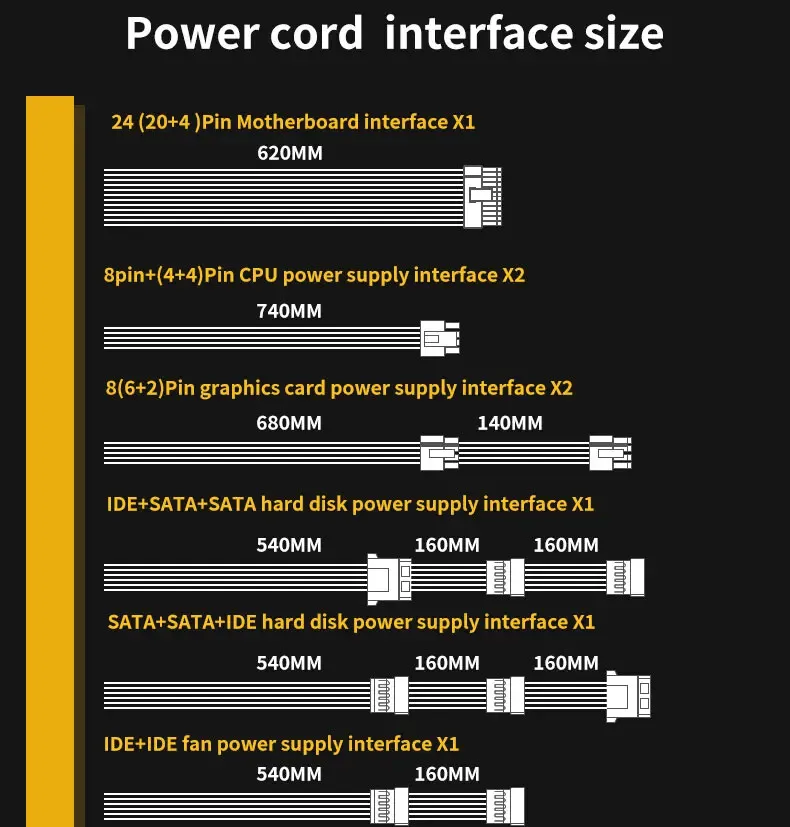
14: Support power: 20P / 24P motherboard
| Stromspannung | AU Plug, Eu Plug, UK Plug, US PLUG |
|---|---|
| Hochbesorgniserregende Chemikalie | Keiner |
| Anwendung | Desktop |
| Modellnummer | TF850CA |
| Input Voltage | 110V/220V |
| Modular | Full Modular |
| 80 PLUS Certification | Gold |
| Markenname | T.F.SKYWINDINTL |
| Herkunft | Festlandchina |
Nur eingeloggte Kunden, die dieses Produkt gekauft haben, können eine Bewertung abgeben.
Ähnliche Angebote
Bis zu 8%
Neu
Nicht vorrätig

Ninkear A16Pro Laptop 16 Zoll 2,5K 120Hz AMD R7 7840HS WiFi 6 32GB DDR5 RAM 2TB SSD Laptop Windows 11 Notebook Office Computer
Ursprünglicher Preis war: 3103,30 zł2849,39 ZlotyAktueller Preis ist: 2849,39 zł. Ausführung wählen Dieses Produkt weist mehrere Varianten auf. Die Optionen können auf der Produktseite gewählt werdenBis zu 8%
Neu
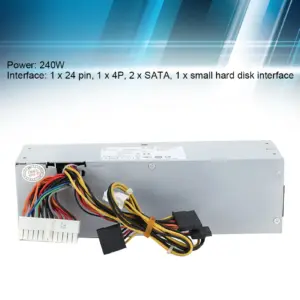
240W Power Supply Electronic Accessories Power Supply Iron Shell for Dell Computer Host Electronic Accessories 240W L240AS‑00
Ursprünglicher Preis war: 40,27 zł37,06 ZlotyAktueller Preis ist: 37,06 zł. Ausführung wählen Dieses Produkt weist mehrere Varianten auf. Die Optionen können auf der Produktseite gewählt werdenBis zu 8%
Neu
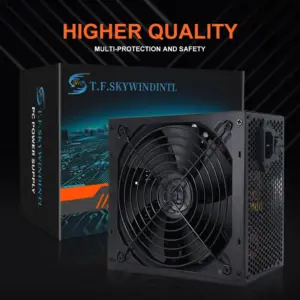
1PC 750w 110V/220V Full Module PC Power Supply Active Gold 80 Plus 24pin ATX New Fonte PFC Gamer Source Gaming PC Power Supply
74,31 zł 74,59 złPreisspanne: 74,31 zł bis 74,59 zł Ausführung wählen Dieses Produkt weist mehrere Varianten auf. Die Optionen können auf der Produktseite gewählt werdenBis zu 8%
Neu
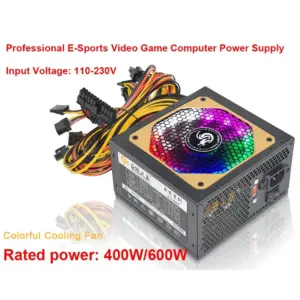
ATX 400W 600W 110-230V RGB 12V PC PSU 150*140*85MM Professional E-Sports Video Game Computer Power Supply
33,57 zł 40,35 złPreisspanne: 33,57 zł bis 40,35 zł Ausführung wählen Dieses Produkt weist mehrere Varianten auf. Die Optionen können auf der Produktseite gewählt werdenBis zu 8%
Neu
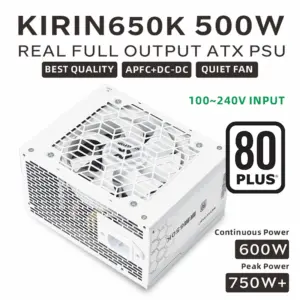
Rezensionen
Es liegen noch keine Bewertungen vor.