




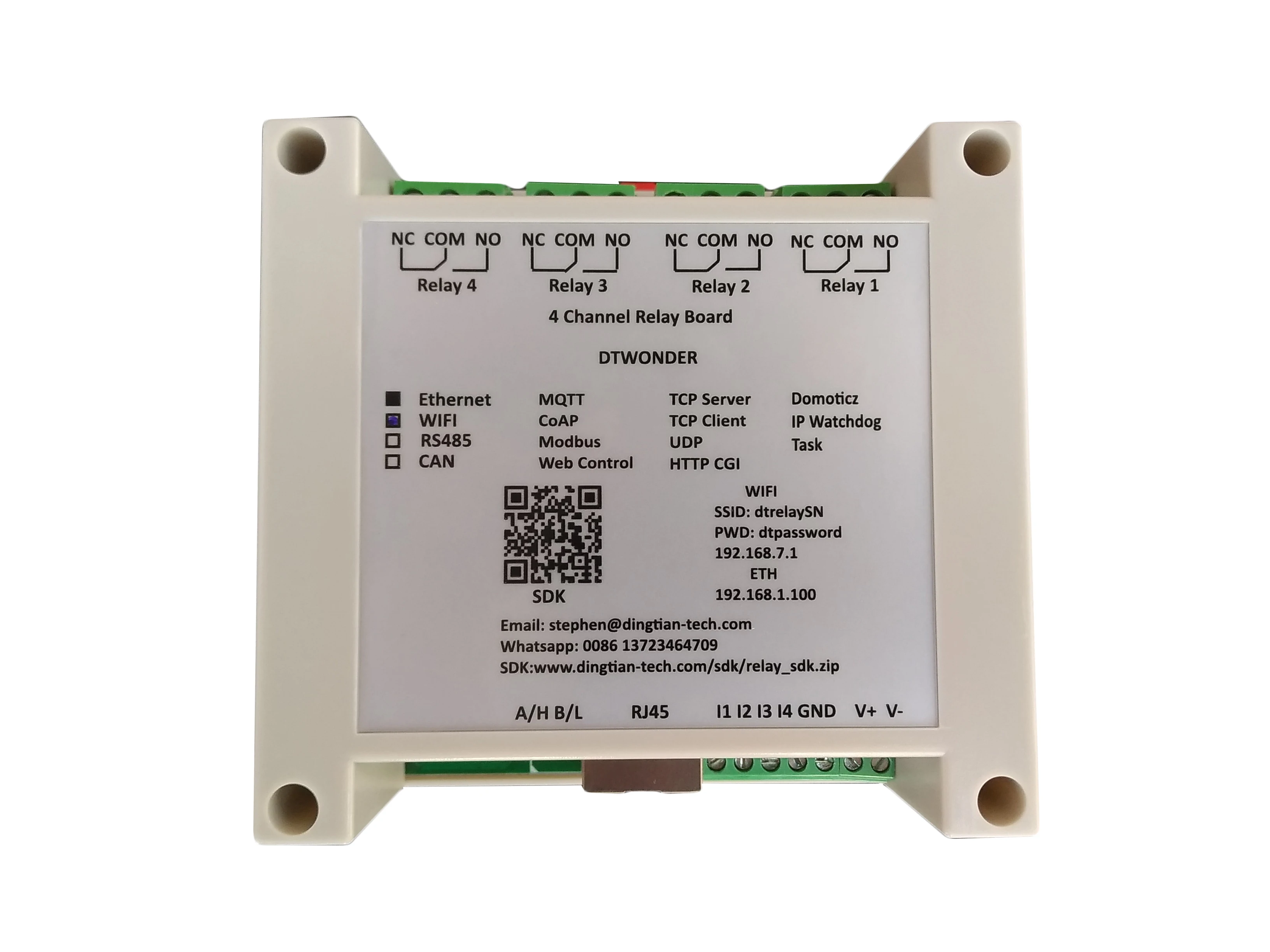
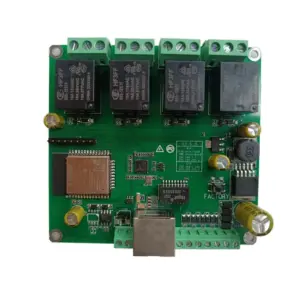
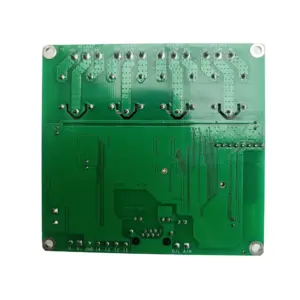
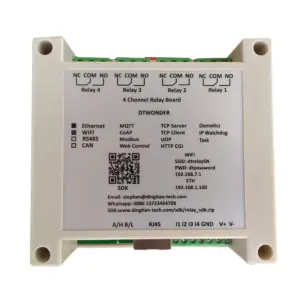
- Security Mode: Fail Safe
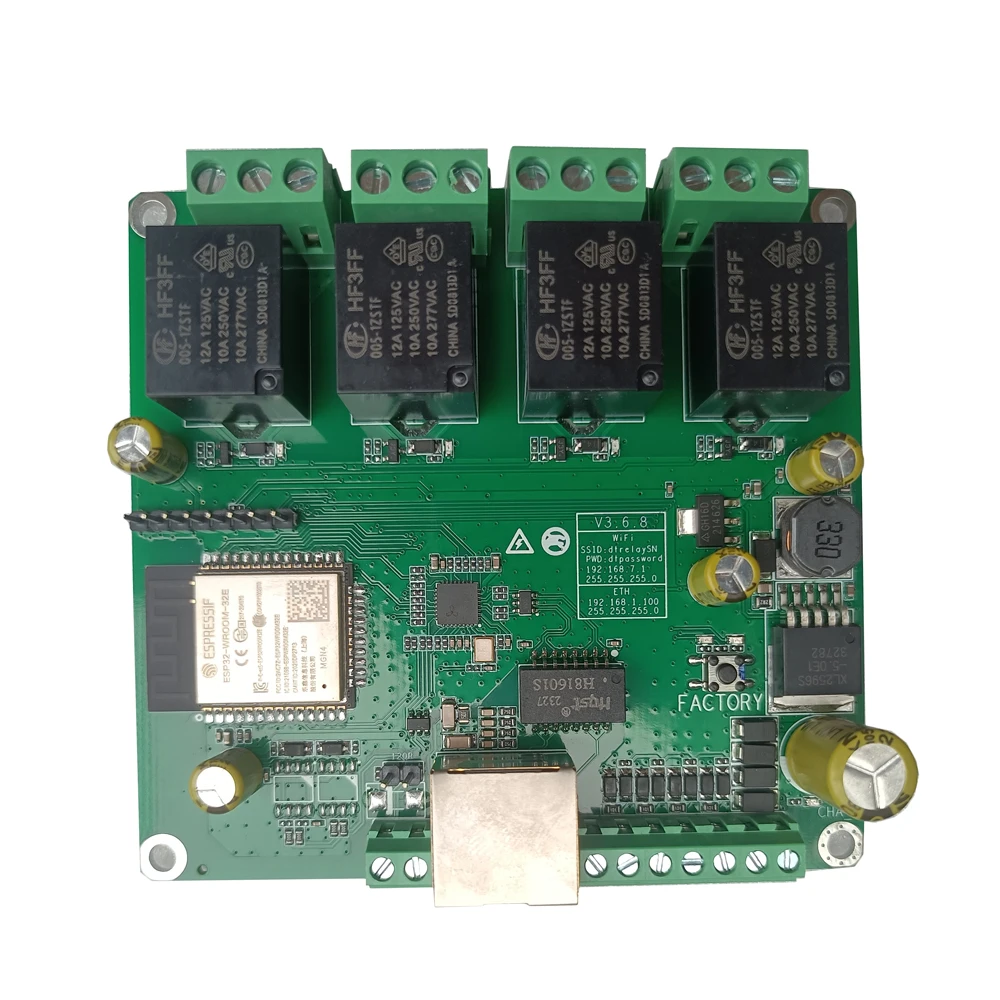
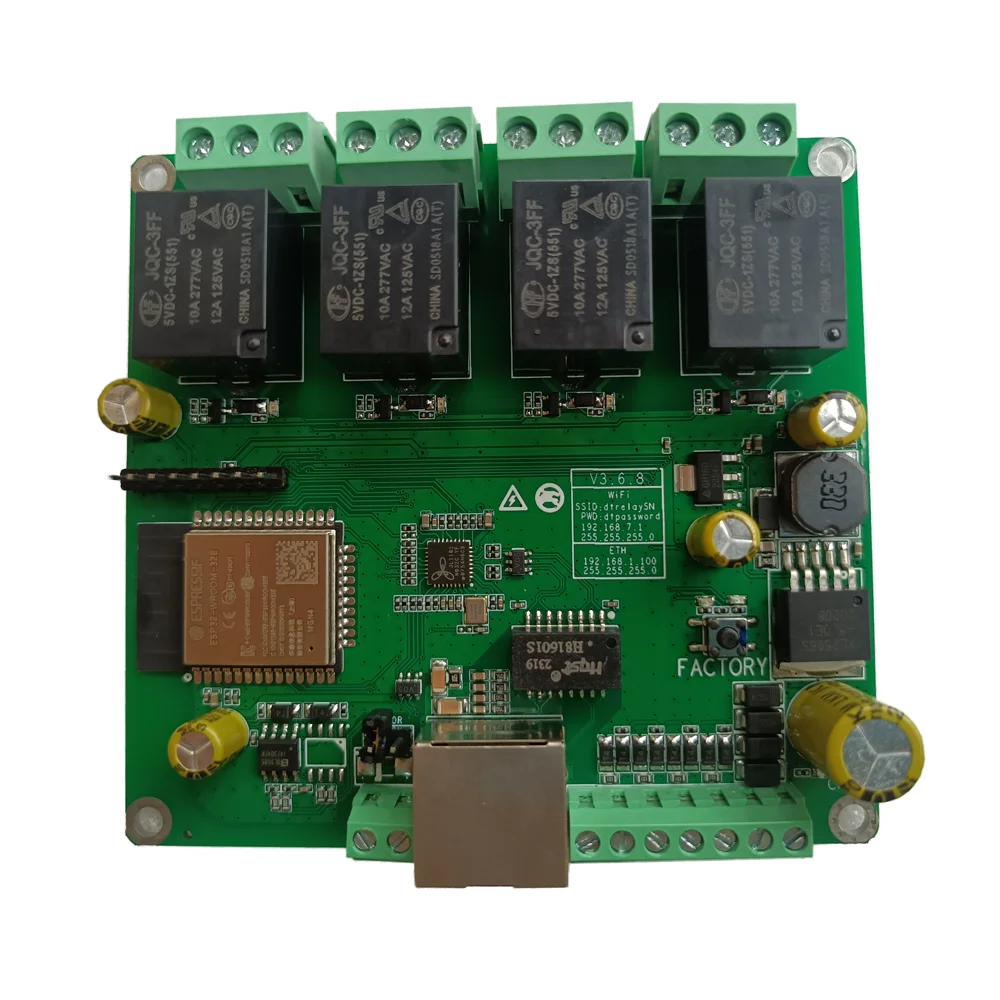
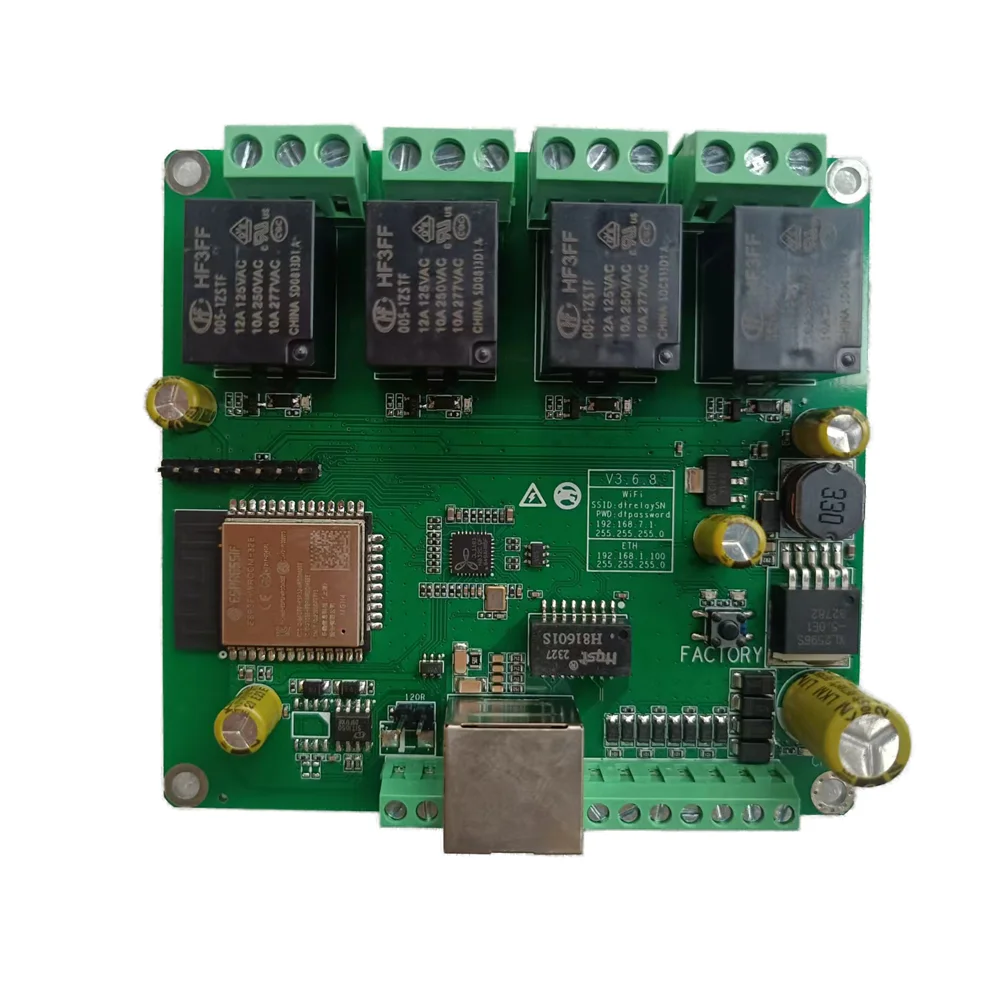
- Numer modelu: DT-R004
- Nazwa marki: DTWONDER
- Pochodzenie: Chiny kontynentalne
- Smart home platform: Inny
- Direction: Nic
- Home automation system: Home assistant, Domoticz,openHAB,Node Red
- Power supply: 12/24VDC, 12/24VAC
- Input type: digital input
- Funkcjonować: IP Watchdog, Task, NTP client, Input mutual control, OTA Upgrade
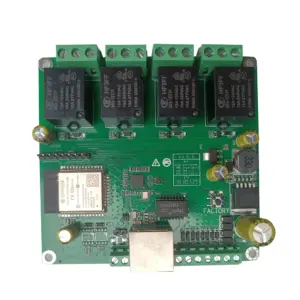
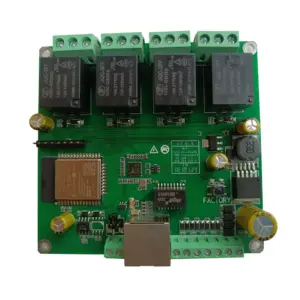
- Size of relay board: 91.6*86.4mm
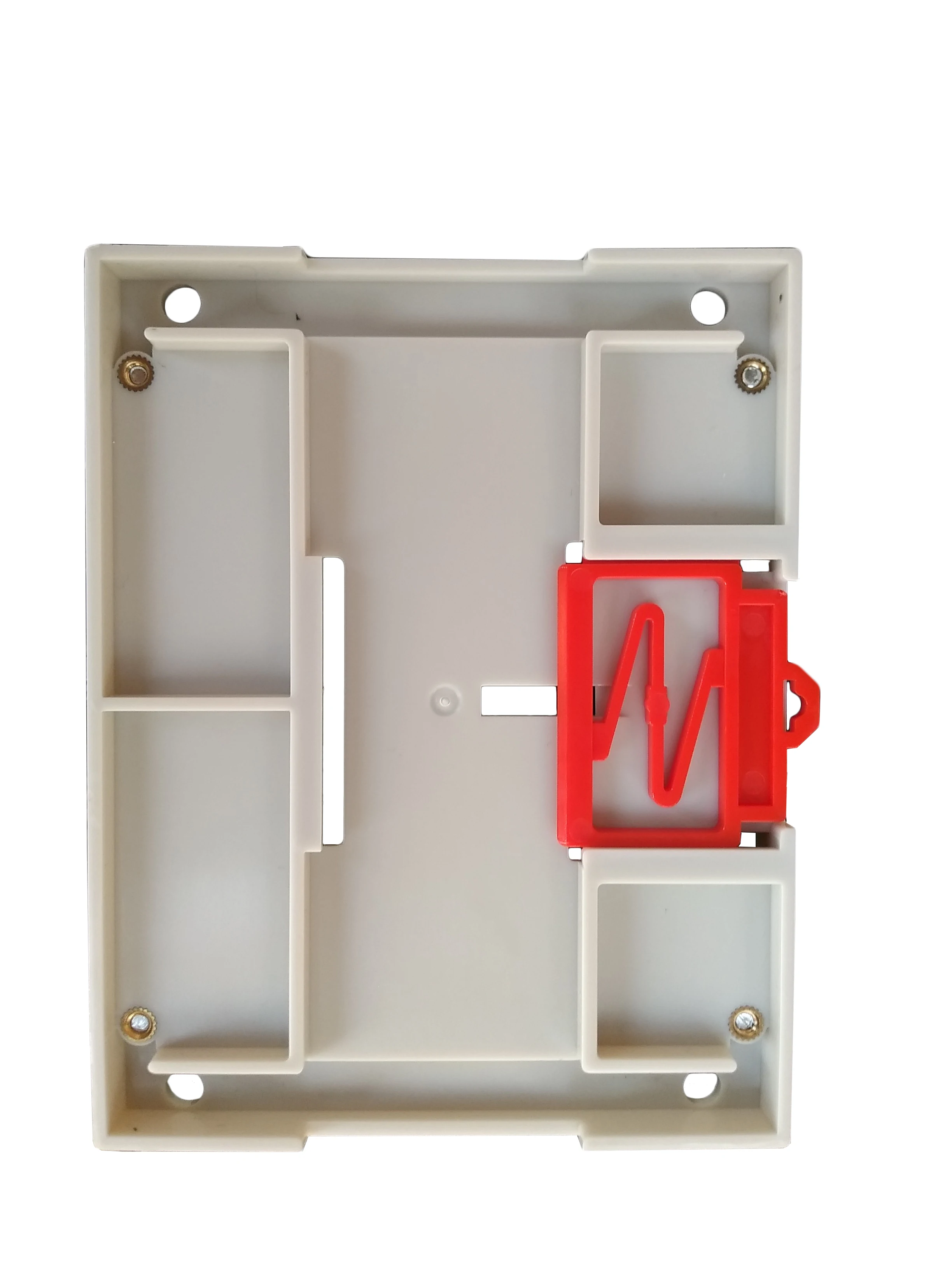
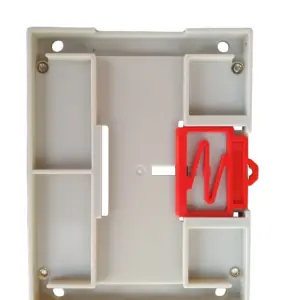
- Case type: DIN35 rail
- Interface: RJ45, WIFI, RS485, CAN, Wiegand(optional)
- Protocol: MQTT, Modbus-RTU/TCP/UDP/ASCII, TCP, UDP, HTTP GET CGI, CoAP
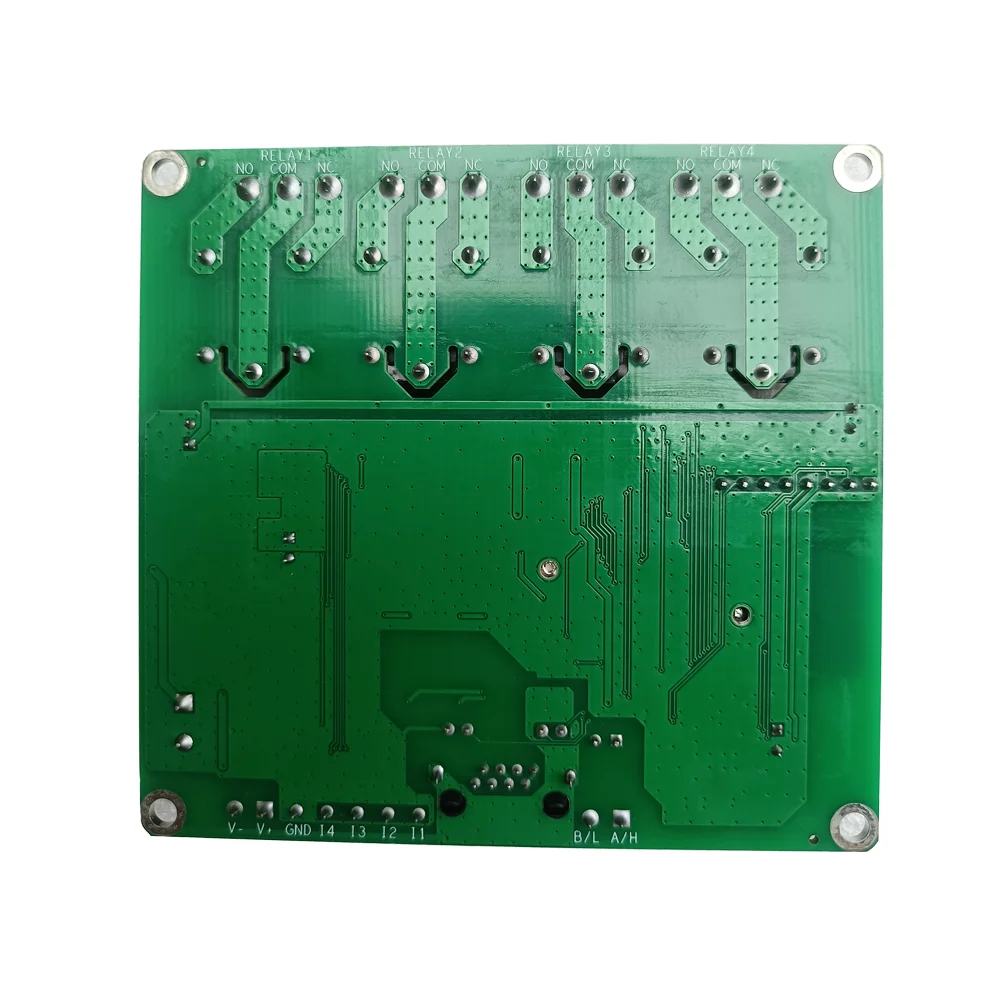
- Output Type: Dry Contact
Relay board function instruction as below, any questions, please contact us
1.ETH WIFI means support Ethernet and WIFI
2.ETH WIFI RS485 means support Ethernet, WIFI and RS485
3.ETH WIFI CAN means support Ethernet, WIFI and CAN bus
4.CASE means with DIN35 case
 Specyfikacja |
|||||
|
Parameter |
DT-R002 |
DT-R004 |
DT-R008 |
DT-R016 |
DT-R032 |
|
Photo |
|
|
|
|
|
|
Interface |
Ethernet, WiFi, RS485(optional), CAN Bus(optional), Wiegand(optional) |
||||
|
Size(Relay Board) |
87*68mm |
91.6*86.4mm |
122*87mm |
250*107mm |
370*107mm |
|
Size(DIN35 Case) |
90*90*40mm |
115*90*40mm |
145*90*40mm |
252*123*43mm |
373*123*43mm |
|
Power Supply |
12V/24VDC, 5V/24VAC |
||||
|
Power Adapter |
12VDC/1.5A |
12VDC/1.5A |
12VDC/1.5A |
12VDC/2A |
12VDC/3A |
|
Power Consumption |
2W |
3W |
5W |
9W |
16W |
|
Working Temperature |
-20~75℃ |
||||
|
Storage Temperature |
-40~80℃ |
||||
|
Protocol |
MQTT/MQTTS, Modbus-RTU/TCP/ASCII/UDP, TCP, UDP, HTTP GET CGI, CoAP |
||||
|
Quantity Relays |
2DO |
4DO |
8DO |
16DO |
32DO |
|
Quantity Digital Input |
2DI |
4DI |
8DI |
16DI |
32DI |
|
Quantity Wiegand |
1(optional) |
1/2(optional) |
0 |
1 |
1 |
|
RTC |
NO |
NO |
NO |
Optional |
Optional |
|
Home Automation |
Domoticz, Home Assistant, openHAB, Red-Node |
||||
|
Funkcjonować |
Relay Task(Schedule), Input Status, Input Link Relay, Input Link URL, Input/Relay Alias(Name), |
||||
|
Ethernet IP |
192.168.1.100 |
||||
|
Web User/PWD |
admin/admin |
||||
|
WiFi AP IP |
192.168.7.1 |
||||
|
WiFi AP SSID/PWD |
dtrelaySN/dtpassword |
||||
|
WiFi STA IP |
192.168.1.97 |
||||
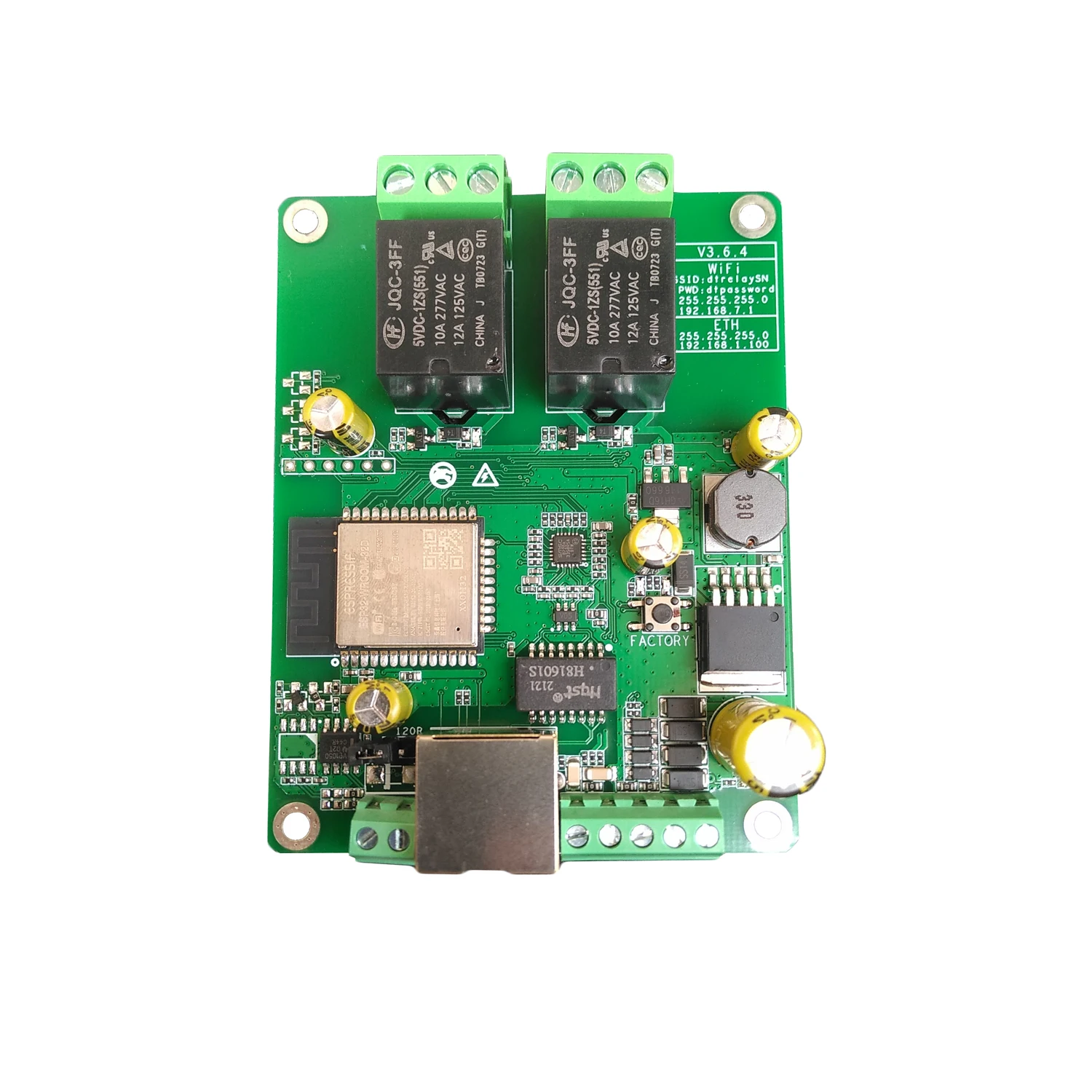
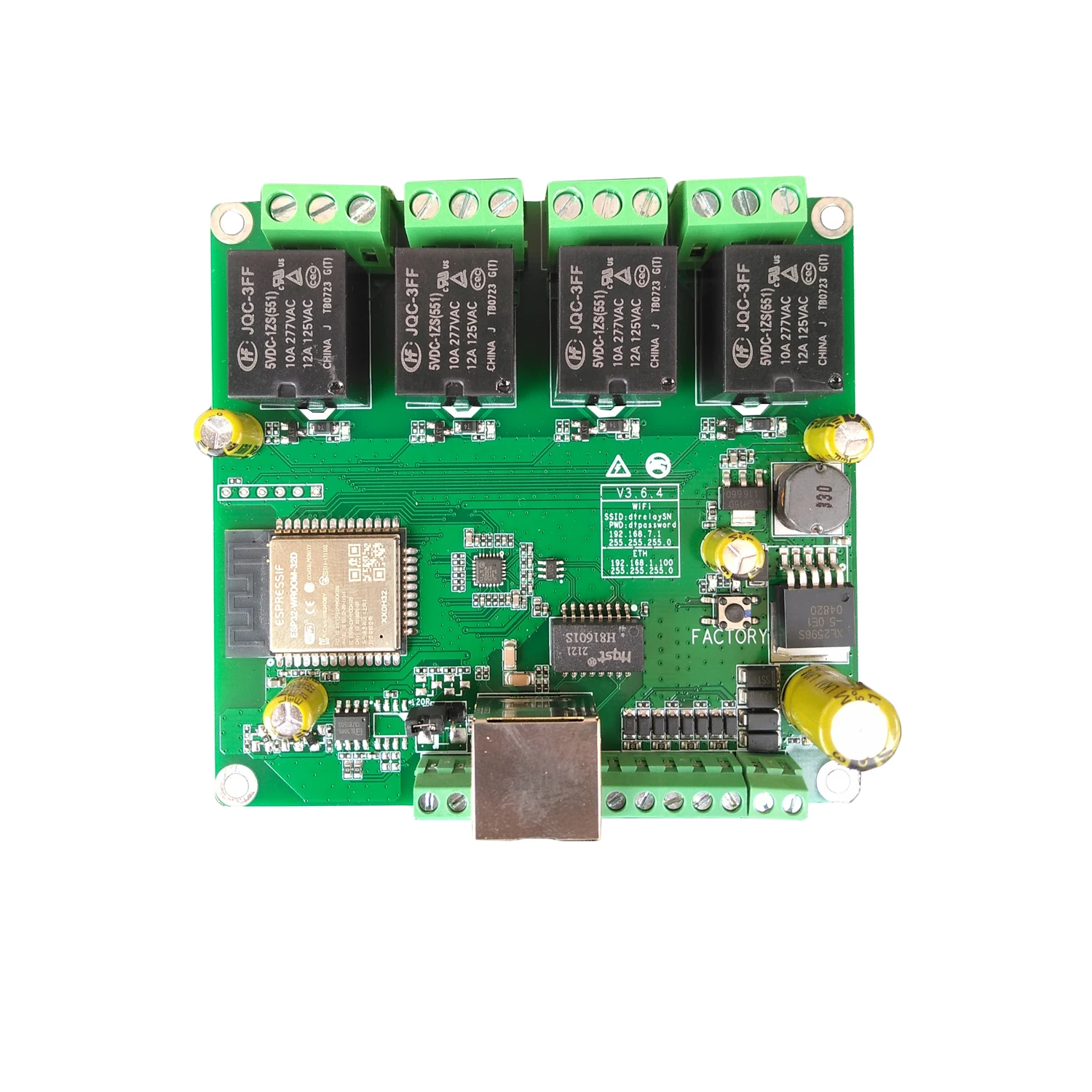
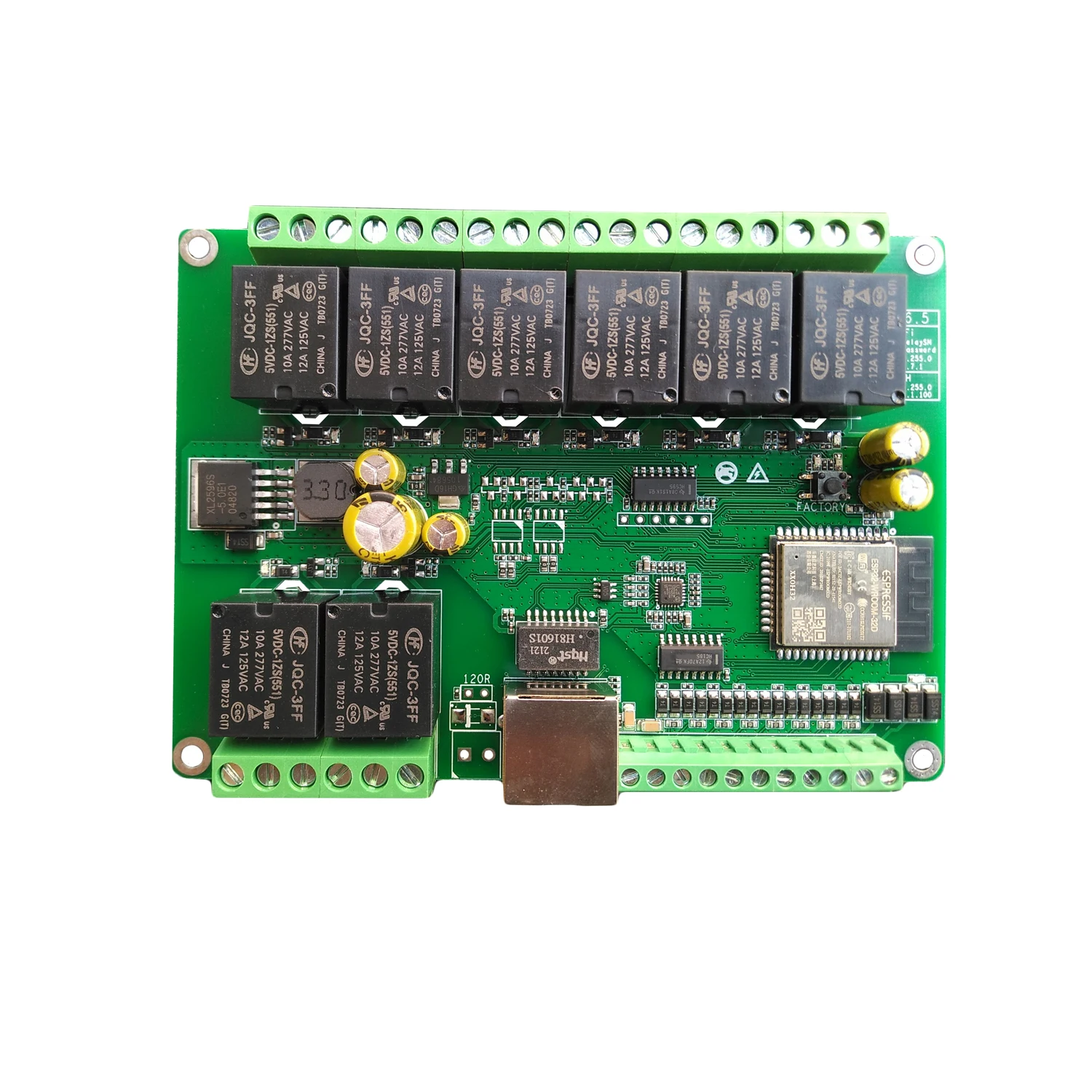
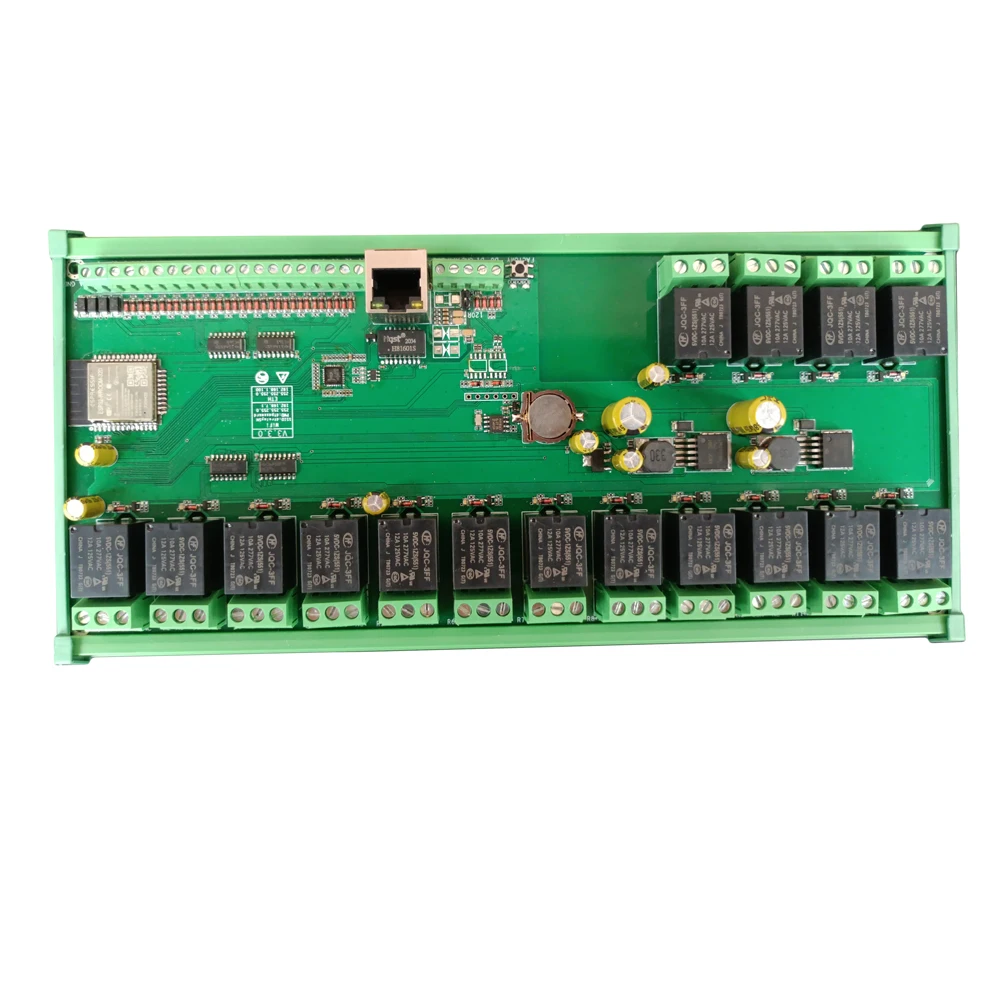
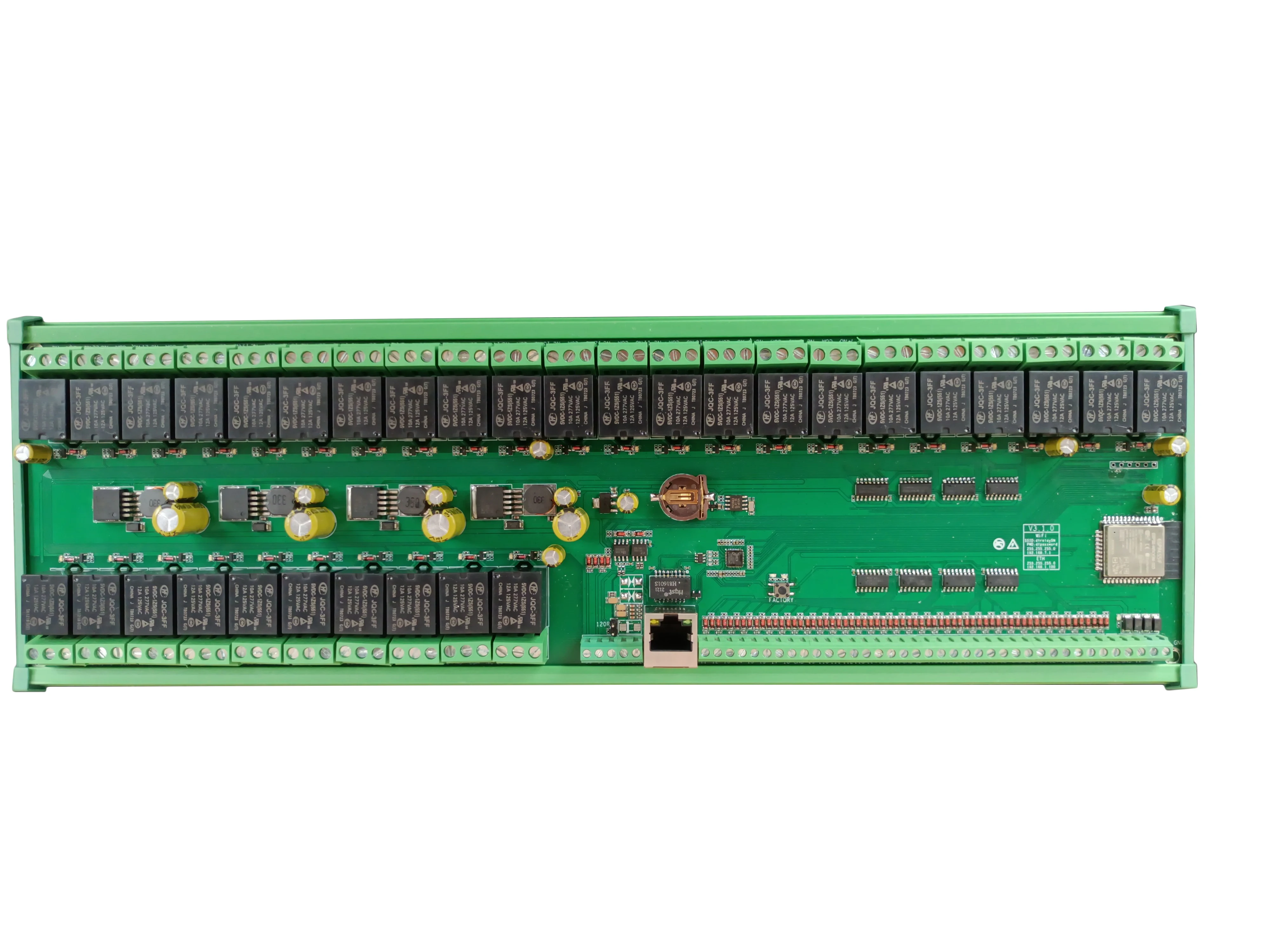
Support Customized and develop by our company
User manual and programming manual SDK:
http://www.dingtian-tech.com/sdk/relay_sdk.zip
This is a finished board, not a study board. Our default version don’t support flash by yourself,
if you want to flash custom firmware, please leave a message ”send relay board with test firmware” when order
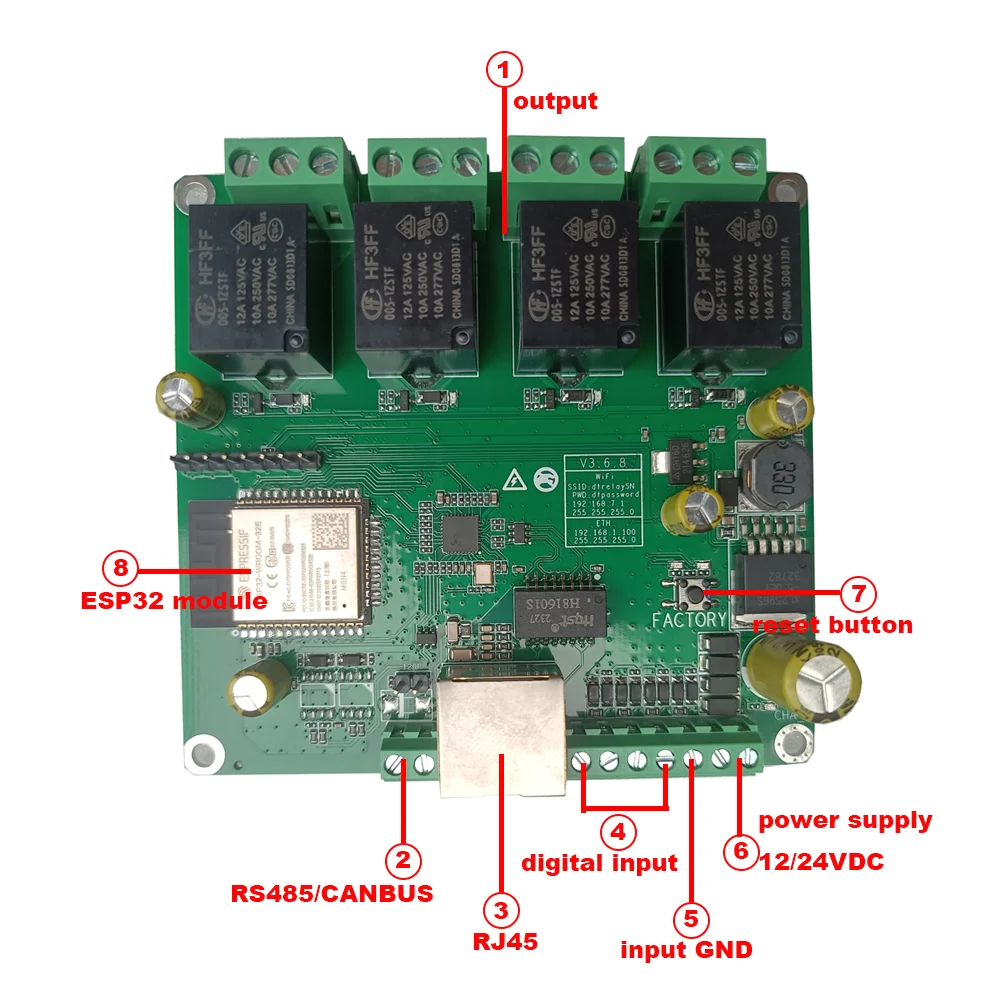
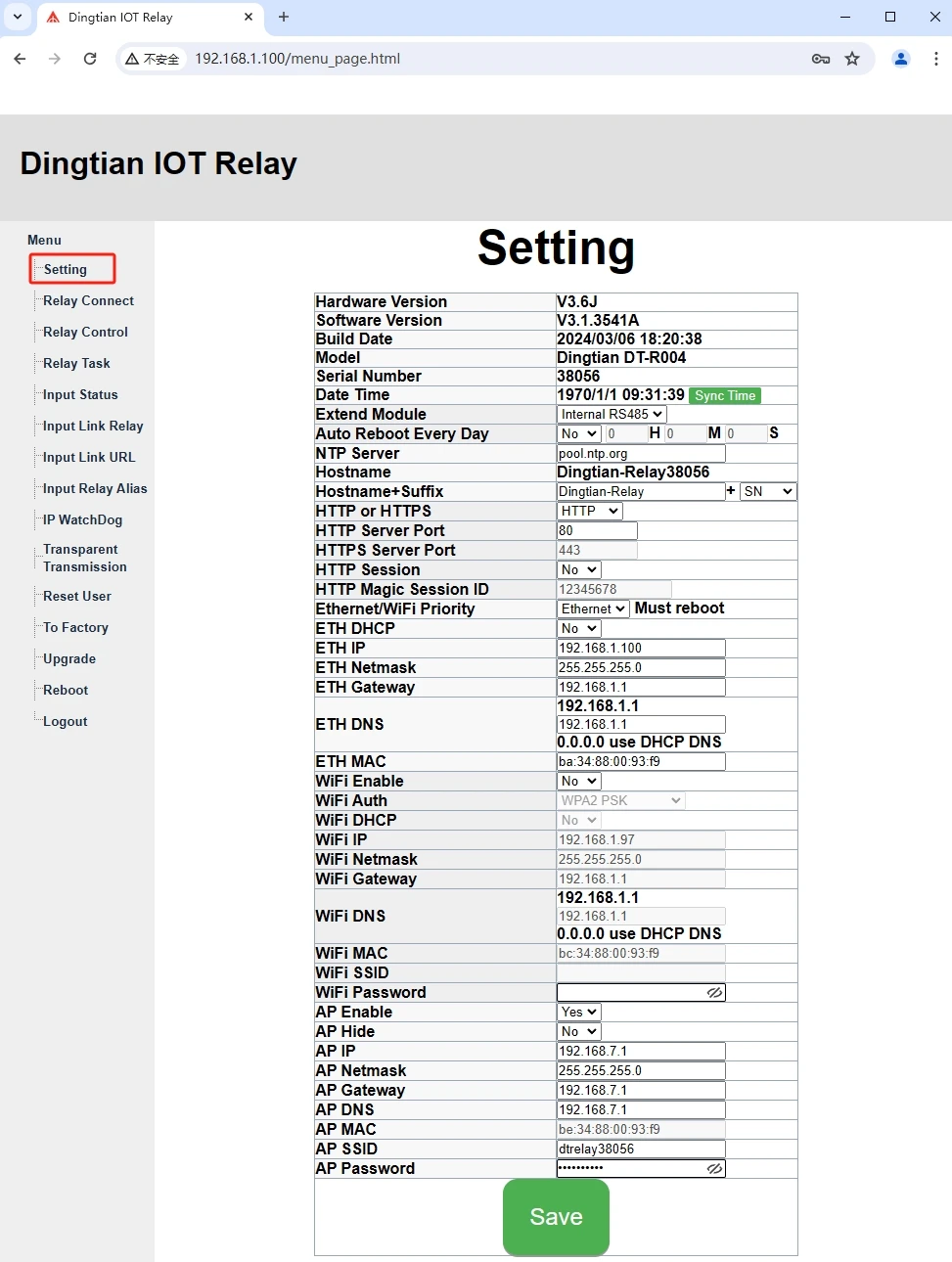
Note: Please keep your computer ip is the same NETWORK SEGMENT as our default ip 192.168.1.100
Setting
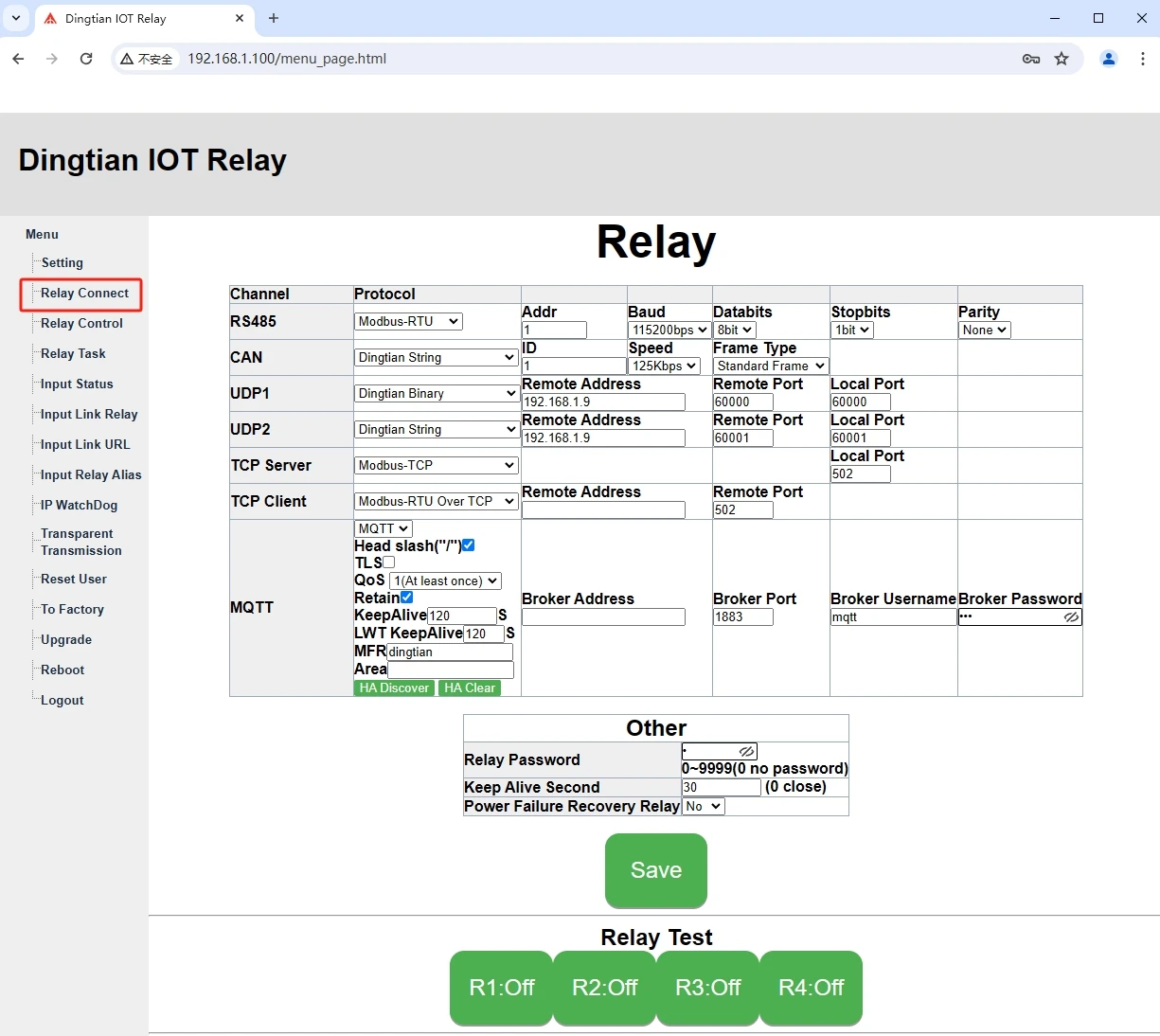
Relay Connect
Support protocol
Dingtian-String
Dingtian-Binary
Modbus-RTU., Modbus-ASCII, Modbus-TCP/UDP
CoAP
HTTP GET CGI(control relay, get input/relay status)
Input Mutual Control
MQTT(input/relay status change, report to your MQTT server auto)
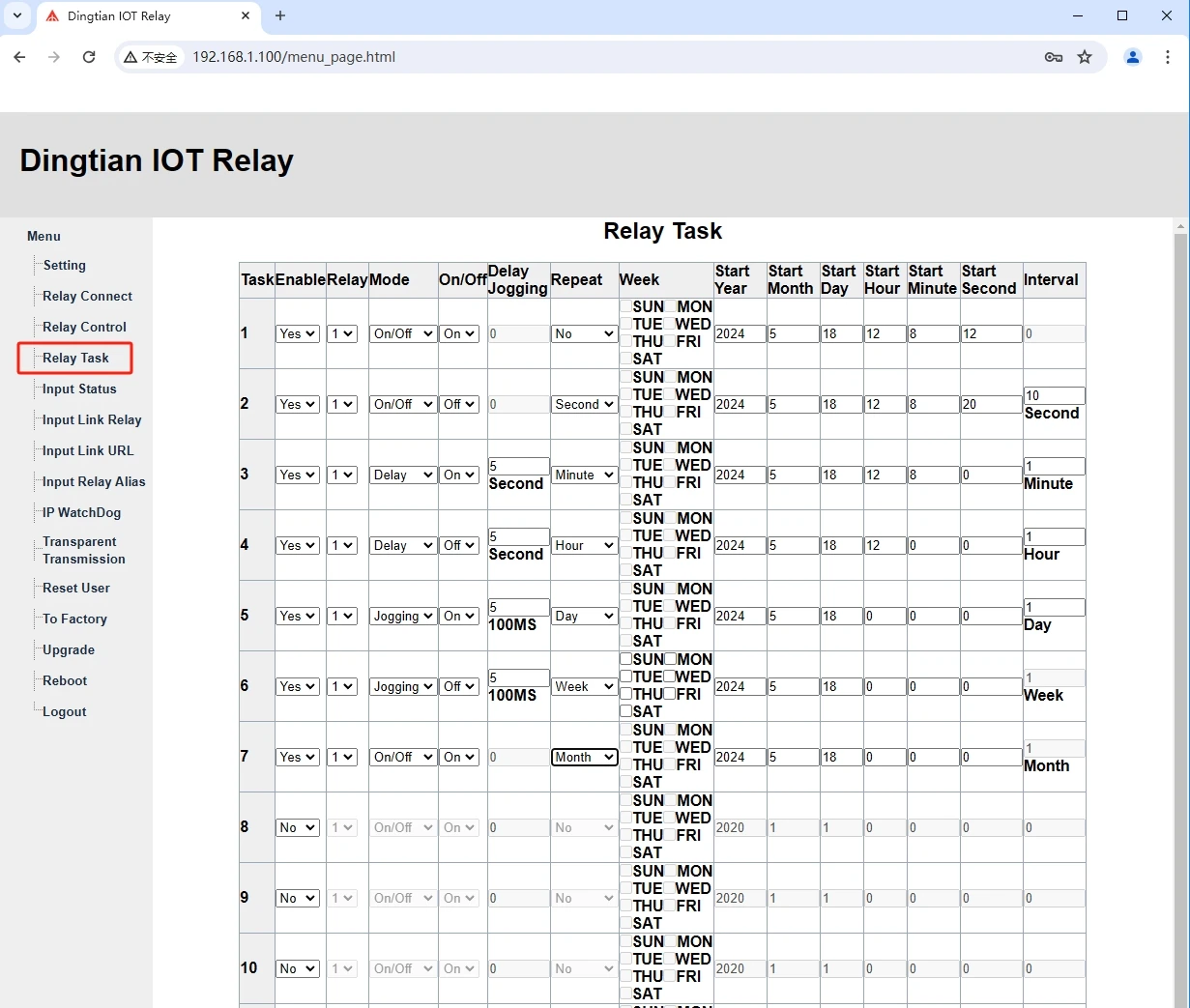
Relay Task
Please sync the time on “setting” webpage firstly, you can config when relay ON and when relay OFF automatically
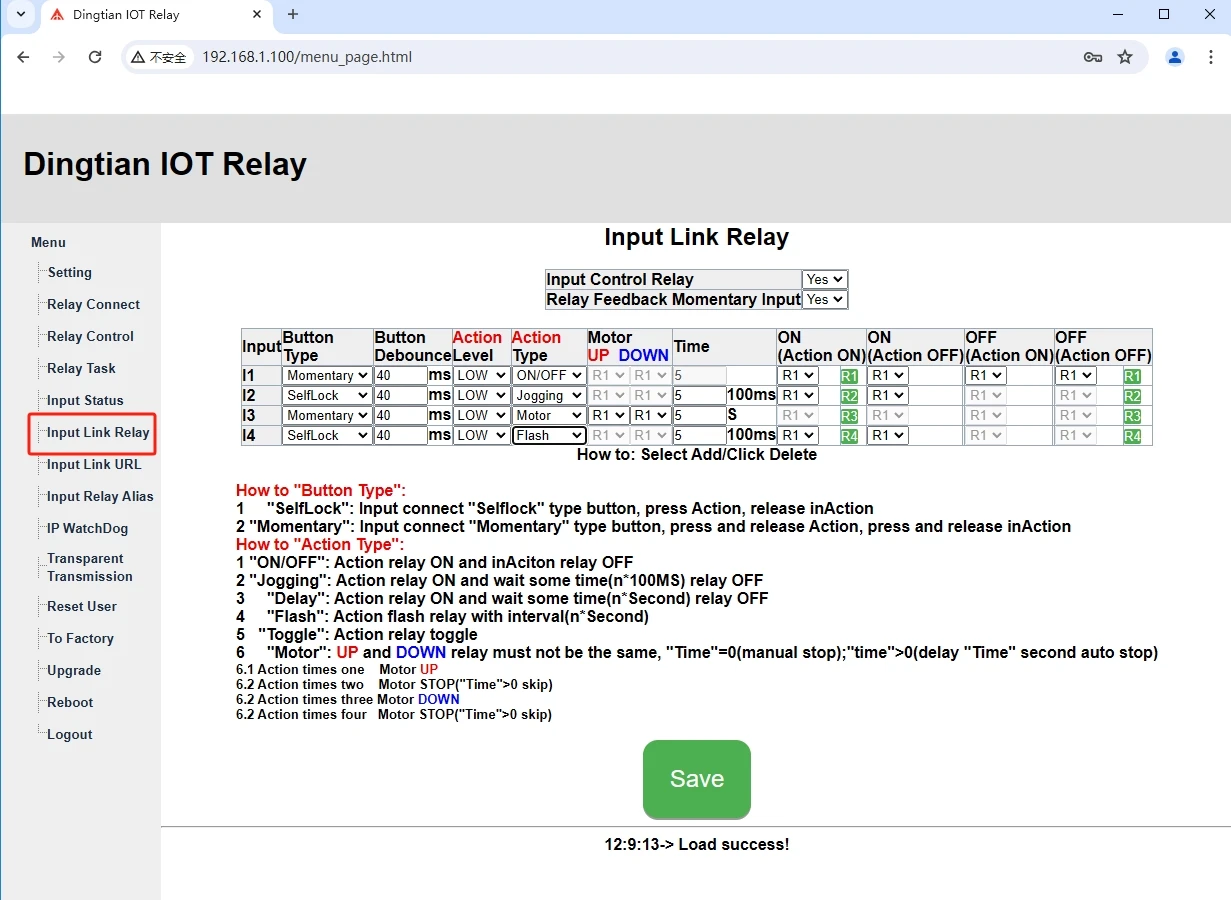
Input Link Relay
Input status change active relay ON/OFF, DELAY, JOGGING(PULSE),FLASH,TOGGLMOTOR
To config “Motor” to control motor (blind)
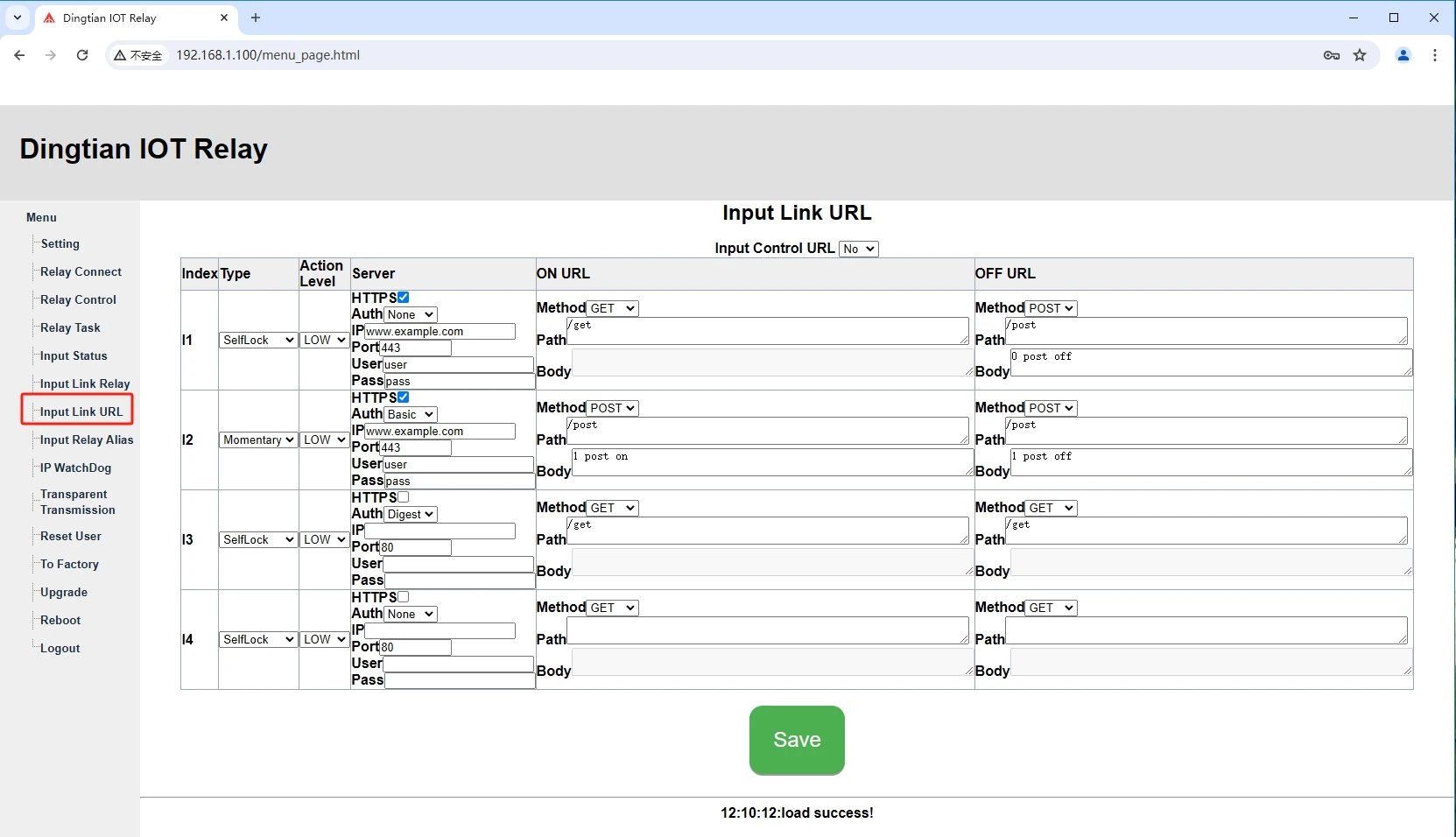
Input Link URL
Input status changes will active HTTP URL
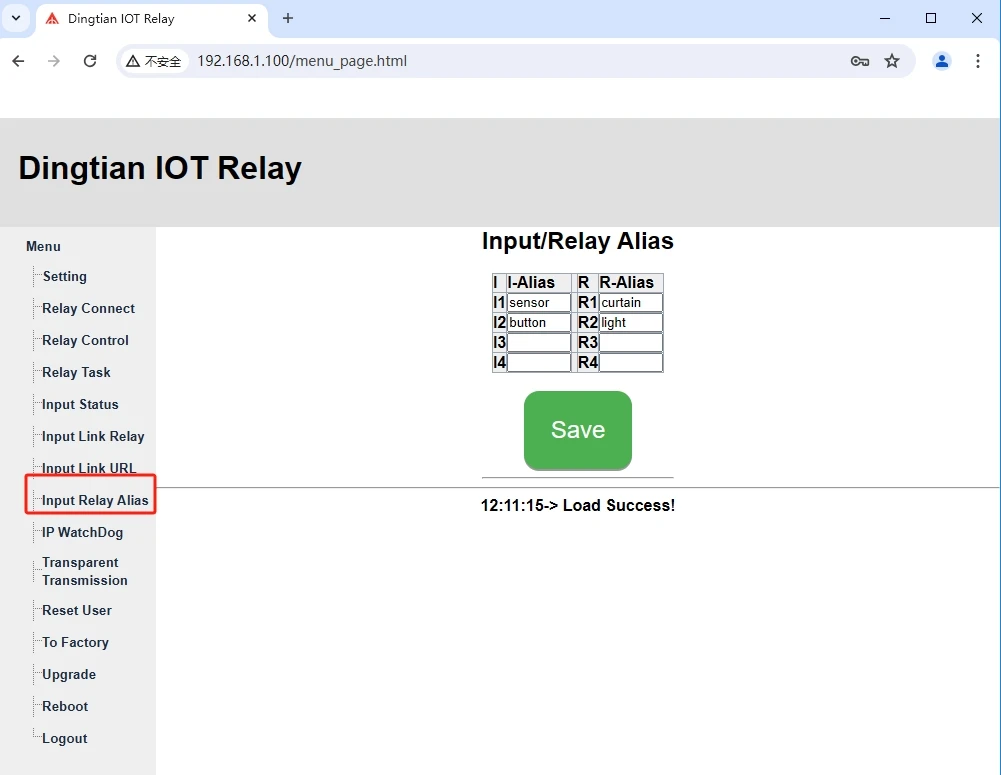
Input Relay Alias
Rename input/relay to understand better
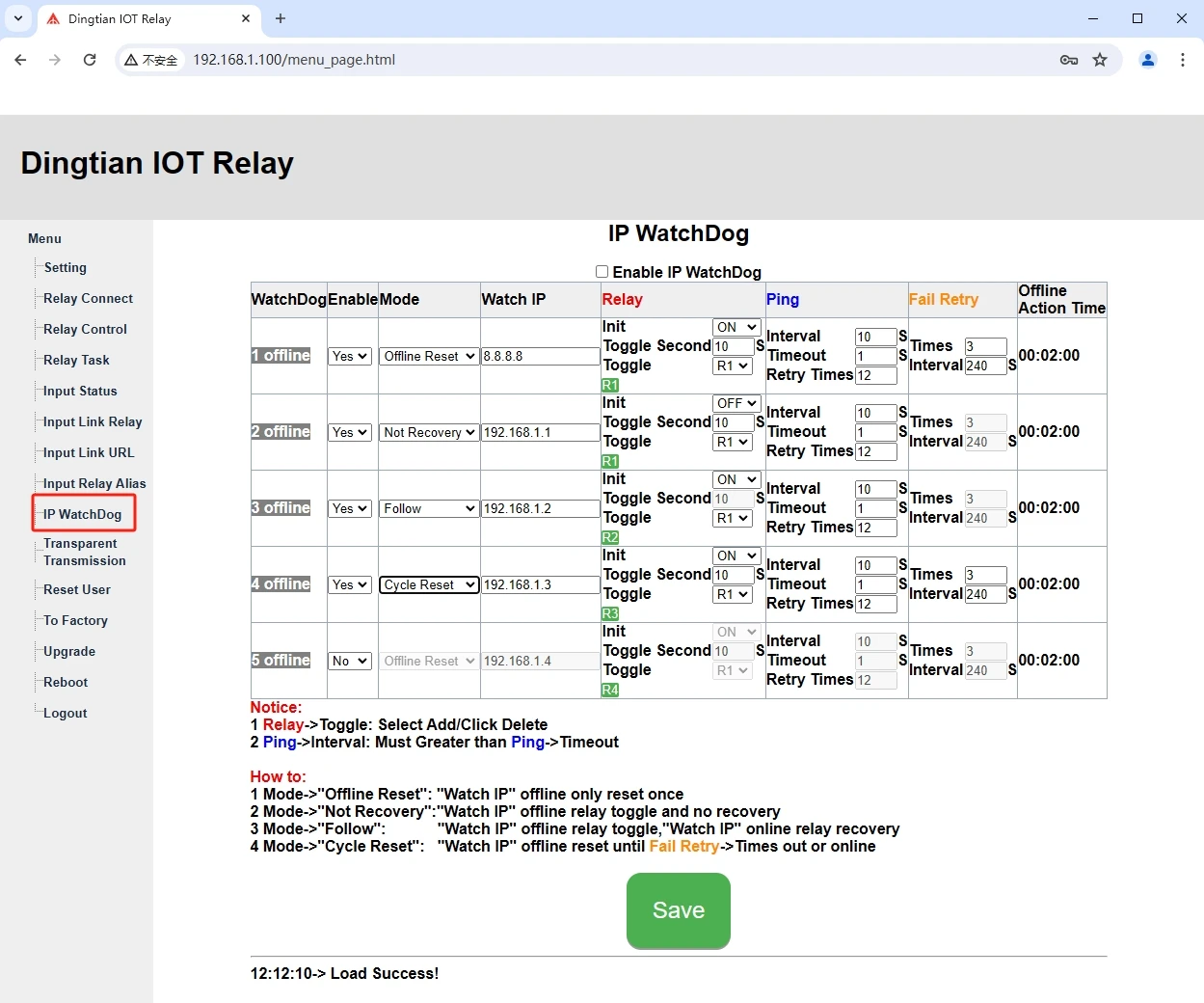
IP WatchDog
It can ping and reboot other device when network is OFF
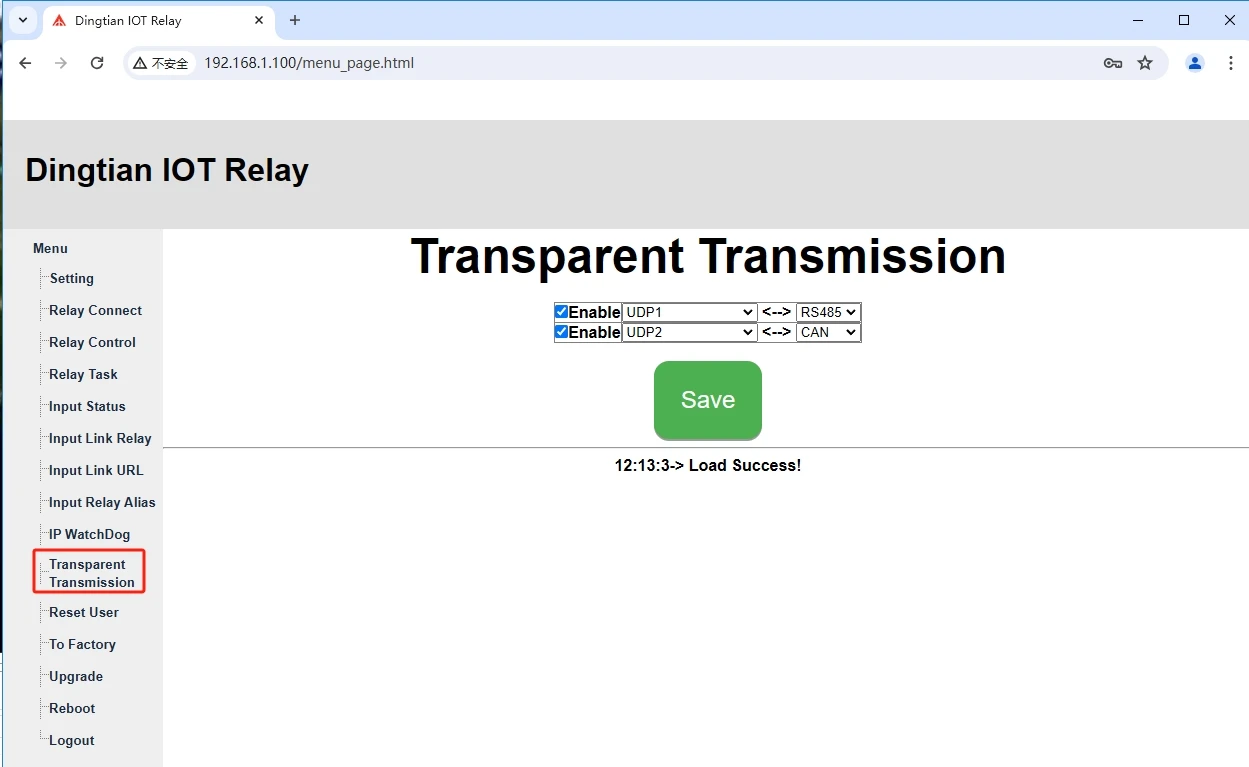
Transparent Transmission
Repost data which is from your device through our relay board to your PC from UDP/TCP to RS485/CAN,vice versa
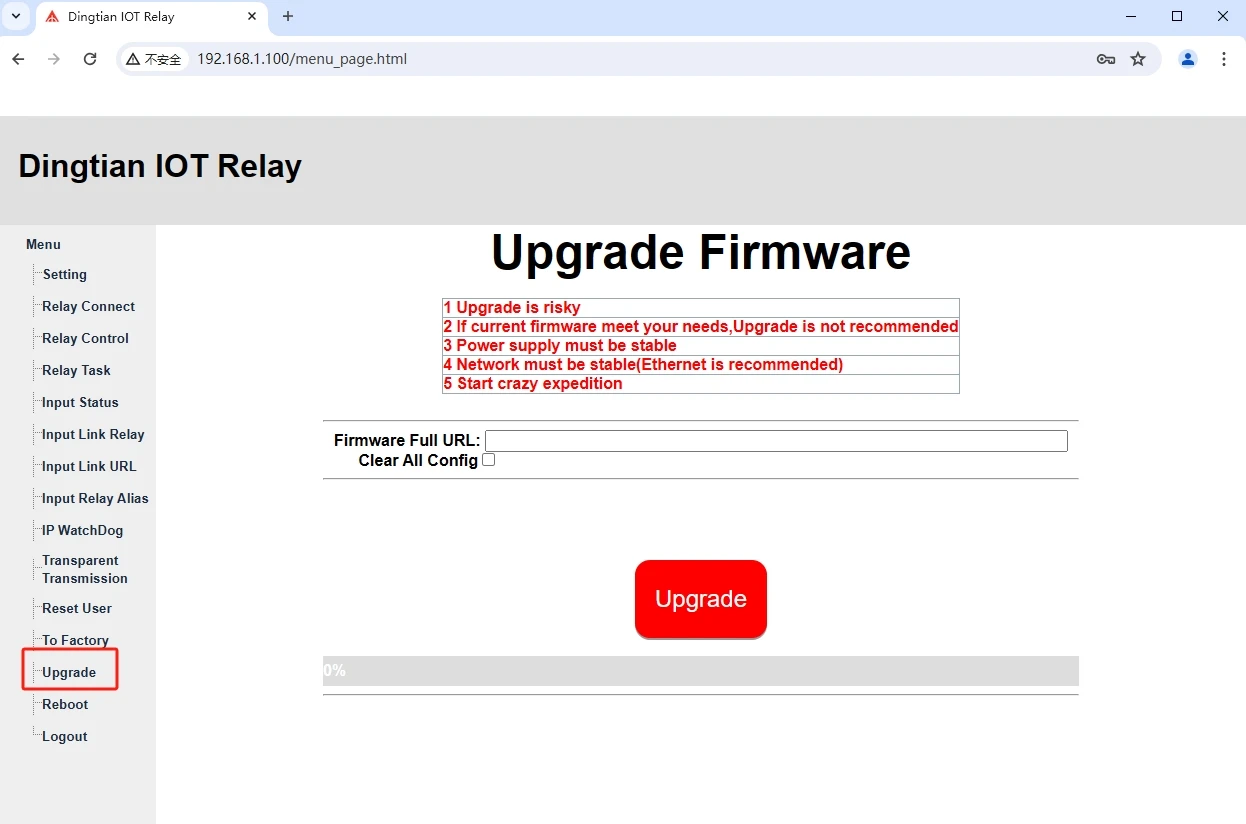
Upgrade
Upgrade new firmware by webpage
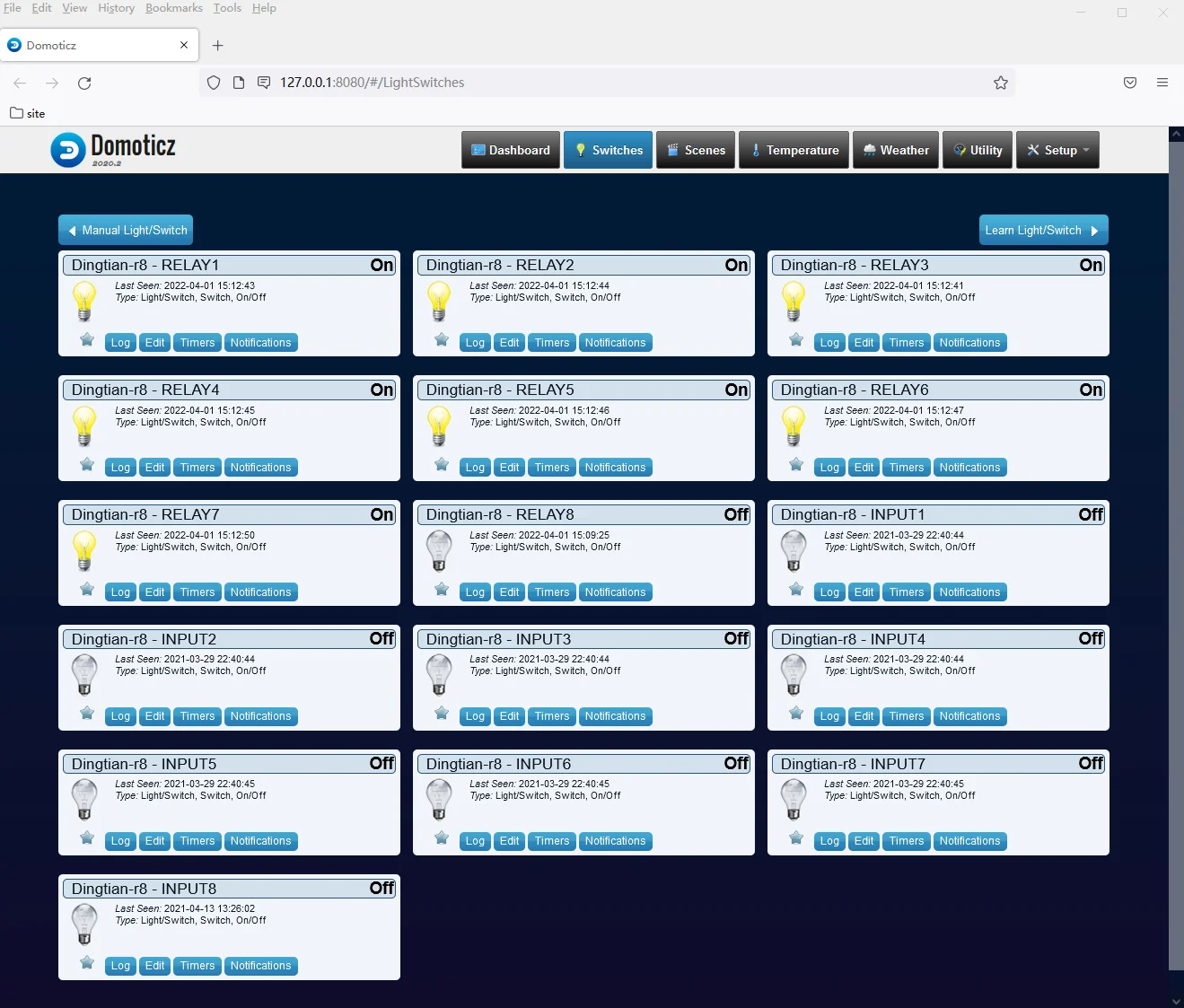
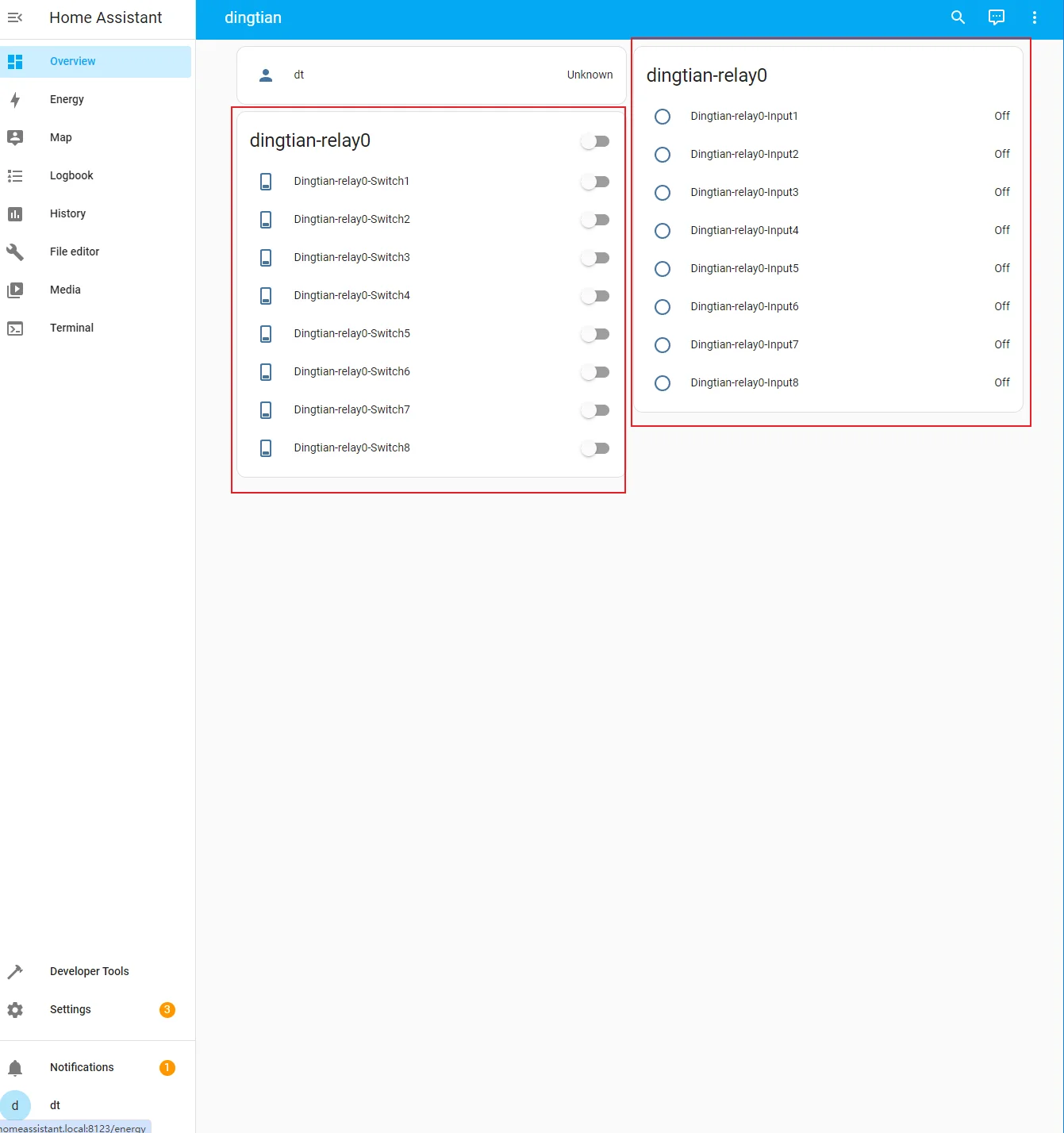
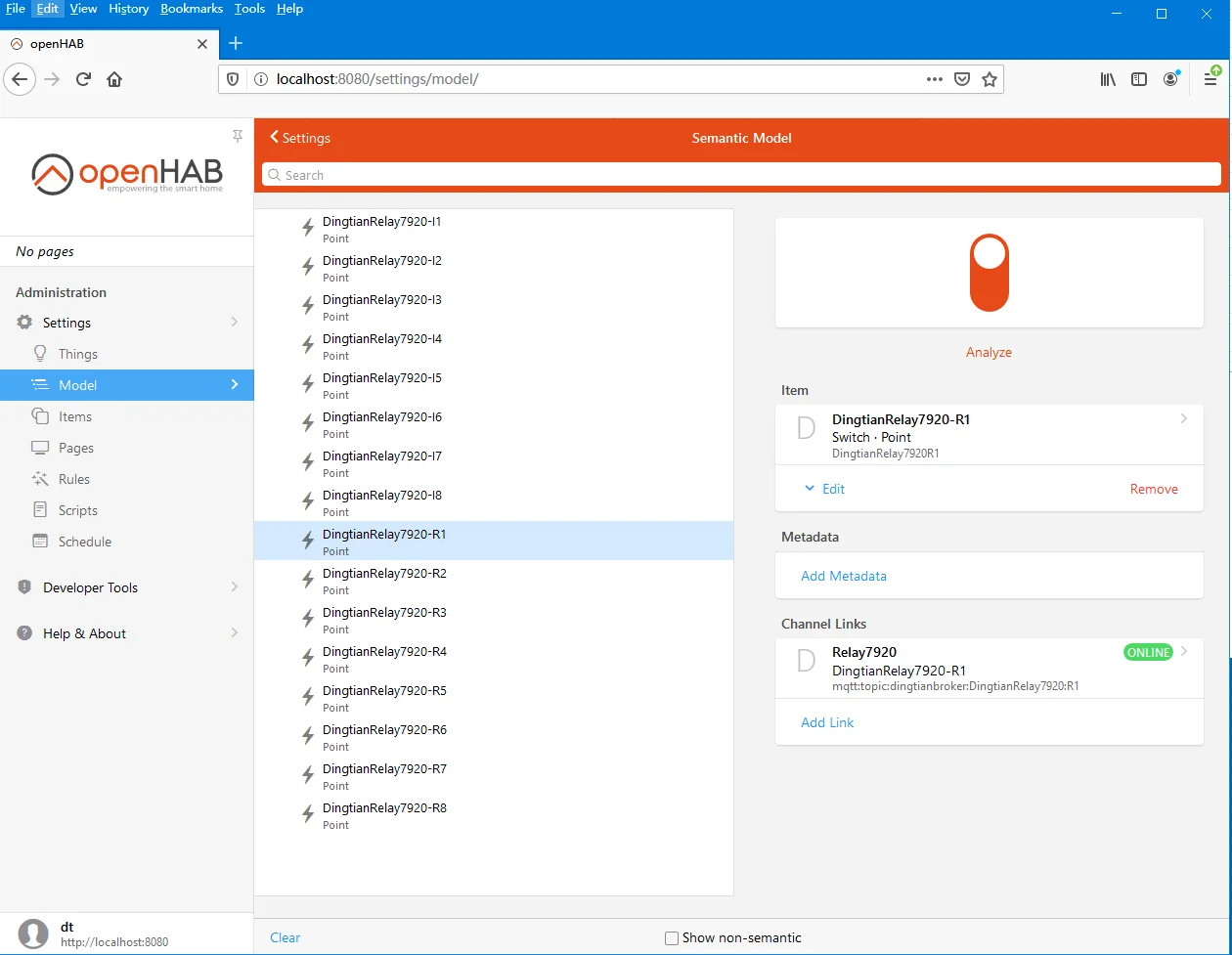
Support Domoticz /Home assistant (HA Discover)/openHAB
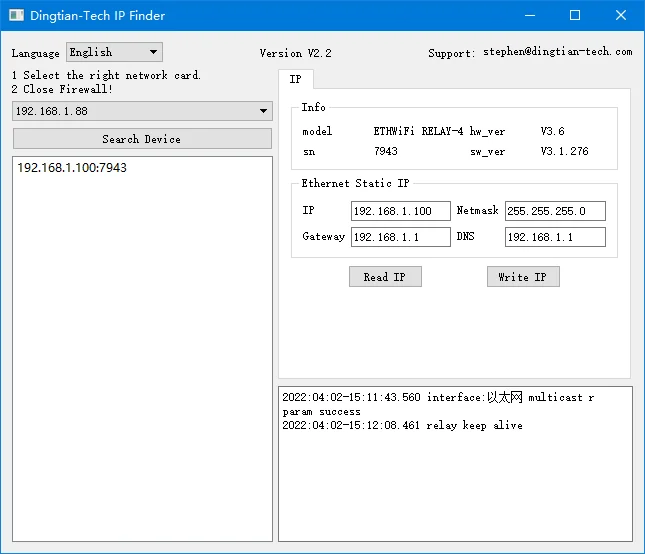
IP Finder to search device, support different network segment
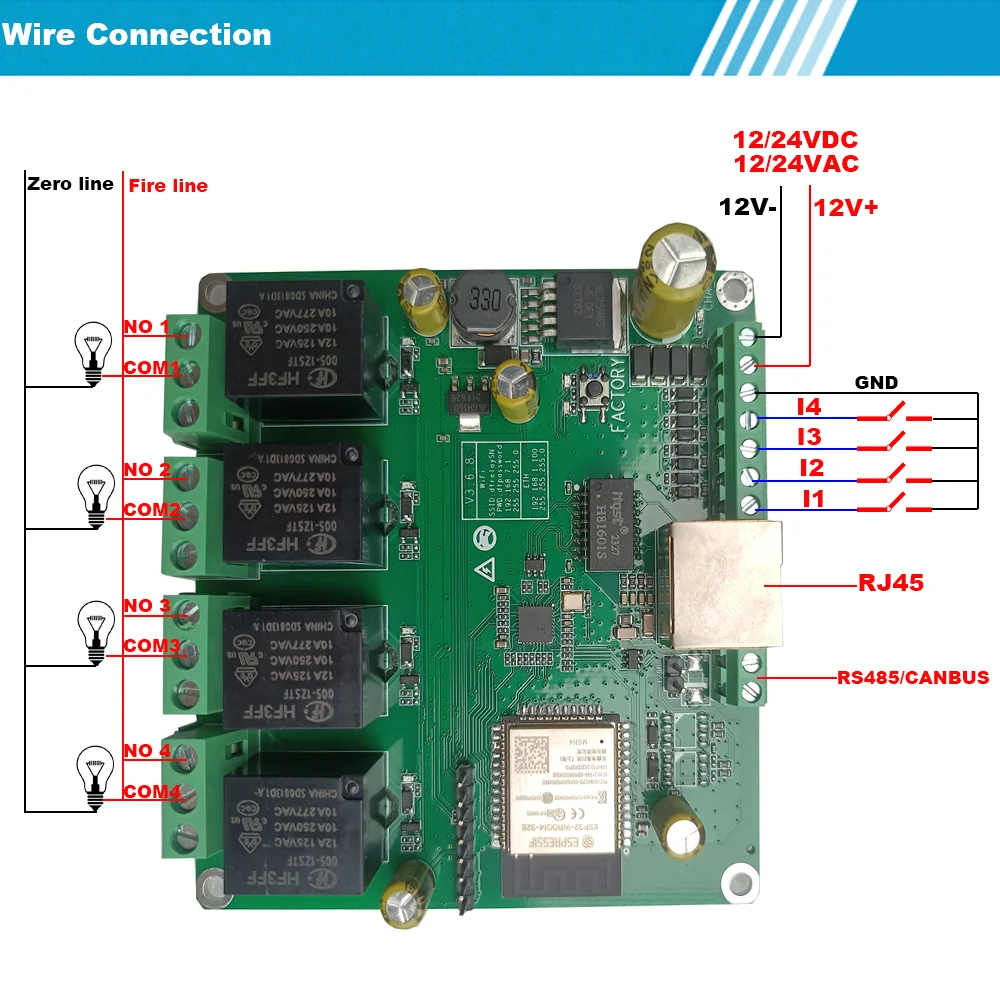
Connection Diagram
Default firmware
Q: what is the ip address?
A: Ethernet ip: 192.168.1.100, user name and password both are admin
WIFI-AP SSID: dtrelaySN, PWD: dtpassword, IP:192.168.7.1
Q: Where can I find sdk and manual?
A: https://www.dingtian-tech.com/sdk/relay_sdk.zip
Q: How can I upgrade to latest firmware?
A: https://www.dingtian-tech.com/sdk/relay_upgrade_tool.zip
Please download and upgrade to latest firmware
Q: Why I cannot access the web through default ip?
A: Please keep your computer ip be the same network segment as our default ip
Default ip: 192.168.1.100, so your compute ip should be 192.168.1.x(x not 100)
Q: What can I do when computer ip is different network segment with your default ip?
A: Option 1: change your computer ip to 192.168.1.x, x means any numbers from 2~254
Option 2: Change our relay ip through our IP Finder tool to keep the same as your computer ip
Q: Can I connect a rfid keypad reader to it via wiegand
A: Our default firmware donot support, you can leave a message”send relay board with wiegand input firmware” when order
Q: Can you have separate input from the relay operation status
A: webpage “input link relay”->”input control relay” to “NO”
Test firmware
Q: Can I flash custom firmware?
A: please leave a message “send relay board with test firmware” when order”
https://github.com/dtlzp/relay_dev_demo
JL1101(compatiable with RTL8201F, only chip id is different)
https://github.com/dtlzp/relay_arduino_demo
Tylko zalogowani klienci, którzy kupili ten produkt, mogą napisać opinię.
| Kolor | ETH WIFI, ETH WIFI CAN, ETH WIFI CAN CASE, ETH WIFI RS485, ETH WIFI RS485 CASE, ETH WIFI WITH CASE |
|---|---|
| Security Mode | Fail Safe |
| Numer modelu | DT-R004 |
| Nazwa marki | DTWONDER |
| Pochodzenie | Chiny kontynentalne |
| Smart home platform | Inny |
| Direction | Nic |
| Home automation system | Home assistant, Domoticz,openHAB,Node Red |
| Power supply | 12/24VDC, 12/24VAC |
| Input type | digital input |
| Funkcjonować | IP Watchdog, Task, NTP client, Input mutual control, OTA Upgrade |
| Size of relay board | 91.6*86.4mm |
| Case type | DIN35 rail |
| Interface | RJ45, WIFI, RS485, CAN, Wiegand(optional) |
| Protocol | MQTT, Modbus-RTU/TCP/UDP/ASCII, TCP, UDP, HTTP GET CGI, CoAP |
| Output Type | Dry Contact |







Recenzje
Nie ma jeszcze żadnych opinii.