



Brak produktów w koszyku.
Do 8%
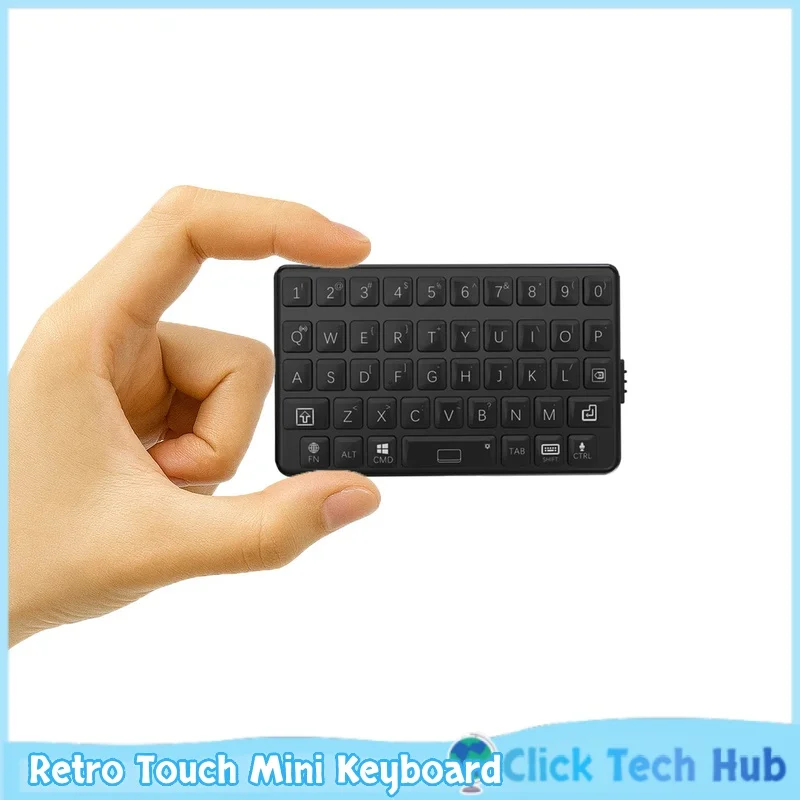
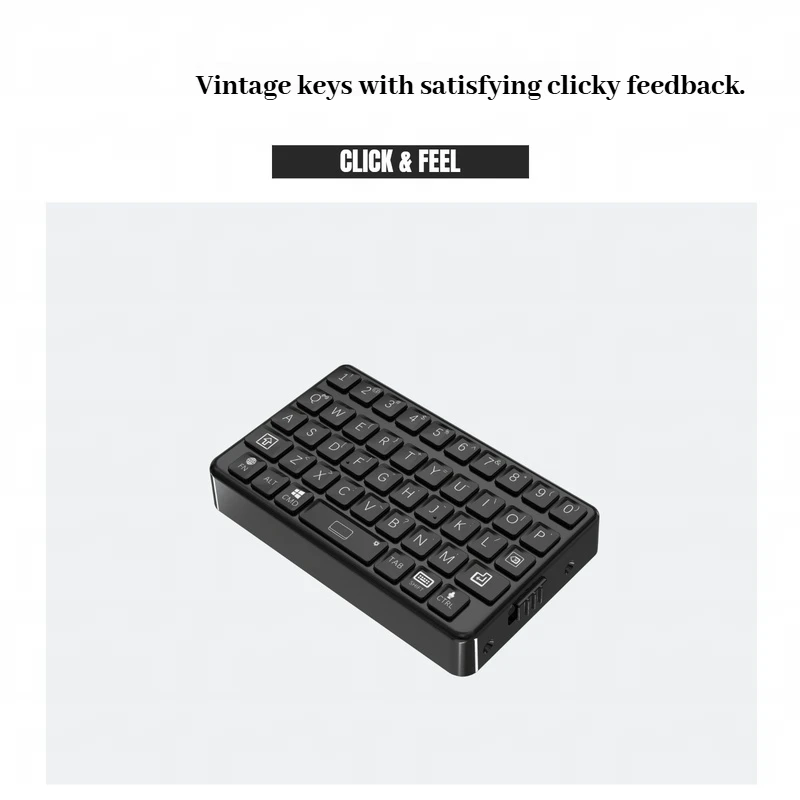
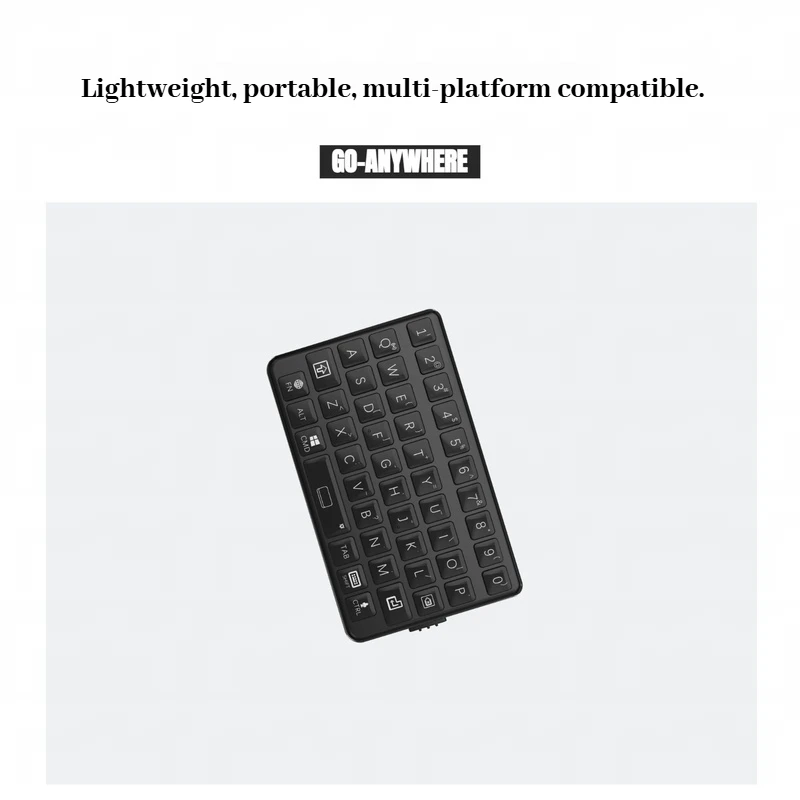
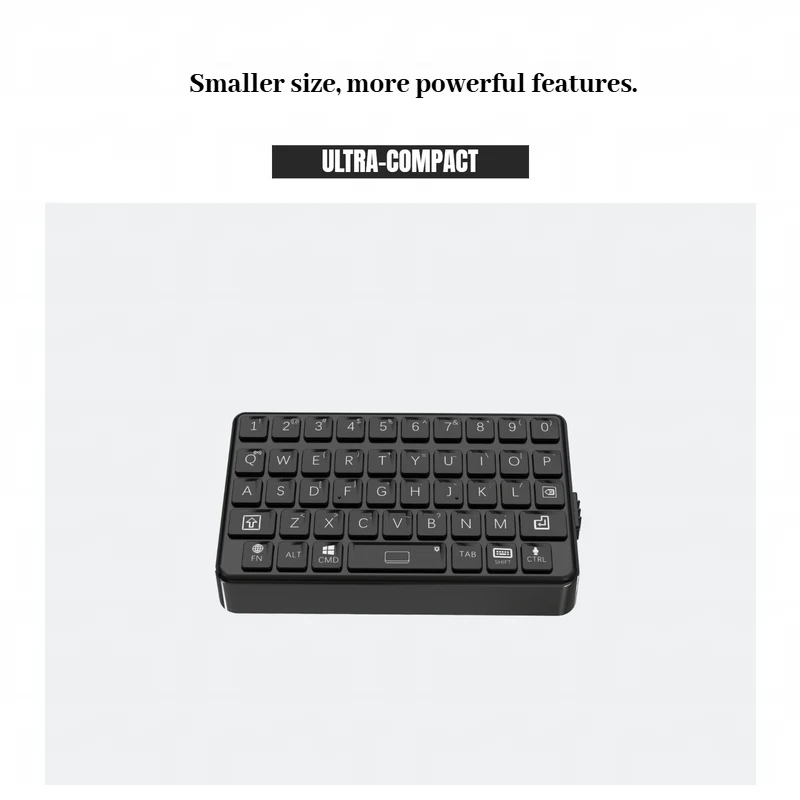
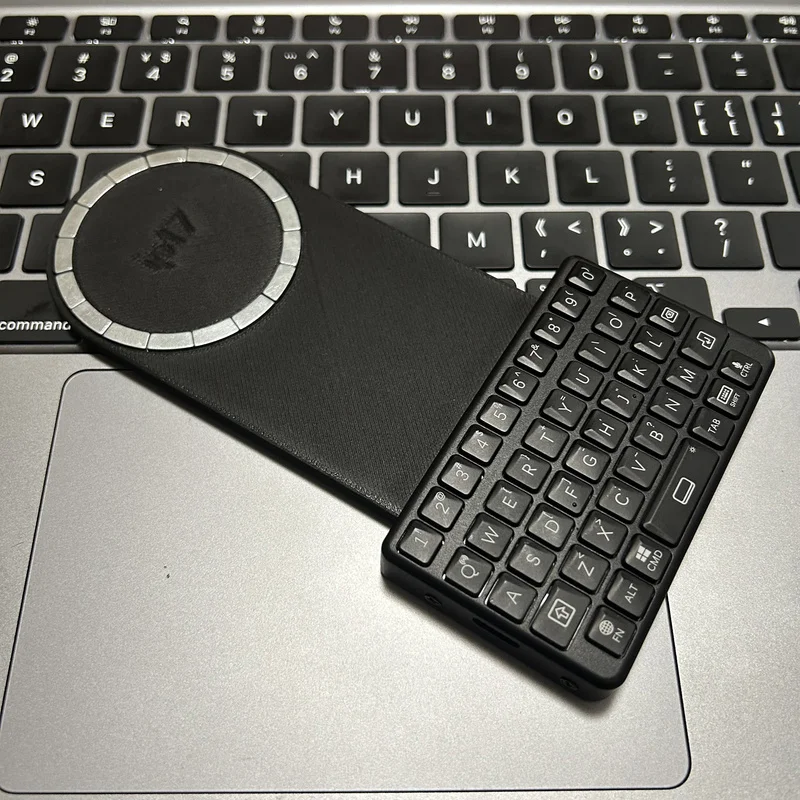
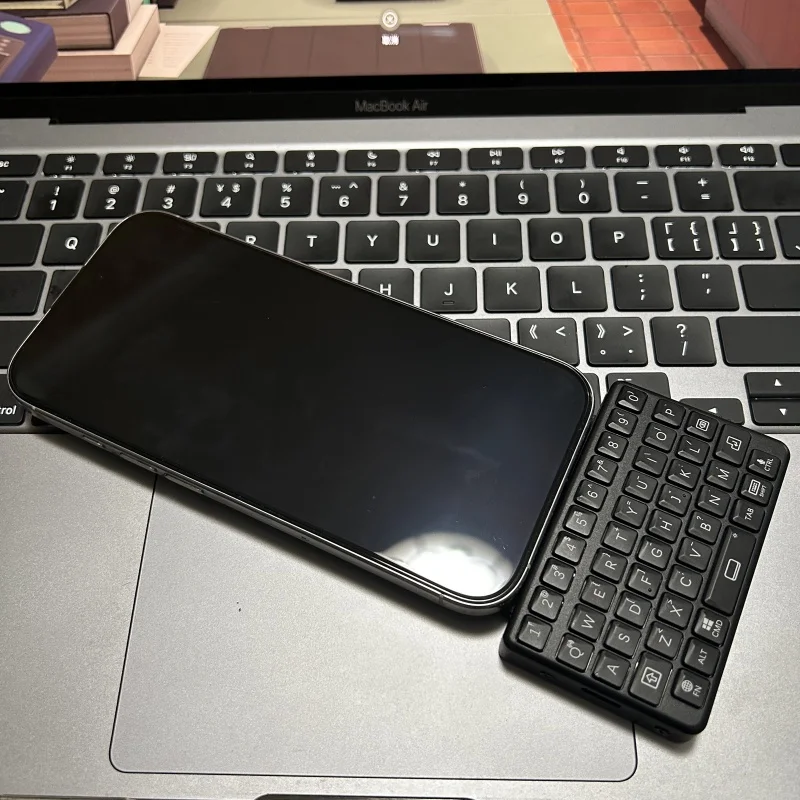
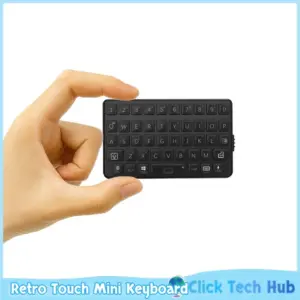
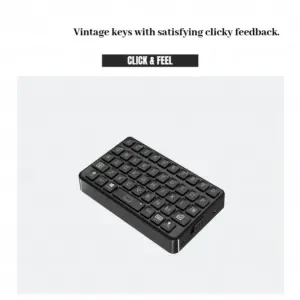


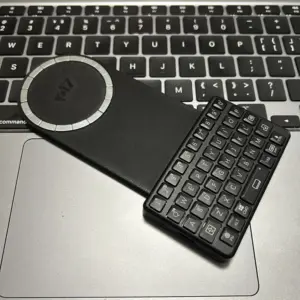
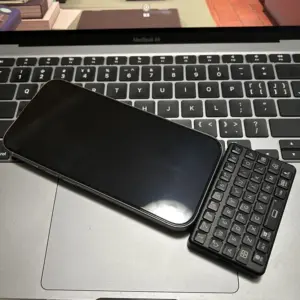
- Substancja chemiczna budząca duże obawy: Nic
- Full Size keyboard: NIE
- Package: Tak
- Wrist Support: NIE
- Styl: Multimedia,Gaming,Ergonomics,Folding,Numeric Keyboard
- Interface Type: Bluetooth,USB
- Battery Included: NIE
- Operation Style: Mechanical
- Language: English
- Keyboard Standard: 97 Keys
- Aplikacja: Desktop,Number
- Typ: Bluetooth Wireless
- Nazwa marki: TOYOLEE
- Pochodzenie: Chiny kontynentalne
- Informacje/ostrzeżenie dotyczące bezpieczeństwa produktu: Not for children under 3 yrs

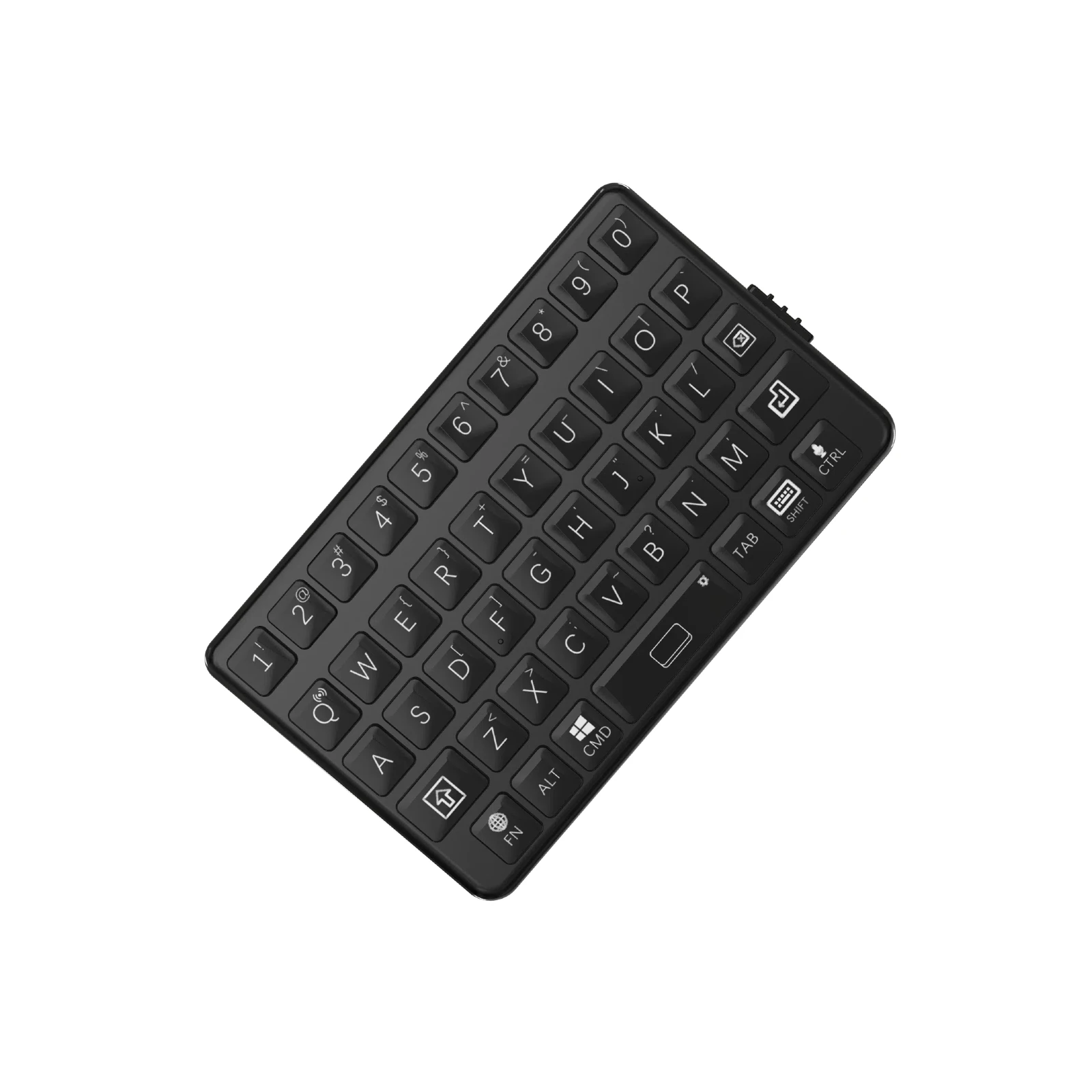
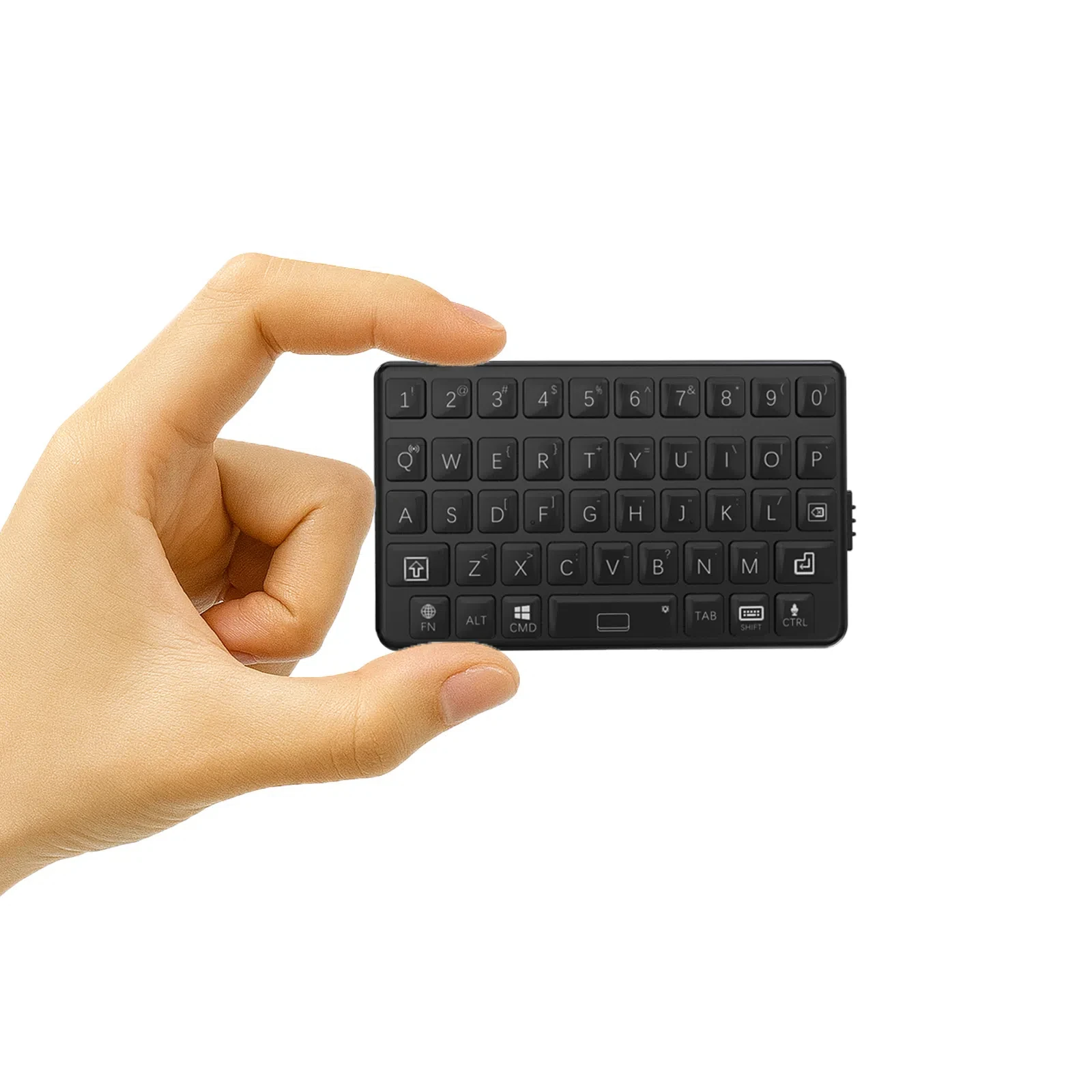
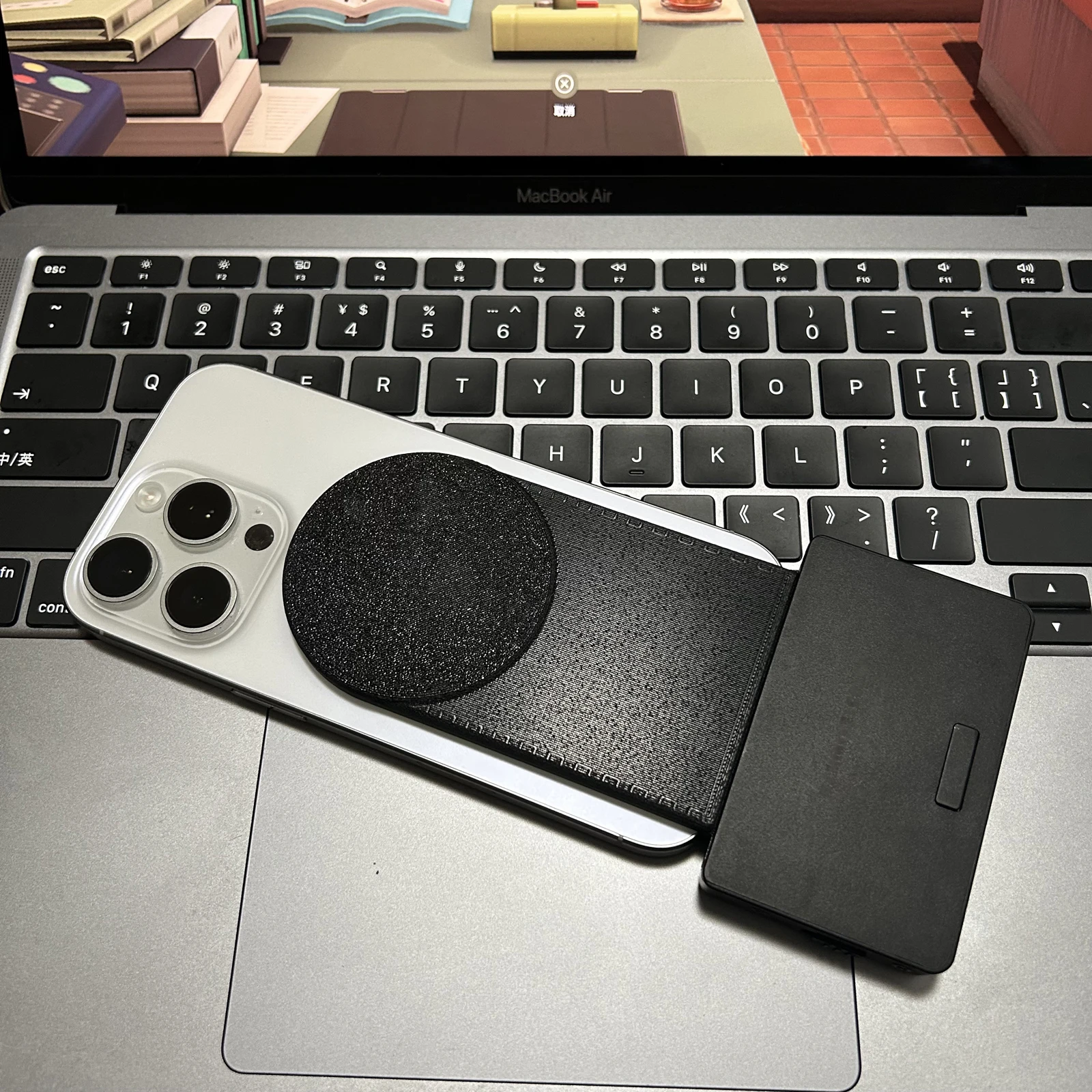
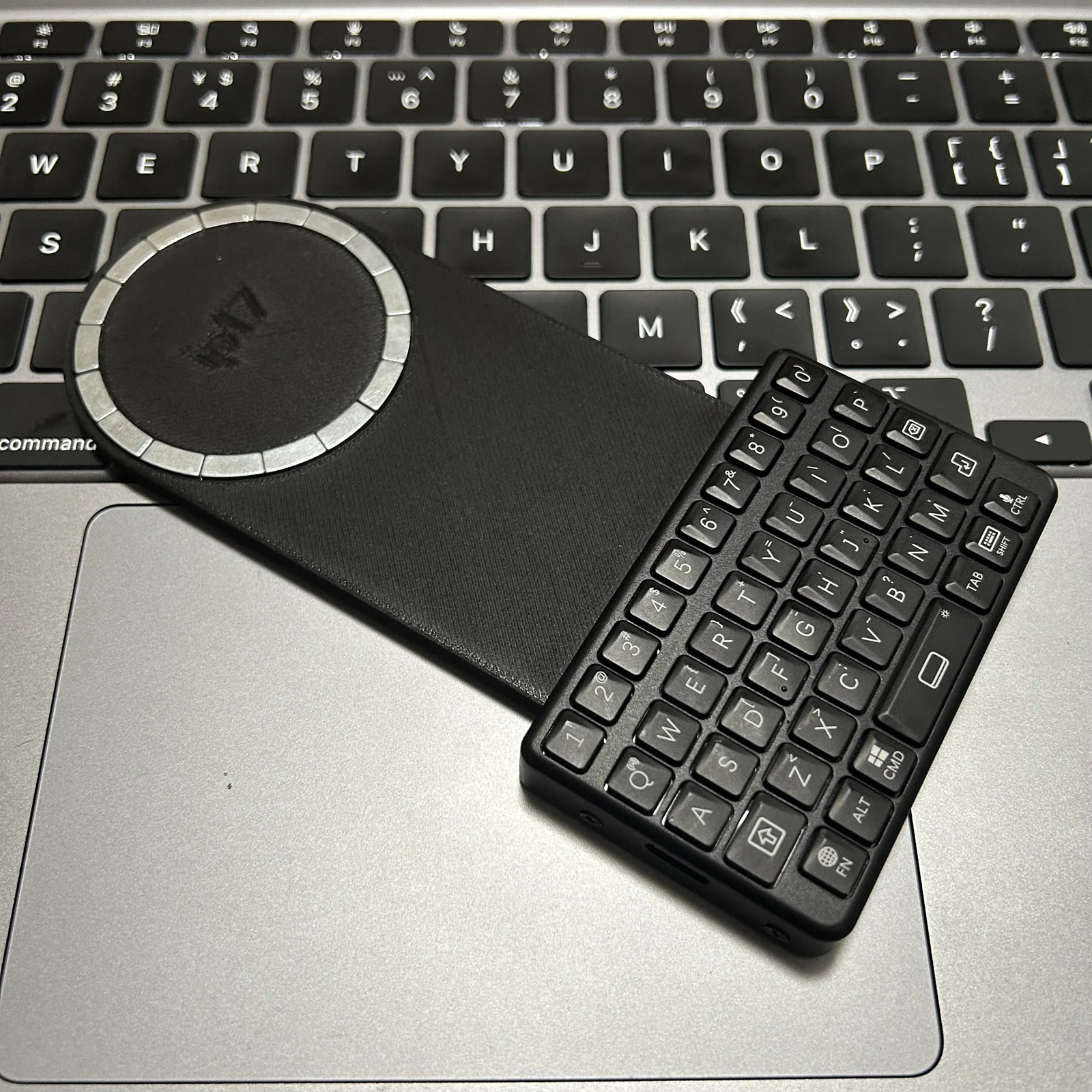
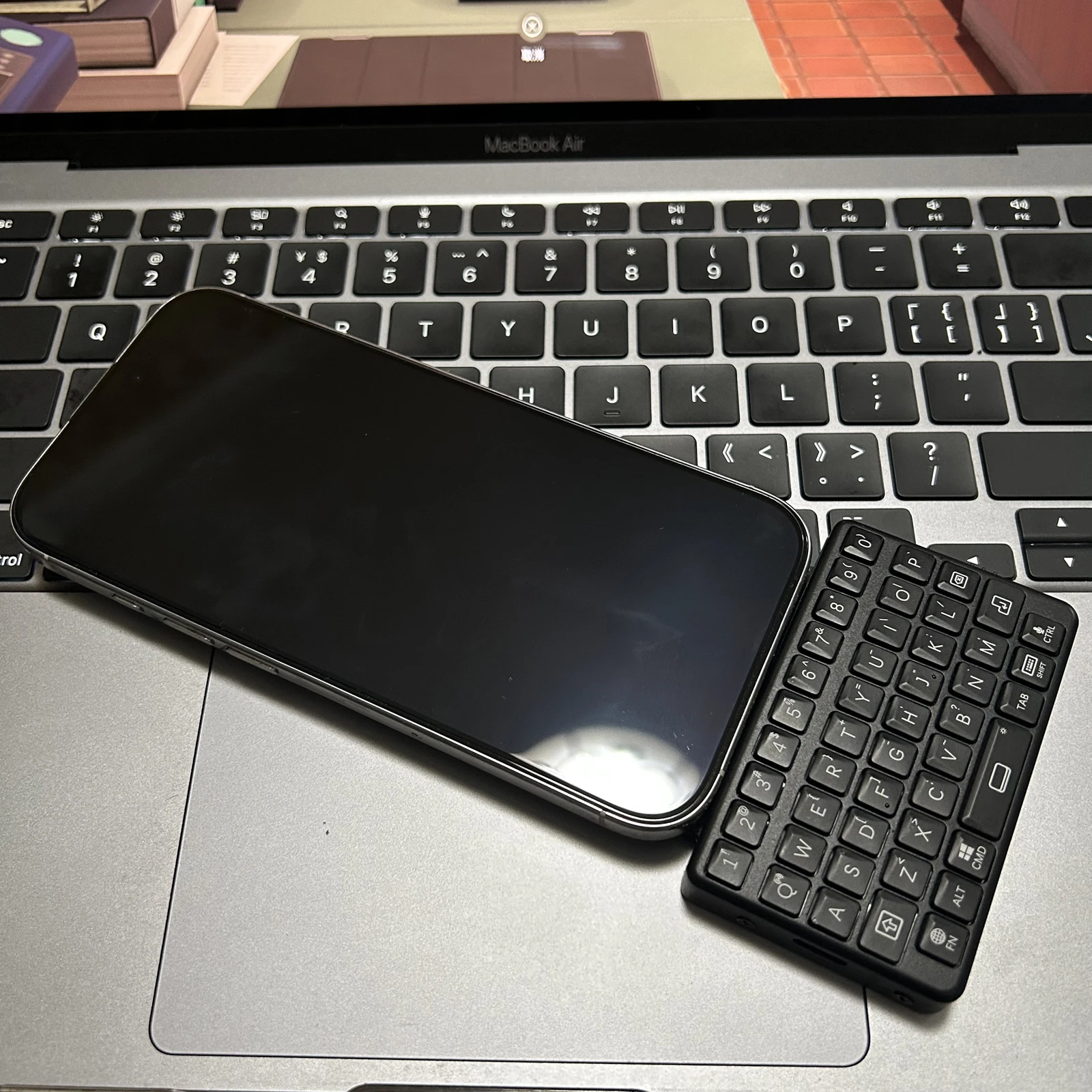
Power-on Instructions
1. Slide down the side switch.
2. The keyboard will be activated (some backlight lights will briefly flash and then turn off)
Bluetooth pairing
1. Press and hold the FN+Q keys for 2 seconds (some backlight lights may flash)
2. Search for and connect to “M4” in your device’s Bluetooth settings.
I0S exclusive features
·Capitalization lock: Double click Shift key.
·Language switching: Press the FN key.
Virtual keyboard: Short press the keyboard symbol.
·Voice control: Short press the voice symbol (dictation)/Long press the voice symbol (Siri).
·Symbol input: Shift+number or FN+letter
Android or Windows do not have the ability to access virtual keyboards or voice commands.
The virtual keyboard symbol function is the right Shift key, and the voice symbol is the Ctr1 key.
1. Slide down the side switch.
2. The keyboard will be activated (some backlight lights will briefly flash and then turn off)
Bluetooth pairing
1. Press and hold the FN+Q keys for 2 seconds (some backlight lights may flash)
2. Search for and connect to “M4” in your device’s Bluetooth settings.
I0S exclusive features
·Capitalization lock: Double click Shift key.
·Language switching: Press the FN key.
Virtual keyboard: Short press the keyboard symbol.
·Voice control: Short press the voice symbol (dictation)/Long press the voice symbol (Siri).
·Symbol input: Shift+number or FN+letter
Android or Windows do not have the ability to access virtual keyboards or voice commands.
The virtual keyboard symbol function is the right Shift key, and the voice symbol is the Ctr1 key.
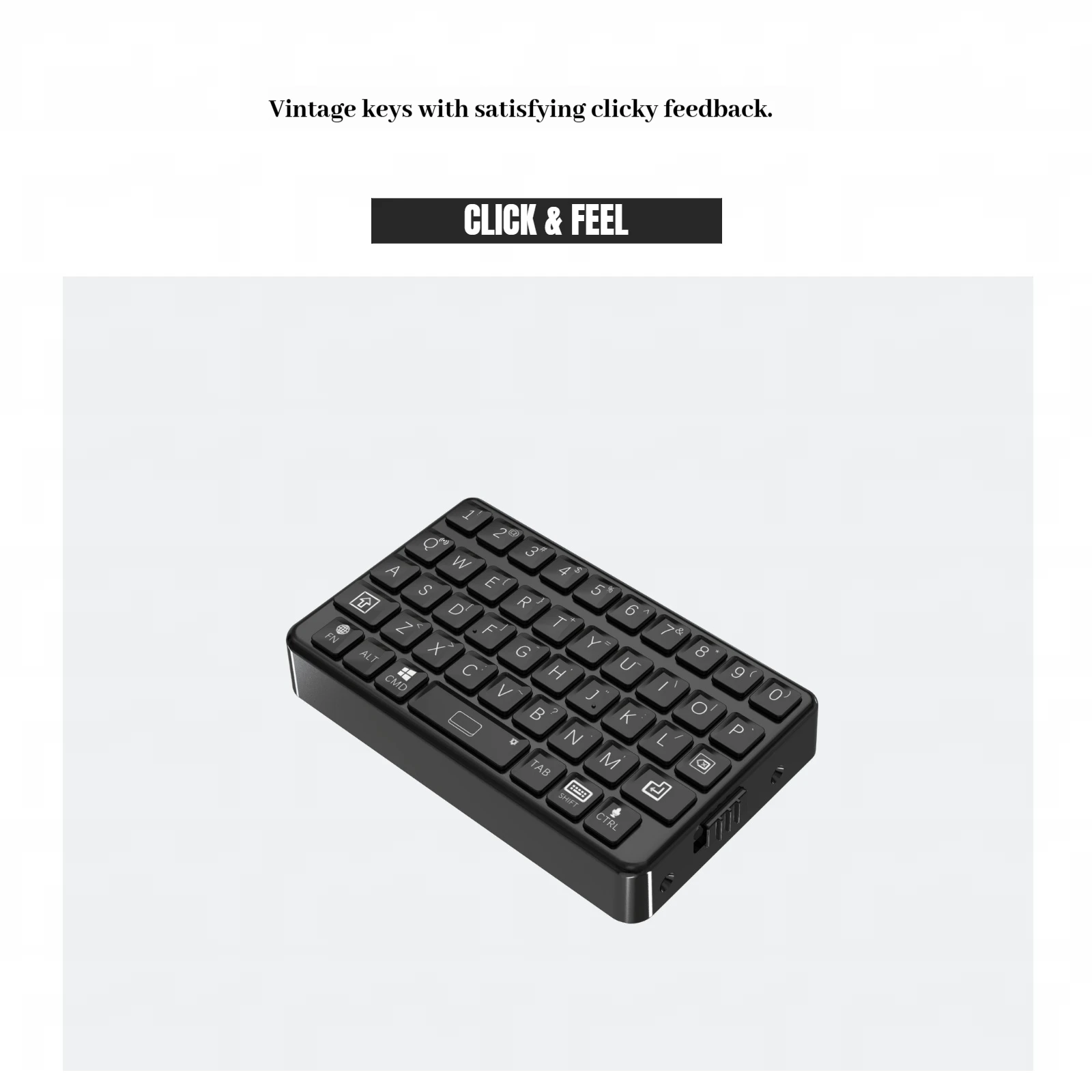

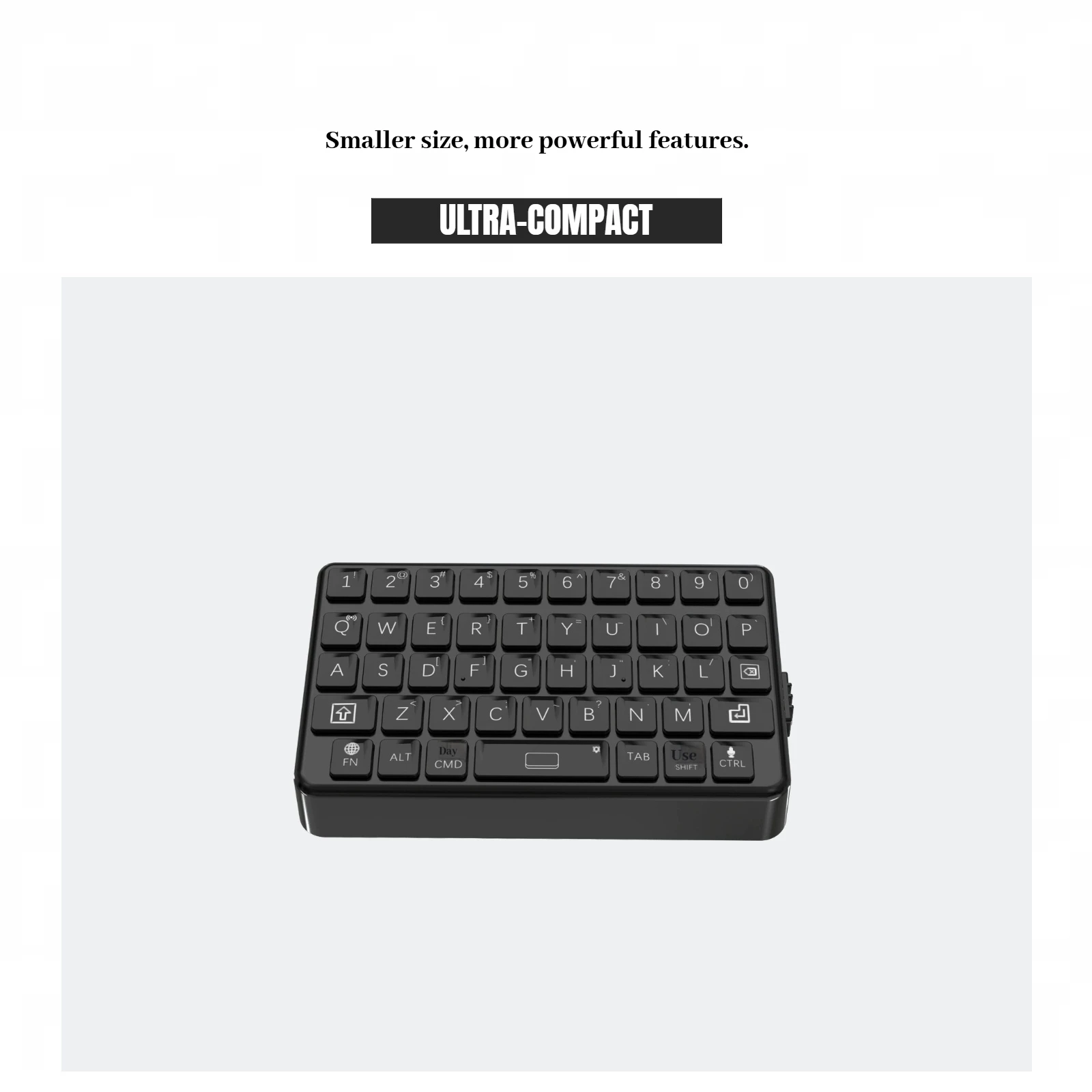

Tylko zalogowani klienci, którzy kupili ten produkt, mogą napisać opinię.
| Kolor | keyboard and DIY kit, mini keyboard |
|---|---|
| Substancja chemiczna budząca duże obawy | Nic |
| Full Size keyboard | NIE |
| Package | Tak |
| Wrist Support | NIE |
| Styl | Multimedia,Gaming,Ergonomics,Folding,Numeric Keyboard |
| Interface Type | Bluetooth,USB |
| Battery Included | NIE |
| Operation Style | Mechanical |
| Language | English |
| Keyboard Standard | 97 Keys |
| Aplikacja | Desktop,Number |
| Typ | Bluetooth Wireless |
| Nazwa marki | TOYOLEE |
| Pochodzenie | Chiny kontynentalne |
| Informacje/ostrzeżenie dotyczące bezpieczeństwa produktu | Not for children under 3 yrs |




Recenzje
Nie ma jeszcze żadnych opinii.