




- Substancja chemiczna budząca duże obawy: Nic
- Aplikacja: For Commercial
- After-sale Service: Shop’s Three Guarantees
- Rozmiar: 80mm
- Dot Matrix Printer Type: Ticket printers
- Consumable Type: Thermal Paper
- Max. Resolution: 203dpi
- Color Print Speed: Nic
- Black Print Speed: 200mm/sec
- Używać: Receipt Printer
- Bateria w zestawie: NIE
- Signal Connection Type: Bluetooth
- Print Speed: 31ppm
- Double-sided Printing: NIE
- Supports Network Printing: Wired/Wireless
- Paper Feed Mode: Roll Feed
- Max Paper Size: A5
- Typ: thermal receipt printer
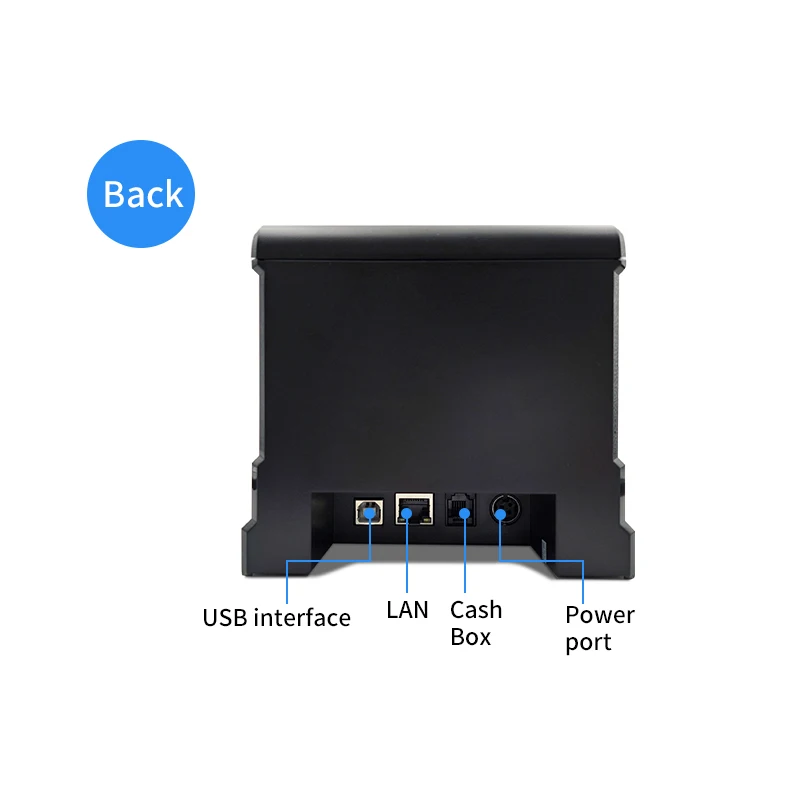
- Interface Type: USB
- Nazwa marki: HZTZ
- Pochodzenie: Chiny kontynentalne
- Weight: 1.5kg
 If you need any technical support please contact me,
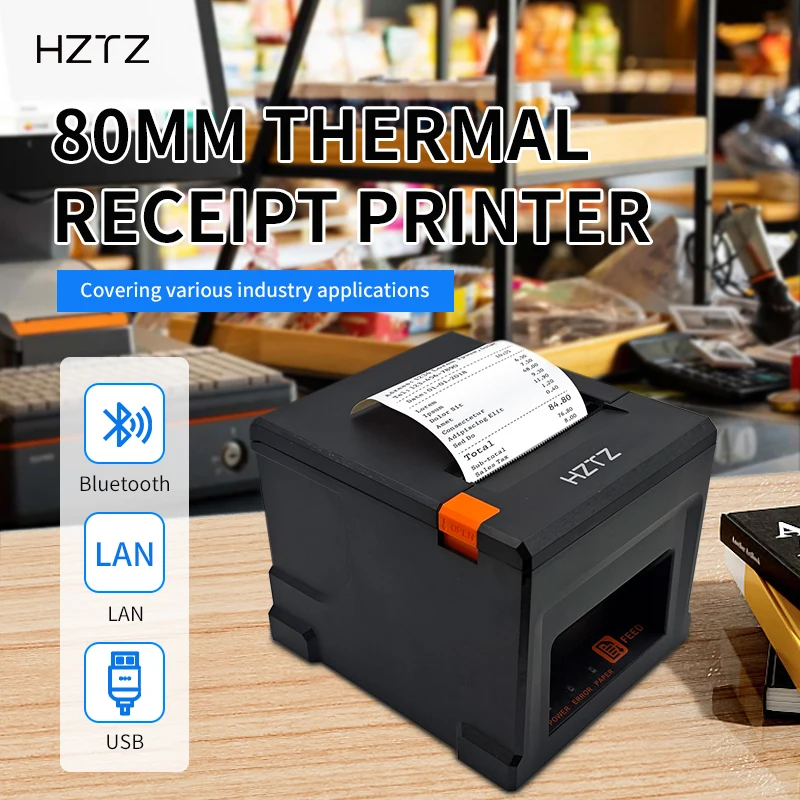
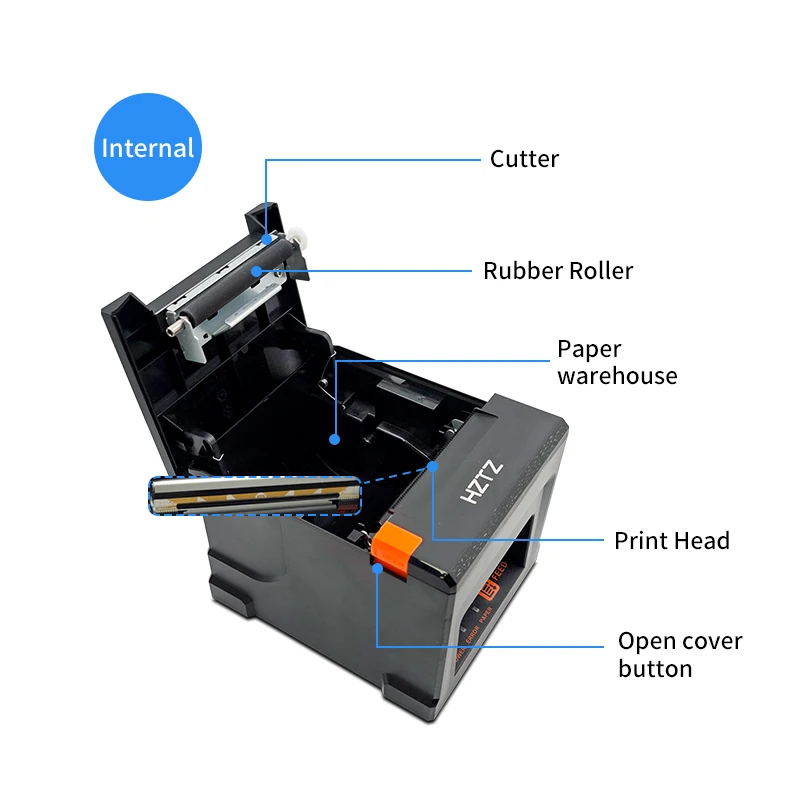
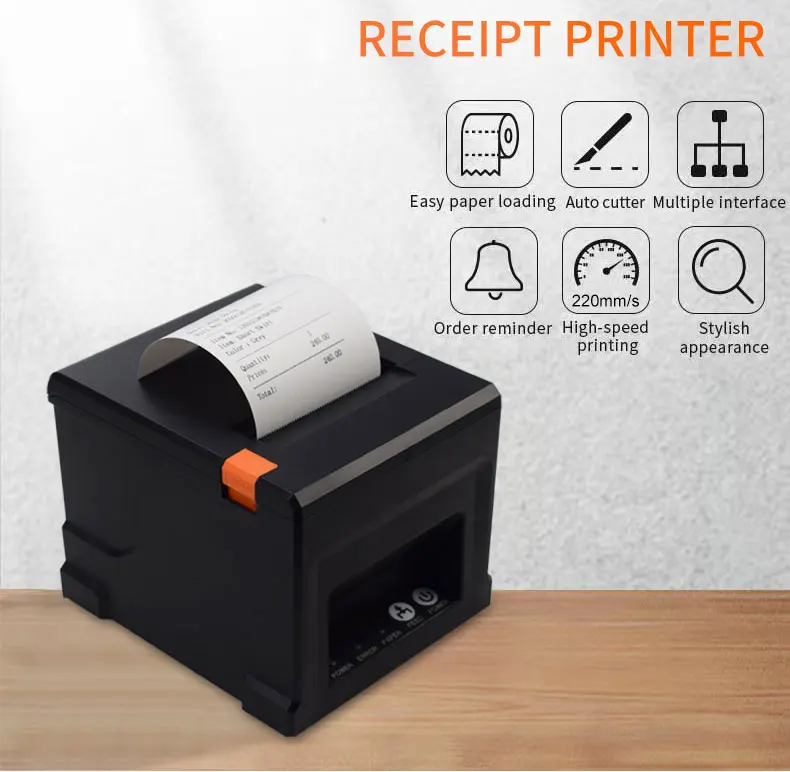
HZTZ HZ-8360 80mm Thermal Receipt Printer Auto cutter Restaurant Kitchen POS Printer
Specyfikacje
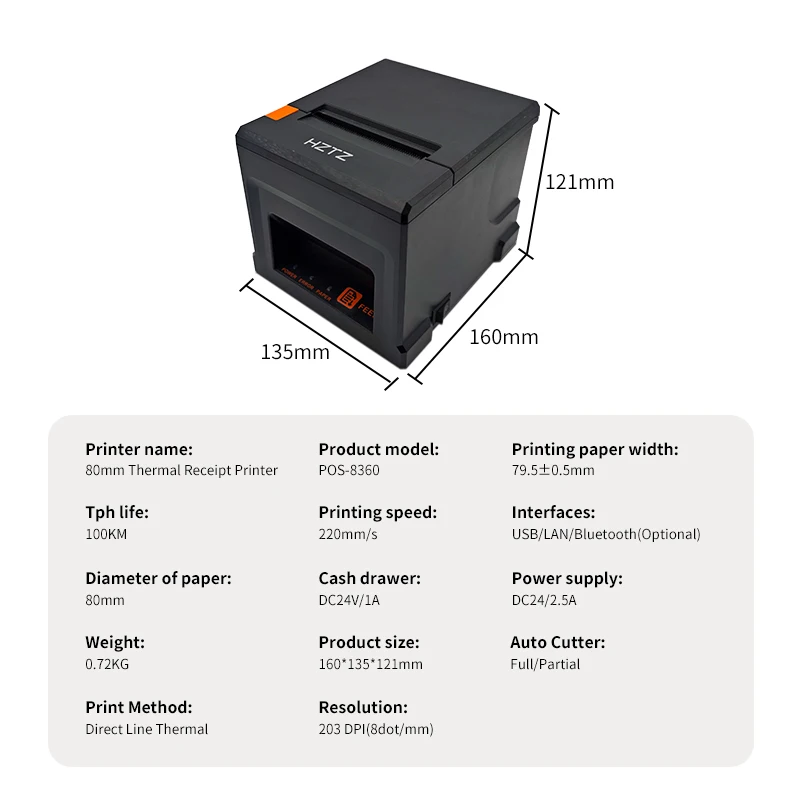
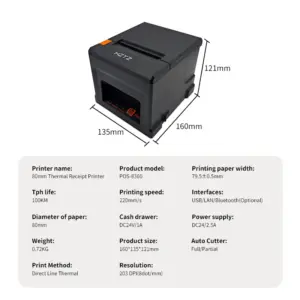
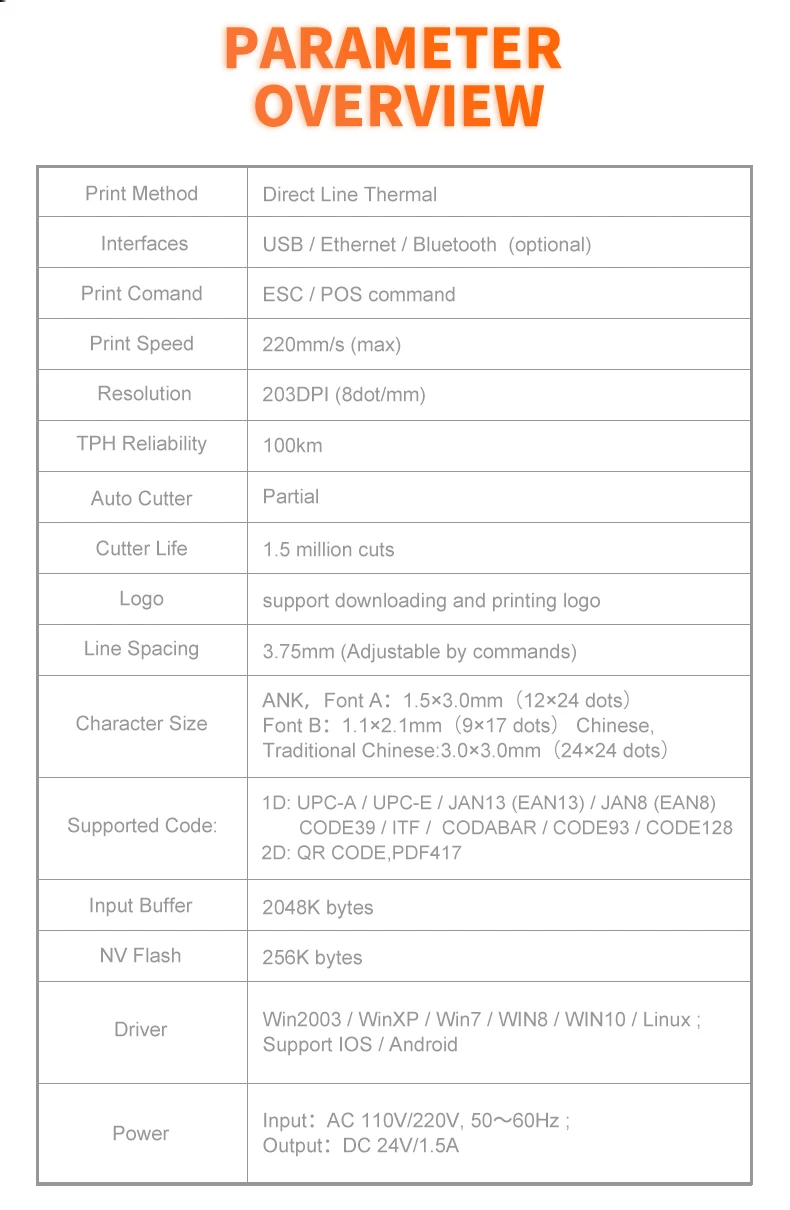
Print Method Direct Line Thermal
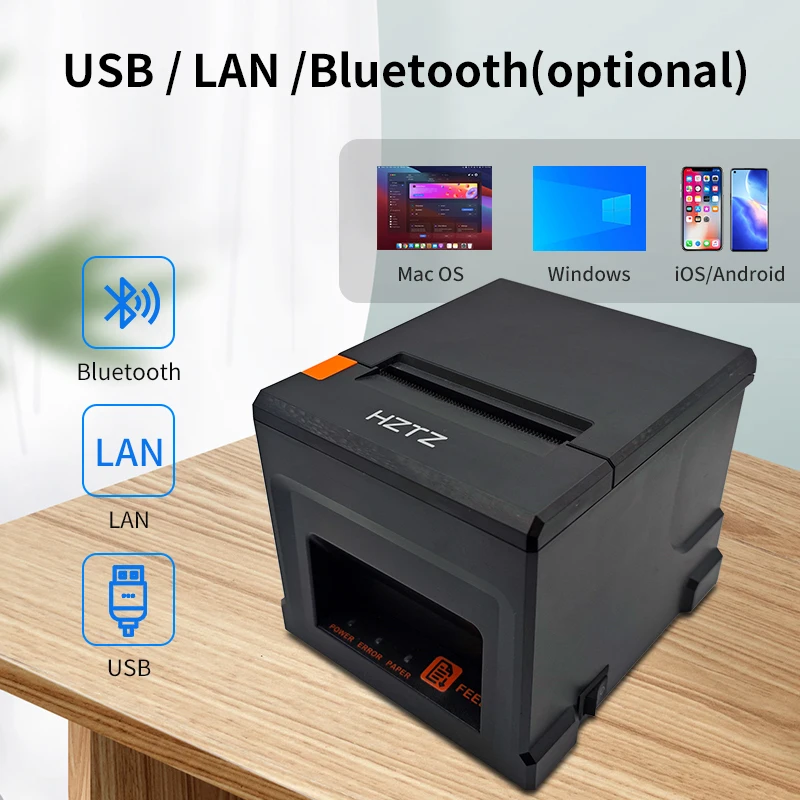
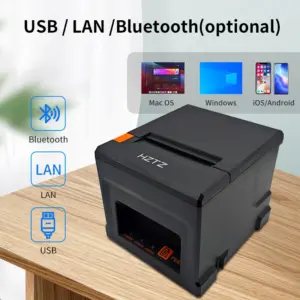
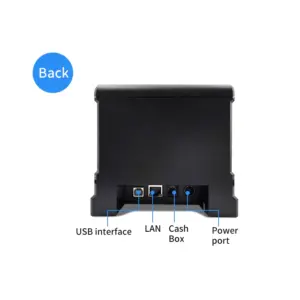
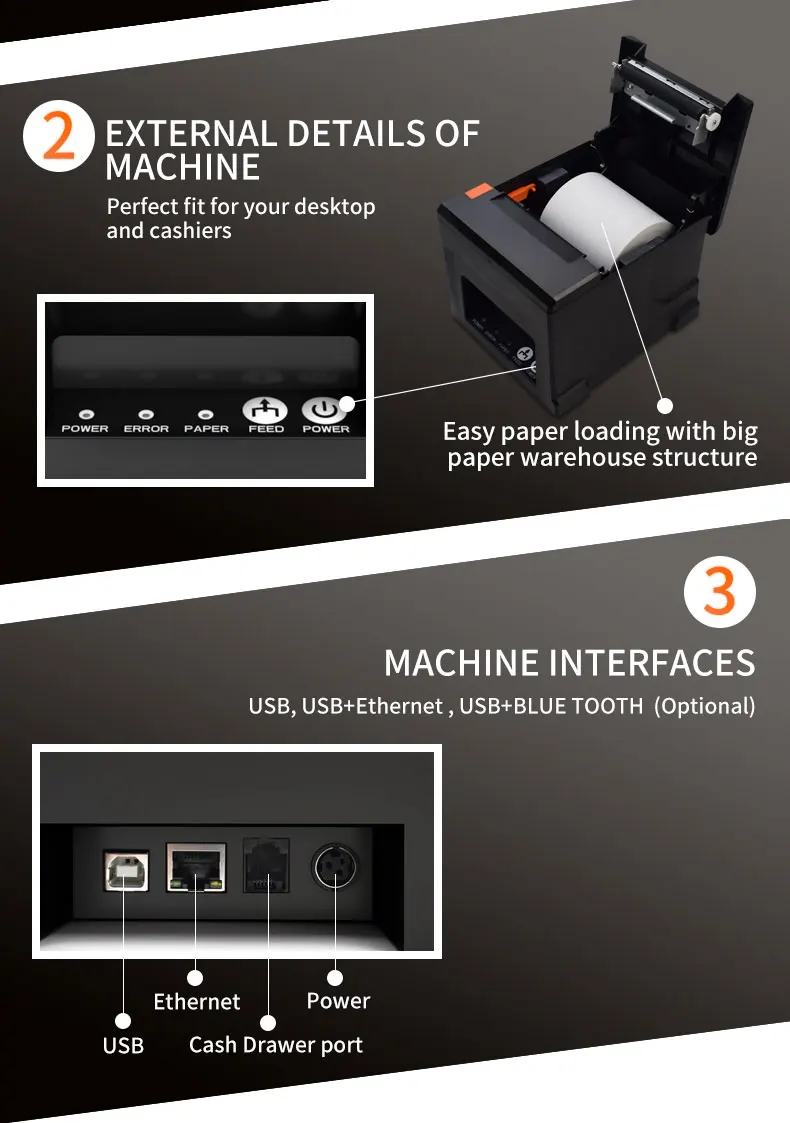
Interfaces USB / LAN / Bluetooth (optional)
Print Comand ESC / POS command
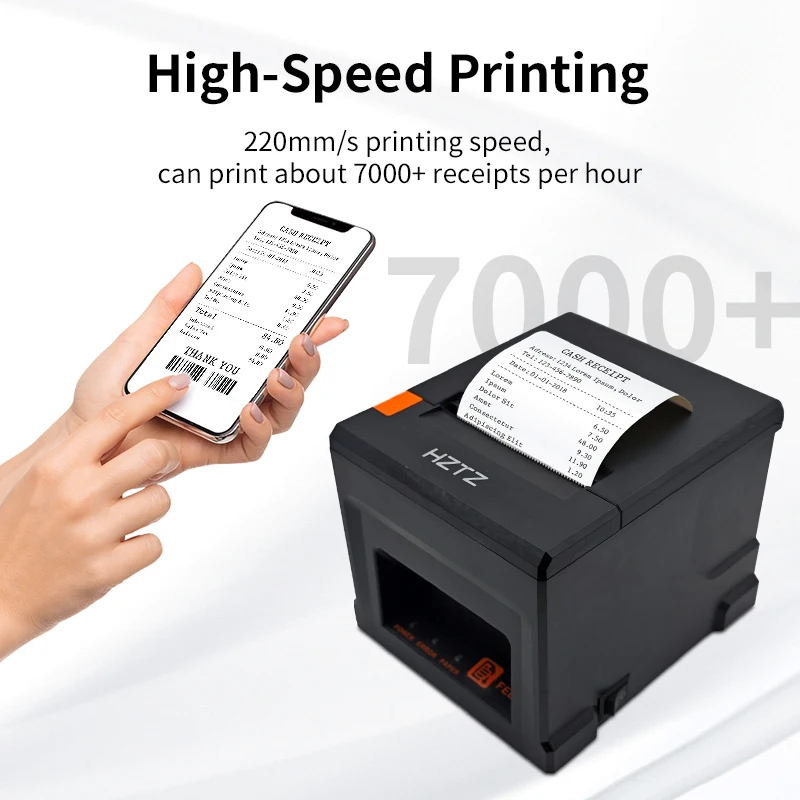
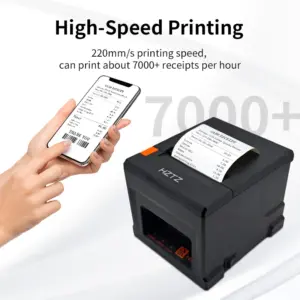
Print Speed 220mm/s
Resolution 203DPI (8dot/mm)
TPH Reliability 100km
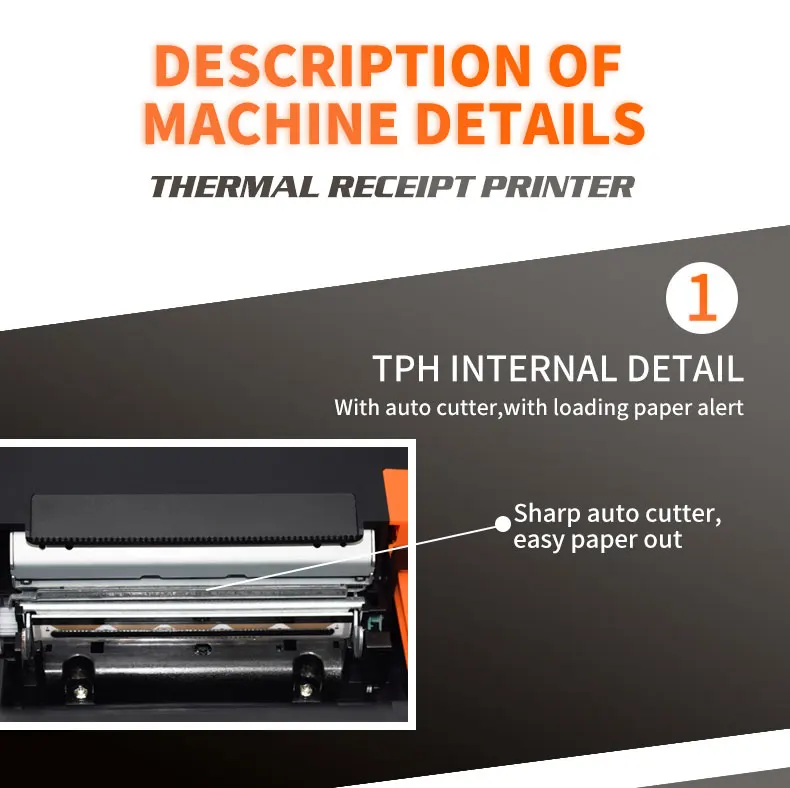
Auto Cutter Partial
Cutter Life 1.5 million cuts
Logo support downloading and printing logo
Line Spacing 3.75mm (Adjustable by commands)
“Extension Character
Sheet” PC437(Standard Europe),Katakana,PC850(Multilingual),PC860(Portuguese),PC863(Canadian),PC865(Nordic),West Europe,Greek,Hebrew,East Europe,Iran,WPC1252,PC866(Cyrillic#2),PC852(Latin2),PC858,IranII,Latvian,Arabic,Thai,PT151(1251)
Character Size ANK,Font A:1.5×3.0mm(12×24 dots) Font B:1.1×2.1mm(9×17 dots) Chinese, Traditional Chinese:3.0×3.0mm(24×24 dots)
Supported Code: “1D: UPC-A / UPC-E / JAN13 (EAN13) / JAN8 (EAN8) / CODE39 / ITF / CODABAR /
CODE93 / CODE128
2D: QR CODE,PDF417″
Input Buffer 2048K bytes
NV Flash 256K bytes
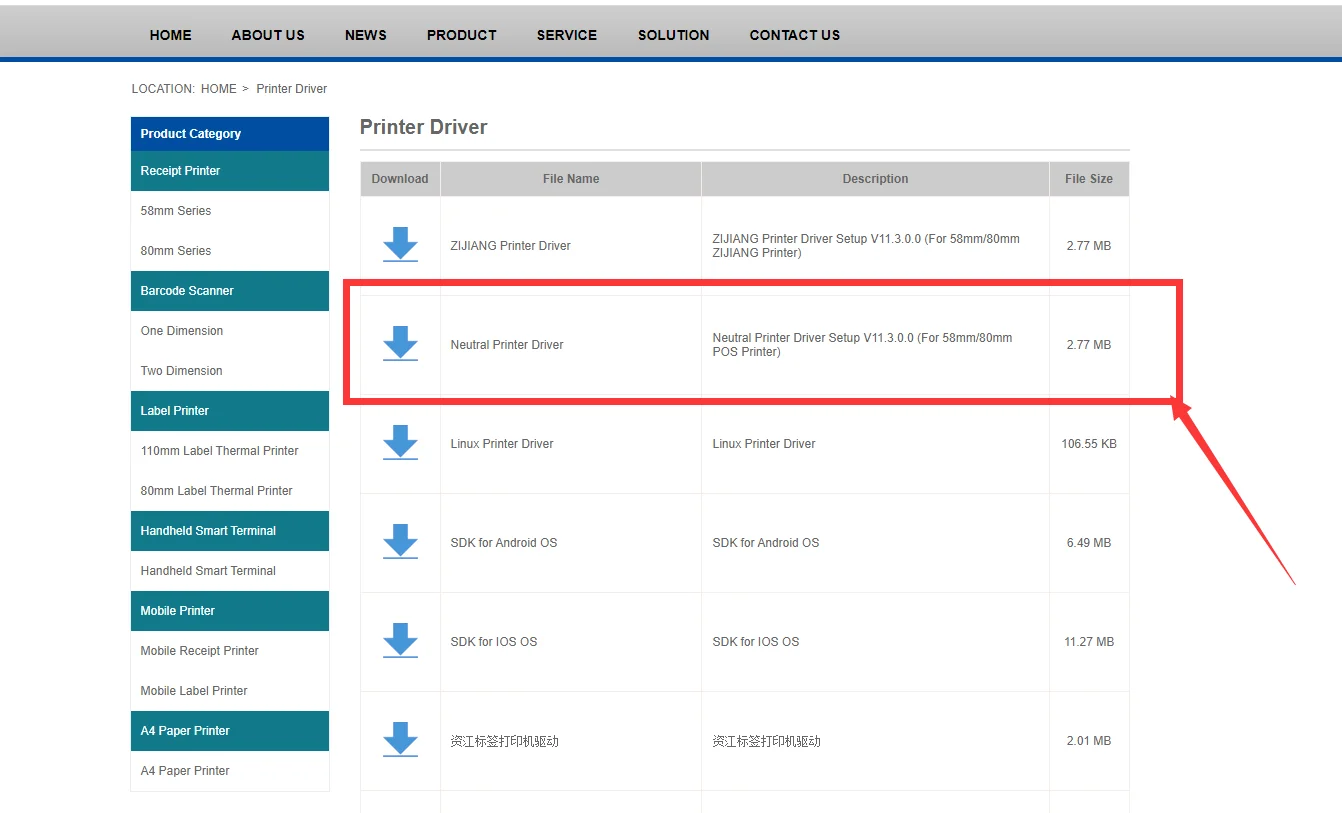
Driver Win2003 / WinXP / Win7 / WIN8 / WIN10 / Linux ; Support IOS / Android
Power Input:AC 110V/220V, 50~60Hz ; Output:DC 24V/2.5A
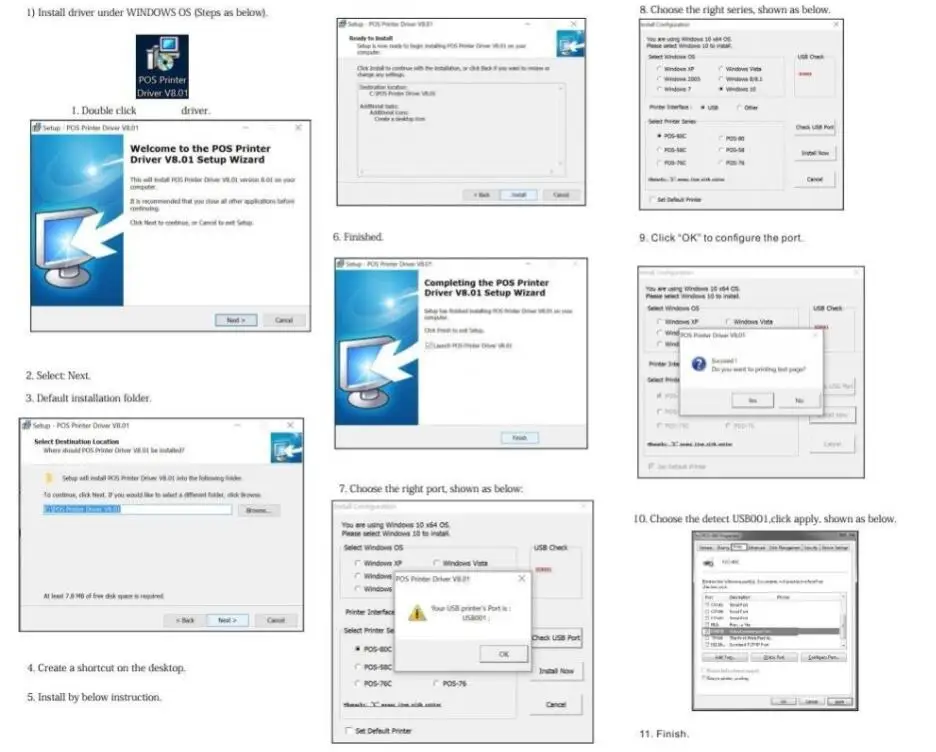
How to install printer driver?
1. Insert power cable into thermal printer.
2. Connect the printer with windows PC via USB cable.
3. Place thermal paper into printer.
4. Install printer driver by following the User Manual along with package.
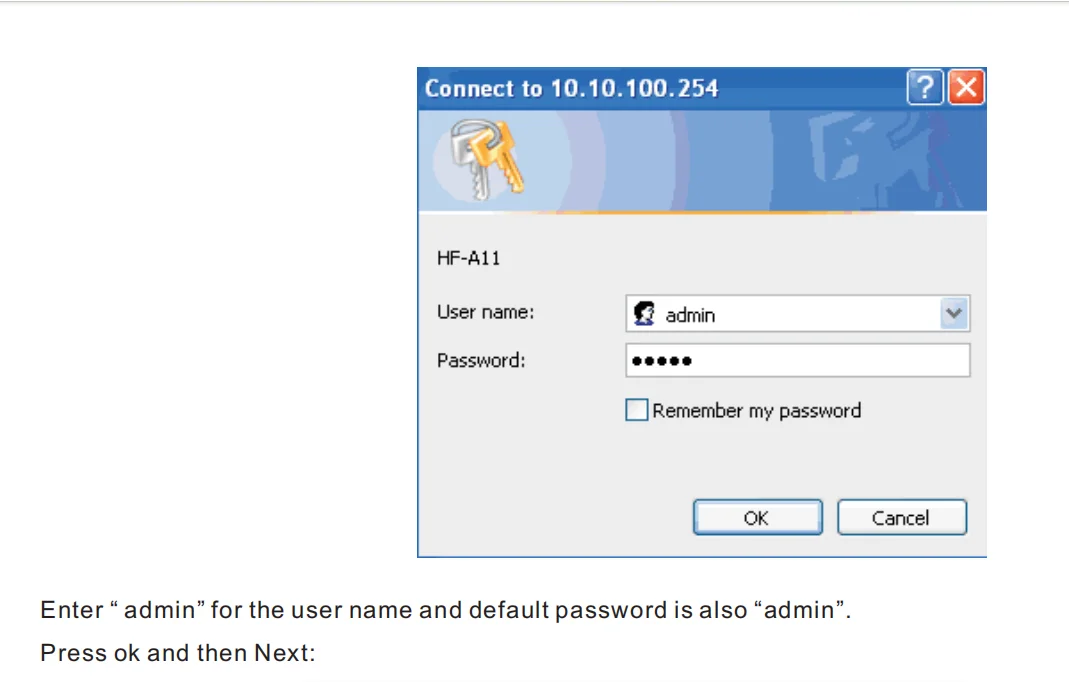
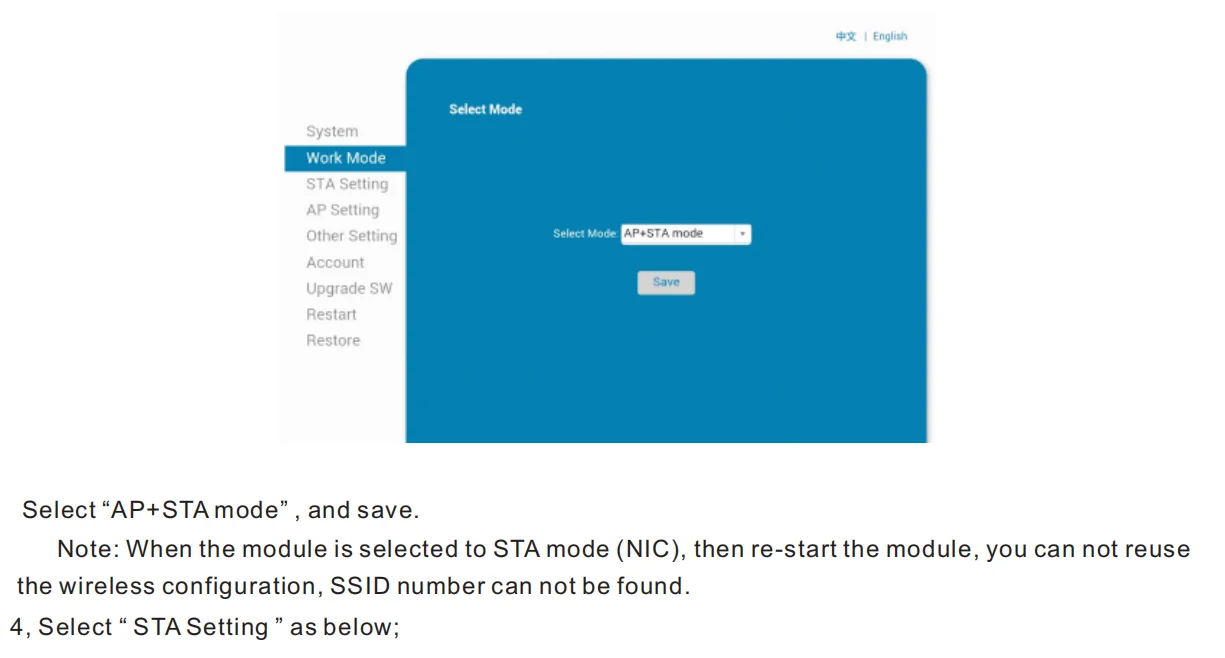
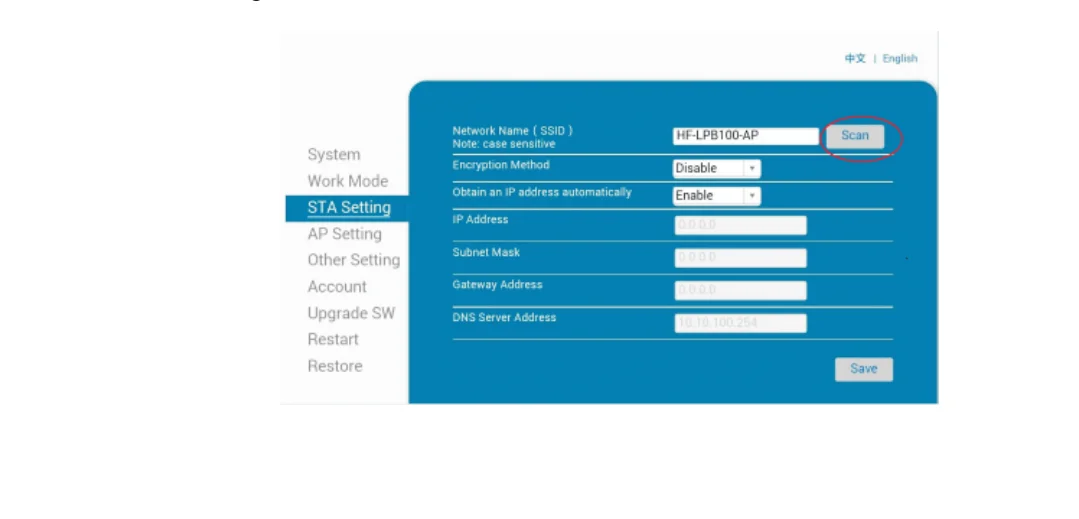
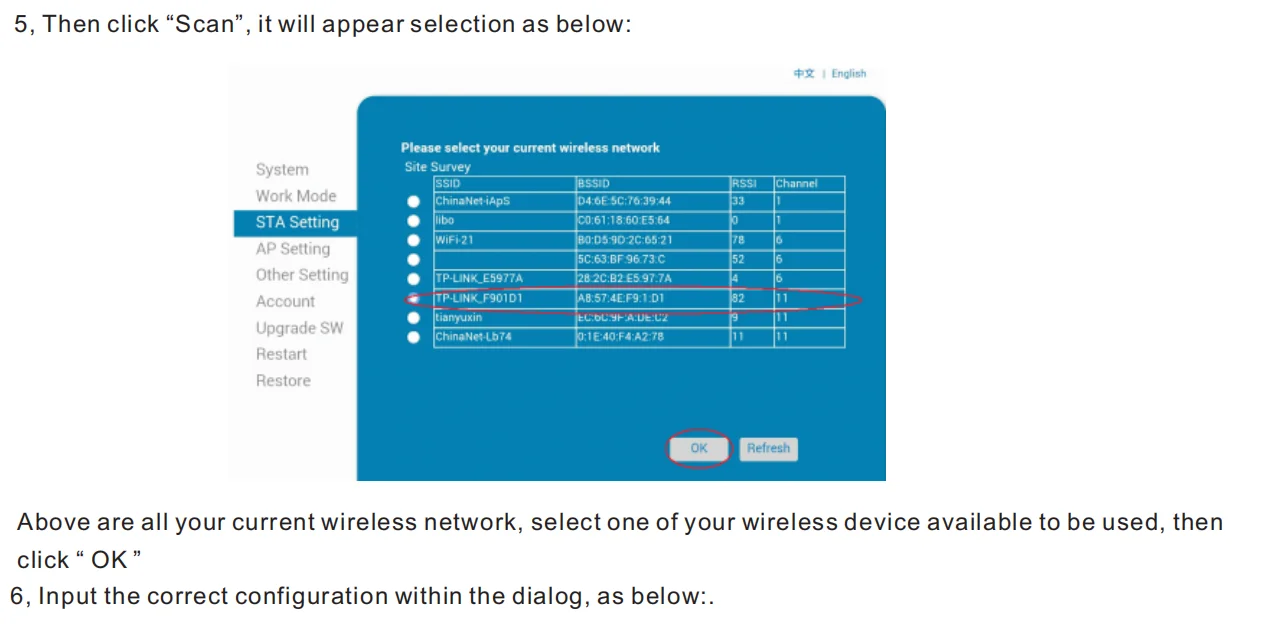
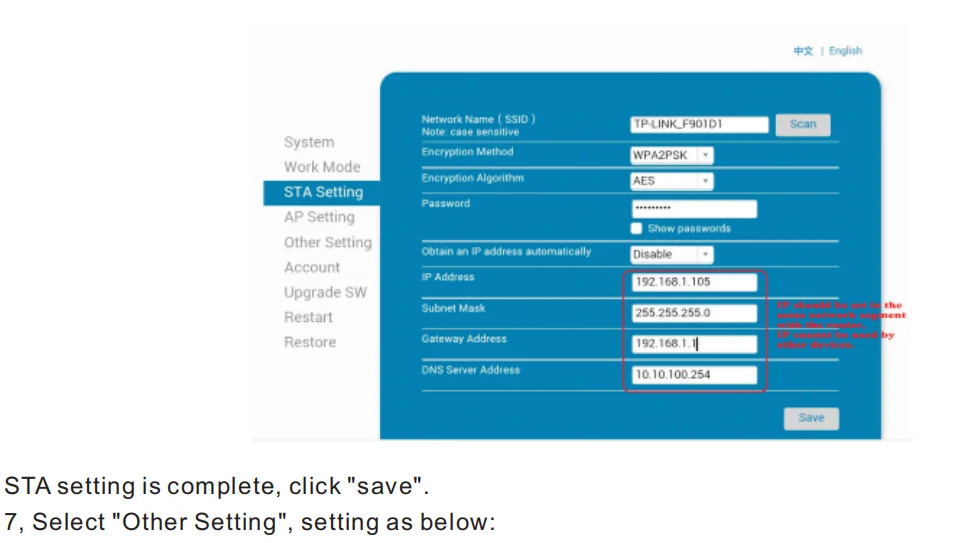
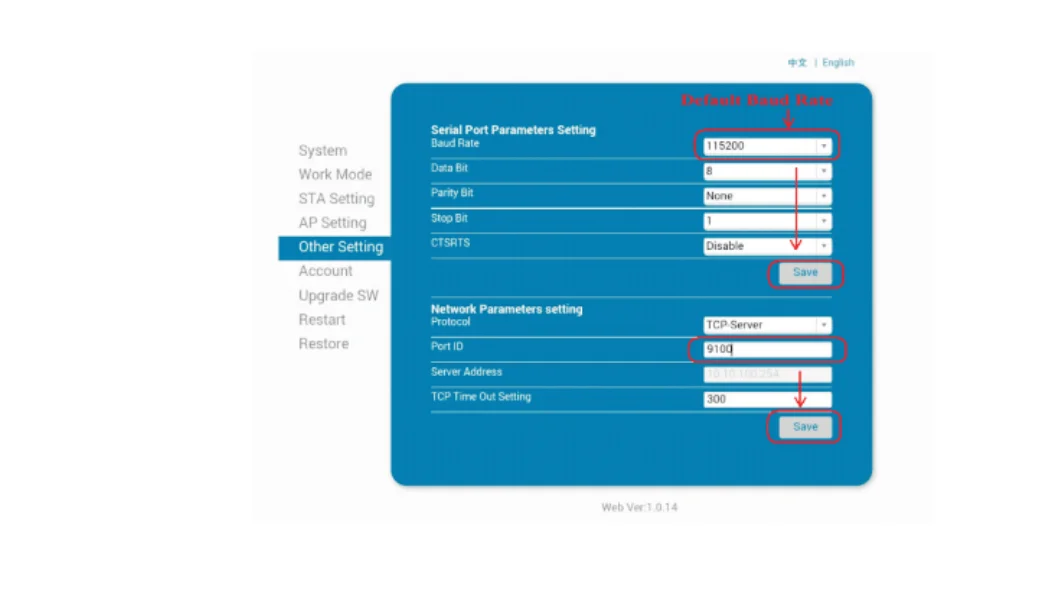
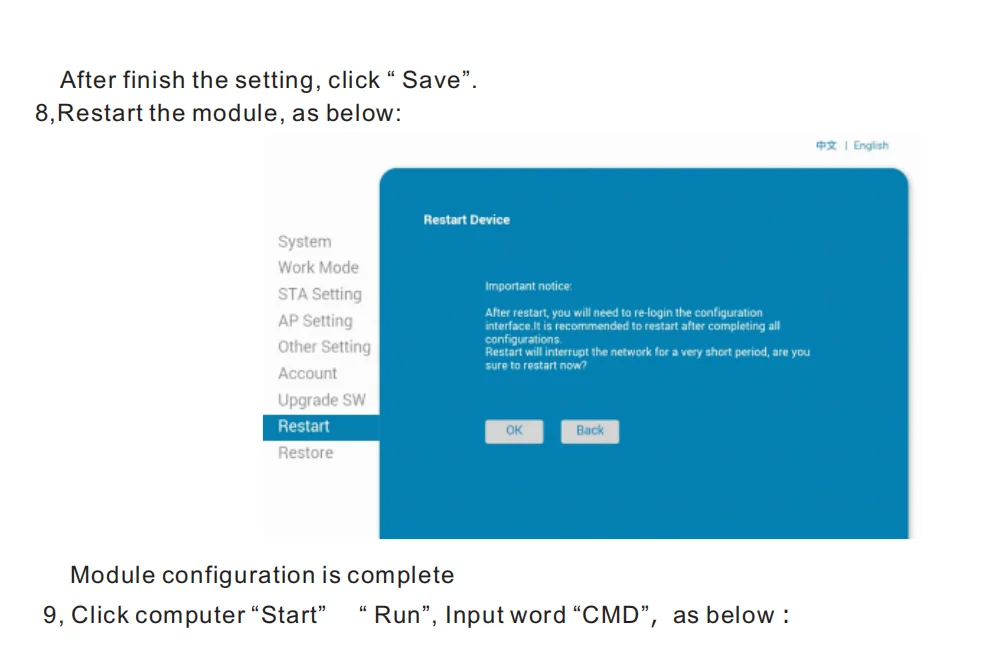
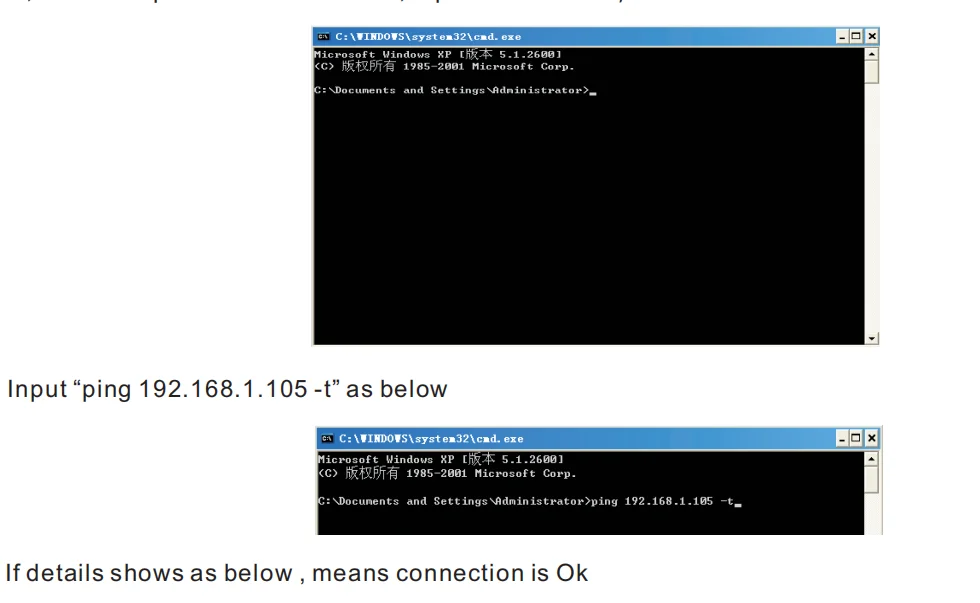
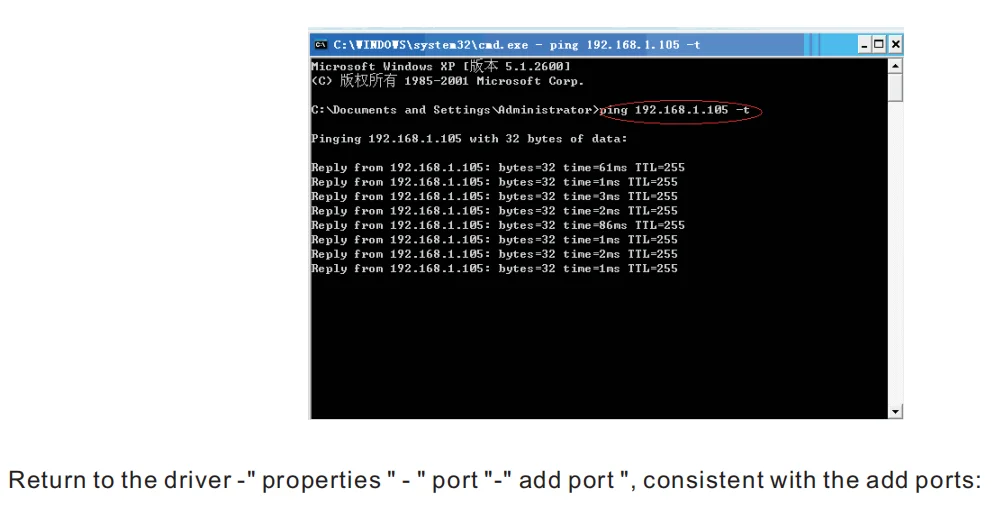
how to connect to MAC
Setting Guide:
Setting Guide:
How to connect printer with cash drawer?
1. Connect the cash drawer with printer through RJ11/RJ12 cable.
2. Install printer driver and set cash drawer from 【Printer Properties】.
3. Set 【Open cash drawer before printing from 【Device Settings】.
How to connect the 80MM printer with your software?
1. Please install the printer first in your windows PC.
2. Set the printer from your software “Printer Settings”.
3. If you don’t know where to add printer in your software, please consult with software supplier for guide.
36 reviews for HZTZ 80mm Thermal Receipt Printer HZ-8360 Automatic Cutter Restaurant Kitchen POS Printer USB LAN Bluetooth
Tylko zalogowani klienci, którzy kupili ten produkt, mogą napisać opinię.
| Kolor | 8360 USB, 8360 USB LAN, 8360USBBluetooth, 8360USBLANBT |
|---|---|
| Substancja chemiczna budząca duże obawy | Nic |
| Aplikacja | For Commercial |
| After-sale Service | Shop's Three Guarantees |
| Rozmiar | 80mm |
| Dot Matrix Printer Type | Ticket printers |
| Consumable Type | Thermal Paper |
| Max. Resolution | 203dpi |
| Color Print Speed | Nic |
| Black Print Speed | 200mm/sec |
| Używać | Receipt Printer |
| Bateria w zestawie | NIE |
| Signal Connection Type | Bluetooth |
| Print Speed | 31ppm |
| Double-sided Printing | NIE |
| Supports Network Printing | Wired/Wireless |
| Paper Feed Mode | Roll Feed |
| Max Paper Size | A5 |
| Typ | thermal receipt printer |
| Interface Type | USB |
| Nazwa marki | HZTZ |
| Pochodzenie | Chiny kontynentalne |
| Weight | 1.5kg |
| Typ wtyczki | EU Plug, UK Plug, US Plug |




T***o (zweryfikowany) –
Just perfect. Easy to install
K***s (zweryfikowany) –
It took a long time to arrive 🇵 🇪 but it looks good quality. I haven’t tried it yet.
AliExpress Shopper (zweryfikowany) –
High-quality product
V***o (zweryfikowany) –
Do not buy from this seller, after many messages sent about the printer not matching the order, because the printer does not work with iPhone 15 Pro or even with Windows 11 via Bluetooth, it only works with USB connection. They only accept a partial refund for the model with only USB, and they propose a return.
AliExpress Shopper (zweryfikowany) –
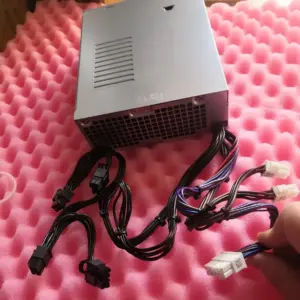
I ordered the printer with an EU plug, but I received a charger with an adapter from UK to EU that is inappropriate and the plug does not fit the printer as seen in the photo, so I couldn’t use it and had to spend an additional €23 to get a cable from Amazon. Requested a partial refund and was refused twice. Not recommended
E***t (zweryfikowany) –
Perfect and good price. Worked with my system
J***r (zweryfikowany) –
Does not work with iOS for the Bluetooth version… so the description is incorrect! Even with Android it detects it but nothing works afterwards. Low-end product, please pass by.
Á***i (zweryfikowany) –
A very good epson clone. The printing is fast and the cutting is clean.
AliExpress Shopper (zweryfikowany) –
Item delivered as described. The printer works successfully with Esc/Pos in the first tests. The case is slightly warped, causing the device to wobble on the table.
H***r (zweryfikowany) –
I’m using it with my own app, these are the same protocols as epson printers. Esc/pos.
For daily production, i only tested lan via rj45, it works well.
I tested bluetooth with the app provided with zip including drivers, the connexion is stable too but i don’t use it everydays.
Happy with the product.
A***a (zweryfikowany) –
arrived well
AliExpress Shopper (zweryfikowany) –
Fast shipping. Excellent printer and performance. It even comes with testing thermal paper.
g***r (zweryfikowany) –
Works very well, perfect paper cutting and fast printing!!
AliExpress Shopper (zweryfikowany) –
It’s a very good product, I’ve tried it and it gives good impressions, definitely a good purchase.
Z***h (zweryfikowany) –
Arrived on time. Very robust, tested it via lan/ethernet prints perfecty! I even dropped it accidentally from the table, but it was still working, and its still working every day, cuts the paper very good! I can recommend! Works with epson coding.
U***n (zweryfikowany) –
Arrived well packaged, manual, roll, printer, complete and excellent for point of sale.
AliExpress Shopper (zweryfikowany) –
Optimal
L***i (zweryfikowany) –
Works perfectly! I have the ethernet edition and this is working perfect also with escpos python library. Fast and good printing. I like it.
D***a (zweryfikowany) –
Works well, seems to have sturdy construction. Easy to install driver.
D***a (zweryfikowany) –
Works well, seems to have sturdy construction. Easy to install driver.
AliExpress Shopper (zweryfikowany) –
Korean printing is not possible. Other languages are available in the code settings, but only Korean is missing.
y***y (zweryfikowany) –
Good product
j***j (zweryfikowany) –
It works perfectly, download the drivers with Explorer since the page is not trustworthy and Chrome does not give an option, otherwise for now installed and working.
j***j (zweryfikowany) –
It works perfectly, download the drivers with Explorer since the page is not trustworthy and Chrome does not give an option, otherwise for now installed and working.
L***a (zweryfikowany) –
Very good as described!
AliExpress Shopper (zweryfikowany) –
Not compatible with odoo epos. But works fine for small applications
C***n (zweryfikowany) –
excellent quality and easy to handle
AliExpress Shopper (zweryfikowany) –
I bought the one with bluetooth connection but it doesn’t work at all. I tried to chat to the seller they never reply. This is the first time i have this experience with aliexpress. I hope to get my refunds back. Worst seller ever. Pls don’t buy from this seller.
AliExpress Shopper (zweryfikowany) –
A***z (zweryfikowany) –
Its doesn’t connect to anything. Try to contact the supplier but no luck. Do not order this.
d***r (zweryfikowany) –
Unfortunately the quality is far from my hotlabel printer. And ok its 80mm but it should handle other sizes too, but it doesnt only 80mm paper can be chosen and no option to add more. Cannot even setup the darkness or adjust to get finer details. Its fast and cut nicely, so if somebody wanna use it in a kitchen of a restaurant, its ok, but for my purpose it isn’t good. Ohh… and the qr code doesn’t work anymore and for driver download need to use the link.in advertisement.
M***S (zweryfikowany) –
Does not work with ios. No good
h***r (zweryfikowany) –
I don’t know if it will last like the branded ones, but it works perfectly. In fact, I already bought another one, both work very well…
AliExpress Shopper (zweryfikowany) –
Excellent product, very fast delivery
AliExpress Shopper (zweryfikowany) –
Good item. It is a little hard to find the driver but it works eventually.
AliExpress Shopper (zweryfikowany) –
works very well