






- High-concerned chemical: None
- Material: Plastic
- Is Smart Device: Yes
- Extension Cable Length: None
- Grounding: Standard Grounding
- Application: Residential / General-Purpose
- Brand Name: zigee link
- Origin: Mainland China
- Product Safety Information/Warning: To be used under the direct supervision of an adult.
Product size: 50*50*84mm
Weight: 0.09kg
Input voltage: AC100-240V 50/60Hz.
WIFI standard: 2.4GHz 802.11 b/g/n g/n.
Indicator light: blue light indicator switch and distribution network
Shell material: PC+ABS fire rating V0
Working temperature: -20-50℃
Certification standard: CE/ROHS
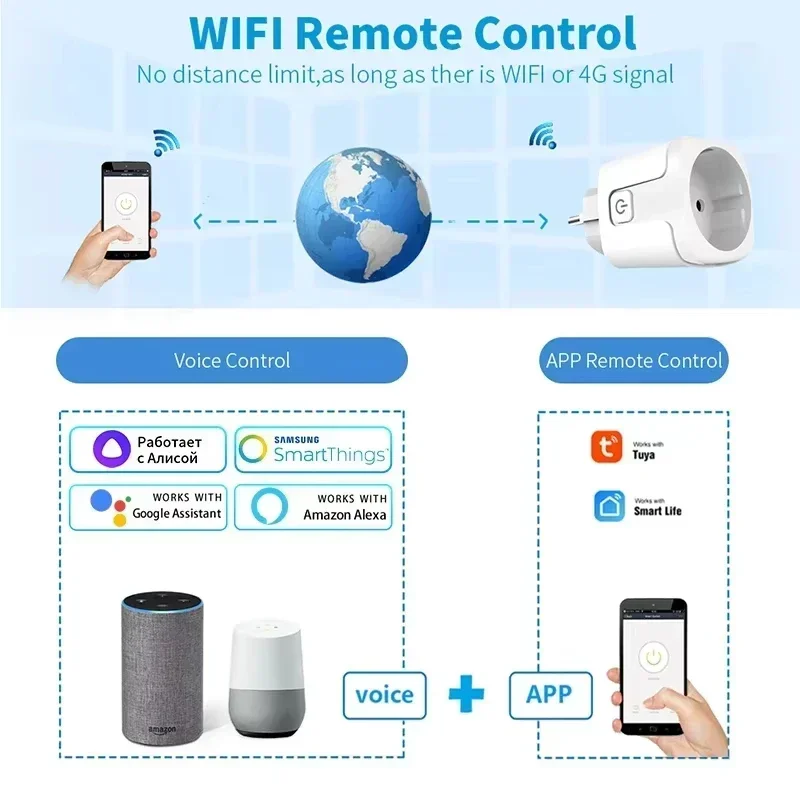
Graffiti smart or smart life APP can be remotely controlled by mobile phone by connecting with WiFi router.
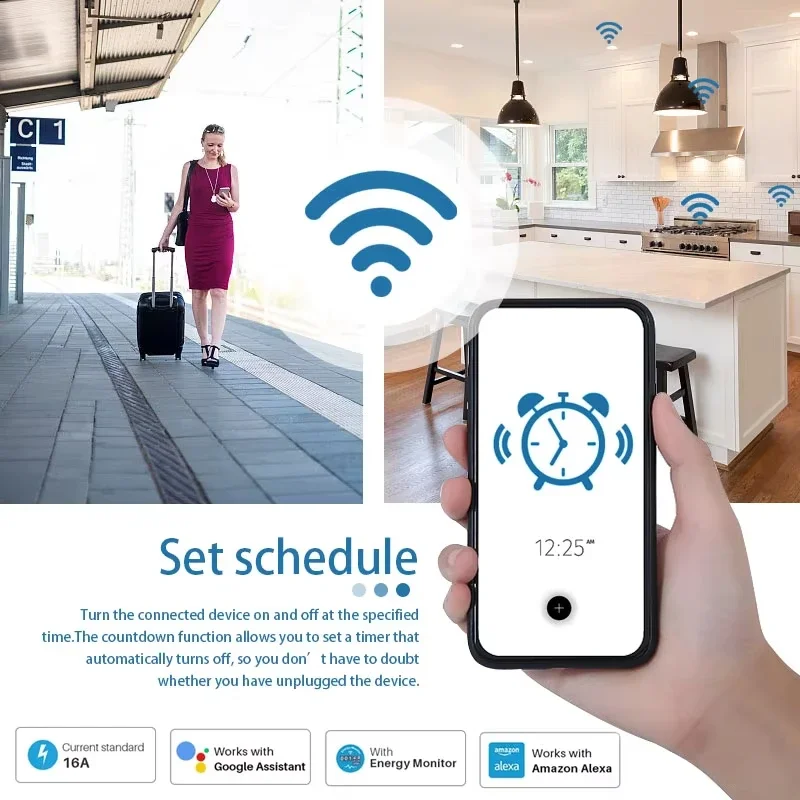
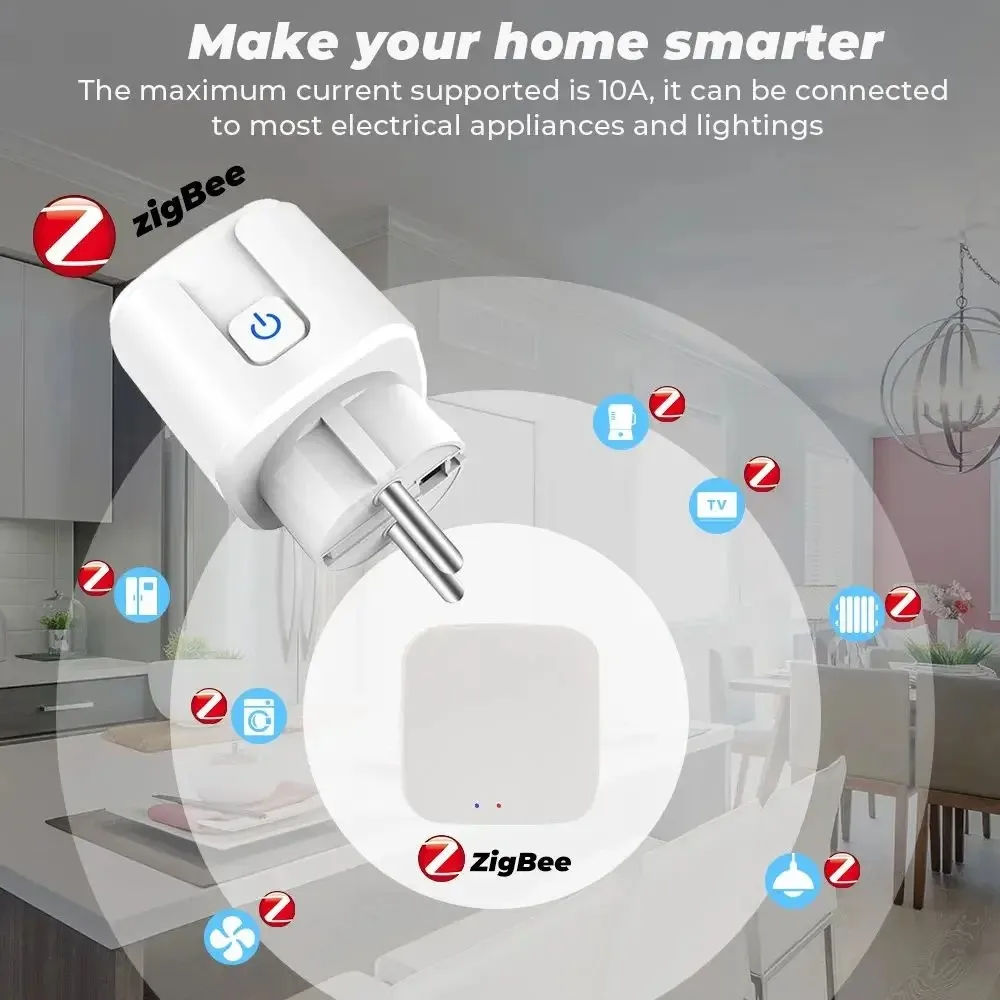
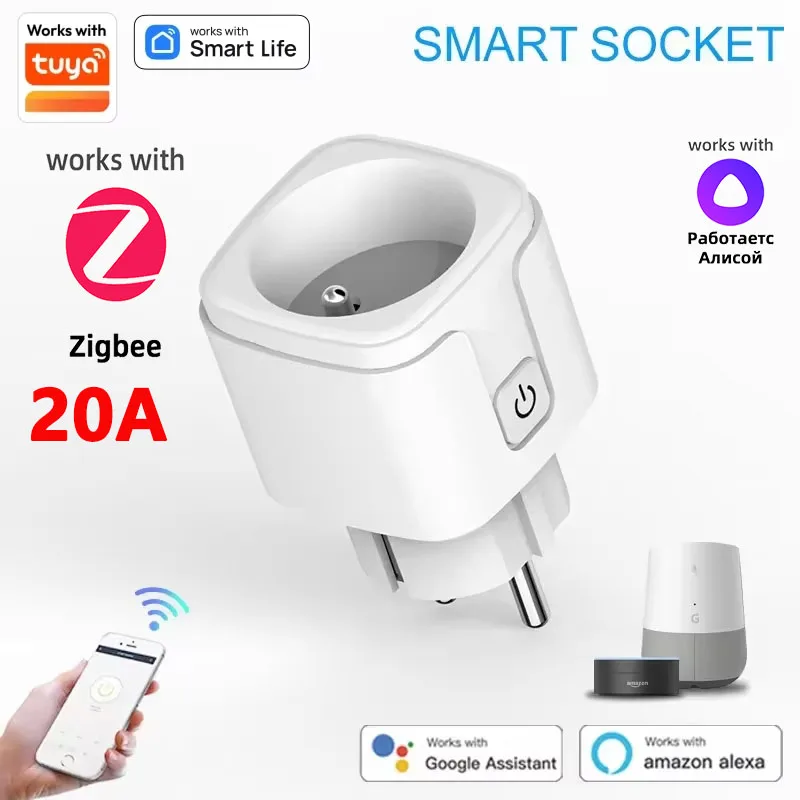
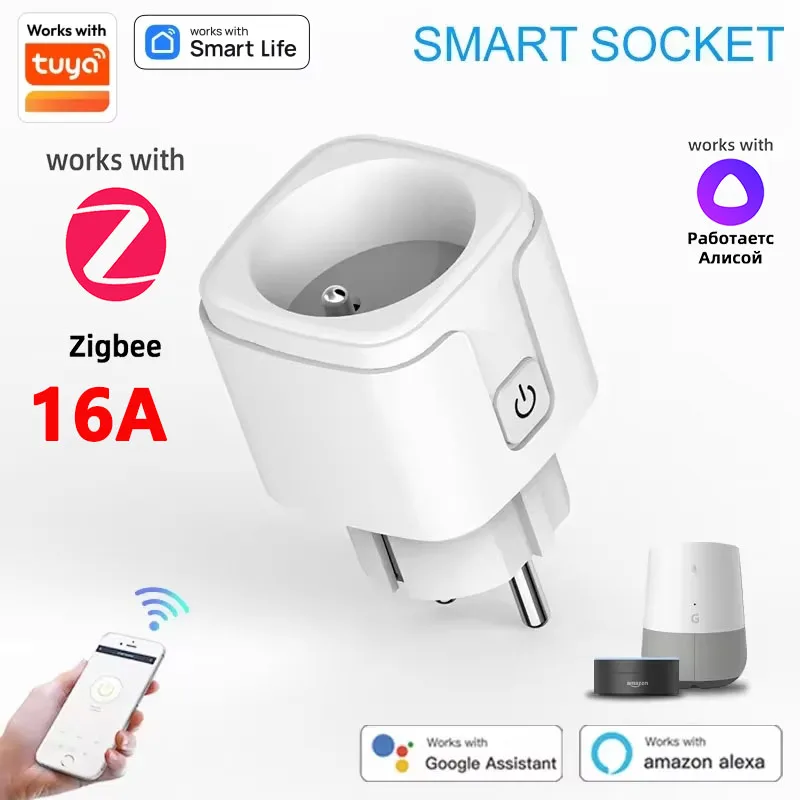
Support Alexa, Google Home, Tmall Elf Xiaoai and other intelligent voice control.
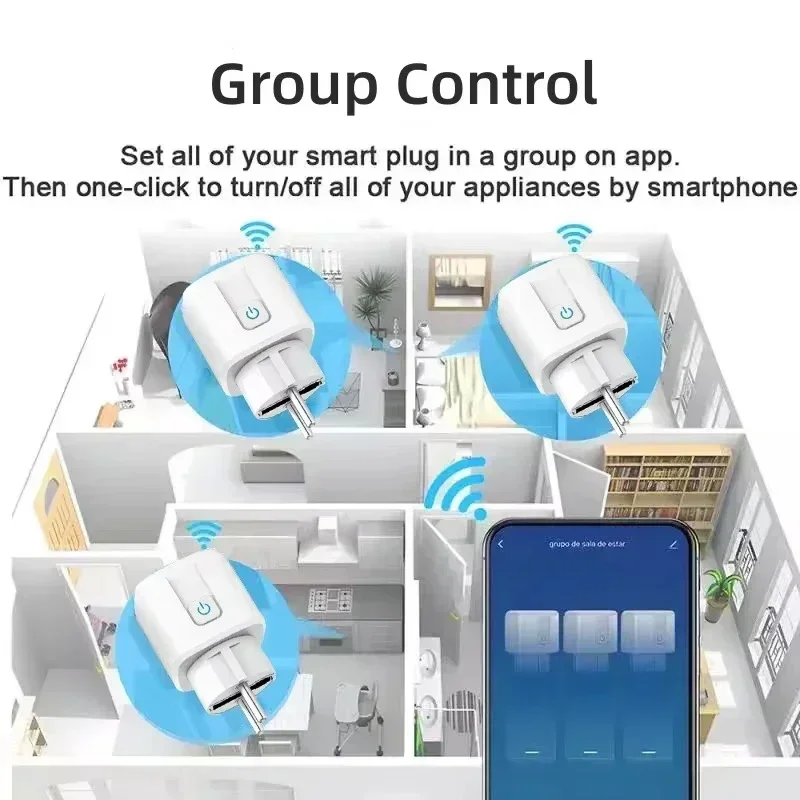
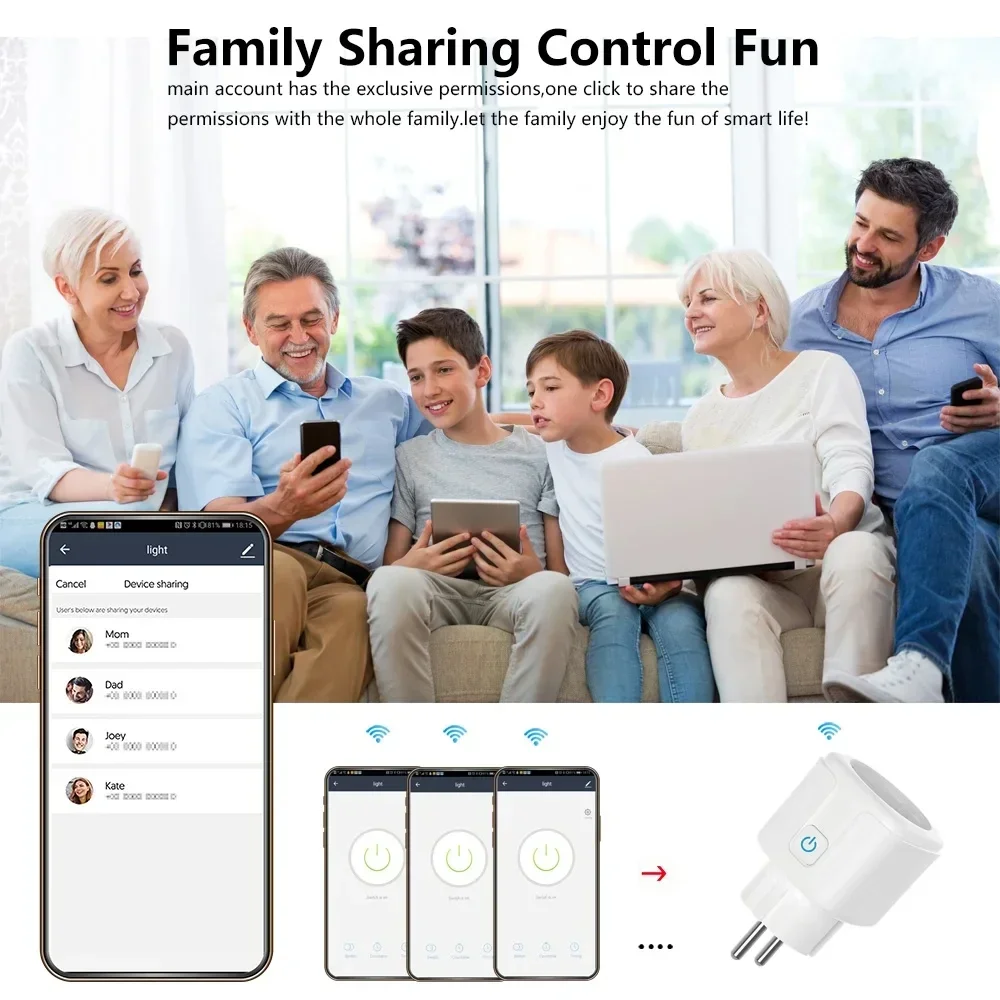
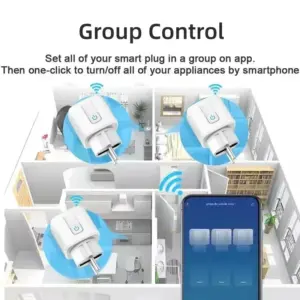
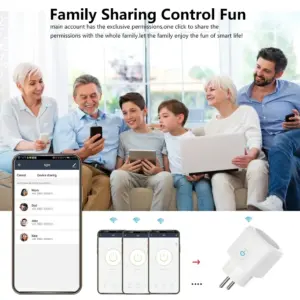
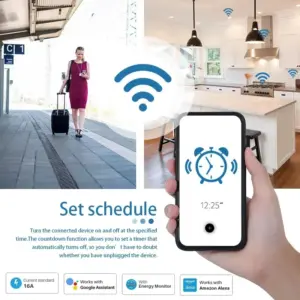
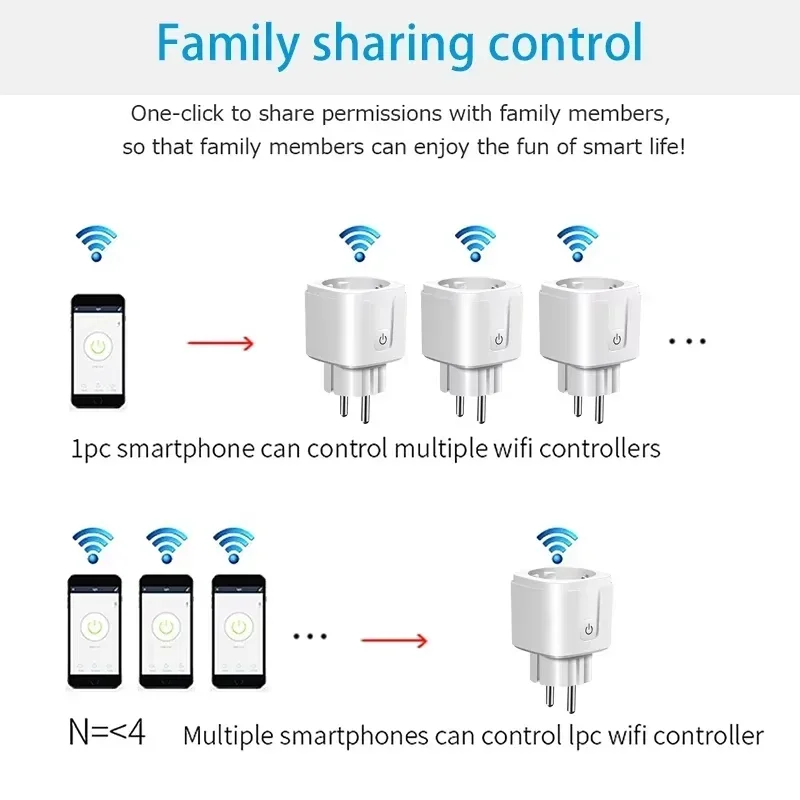
Mobile APP remote control, intelligent timing, intelligent scene linkage, power statistics, sharing control.
APP distribution network operation steps
A. One-button configuration
1. Please connect the mini-socket to the power supply and wait for the blue indicator light to flash, or press and hold the key for 5 seconds until the blue indicator light flashes (twice per second).
2. Connect the mobile phone to wifi and confirm the success.
3. Open the APP, click the Add icon in the upper right corner of the device list, and then select “Socket” to enter the interface of configuring devices.
4. Click “Please confirm that the indicator light is flashing”, enter the password of the WIFI currently connected to the mobile phone, and click “Confirm”.
5. Wait for the configuration. After the configuration is successful, click “Finish” to jump to the function interface of the socket.
2.AP configuration
AP configuration is a paving configuration method. If one-click configuration fails, AP configuration can be used. The method is as follows:
1. Press and hold the key for 5S, and the indicator light will flash slowly (on for 2 seconds and off for 2 seconds).
2. Open the APP, click the Add icon in the upper right corner of the device list, select “Socket” to enter the interface of configuring devices, and click.
“Compatibility Mode” enters the AP configuration interface.
3. Click “Please confirm that the indicator light is flashing slowly”, enter the password of the WIFI currently connected to the mobile phone, and click “Confirm”.
4. Click “Disconnect” to jump to the WIFI list interface, select SmartLife-XXXX and click “Connect”.
5. Click the back button on the phone and wait for configuration. After successful configuration, click “Finish” to jump to the function interface of the socket. “
20 reviews for 1PCS Zigbee 3.0 WiFi Smart Plug EU Socket Timer Adaptor Outlet 16A/20A Power Monitor APP Voice Control Tuya Alexa Google Alice
Only logged in customers who have purchased this product may leave a review.
| High-concerned chemical | None |
|---|---|
| Material | Plastic |
| Is Smart Device | Yes |
| Extension Cable Length | None |
| Grounding | Standard Grounding |
| Application | Residential / General-Purpose |
| Brand Name | zigee link |
| Origin | Mainland China |
| Product Safety Information/Warning | To be used under the direct supervision of an adult. |
| Rated Voltage | Power Monitor |
| Color | 16A 100-240V, 20A 100-240V |
| Outlets Number | 2 |





b***r (verified owner) –
The smart plug sockets works perfectly and it connects easily with the gateway .had bought from this store several times and i’m very impressed and satisfied with the product’s high quality.
I’m feeling very confident about this store and safe also
Very good contact with the store personnel and exceptional service – the reason why i’m keeping coming back
I’m very impressed with the trustworthy competence
Thank you and best regards
F***r (verified owner) –
Package received well, shipping was fast, I recommend the seller.
AliExpress Shopper (verified owner) –
Working absolutely fine. Easy linking to router and alexa.
G***r (verified owner) –
Д***о (verified owner) –
The package arrived on time and intact! I checked everything, it works well! I recommend this store to you! Thank you!
AliExpress Shopper (verified owner) –
Working fine and easy linking to alexa.
V***n (verified owner) –
Everything is fine.
P***v (verified owner) –
Everything is as described. Works perfectly.
M***i (verified owner) –
AliExpress Shopper (verified owner) –
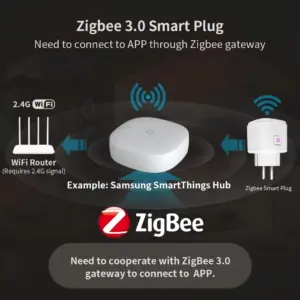
connected perfectly, through tuya smart zigbee gateway
E***c (verified owner) –
Exceeds my expectations 😚, shows the power consumption, a timer for each day of the week is possible 👍👍👍, installation took less than a minute with the QR code and I could switch on and off with my phone right away, which is really fun 😄.
a***r (verified owner) –
Package received but damaged, will see if it works.
and on the box it’s not checked zigbee.
AliExpress Shopper (verified owner) –
The received item “.. 1PCS Zigbee 3.0 WiFi Smart Plug EU Socket..” unfortunately does not have the advertised Zigbee function. The refund was processed smoothly and quickly.
F***a (verified owner) –
The seller advertised the sale of 2 sockets, but only sent 1. I had to file a complaint on Aliexpress and was refunded after some insistence.
I DO NOT RECOMMEND THE SELLER, the advertisement is deliberately misleading. As soon as I filed the complaint, the ad was corrected, but after 2 days it started deceiving the buyer again.
I WILL NOT BUY FROM THIS STORE AGAIN.
i***r (verified owner) –
The painting is good, it was drawn by an artist, so it’s of high quality.
B***k (verified owner) –
As described
AliExpress Shopper (verified owner) –
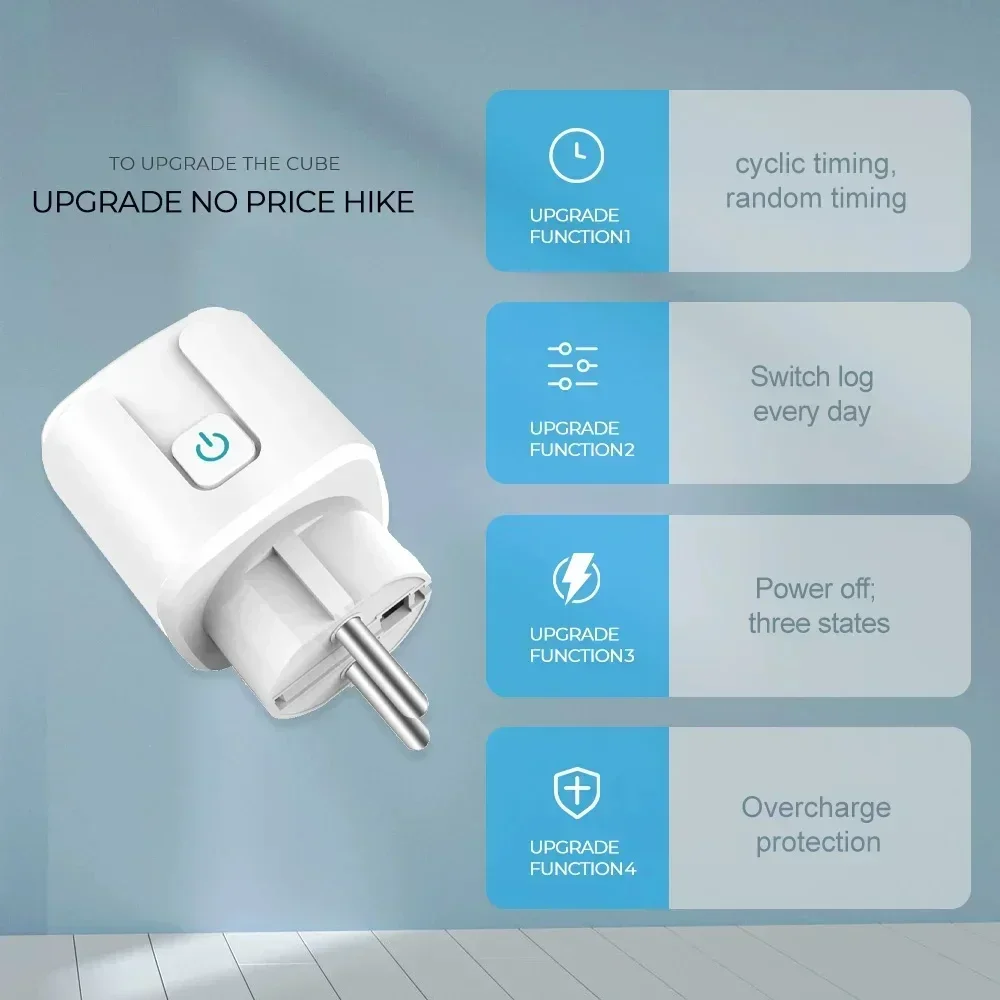
The described upgrade functions for, e.g., the timer are not available, see screenshots. Aliexpress refunded without any issues.
V***v (verified owner) –
Ok. It works with SmartLife. Delivery was fast to the Ukrposhta office.
P***a (verified owner) –
The socket works with ZHA without any problems, detected immediately upon connection.
Unfortunately, there are no markings on it: no maximum power, no manufacturer, no CE mark, nothing.
So using it may involve some risk.
Some markings are only on the 16/20A box, but are they real?
The washing machine with a power consumption of 2600 W is working; we’ll see how long it lasts.
AliExpress Shopper (verified owner) –
Fast shipping, packaging not ideal, but nothing was damaged, works perfectly.