



No products in the cart.
Up to 8%

- High-concerned chemical: None
- POE: None
- e-Cloud(P2P): Yes
- Two-way Audio: No
- Alarm Action: Email Photo
- Backup Type: USB Flash Divers
- Supported Operating Systems: Microsoft Windows 98,Microsoft Windows XP,Microsoft Windows 7
- Supported Mobile Systems: iPhone OS,Android
- IP Mode: Dynamic IP address
- Wireless Security: wep
- Network Protocol: TCP/IP,DHCP
- Network Interface: RJ45 10/100M
- Hard Drive Size: 3.5”
- Hard drive Interface Type: SATA
- Audio Output: 1CH BNC
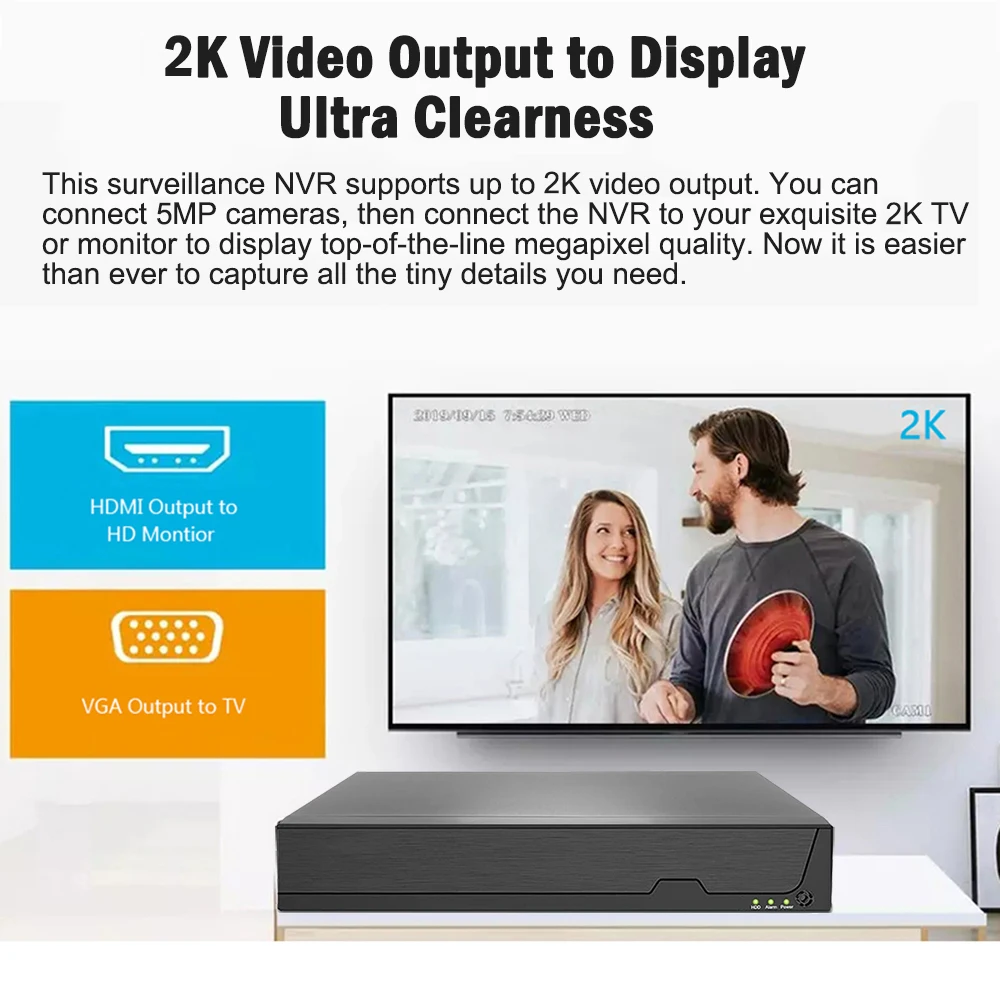
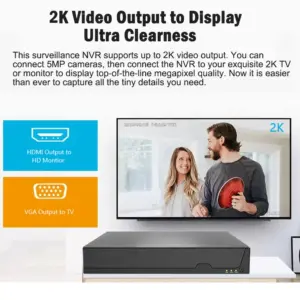
- Video Output: 1VGA + 1HDMI-Compatible
- Video Resolution: 5 MP,4MP
- Video Standard: NTSC,PAL
- Audio Compression Format: G711A
- Audio Input: 8 Channel,16 Channel
- Video Input Interface: RJ45
- Compression Format: H.265,H.264
- Technology: Network
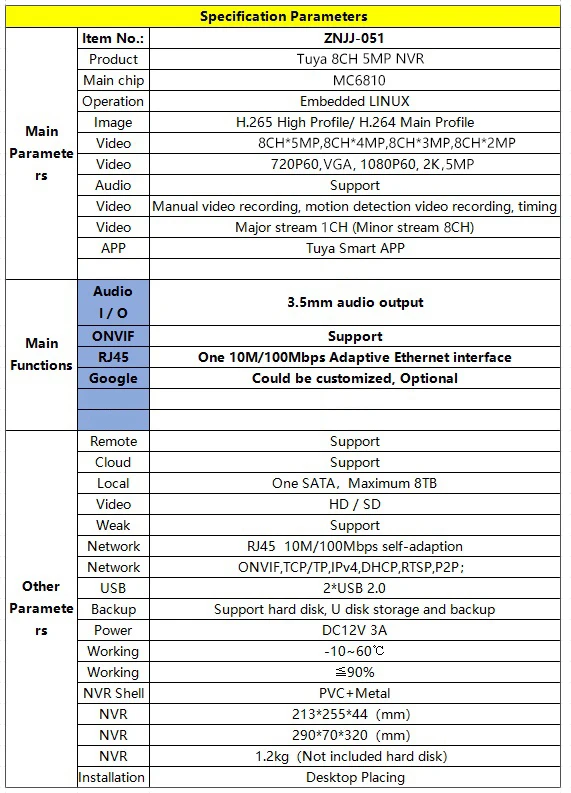
- Model Number: ZNJJ-051B
- Brand Name: SmartCnet
- Origin: Mainland China
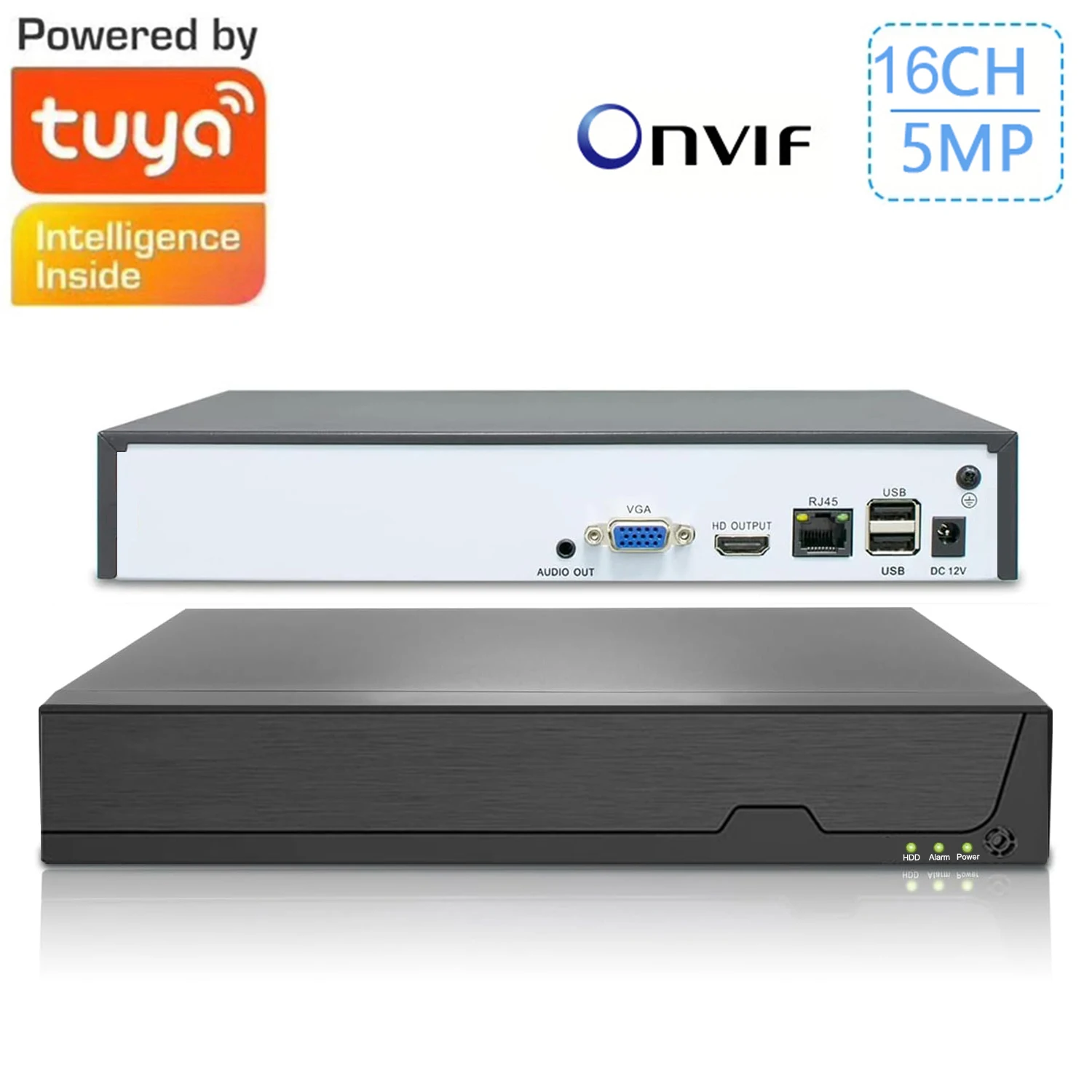
- Smart home platform: Tuya
NOTE:
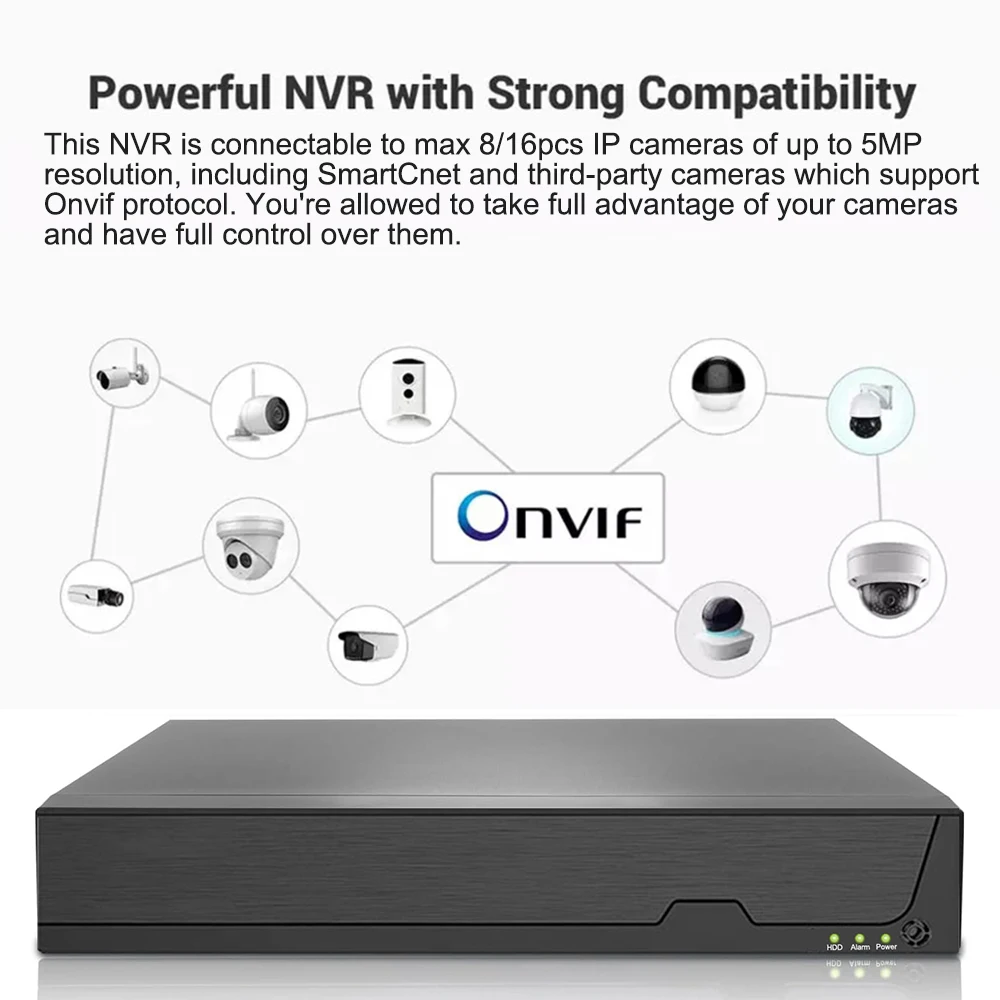
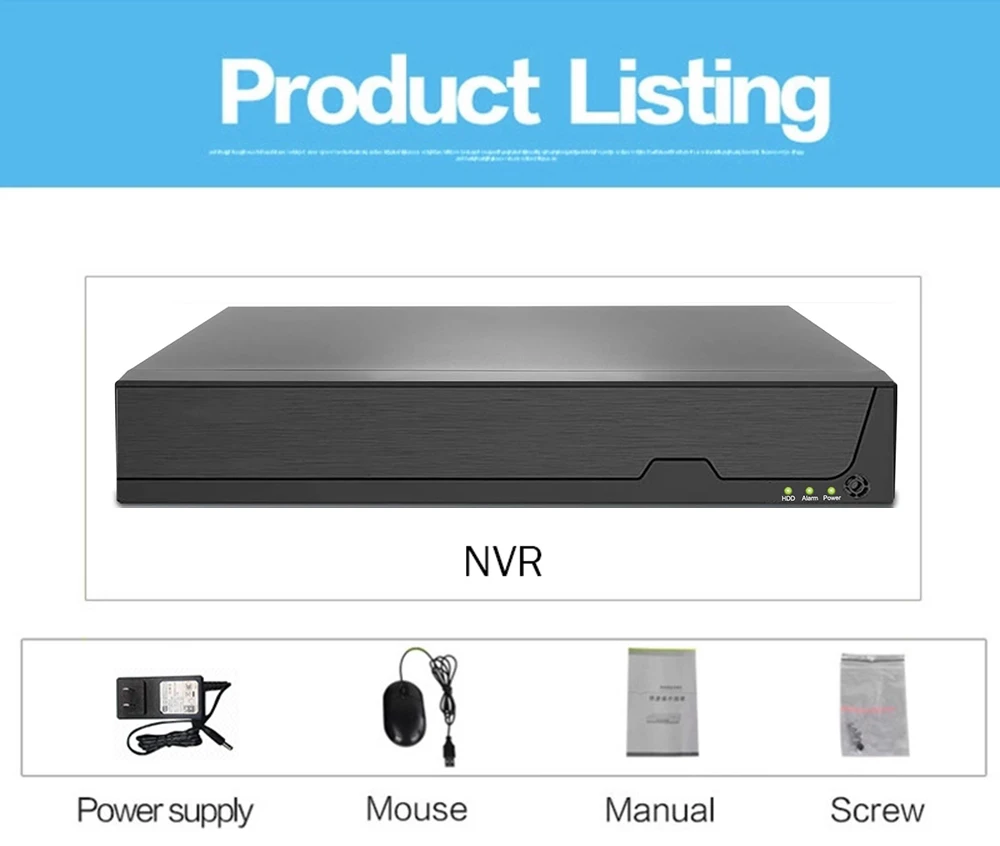
– The camera(Tuya camera or other brands camera) connected to this NVR must support standard ONVIF.
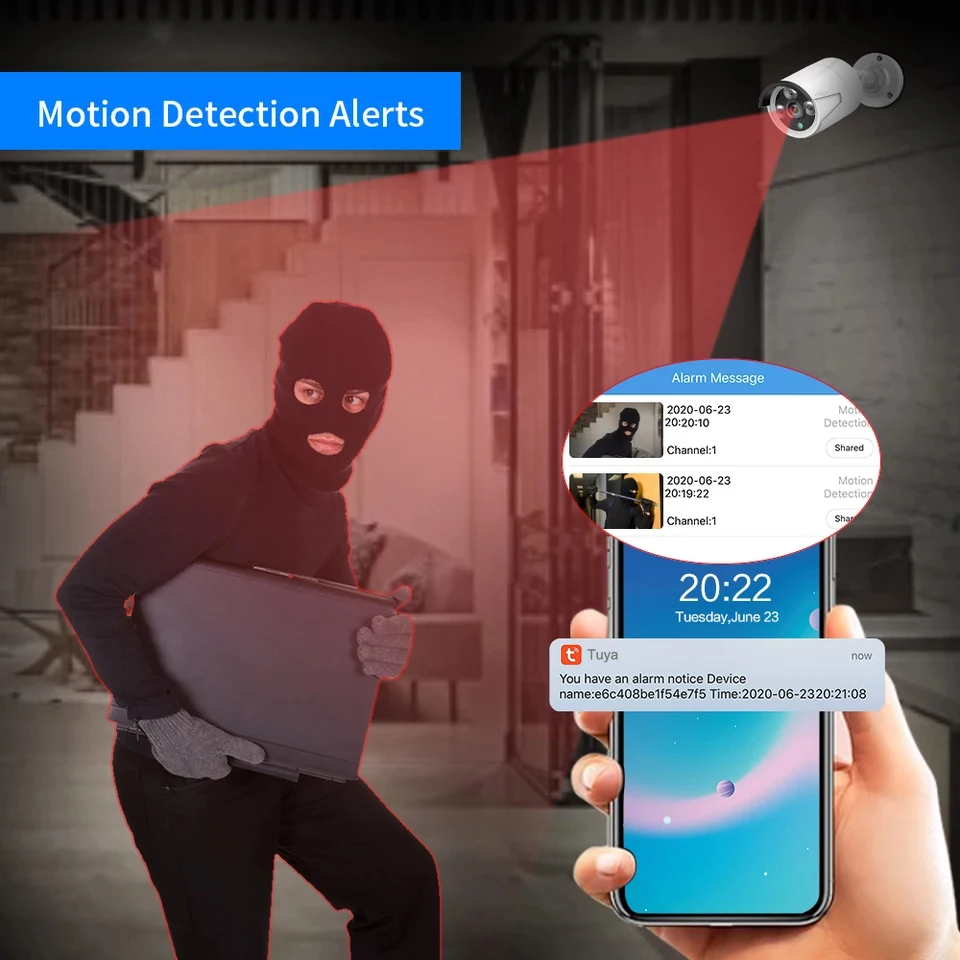
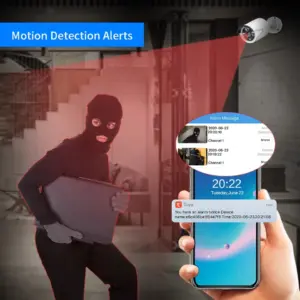
– Only the camera designated by the seller can realize the alarm function.
– The camera’s human shape recognition and alarm are sent to the camera’s app, and the NVR is only responsible for Onvif video recording. Therefore, you’d better choose Onvif Tuya camera for this NVR, so that they can use the same app.
– max support 5MP camera
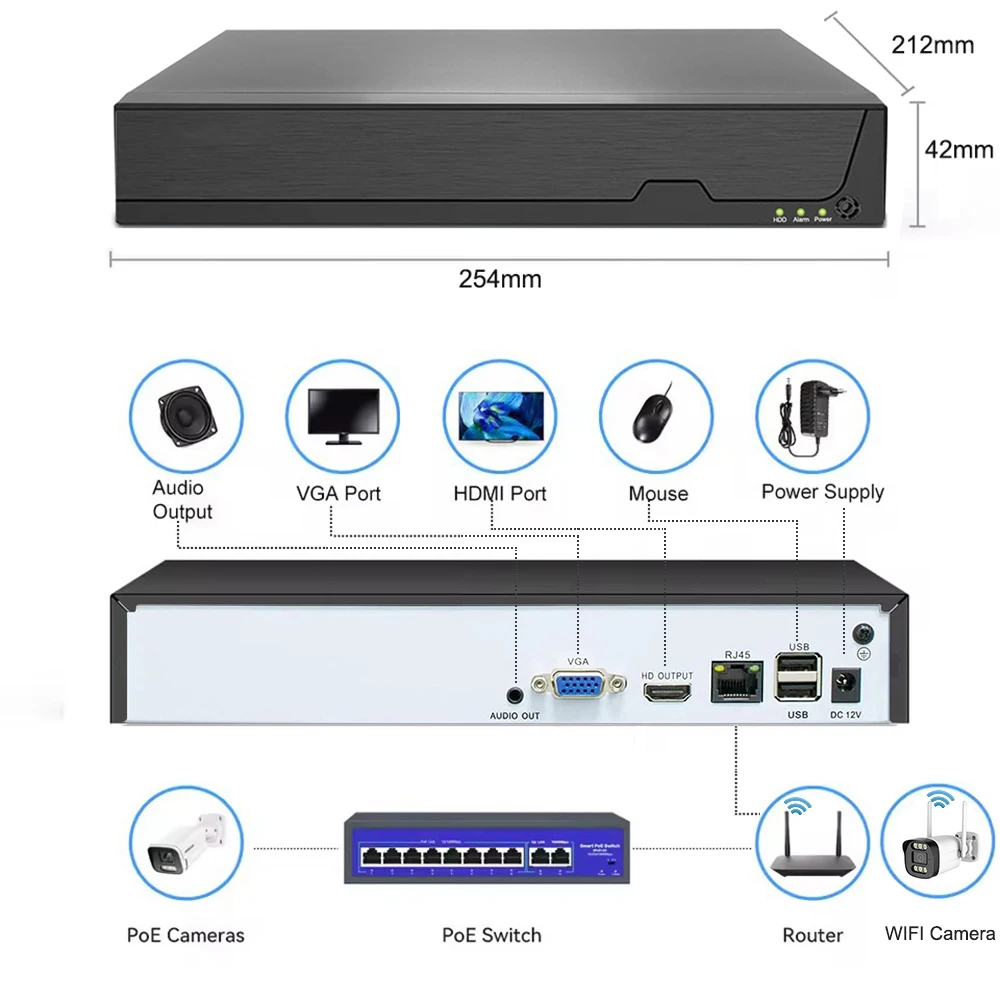
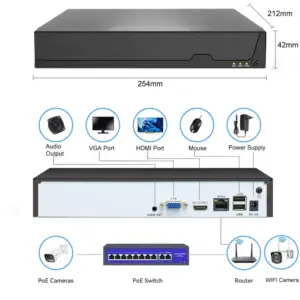
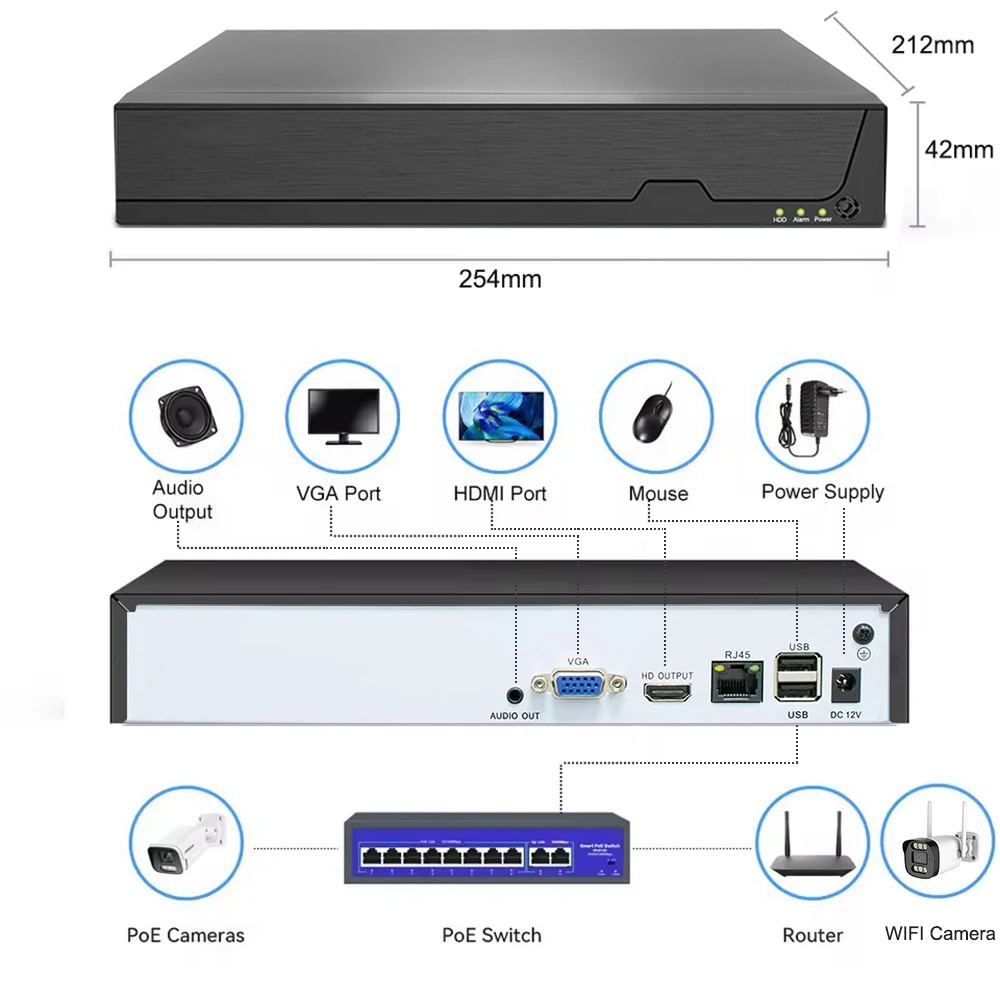
Interface Description:
Cameras that support Onvif can be connected to the NVR through a wired network, or connected to the NVR through WIFI.
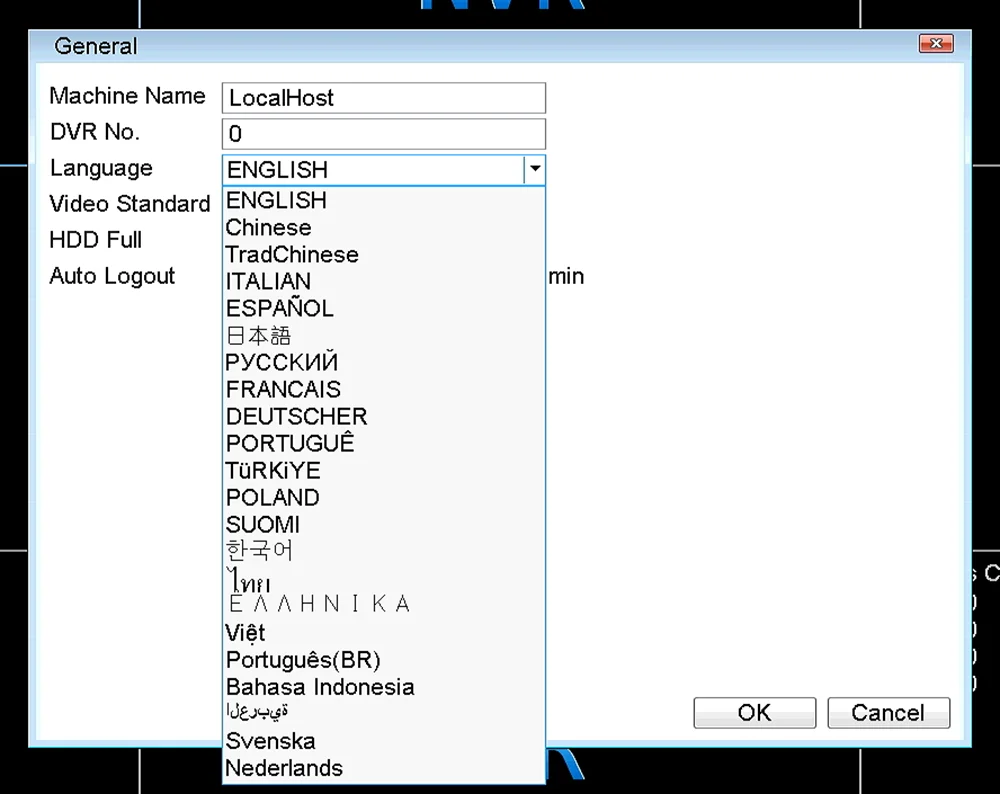
Support multi-languages
20+ Languages Available: Russian, English, Italian, Portuguses, Spanish, French, German etc
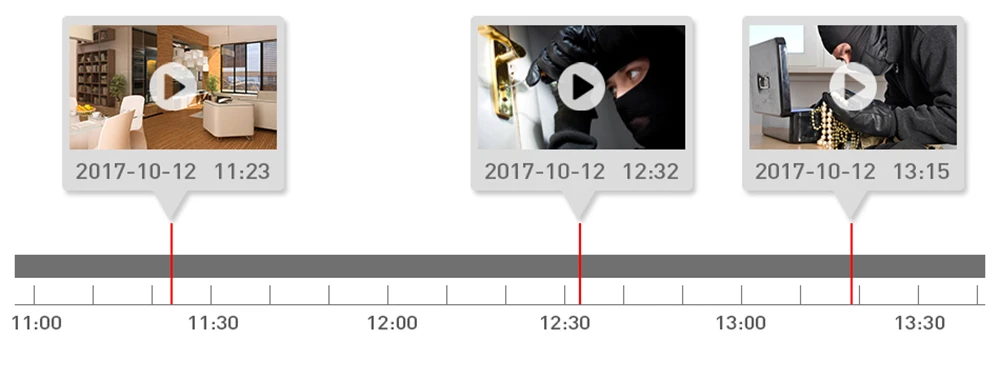
Smart playback
There are alarm signs in the playback video progress bar, allowing you to quickly view the video clips that need attention.
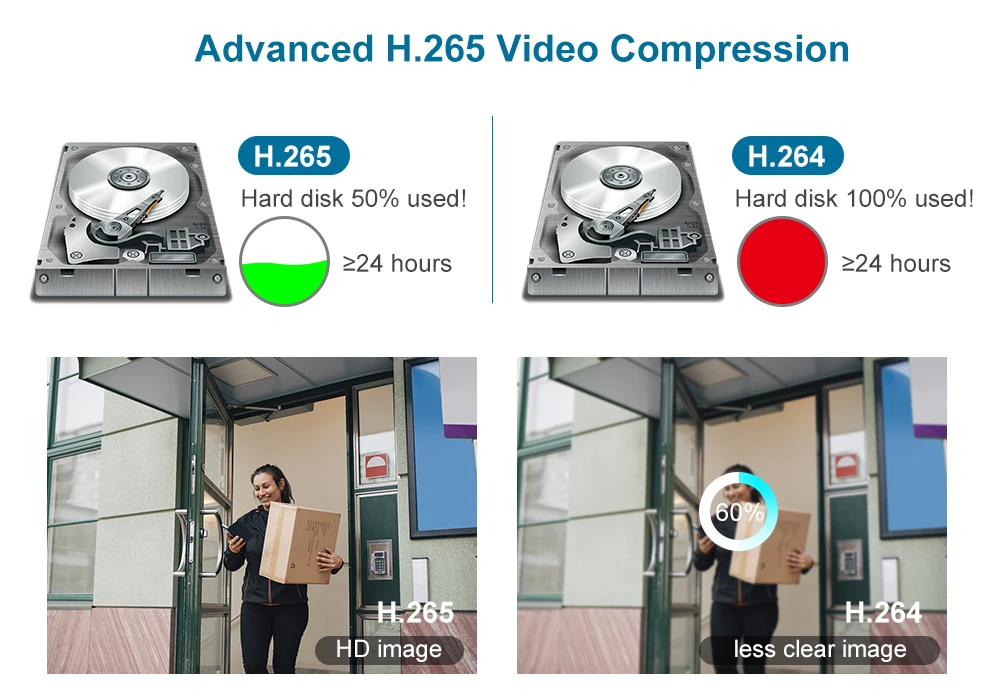
Advanced H.265 Video Compression
H.265 More Clear , HD resolution offer you best image quality in a lower bit rate.Save more storage space,can reduce 40%-50% file size,save your HDD storage space and reduce your purchase cost.
Attention: Your camera needs to support H.265 in order to select H.265 storage in NVR.
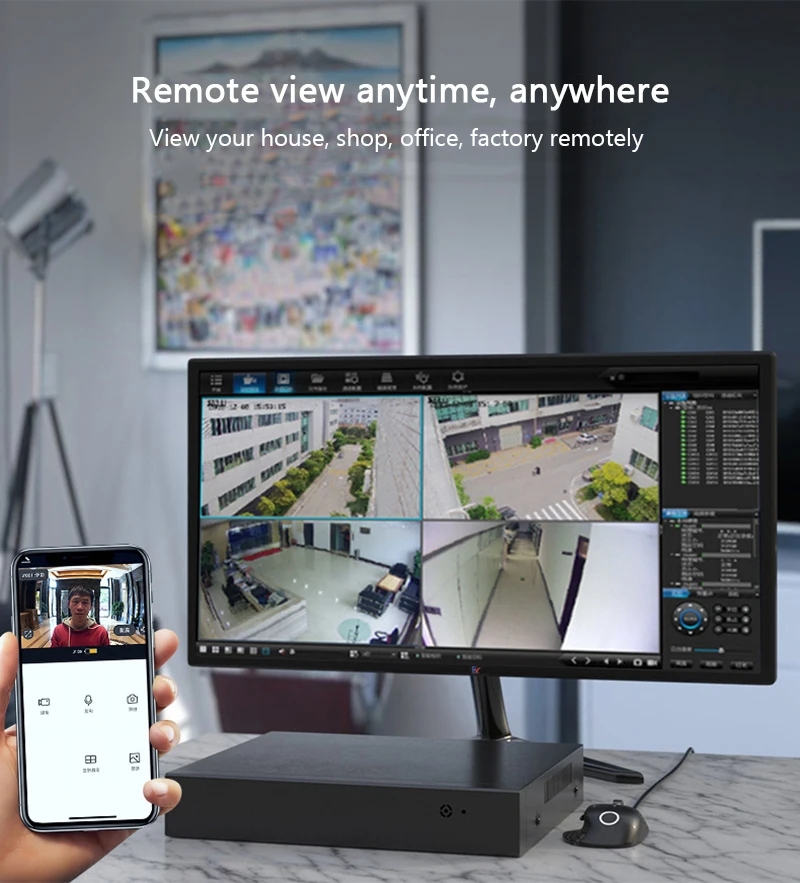
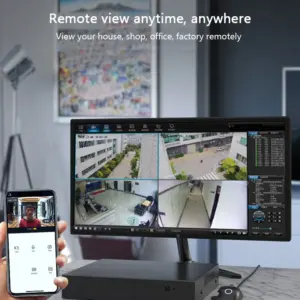
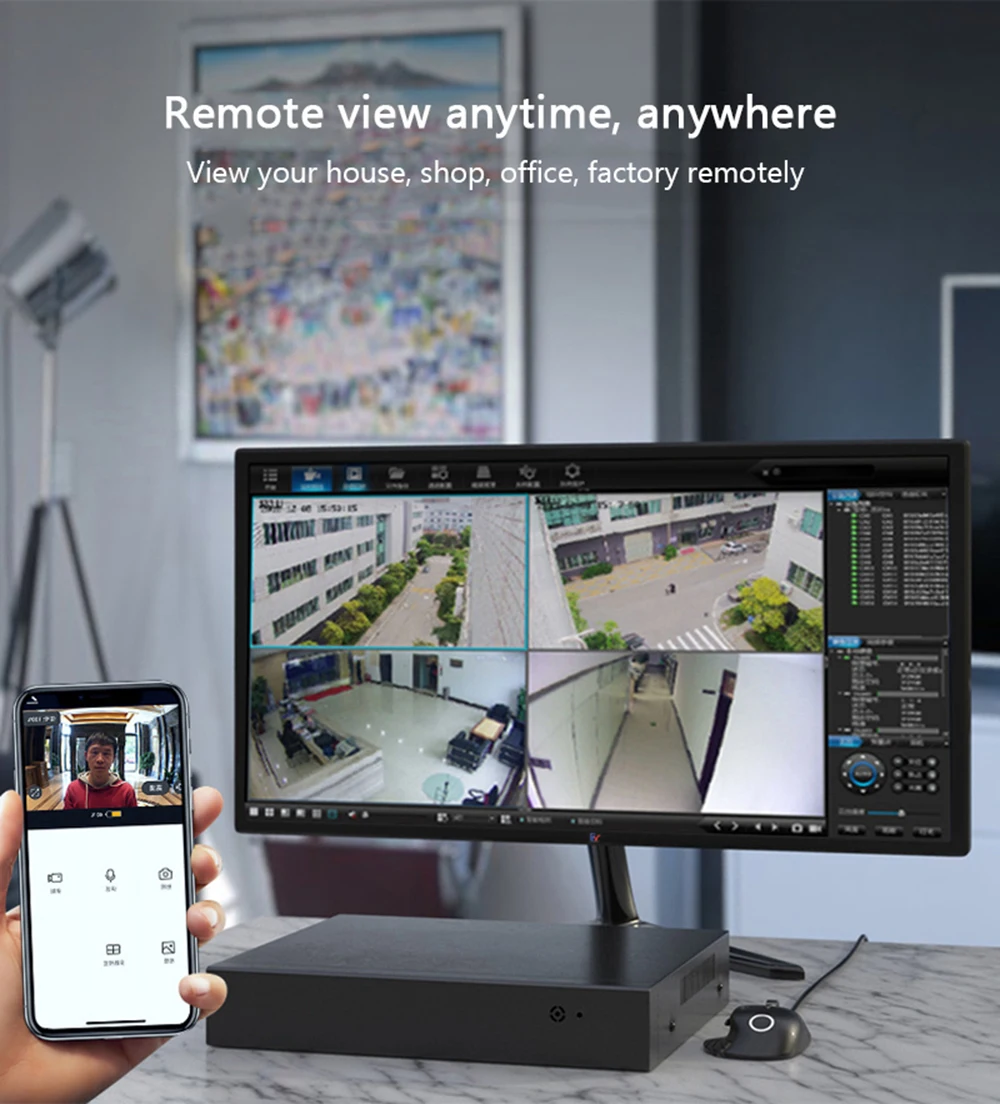
Remote Access Anytime, Anywhere
Based on P2P (peer to peer) technology, support plug-and-play installation. comes with a free smartphone App (Android & iPhone) for remotely view from anywhere.
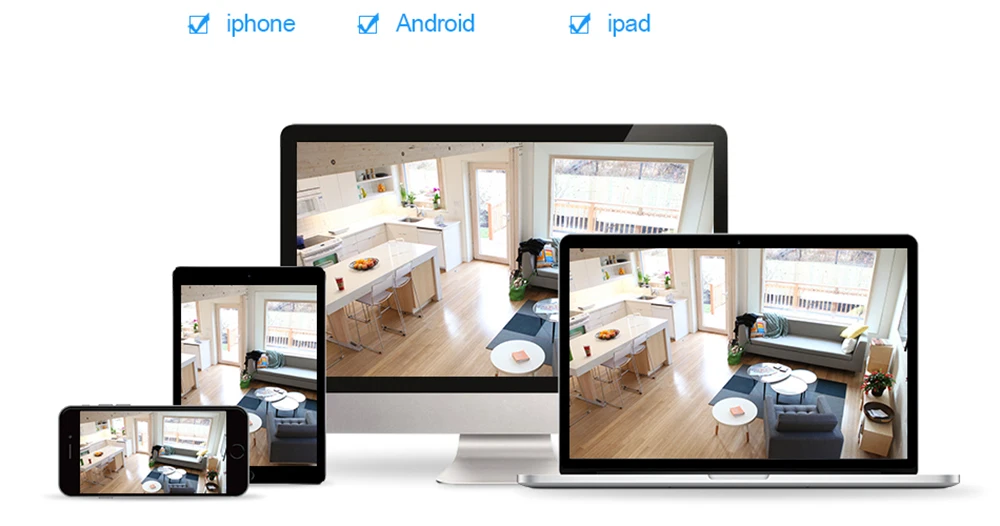
Support iOS and Android Device Access. Scan QR-Code to login. Download free app in Apple App store / Google play.
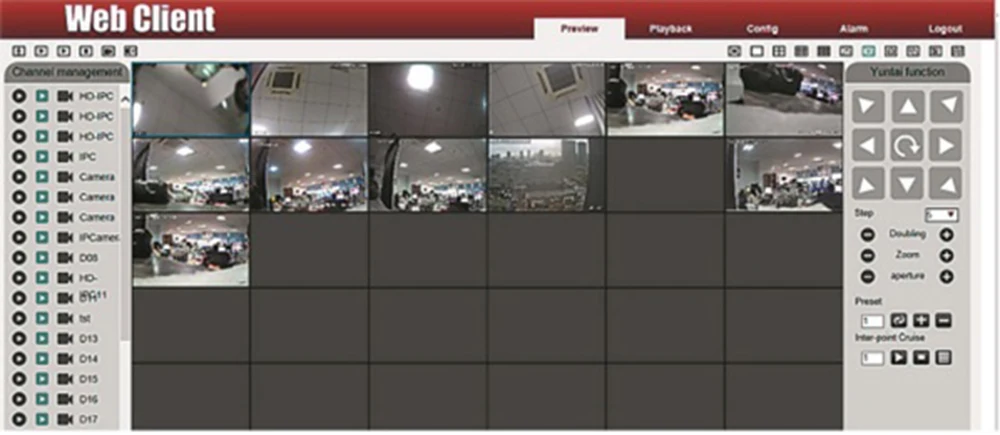
Web access:
After the network connected, use a browser the PC comes with,Enter the IP Address of the NVR and press Enter.
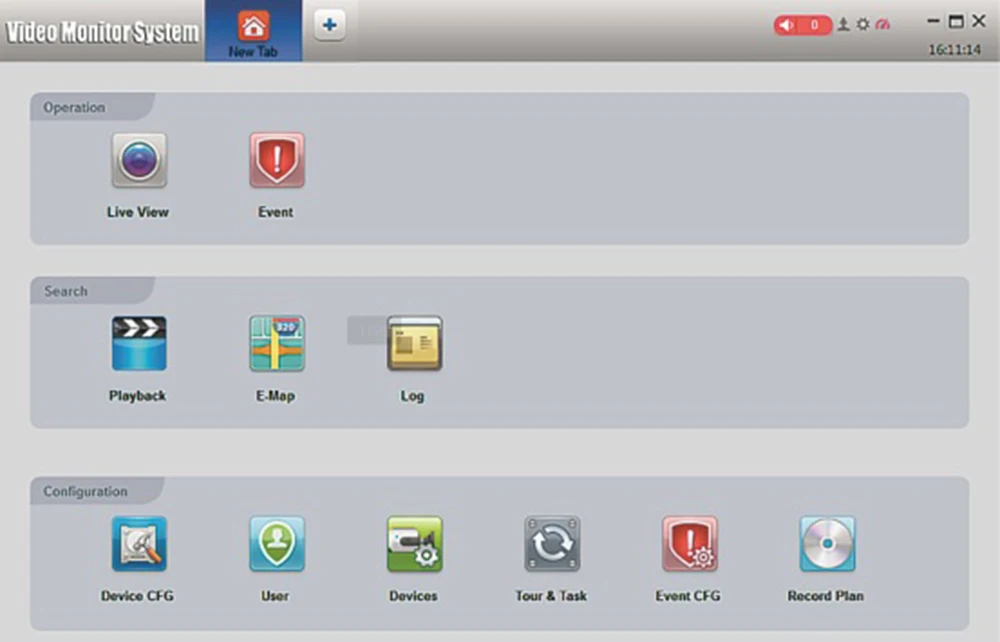
VMS access:
VMS is a professional software for monitoring of multi-devices, with advantages of safety, convenience, stability and unified management of multiple devices, etc. it’s easy to install and do not need to download plug-ins. We recommend that customers use it. For details, please refer to the manual of VMS. Contact the seller to get a VMS.
Remote access via multi platforms
Frequently Questions & Answers
The link below will take you to an interface with frequently questions from buyers and the answers for it, which also includes downloads of some updated firmware, desktop management software and electronic manual.
You can copy link
https://fealushon.com/smartcnet-nvr/
and open it in browser.

Only logged in customers who have purchased this product may leave a review.
| Build-in HDD | 2T, 1T, None |
|---|---|
| High-concerned chemical | None |
| POE | None |
| e-Cloud(P2P) | Yes |
| Two-way Audio | No |
| Alarm Action | Email Photo |
| Backup Type | USB Flash Divers |
| Supported Operating Systems | Microsoft Windows 98,Microsoft Windows XP,Microsoft Windows 7 |
| Supported Mobile Systems | iPhone OS,Android |
| IP Mode | Dynamic IP address |
| Wireless Security | wep |
| Network Protocol | TCP/IP,DHCP |
| Network Interface | RJ45 10/100M |
| Hard Drive Size | 3.5'' |
| Hard drive Interface Type | SATA |
| Audio Output | 1CH BNC |
| Video Output | 1VGA + 1HDMI-Compatible |
| Video Resolution | 5 MP,4MP |
| Video Standard | NTSC,PAL |
| Audio Compression Format | G711A |
| Audio Input | 8 Channel,16 Channel |
| Video Input Interface | RJ45 |
| Compression Format | H.265,H.264 |
| Technology | Network |
| Model Number | ZNJJ-051B |
| Brand Name | SmartCnet |
| Origin | Mainland China |
| Smart home platform | Tuya |
| Video Input | 16CH, 8CH |
| Plug Type | EU Plug, AU Plug, UK Plug, US Plug |




Reviews
There are no reviews yet.