


- Warranty: 365Days
- Weight: 1.05KG
- Power Source: Corded Electric
- Built-in Screen: Yes
- Loop-Cycle Recording Feature: Yes
- Audio Recorded: Yes
- Rear Camera: Yes
- Original Package: Yes
- Touch Screen: Yes
- Screen Ratio: 4:3
- Memory Card Required Reding Speed: Class 10
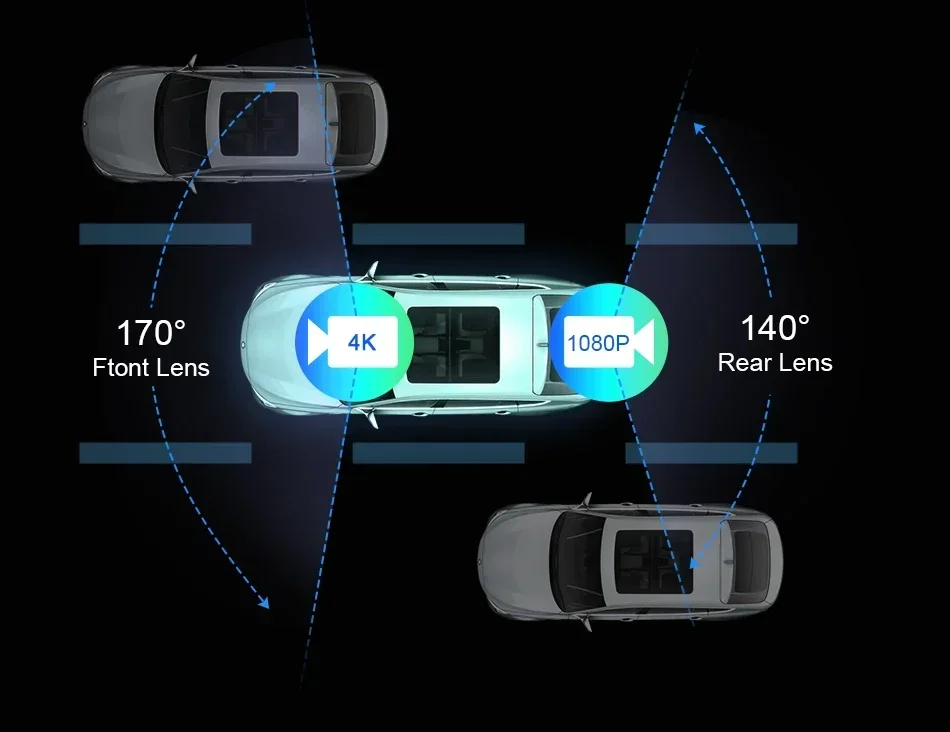
- View angle: 140
- Camera Resolution: 1920×1080
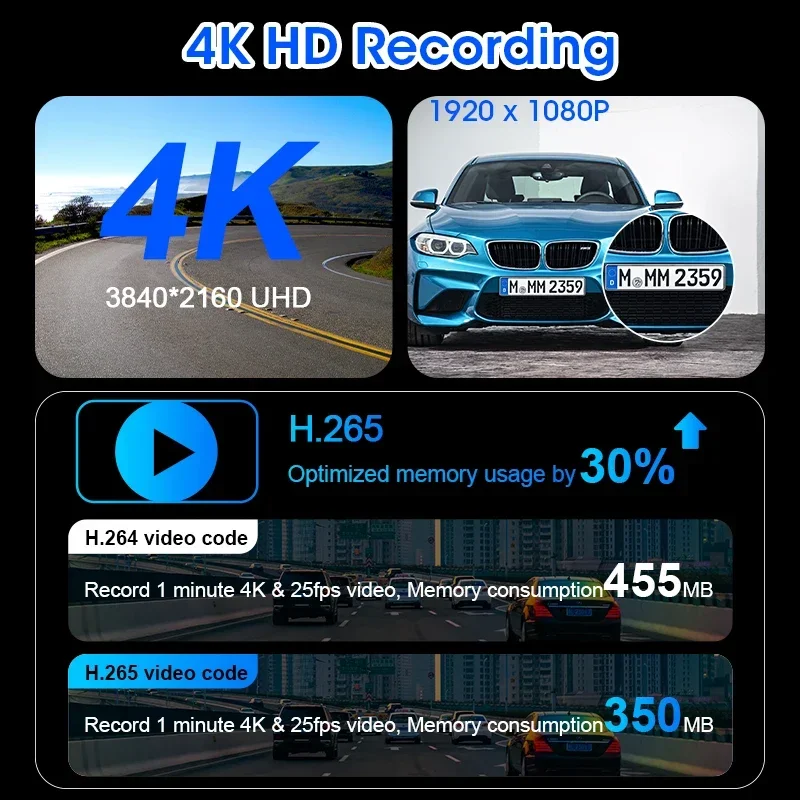
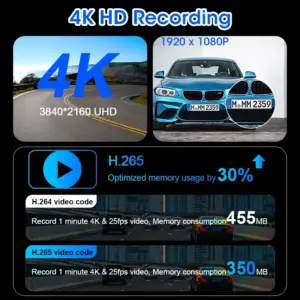
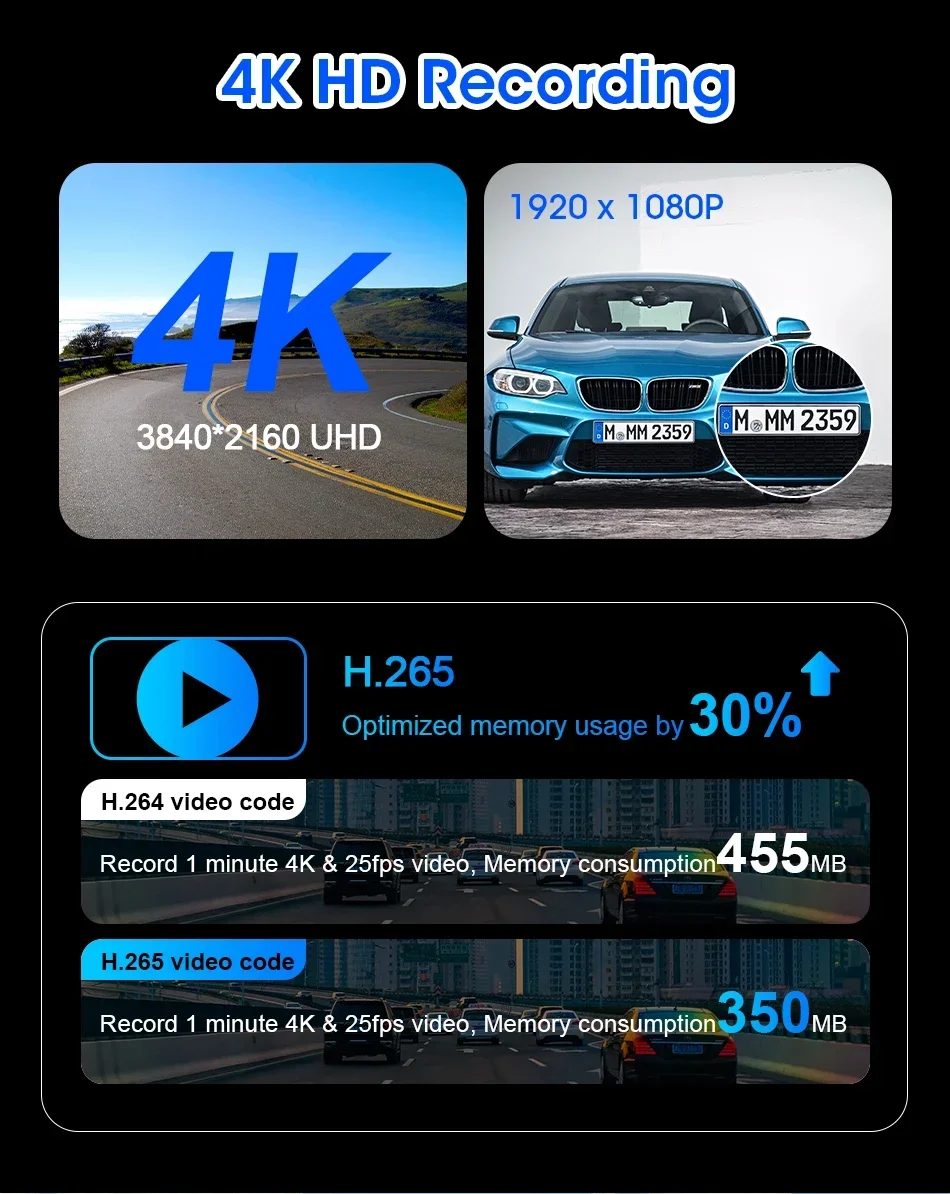
- Video Code: H.264
- Video Format: AVI,MOV
- Is Batteries Included: No
- Special Features: G-Sensor,With Rearview Mirror,Waterproof,Wide Dynamic Range,wifi function,Bluetooth,Voice Control,Parking Monitor,External GPS
- Max External Memory: 128G
- Number Of Lenses: 1
- Imaging Sensor: 1/3″Sony Ccd
- Pixels: 200Mega
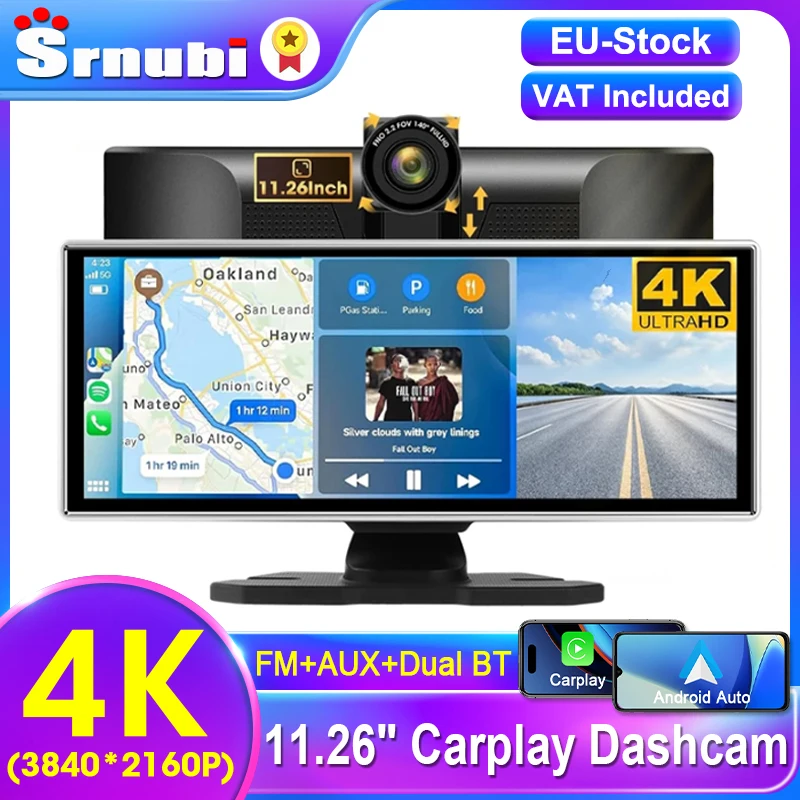
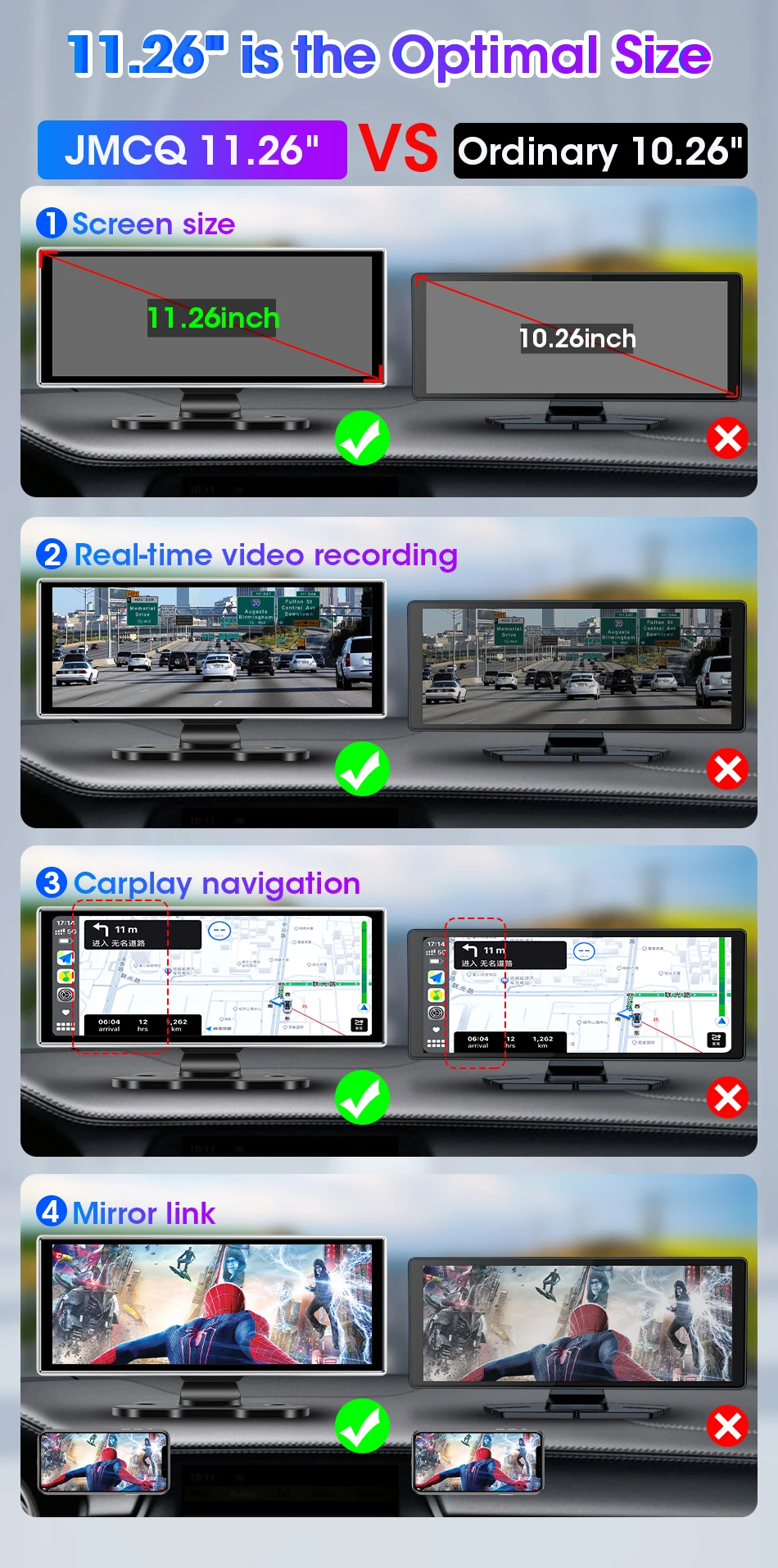
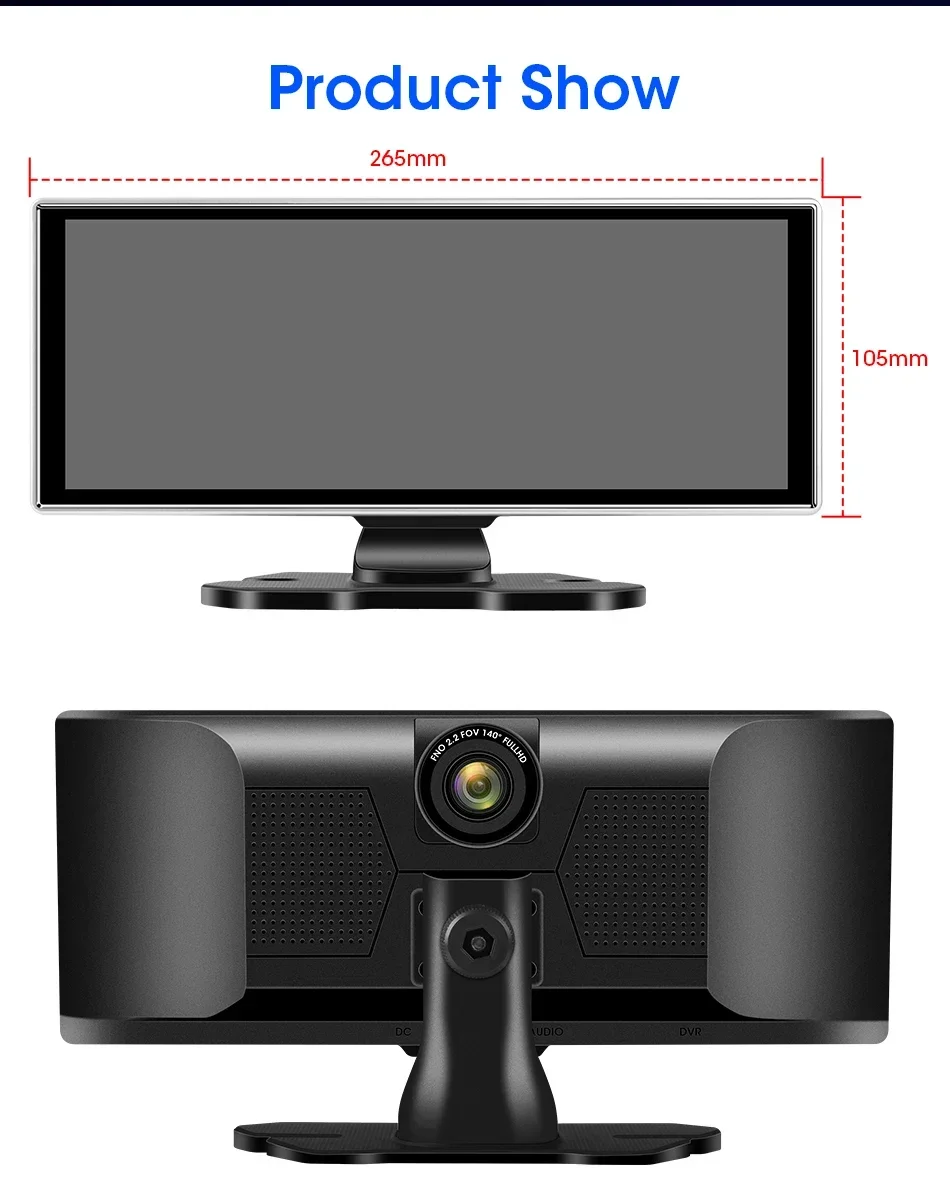
- Display Size: 11.26inch
- OSD Language: Arabic,Chinese (Simplified),Chinese (Traditional),Dutch,English,French,Hebrew,Japanese,Korean,RUSSIA,Spanish,Turkish
- GPS logger: Internal
- Assembly Mode: Portable Recorder
- Chipset Manufacturer: Allwinner
- Frames Per Second: 30
- Brand Name: srnubi
- Origin: Mainland China
- Display: IPS
- Item Type: Car DVR
- Interface: AV-In,Micro SD/TF,Bluetooth
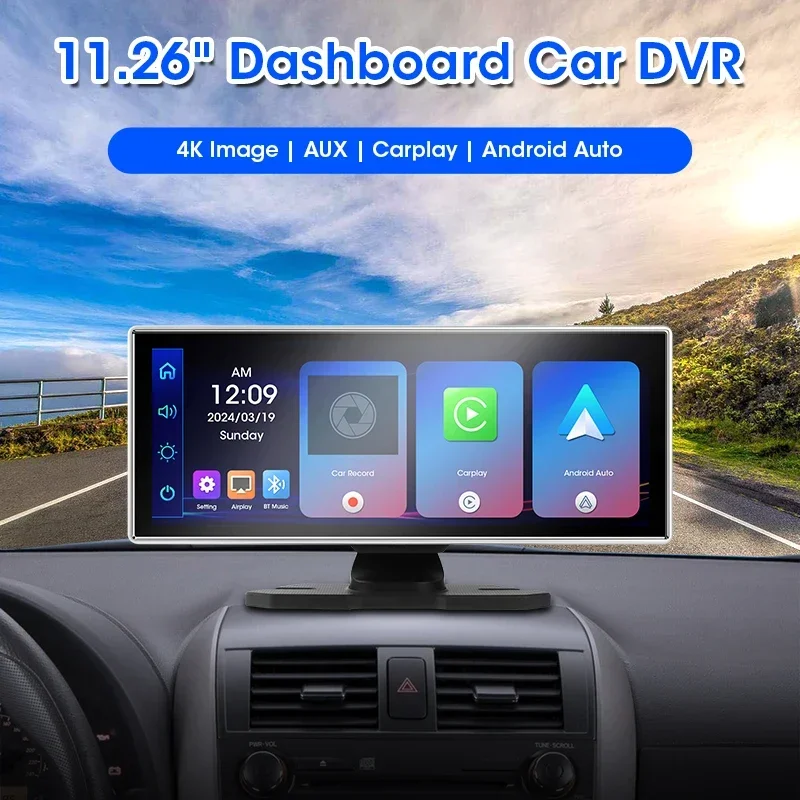
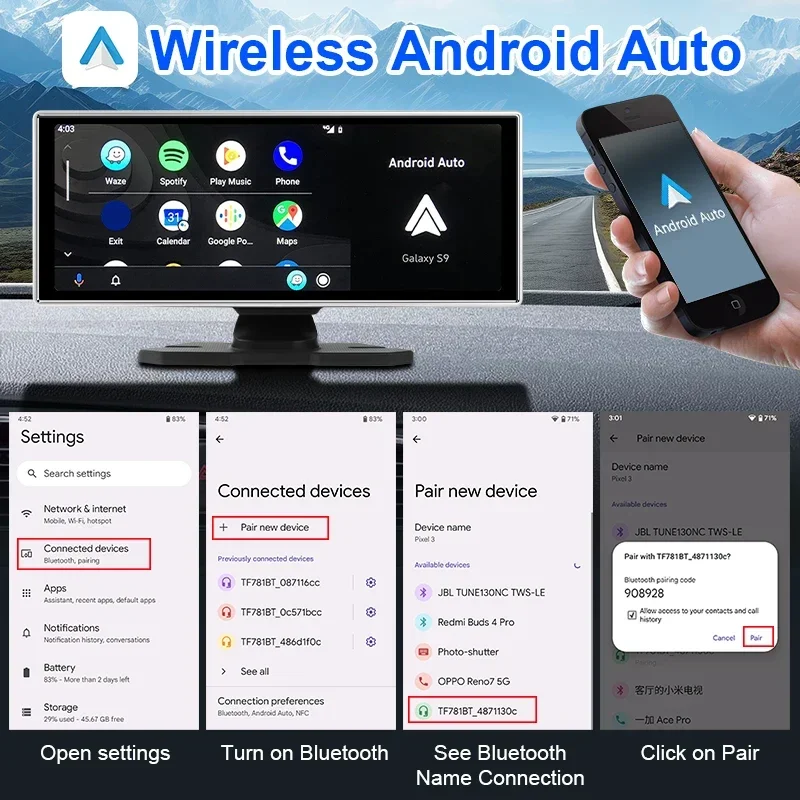
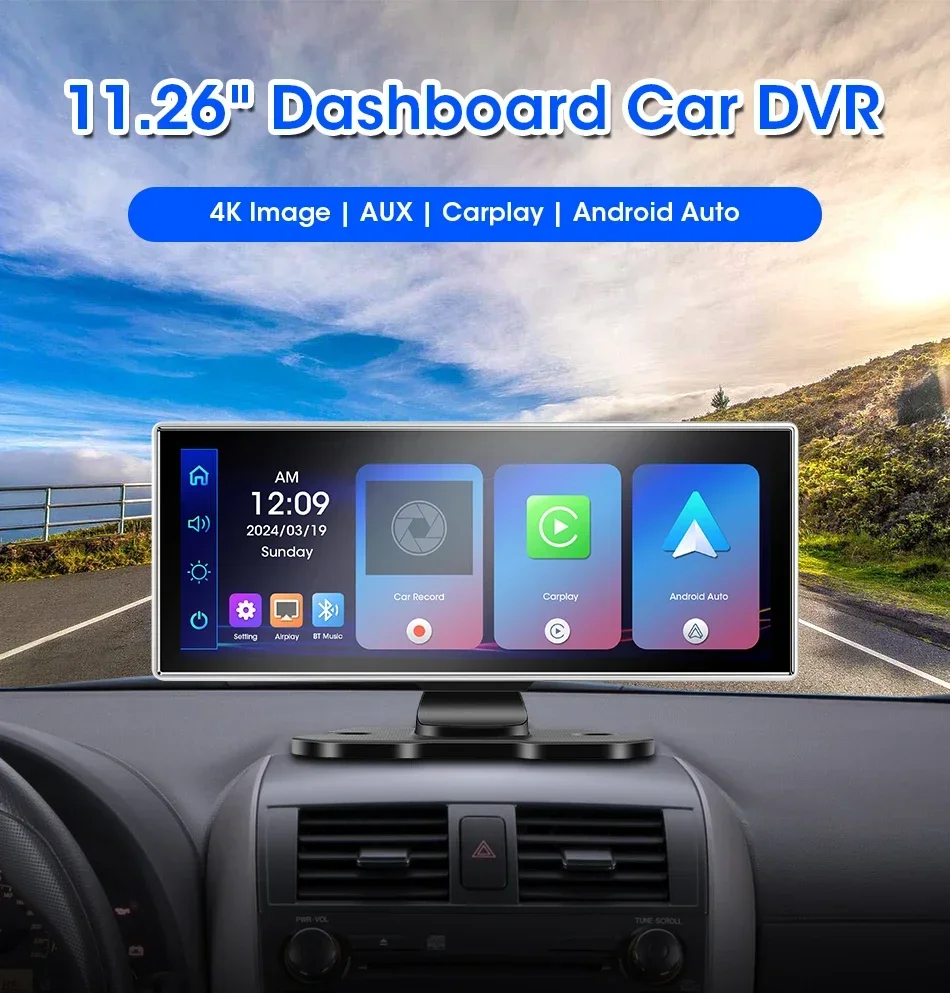
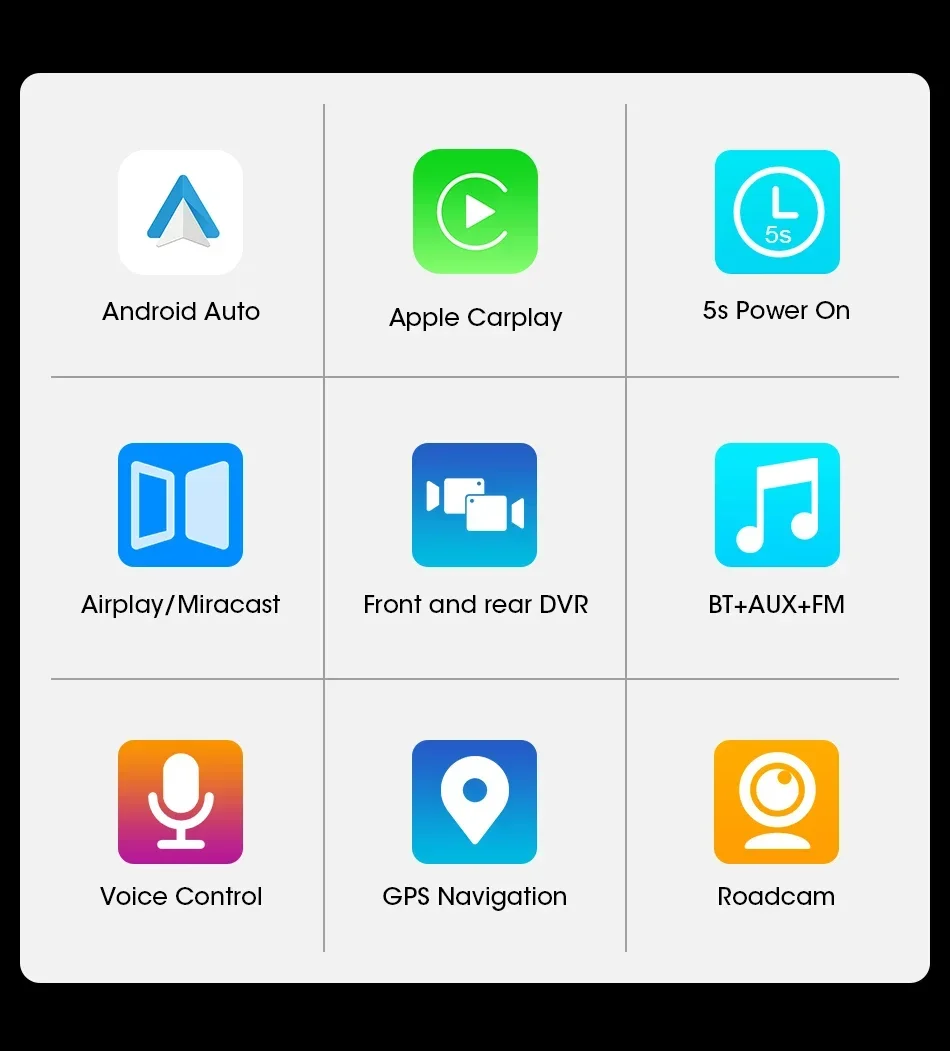
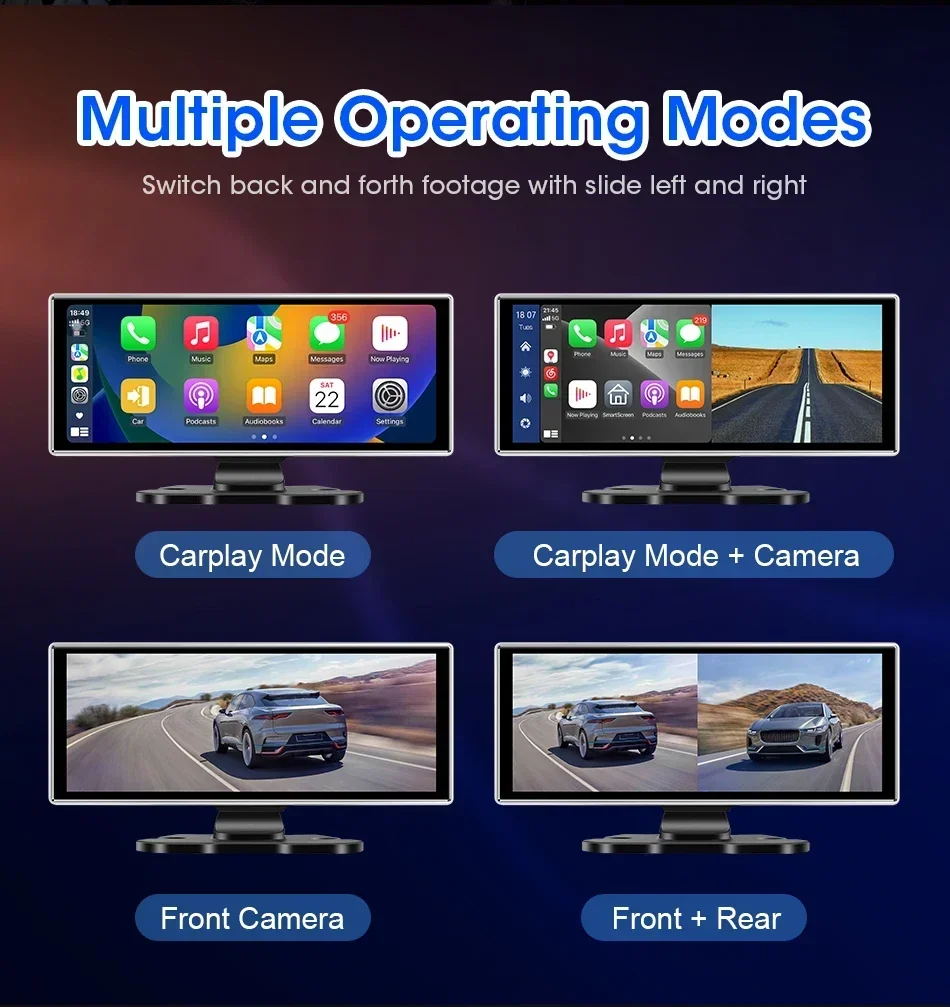
- Carplay and Android auto: Support, wireless
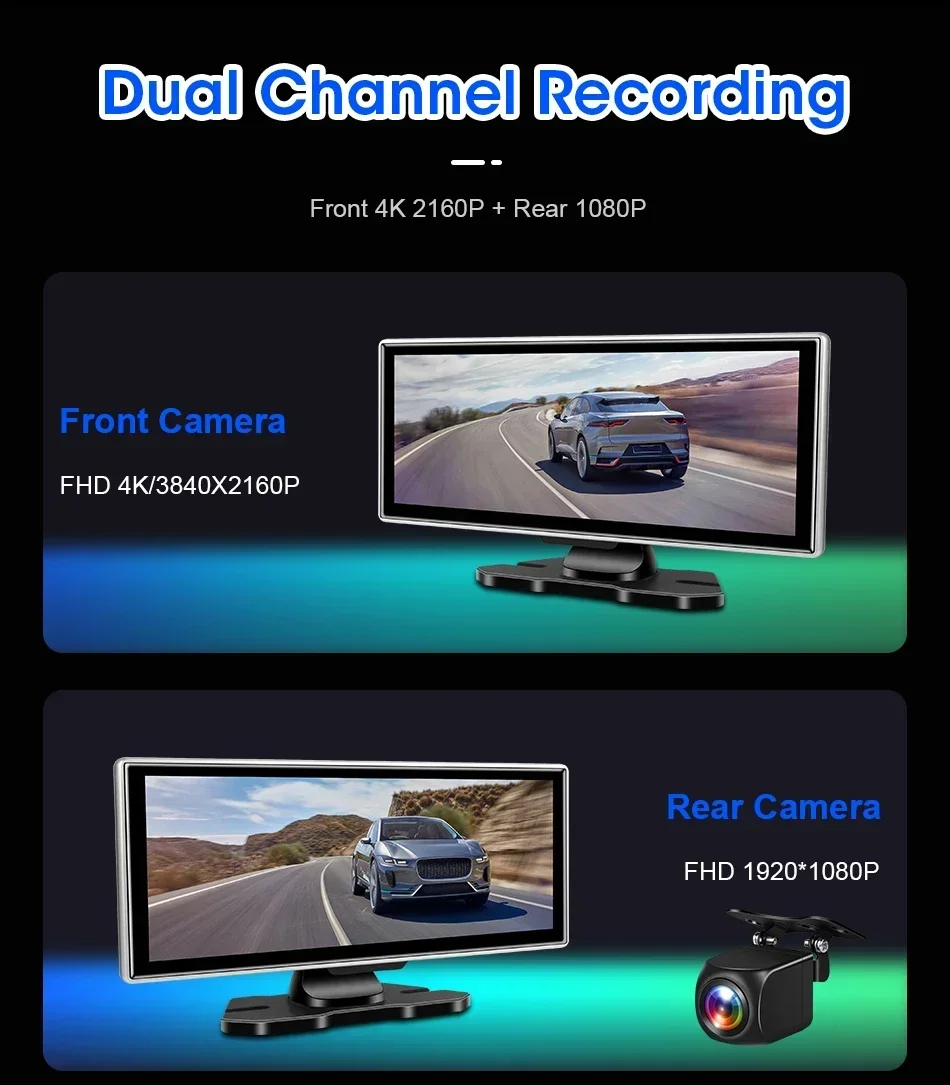
- Rear camera resolution: 1920*1080
- Front lens resolution: UHD 4K 3840*2160P
- Screen size: 11.26 inch
- Bluetooth 5.0: Support
- FM transmitter function: Support
Please note: The rearview camera only supports the Srnubi brand, and other brands of cameras are not supported
Please note that the first SKU does not have a front facing camera before purchasing
Kind reminder: Respected customers, the initial adhesion of the tape weakens in winter, and the temperature is below 10 degrees. It is recommended to heat the surface of the tape before use to restore the chemical molecules of the colloid to their normal operating state, which can achieve the best bonding effect (Ideal operating temperature for tape: 20-40 degrees)The method is as follows:1. Use a hot hair dryer to heat the surface of the colloid, but control the temperature of the dryer to not be too high. Walk back and forth to heat up, and the temperature of the dryer should be controlled at around 40-50 degrees Celsius for optimal results2. Heat up the oven, keep the temperature between 30-40 degrees, maintain 50% humidity, and control the time for 30-40 minutes
When installing a memory card for the first time, be sure to format the memory card on the DVR. After formatting, the DVR can correctly match the memory card.
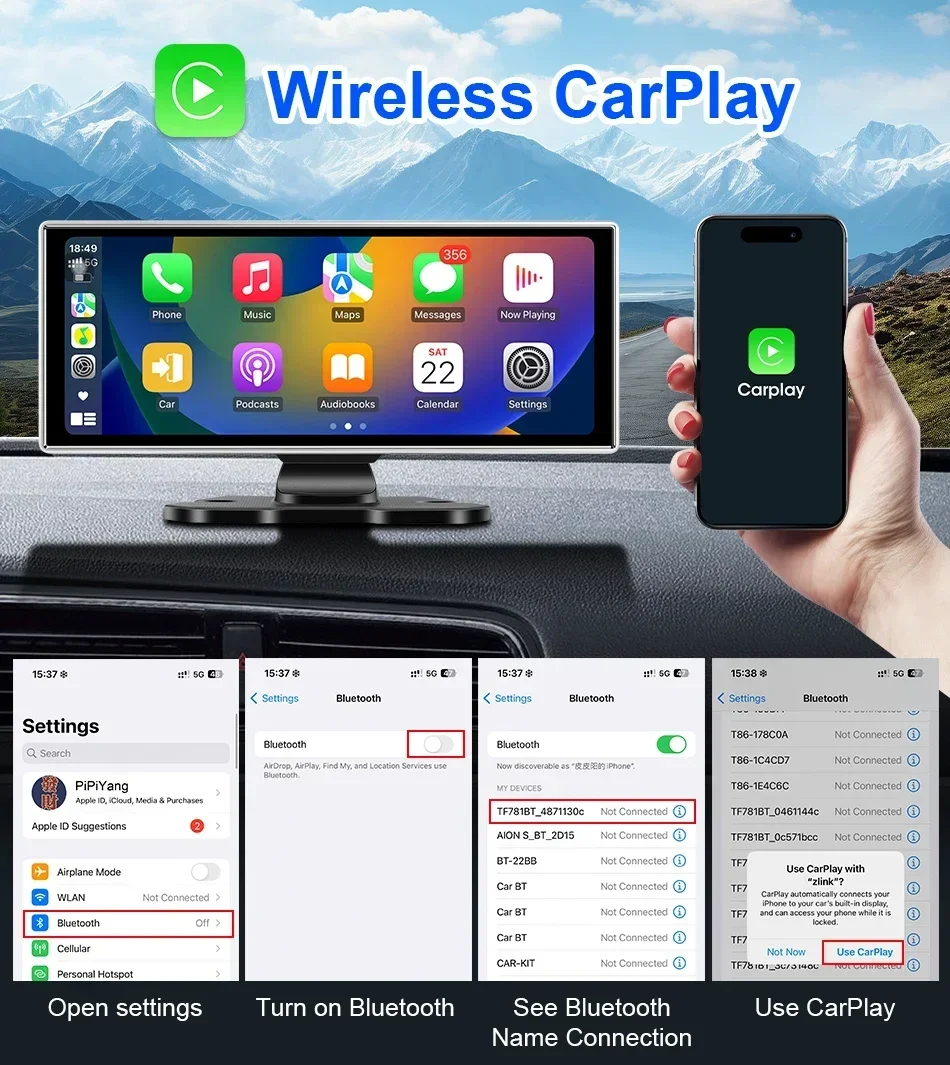
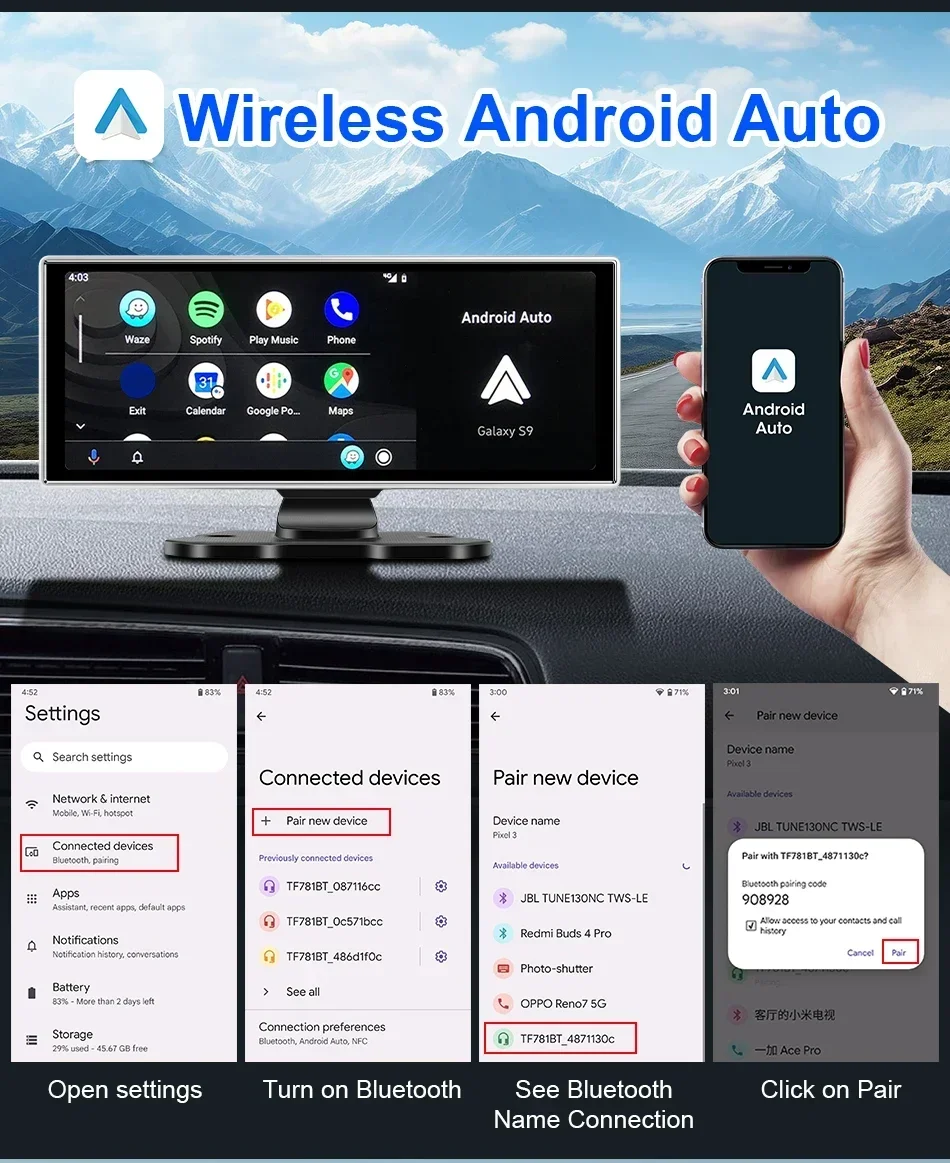
About The Connection Of Carplay And Android Auto:
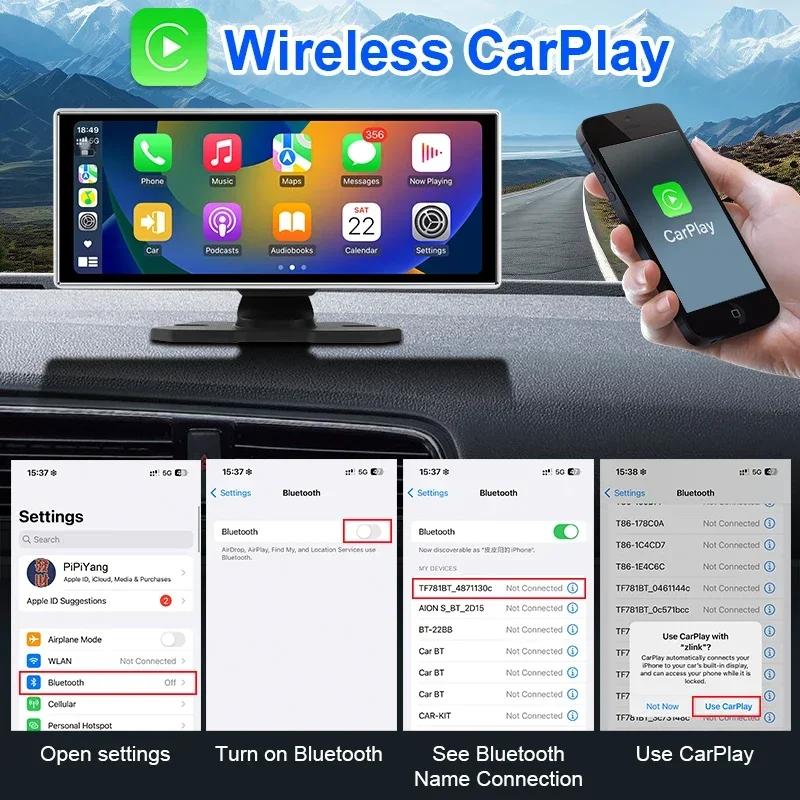
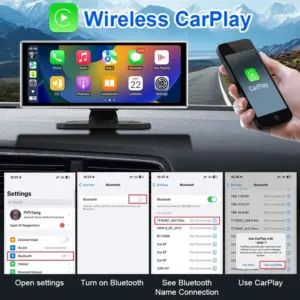
(1) If it is an Apple phone, the DVR needs to choose the Carplay connection method as the connection method, and the Carplay software installed on the Apple phone can directly connect to the DVR through the Carplay function;
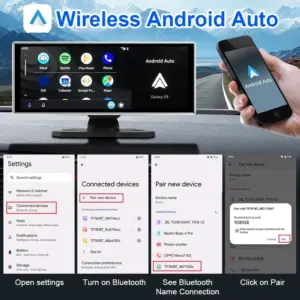
(2) If it is an Android system phone, the DVR needs to select Android Auto as the connection method, and then use the Android Auto software downloaded from the Google App Market on the phone to connect to the DVR( Some phones from Huawei, Xiaomi, and Samsung are unable to use the Android auto function. Please place your order with caution;) .
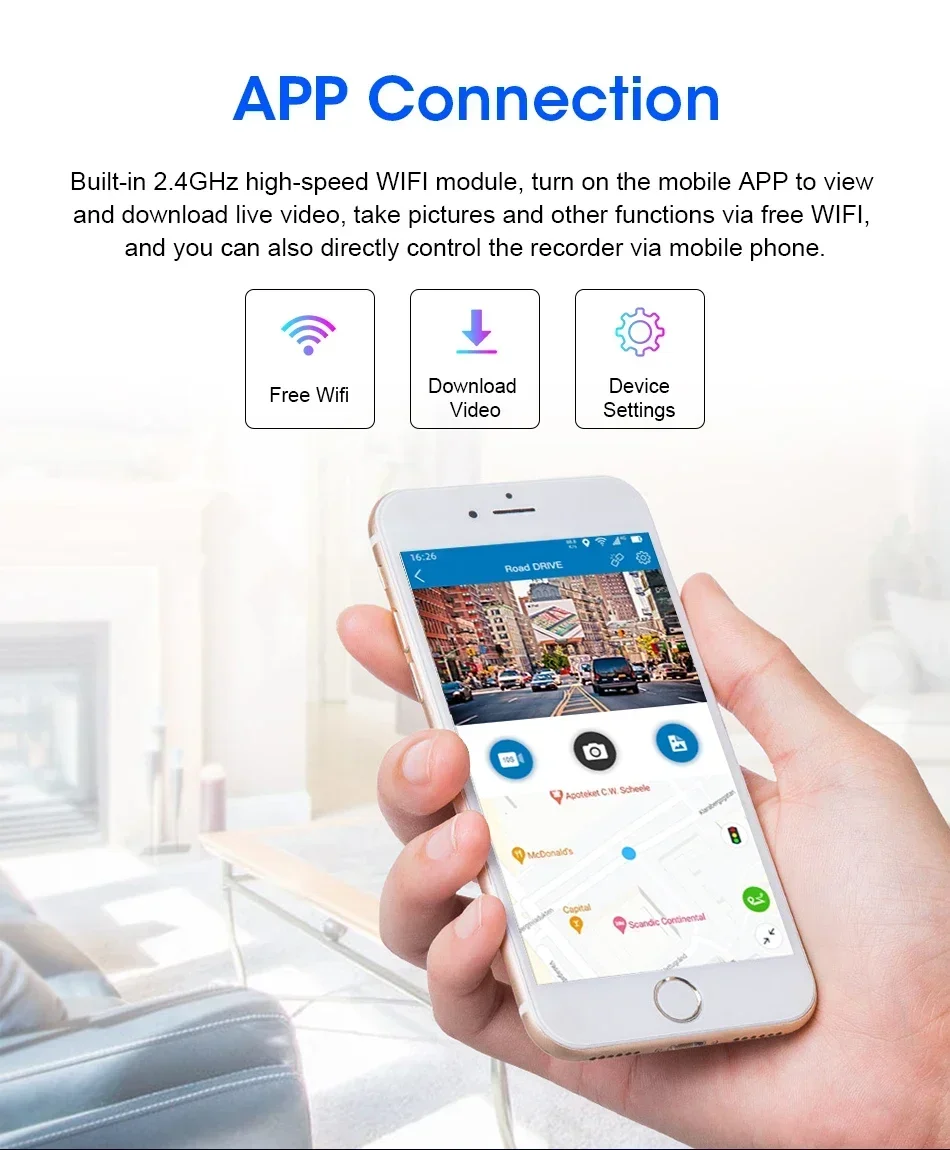
About WIFI Connection:
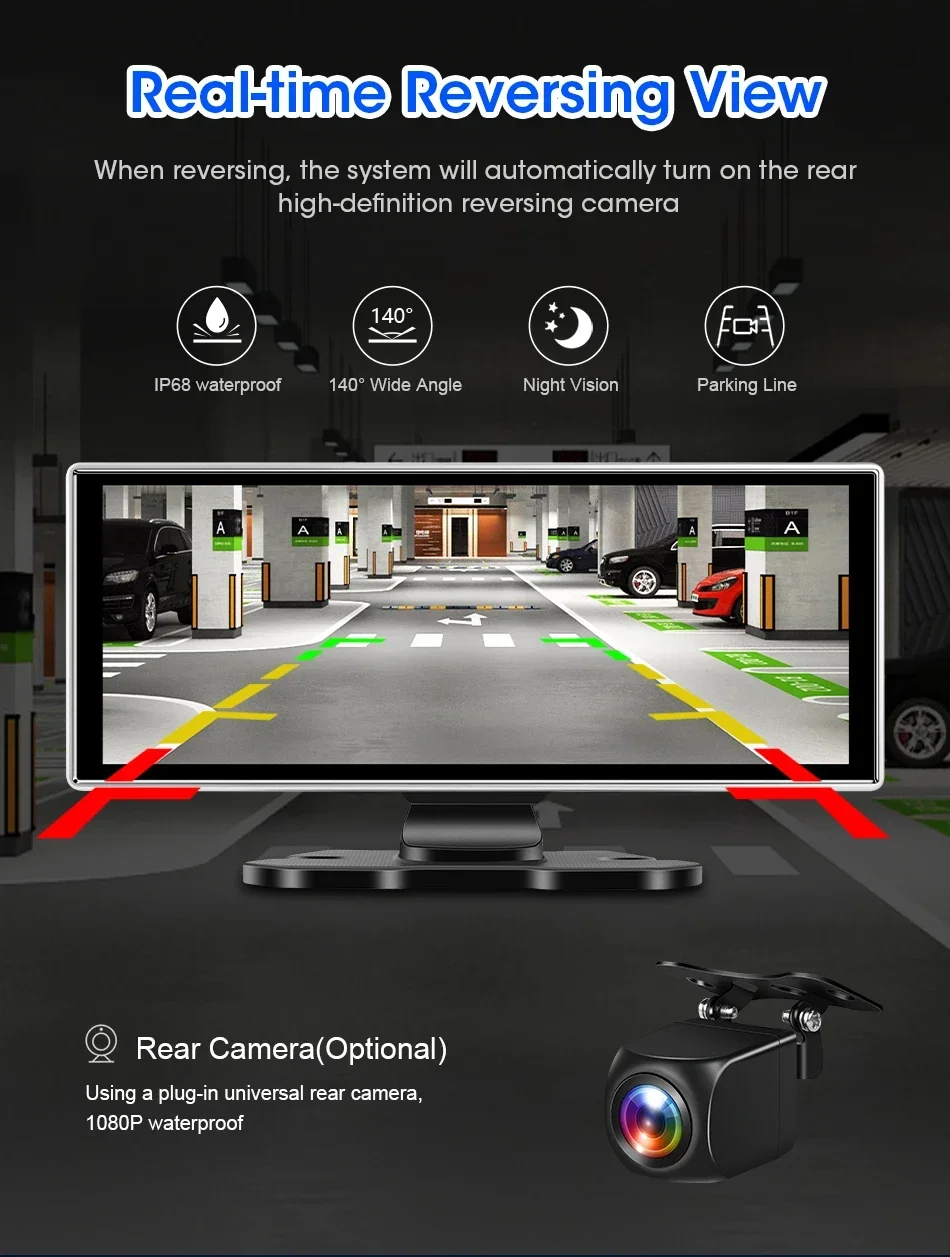
About The Reversing Assist Function:
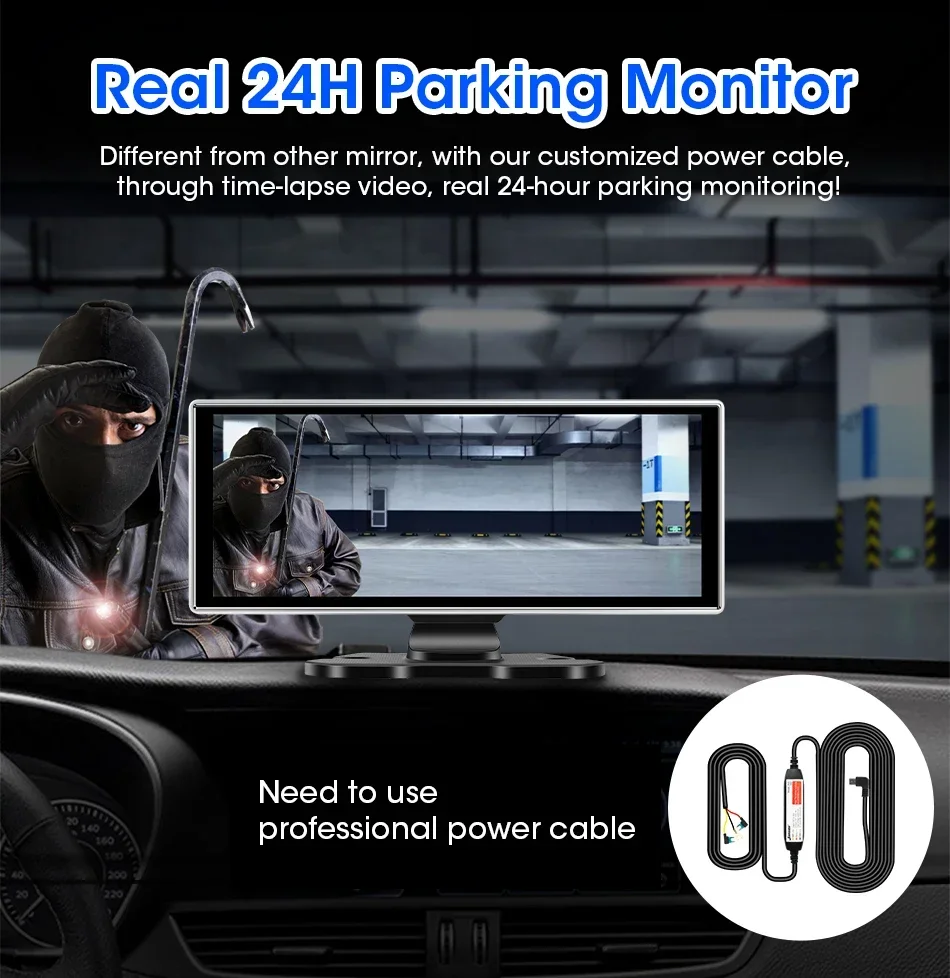
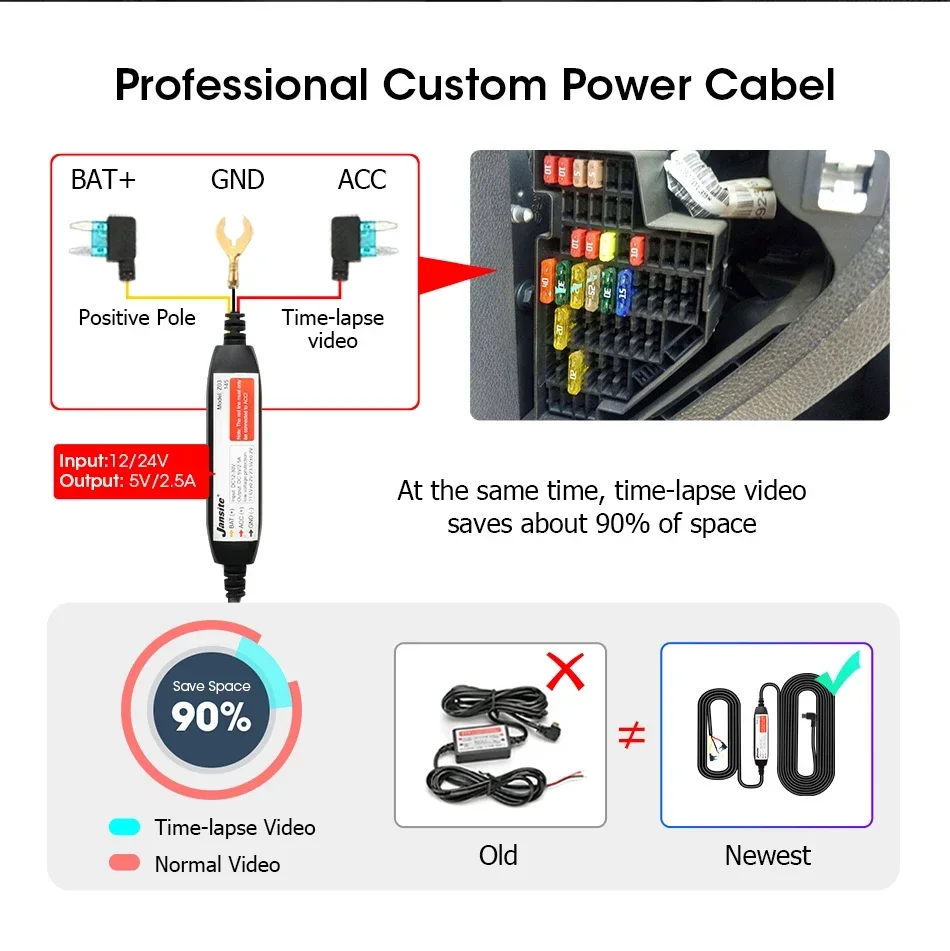
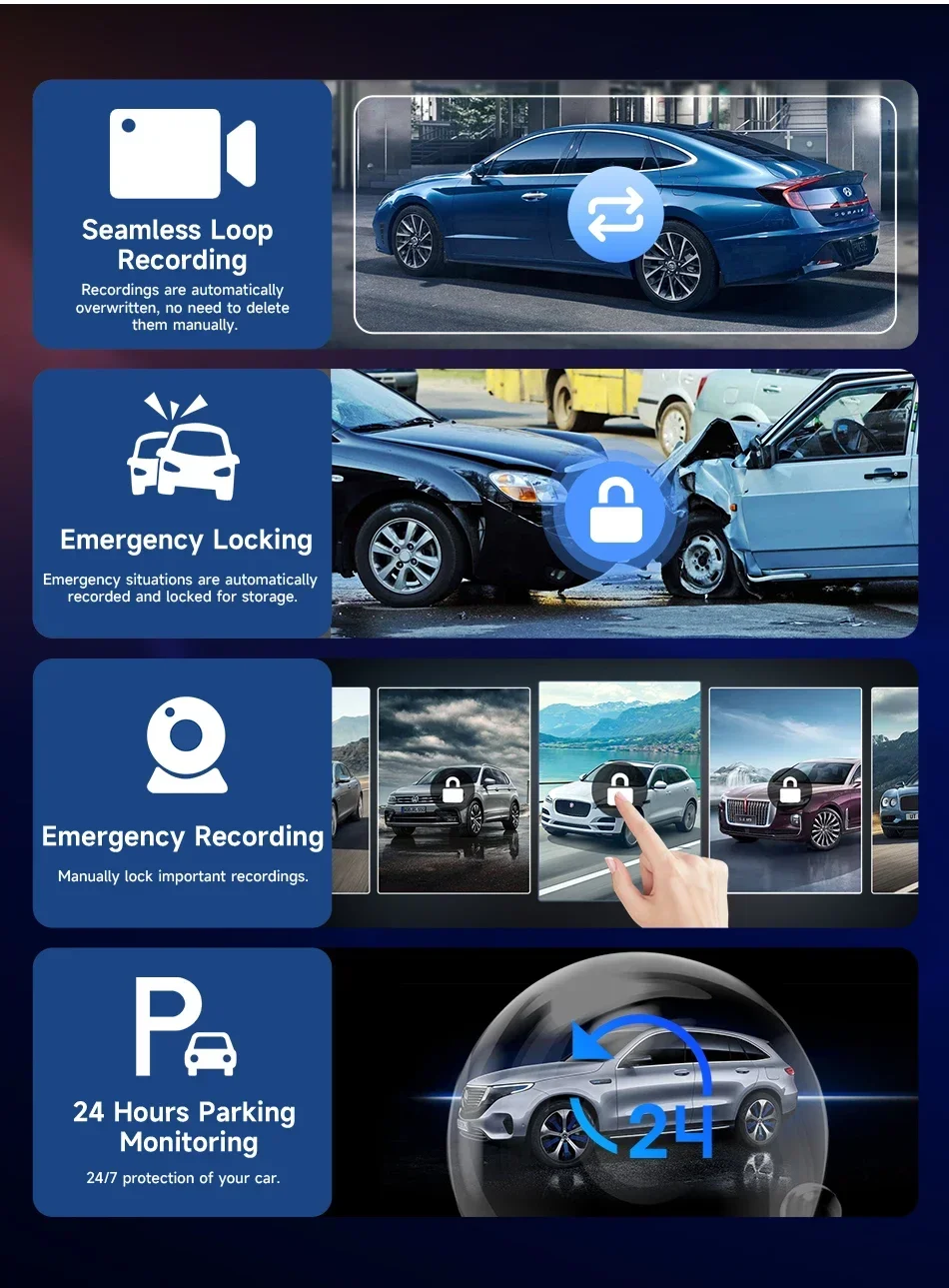
About 24-Hour Parking Monitoring:
If you have purchased a configuration that includes a GPS module (for trajectory playback function, unrelated to navigation function), please check the connection between the GPS and power supply, and connect it correctly according to the instructions, otherwise it will not turn on! 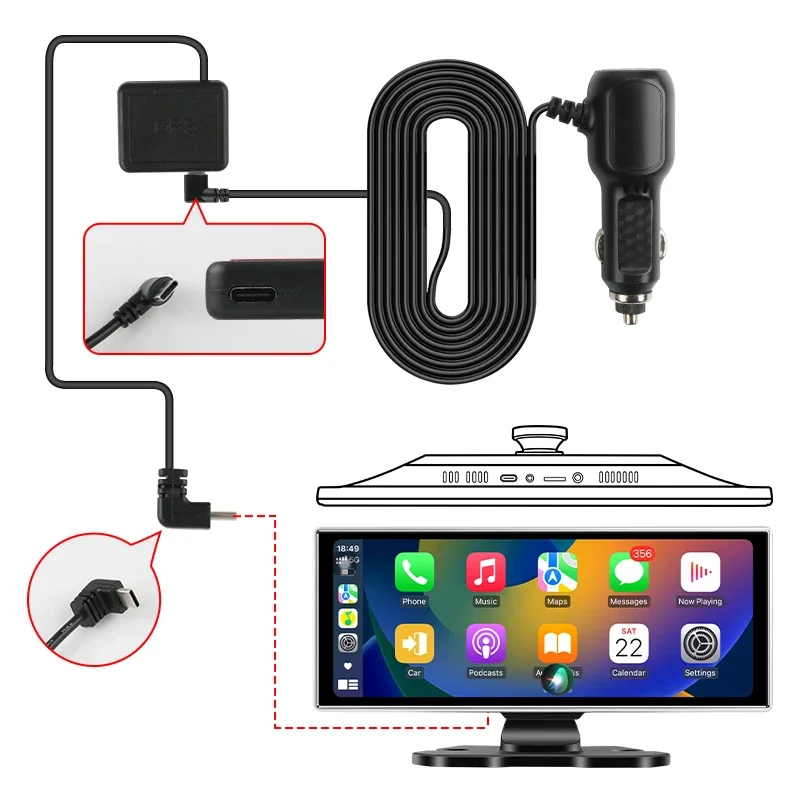
1.How to contact the manufacturer’s engineer?
If you encounter a very urgent problem that needs to be solved, please contact this email.
2.What is the system of this product?
This product does not contain an Android system, and its system is Linux, so you cannot download the software on your own.
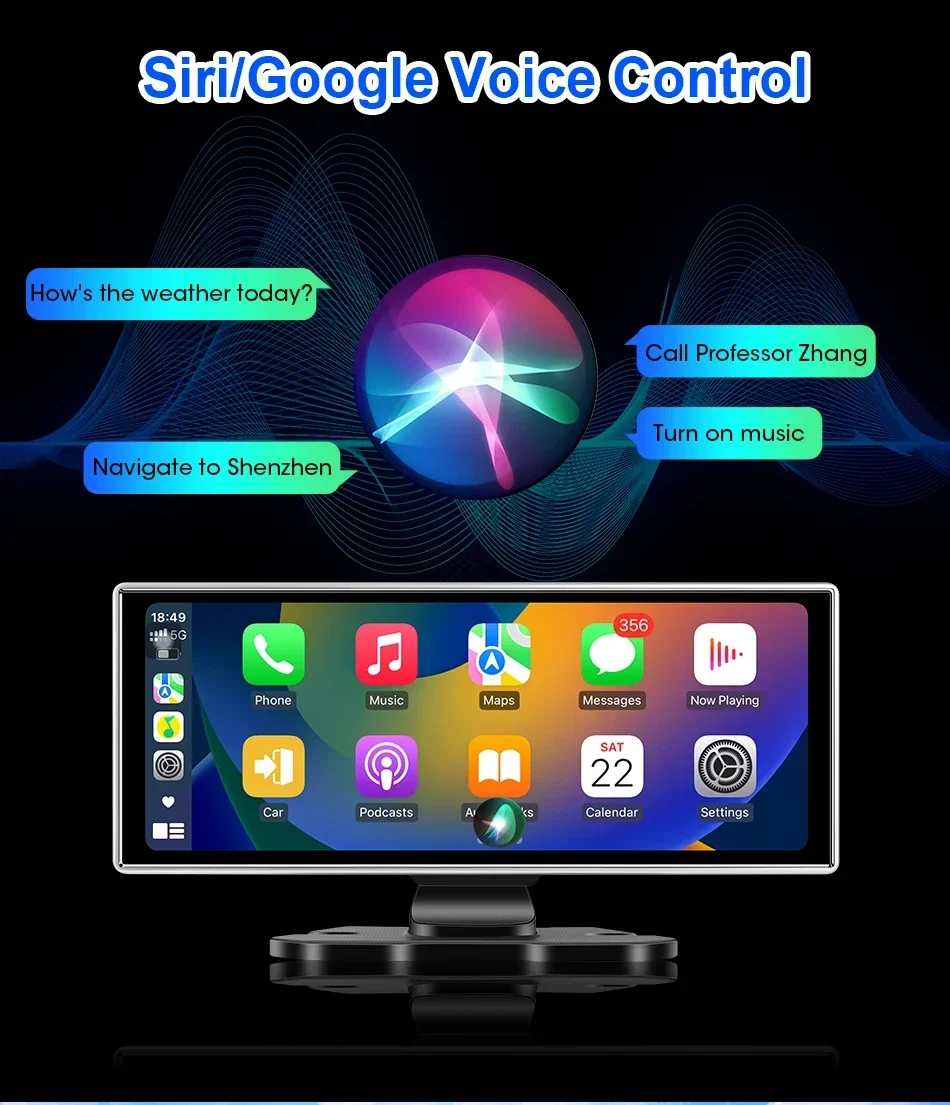
3.Does this product have an independent speaker?
Of course, this product comes with an independent speaker, but we offer a 3-meter AUX cable as a gift. By connecting the AUX cable to your original car radio, you can enjoy better sound quality from the original car radio’s in car amplifier system.
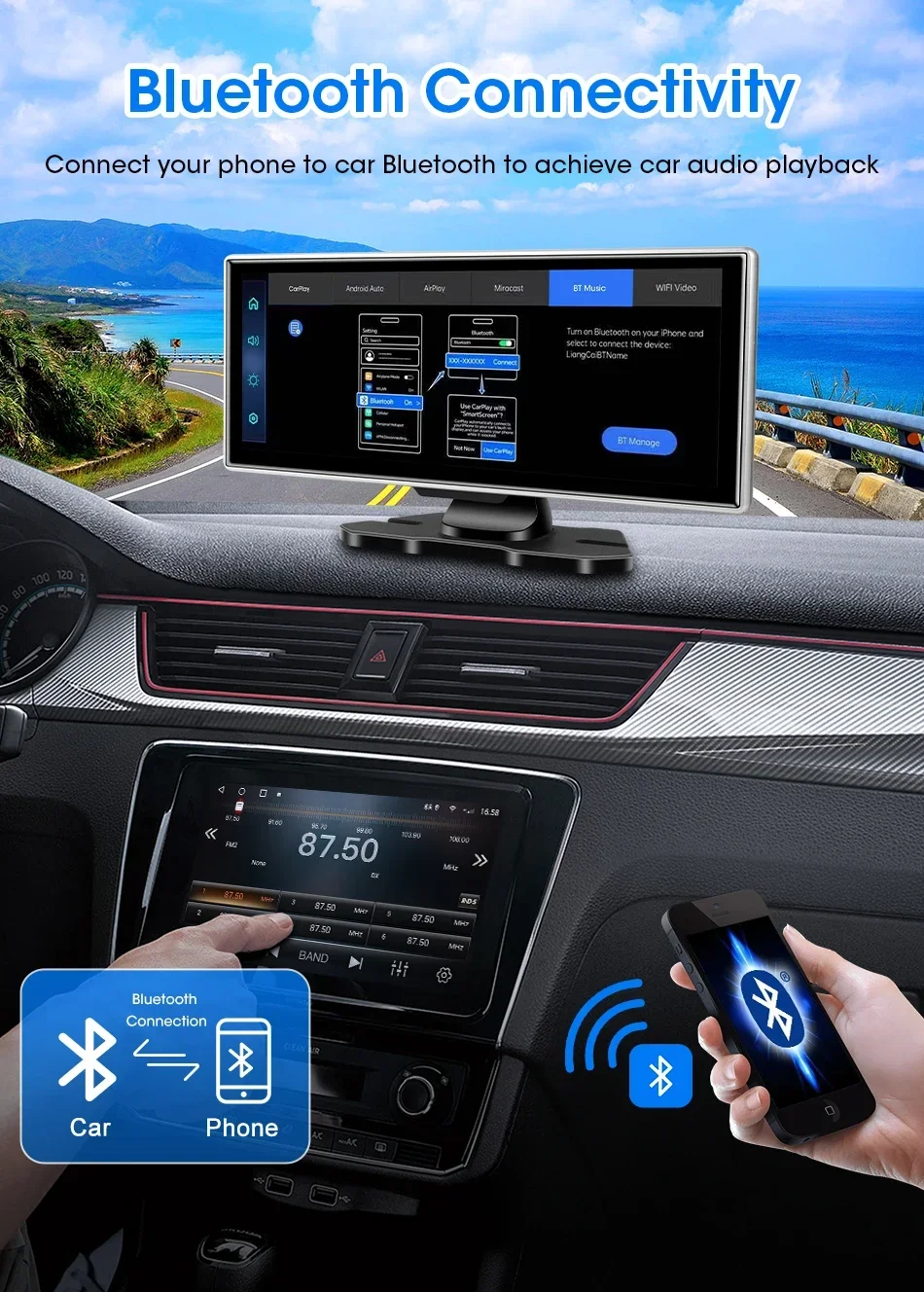
4.How do I connect and use the features of Carplay and Android auto?
The steps are very simple. Just open the Carplay connection page of the model, you will find the Bluetooth name of the model, and then use the Bluetooth page of your phone to search for the Bluetooth of the model. If the Bluetooth connection is successful, it will automatically connect to Carplay or Android auto
5.Why is my phone’s Bluetooth successfully paired with the model’s Bluetooth, but still unable to use the functions of Carplay and Android auto?
For iPhone phones, please open the general settings page of your phone, which has a settings page for “Car Play”. Please go to the page to check if all the connected devices you have found have been turned on.
For Android phones, some Huawei, Xiaomi, and Samsung branded phones are unable to use the Android auto function But when using the features of Android Auto, you need to download an app called “Android Auto” from the app store so that you can quickly connect and use the features of Android Auto.
6.What should I do if I want to use more apps on this product model?
Firstly, through the use of the Carplay feature, some of your phone’s apps will be displayed in the Carplay interface of the model. However, due to the limitations of the Carplay version, some third-party apps or video playback apps cannot be used on the model So you can download some Carplay compatible apps
The same applies to Android Auto.
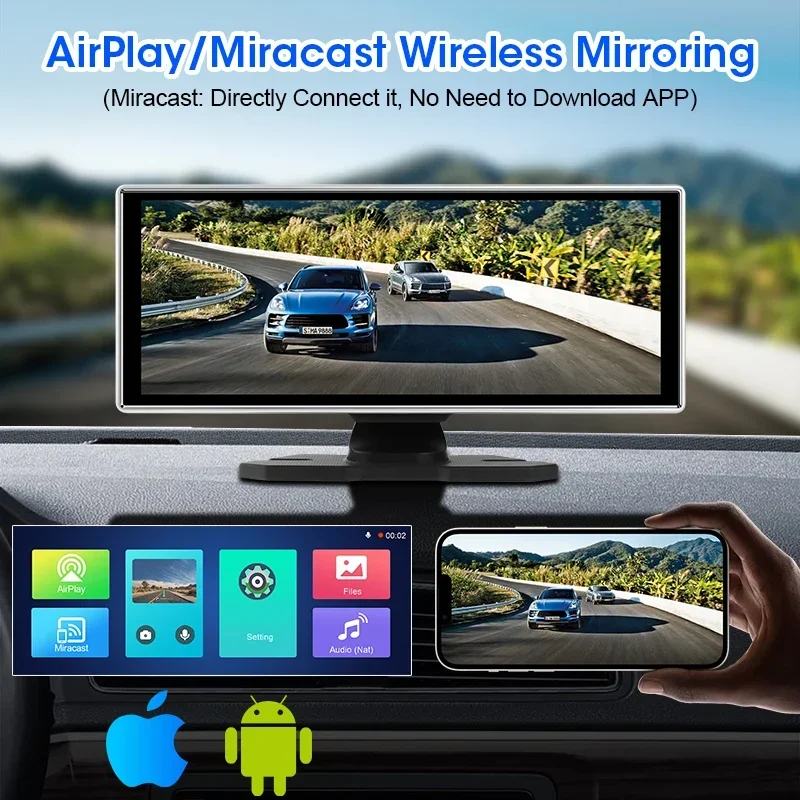
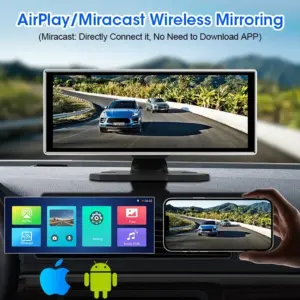
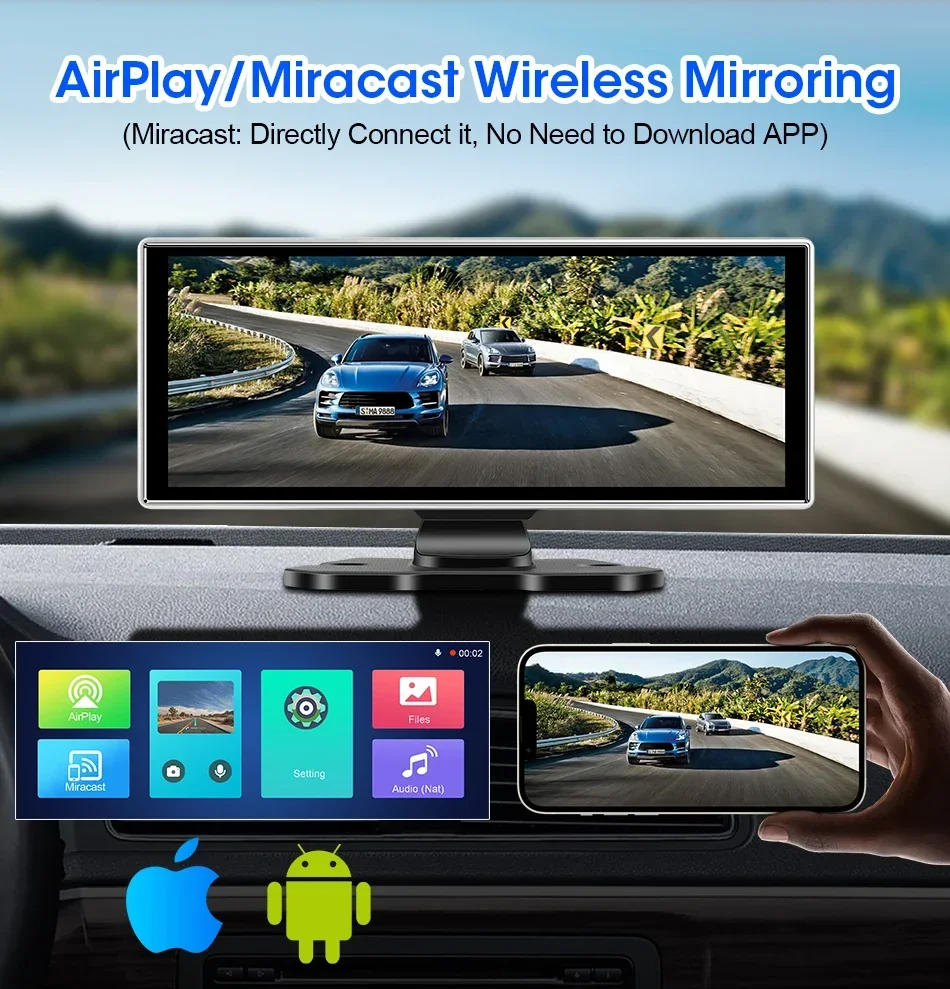
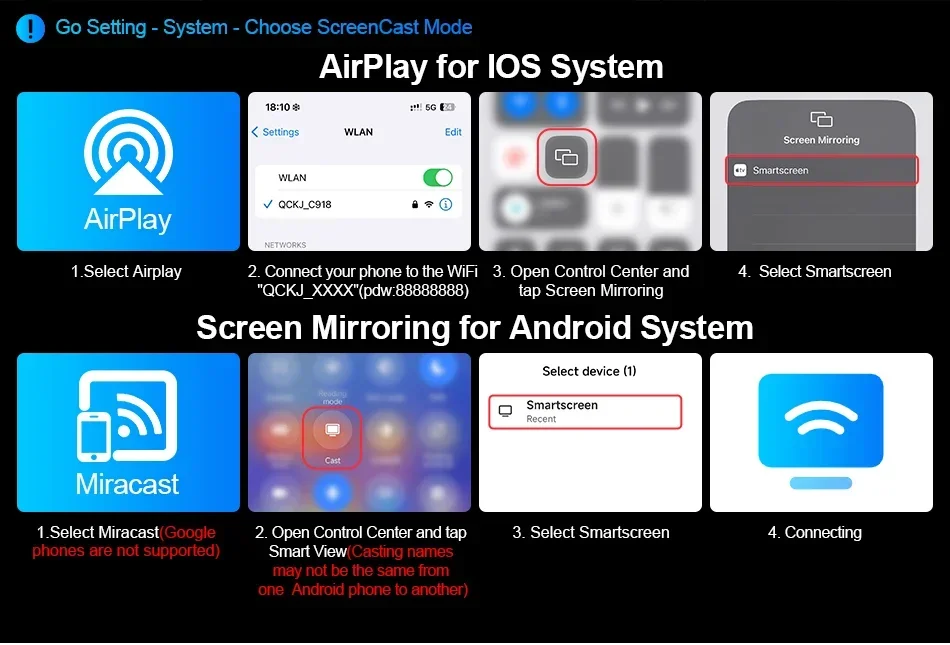
7.How do I use the features of Airplay and Miracast Mirroring?
You can check the connection steps on the link details page of our product. You need to download some specific apps. You can check the video tutorial in our cloud storage, which is located at :httpsdrive.google.comfiled1UpgxjCl81whXp9MUFyYdaSQ6DItJmivLview?uspsharing
8.What should I do if my product keeps restarting?
This is caused by voltage imbalance in the power supply. You need to ensure that you are using our matching power cable. Please do not use third-party power cables. Where do we need to power and test the product to use it? You need to power up the cigarette lighter in your car.
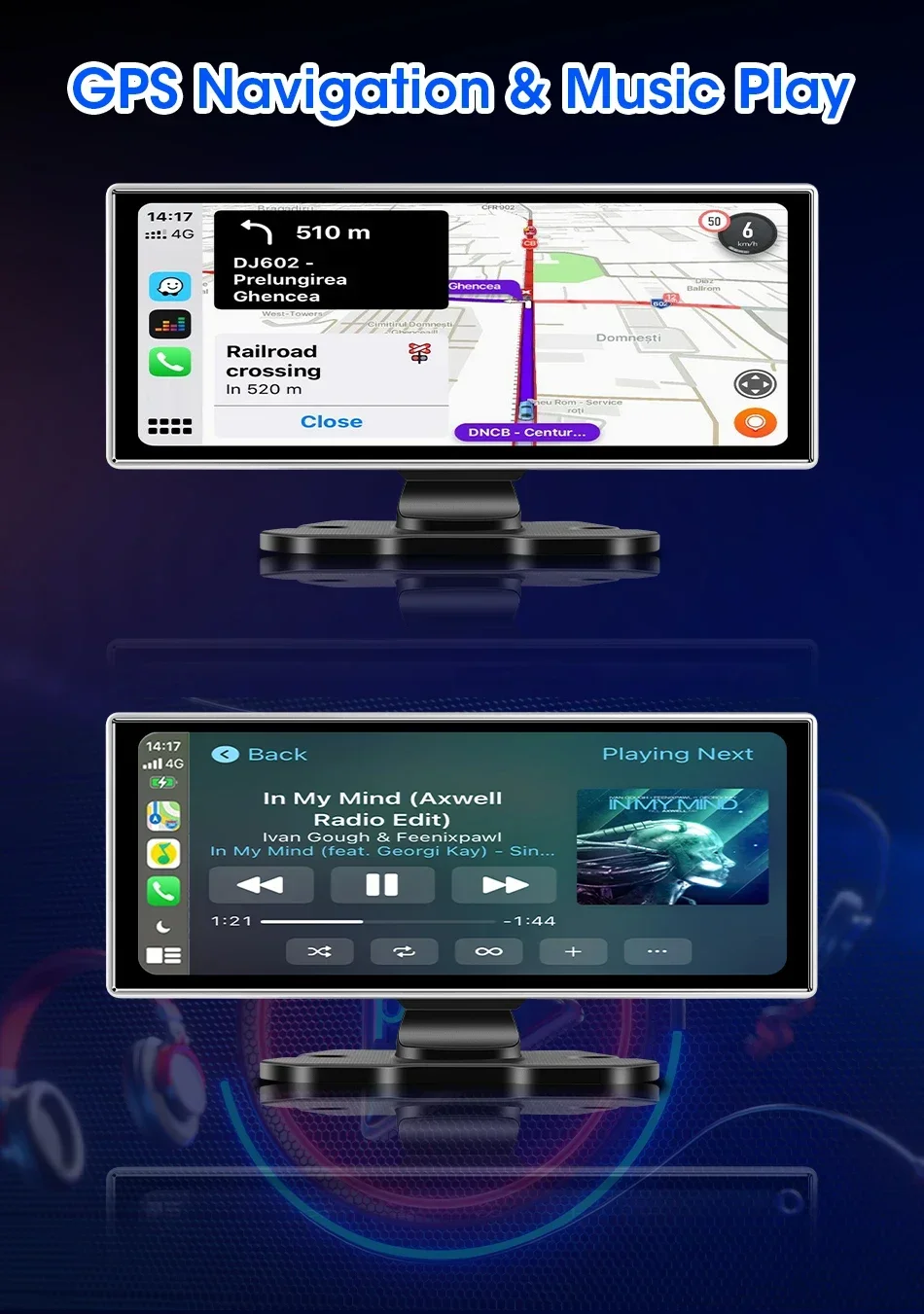
9.I want to use the navigation function on this product, what should I do?
Whether you are using an iPhone or an Android system phone, once you connect the Carplay and Android auto functions, you can use the navigation app inside the phone on the product model.
10.Does this product support connecting a reverse camera?
Of course it is supported. If you have purchased a configuration that includes a reverse camera, you can connect it according to the steps normally If you need to purchase a reverse camera yourself, you can search on the platform, but it is important to ensure that the reverse camera is compatible with the product.
11.What is the function of the GPS module if it is included in the configuration I purchased?
If the model you purchased includes DVR function, if you use the GPS module and DVR lens to record a video and view the playback video, the GPS module can help you annotate a driving trajectory from location A to location B, and the driving speed is usually displayed in your recorded video.
12.How do I view videos recorded during my driving process?
Your driving records will be saved on your TF card. If you need to view them, you can insert the TF card into your computer and view your videos When the video archive is filled with TF Card storage space, the first recorded video will be replaced.
13.Can I add a new language if the product does not have the language I usually use?
You can contact the engineer first, and the engineer will tell you if you can add the language you need. Then, the firmware for adding the language will be sent to you, and you can upgrade it.
14. How do I use this “dual Bluetooth” feature?
Firstly, please successfully match the Bluetooth of the phone with the product, then enter the Carplay function page, disconnect the Bluetooth of the phone, and finally connect the Bluetooth of the phone to the Bluetooth system of the original car radio to achieve dual Bluetooth mode.
| Color Name | 4K DVR, 4K DVR 24H BL, 4K DVR 6M AHD, 4K DVR 6M AHD GPS, DVR-AHD-GPS-24H BL, NO Camera NO DVR |
|---|---|
| Warranty | 365Days |
| Weight | 1.05KG |
| Power Source | Corded Electric |
| Built-in Screen | Yes |
| Loop-Cycle Recording Feature | Yes |
| Audio Recorded | Yes |
| Rear Camera | Yes |
| Original Package | Yes |
| Touch Screen | Yes |
| Screen Ratio | 4:3 |
| Memory Card Required Reding Speed | Class 10 |
| View angle | 140 |
| Camera Resolution | 1920×1080 |
| Video Code | H.264 |
| Video Format | AVI,MOV |
| Is Batteries Included | No |
| Special Features | G-Sensor,With Rearview Mirror,Waterproof,Wide Dynamic Range,wifi function,Bluetooth,Voice Control,Parking Monitor,External GPS |
| Max External Memory | 128G |
| Number Of Lenses | 1 |
| Imaging Sensor | 1/3"Sony Ccd |
| Pixels | 200Mega |
| Display Size | 11.26inch |
| OSD Language | Arabic,Chinese (Simplified),Chinese (Traditional),Dutch,English,French,Hebrew,Japanese,Korean,RUSSIA,Spanish,Turkish |
| GPS logger | Internal |
| Assembly Mode | Portable Recorder |
| Chipset Manufacturer | Allwinner |
| Frames Per Second | 30 |
| Brand Name | srnubi |
| Origin | Mainland China |
| Display | IPS |
| Item Type | Car DVR |
| Interface | AV-In,Micro SD/TF,Bluetooth |
| Carplay and Android auto | Support, wireless |
| Rear camera resolution | 1920*1080 |
| Front lens resolution | UHD 4K 3840*2160P |
| Screen size | 11.26 inch |
| Bluetooth 5.0 | Support |
| FM transmitter function | Support |
| Sd Card Memory | 128G Card, 64G Card, NO Card |
20 reviews for Srnubi 11.26″ Dash Cam Rearview Carplay Android Auto 4K DVR Navigation Player Dual Lens Recorder Dashboard WIFI BT AUX GPS FM
Only logged in customers who have purchased this product may leave a review.
The biggest drawback of this otherwise great device is that it doesn't support carplay auto-connect for more than 1 iphone. It auto-connects only to the last iphone that was connected to it. Otherwise, you have to go to your iphone's bluetooth settings, find the camera device's name and click on it to connect via bluetooth. Only then it will switch on carplay.
Beyond that, it's a great device:
- the screen is bright and clear. The build quality is quite good!
- simple, intuitive and fast software
- wireless carplay works great (with 1 iphone :)) and is fairly responsive.
- both cameras are of decent quality.
- it records both from the rear and the front camera. Playback is possible on device and via an app.
- it can show the reverse camera automatically when you connect the camera's red wire to your reverse light.
Great value for the money. Just be mindful of the carplay auto-connect issue for more than 1 iphone.
easy installation only problem is if you prefer to just put base without stand
The adhesive tape is weak, but I used two screws and it became flawless.
worth the money for the quality screen and easy installation