




- Overclocked: NIE
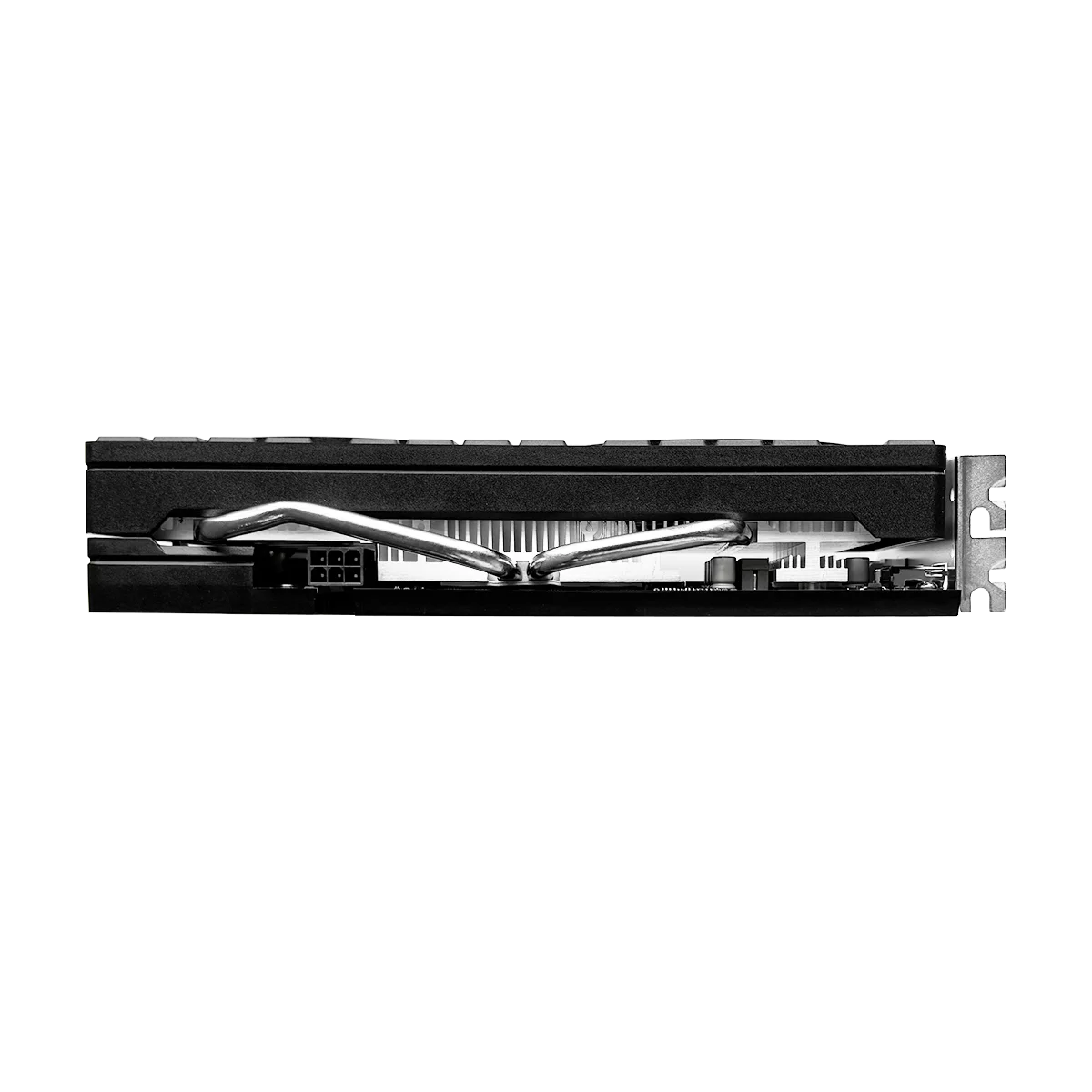
- Power Connector: 6pin
- Product Category: Desktop Graphics Cards
- Product Features: VR READY
- Chip Process: 14NM
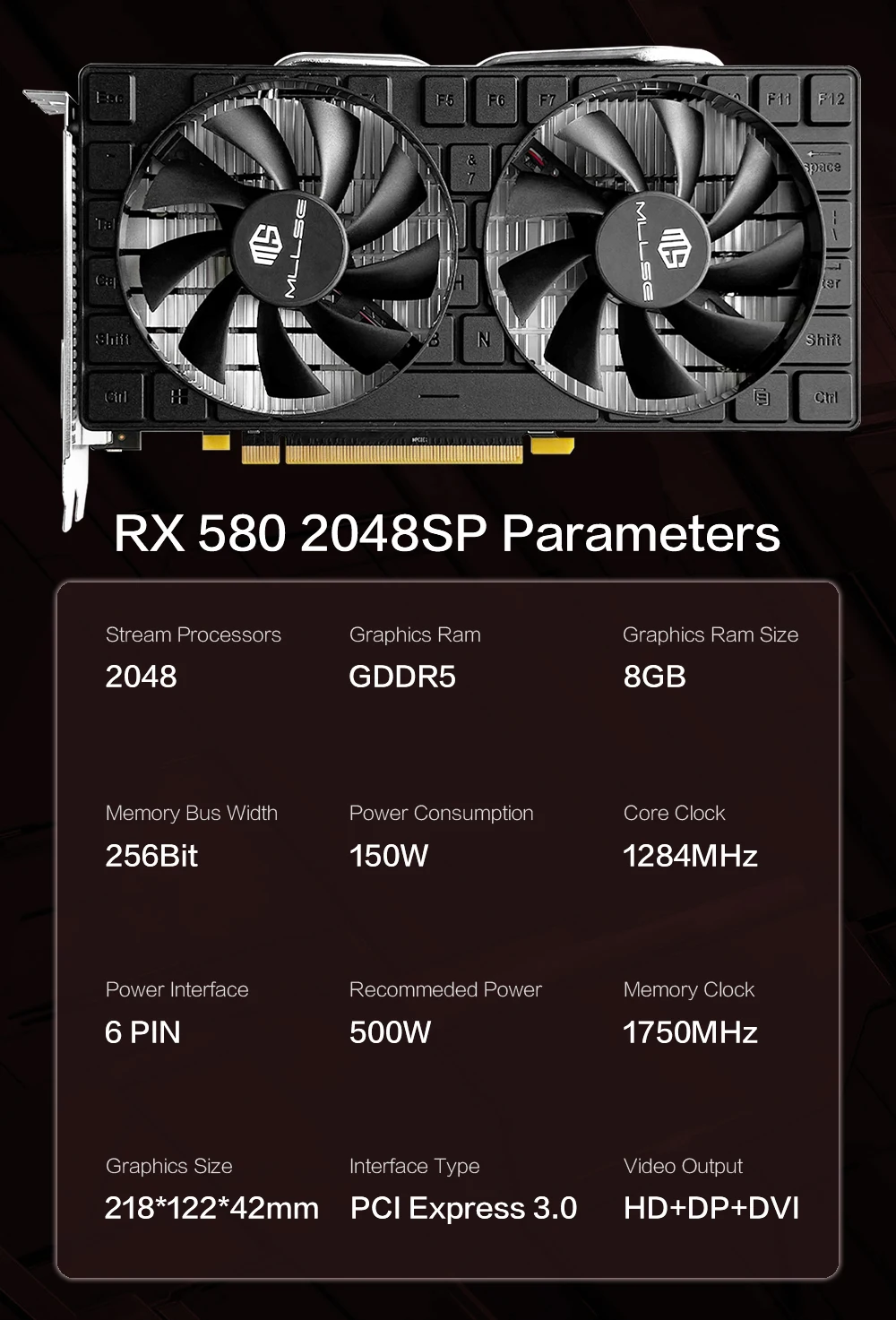
- Stream Processors: 2048
- Cooler Type: Double Fan
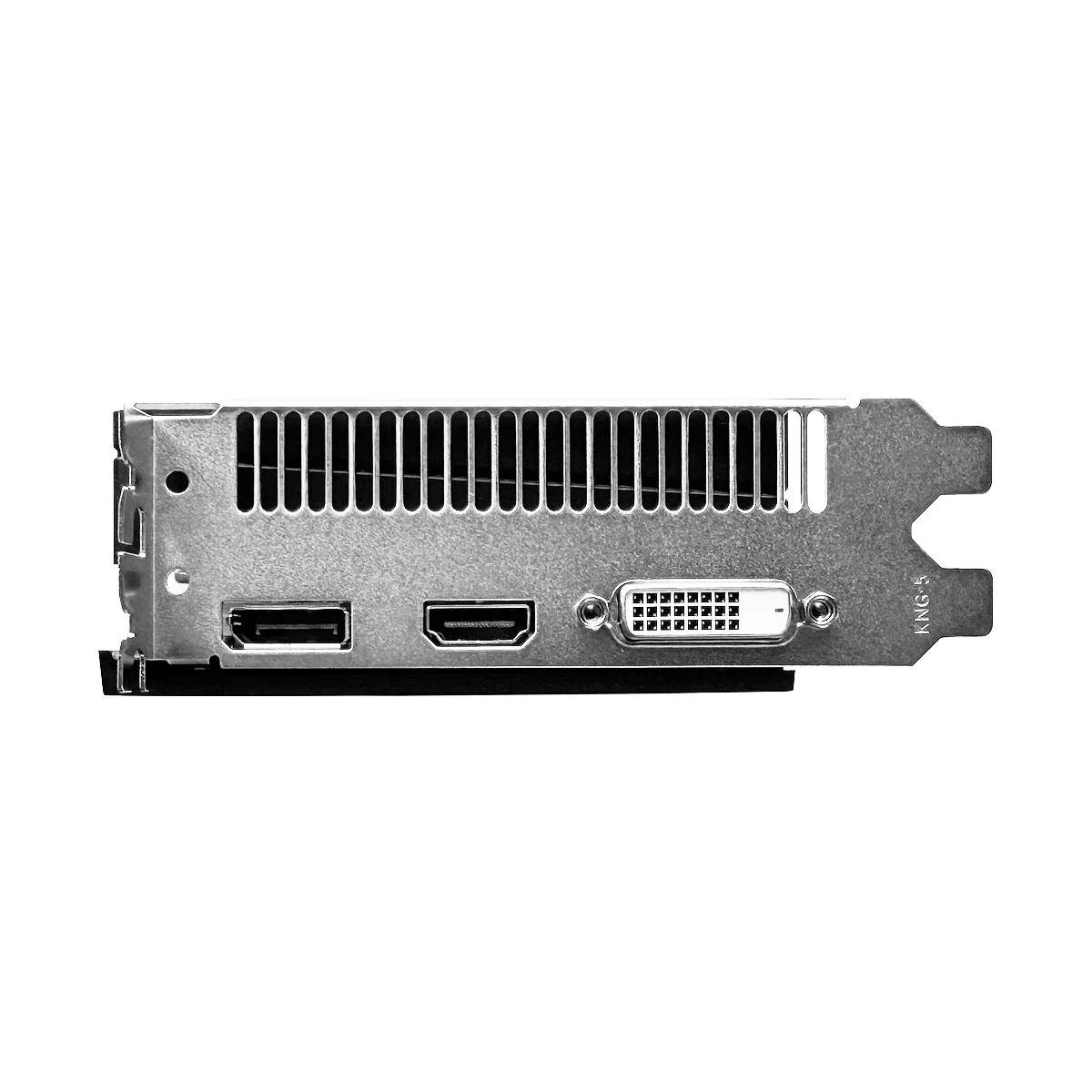
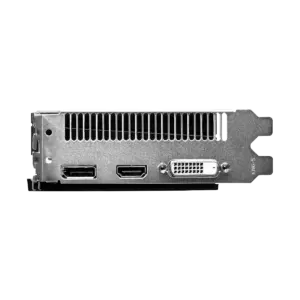
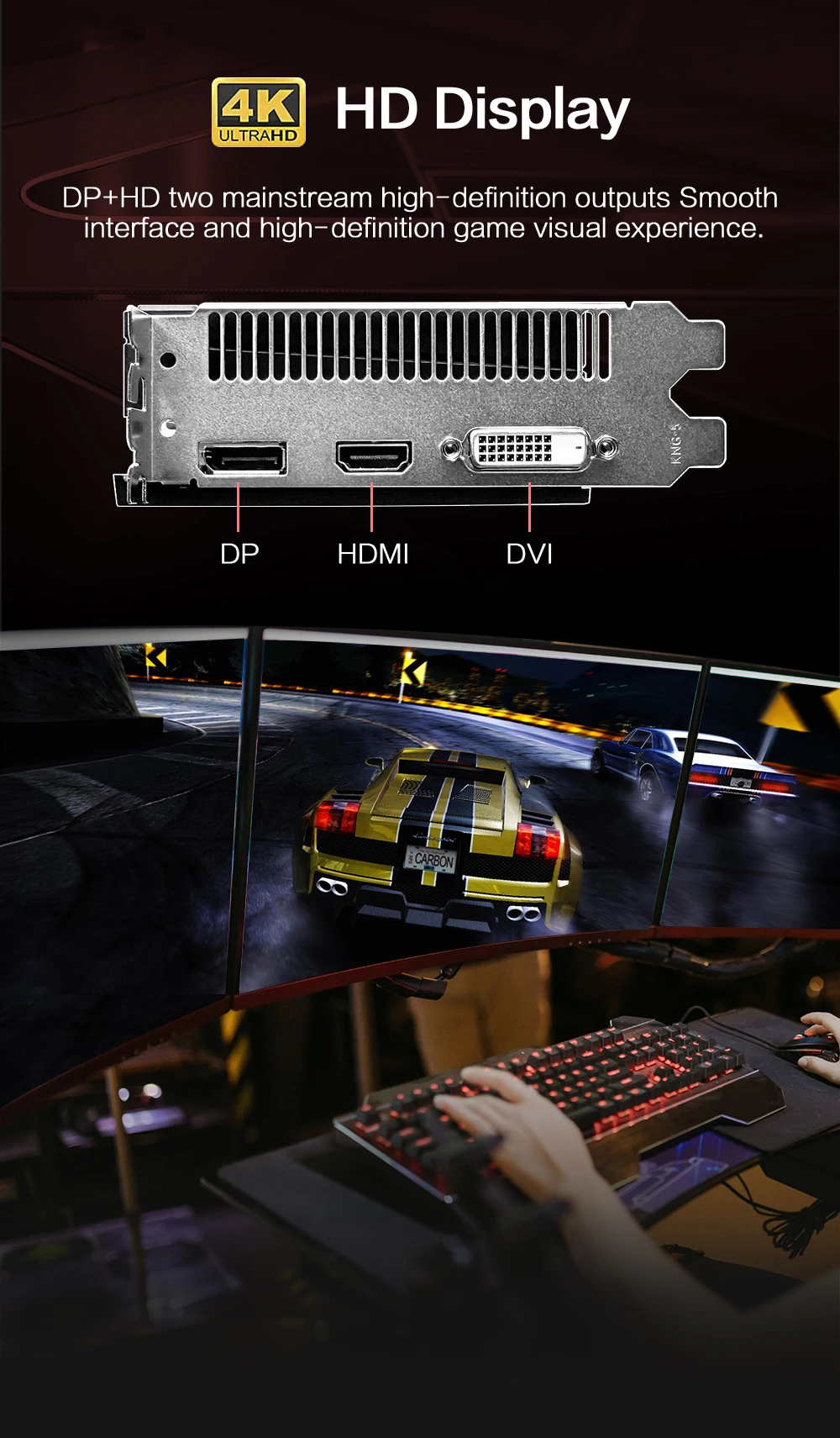
- Output Interface Type: DVI-D,HDMI 1.4×1,DisplayPort x1
- Video Memory Type: GDDR5
- Memory Interface: 256 BIT
- Chipset Manufacturer: AMD
- Memory Clock(Mhz): 1750MHz
- Aplikacja: Desktop
- Nazwa marki: MLLSE
- RGB: NIE
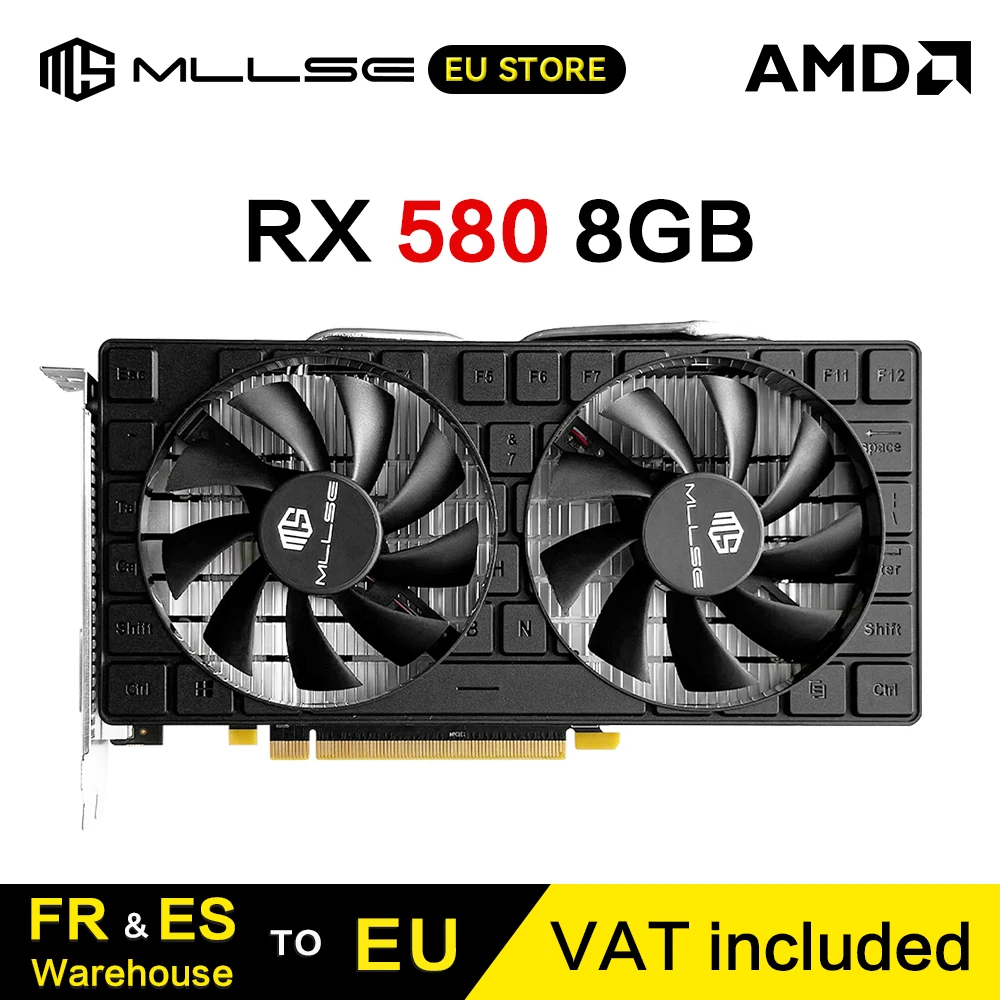
MLLSE RX 580 8G 2048SP Graphics Card
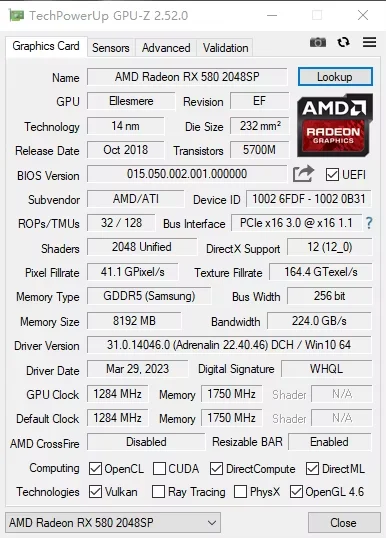
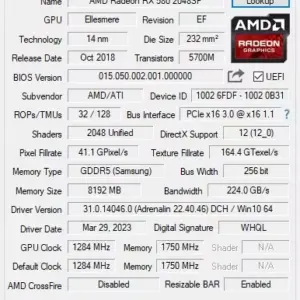
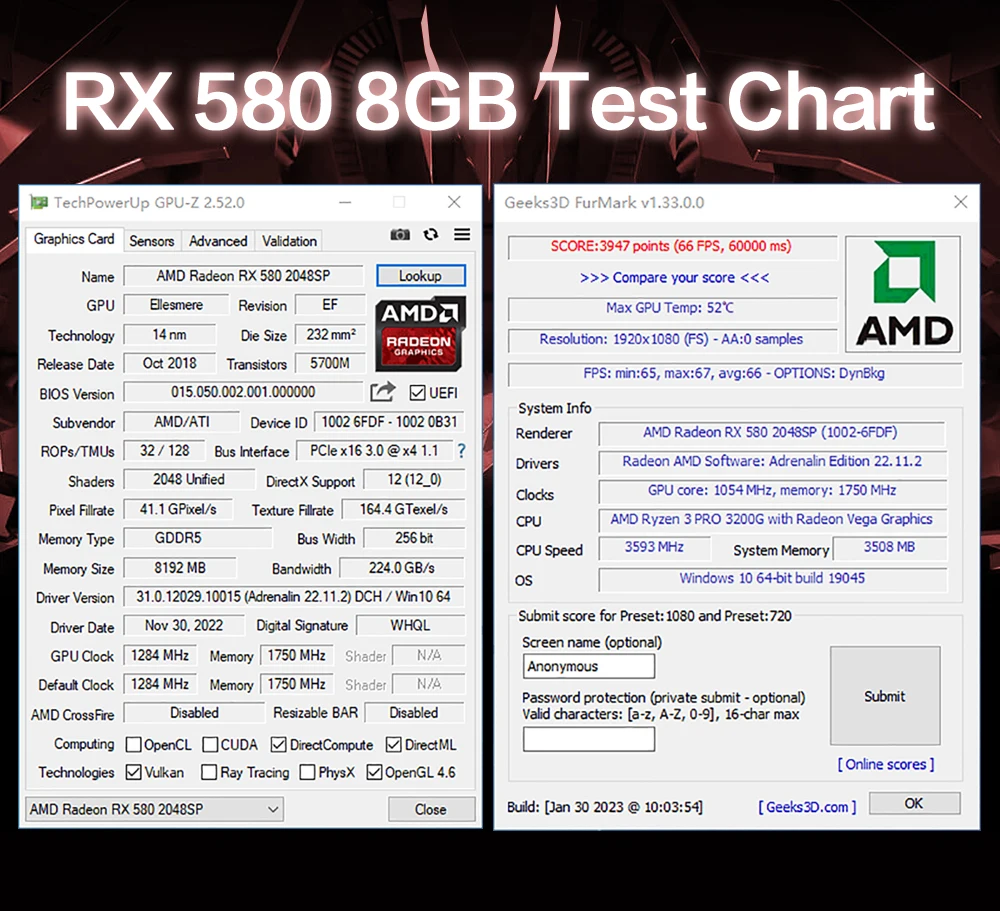
• GPU model: AMD Radele RX 580 8G 2048SP
• Chip code: Ellesmere
• Flux CPUs: 2048
• Heart frequency (MHz) : 1284 MHz
• Memory clock frequency (MHz) : 7000 MHz
• Video memory capacity: 8 GB
• Video memory type: GDDR5
• Video memory interface: 256 bits
• Interface type: PCI Express 3.0×16
• DirectX : DirectX 12
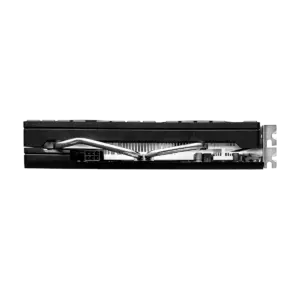
• Power supply connector: 6 brooches
• Consumption: 150 W
• Recommended power supply: 500 W or plus
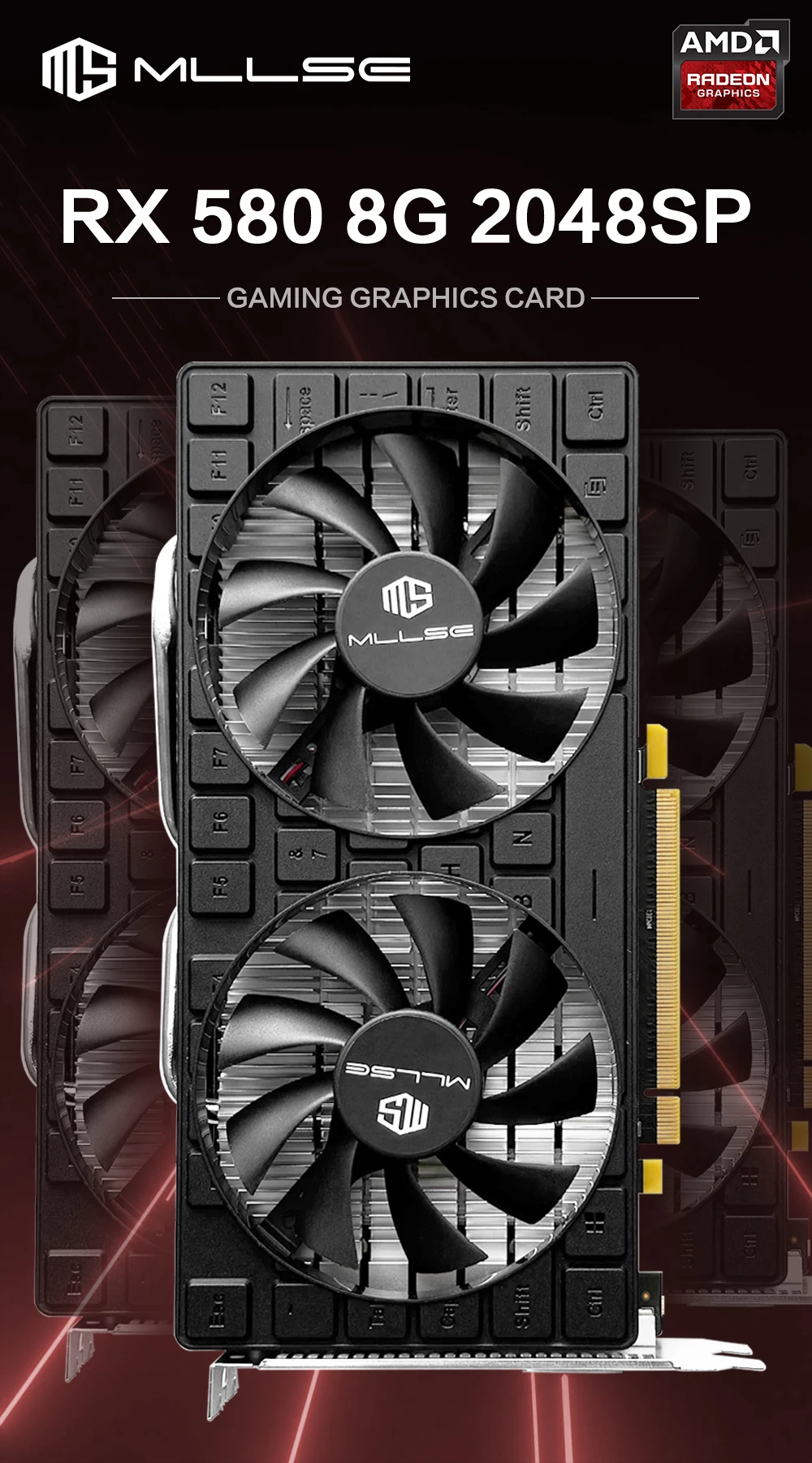
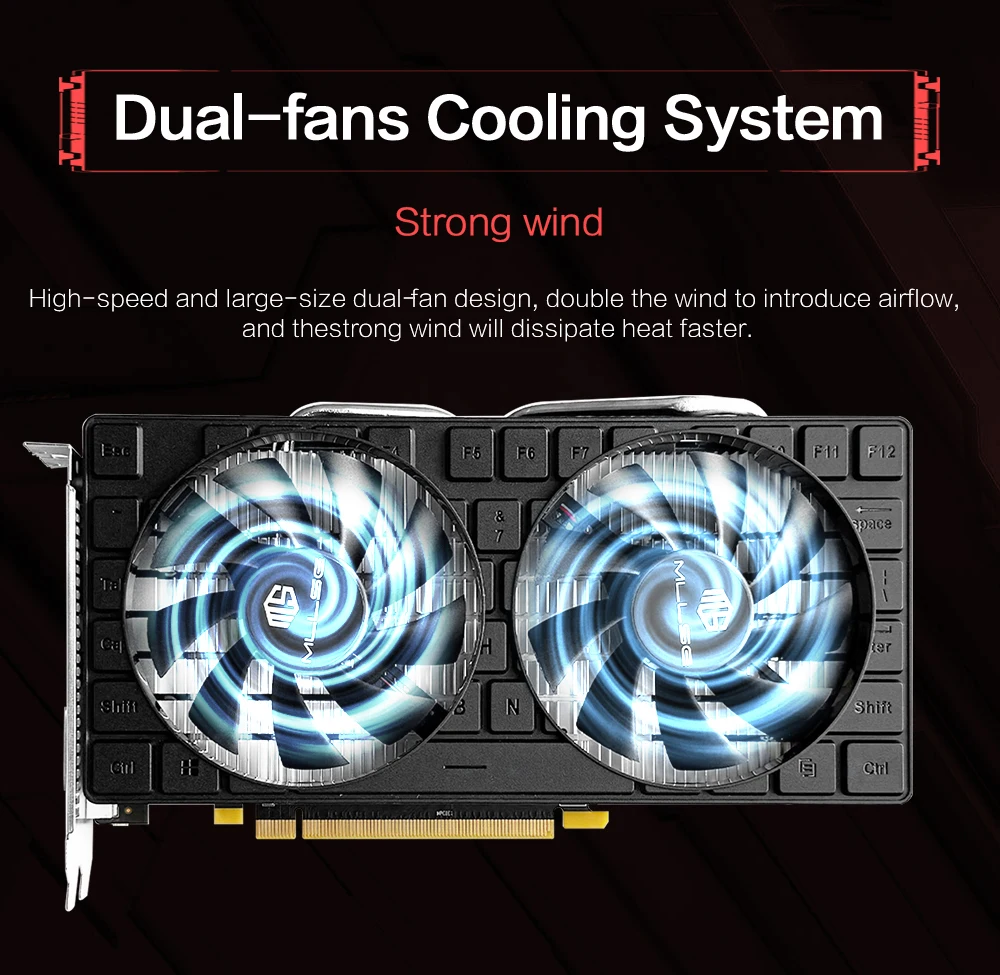
Double fan cooling system
Strong wind — High speed and large size double fan design, double the wind to introduce air flux, and strong wind will dissipate heat plus quickly
Direct contact in copper
Fast cooling — With large surface heat dissipation fins, it leads heat quickly, dissipates heat quickly, cool quickly, and is not afraid of the high temperature of the game at full load.

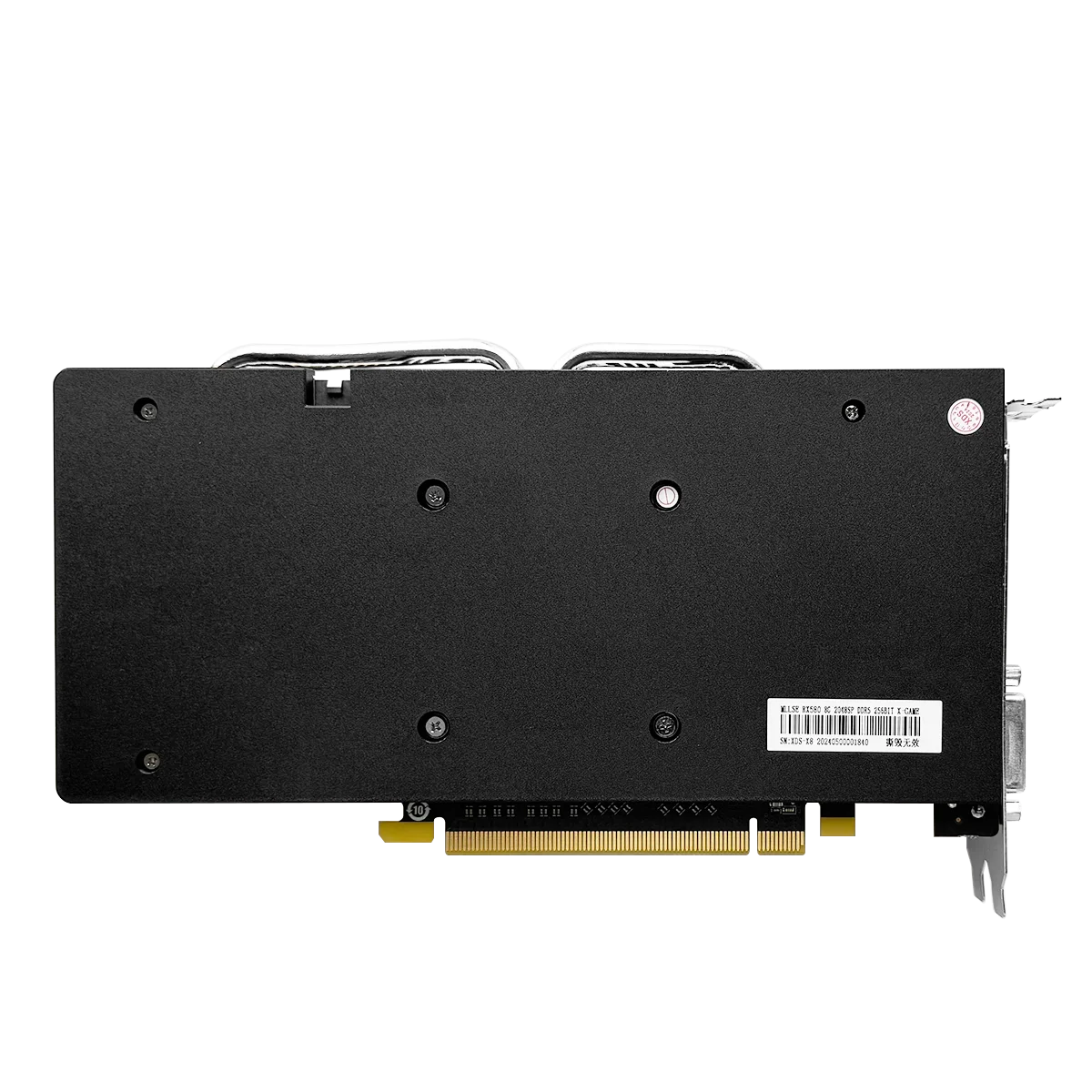
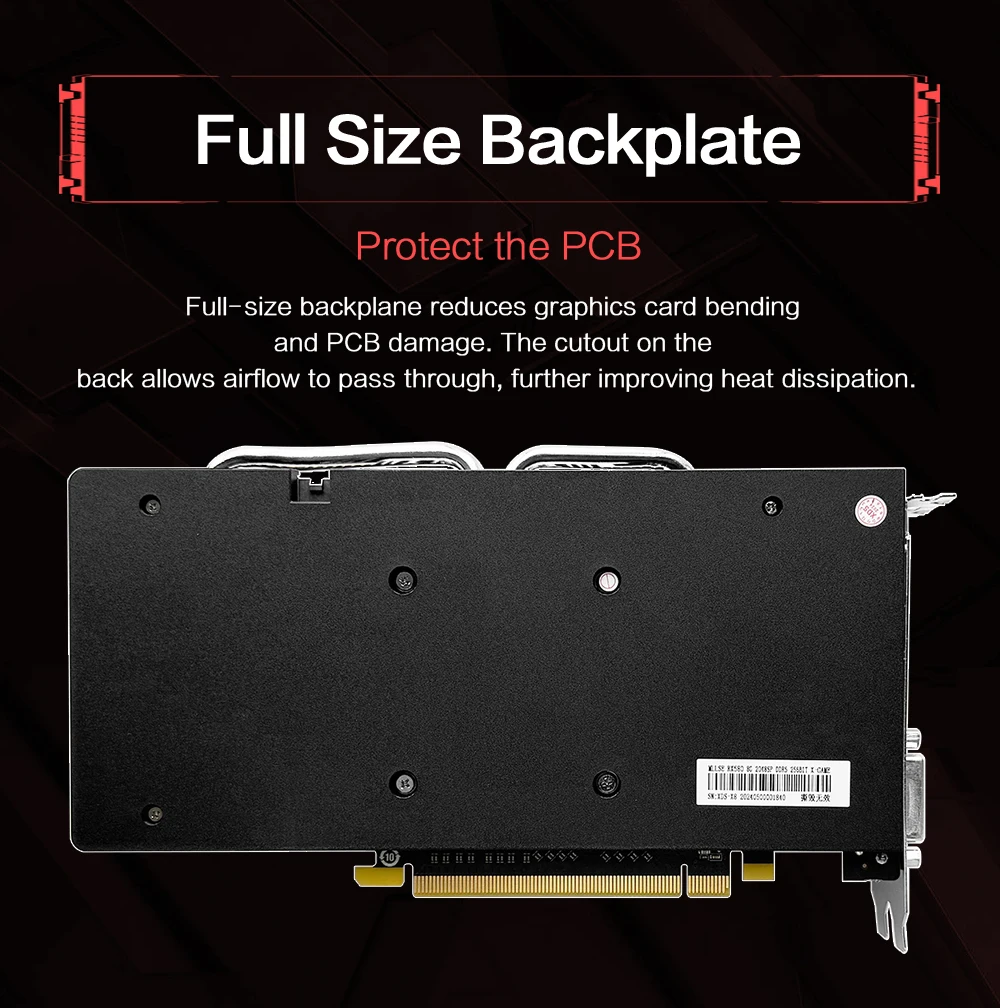
Full-size back plate
Printed circuit protection: The bottom of basket full size reduces the bending of the graphics card and damage to the circuit board. Cutting at the rear allows the passage of air, thus improving heat dissipation.
150 W Power Consumption
High performance, low energy consumption, stay relaxed pendant a whole day of game
Minimum Recommended Power Supply 500 W

4K HD Screen
* With high definition DP + HDMl output interfaces.
* DP can support up to 4k.
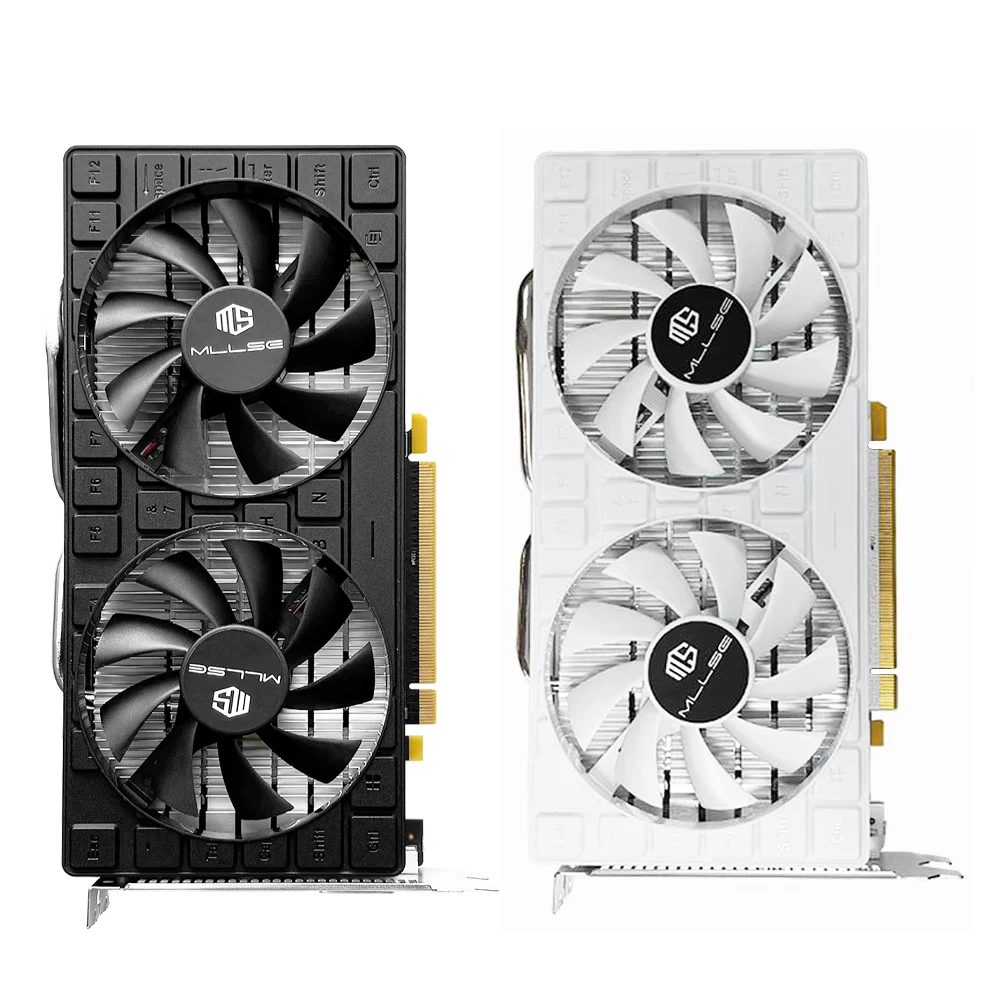
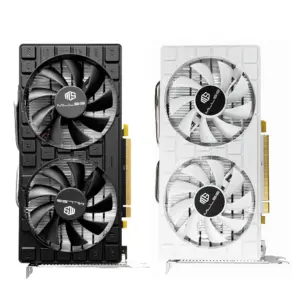
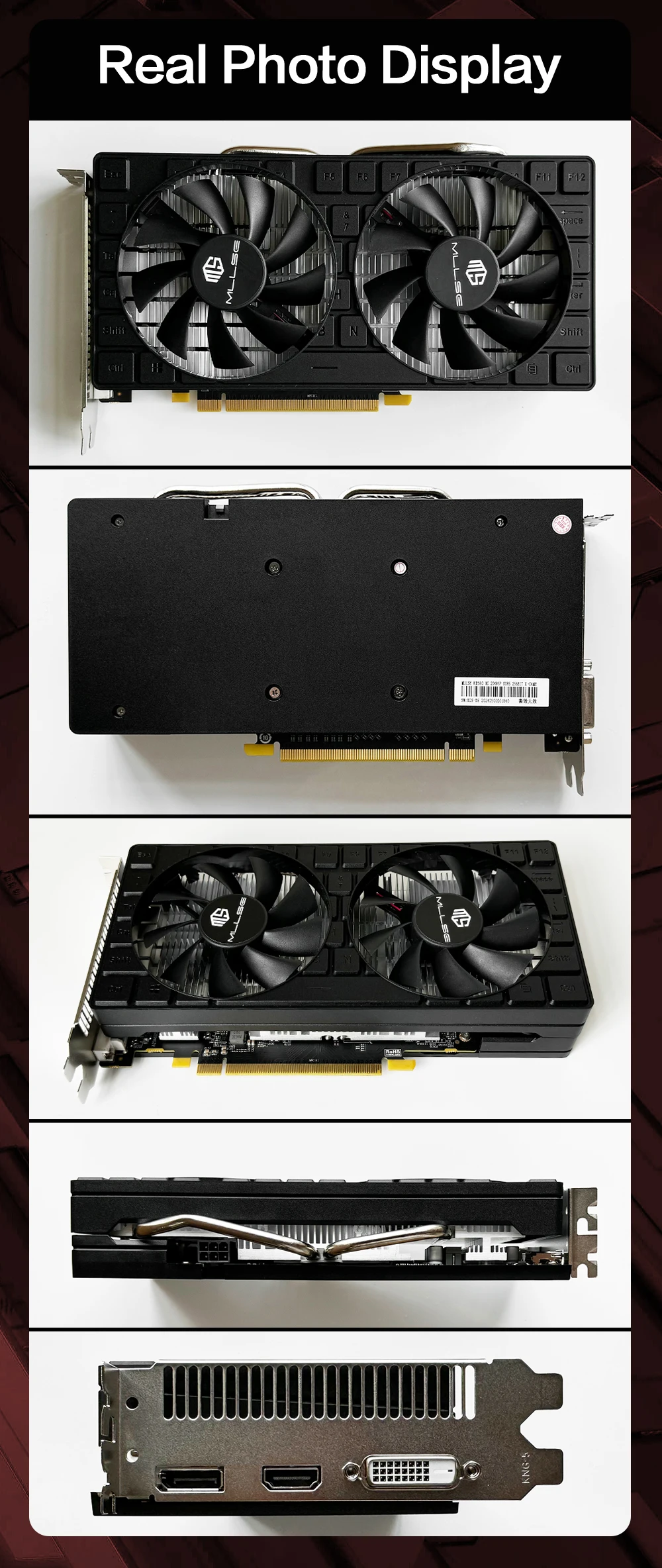
Black appearance
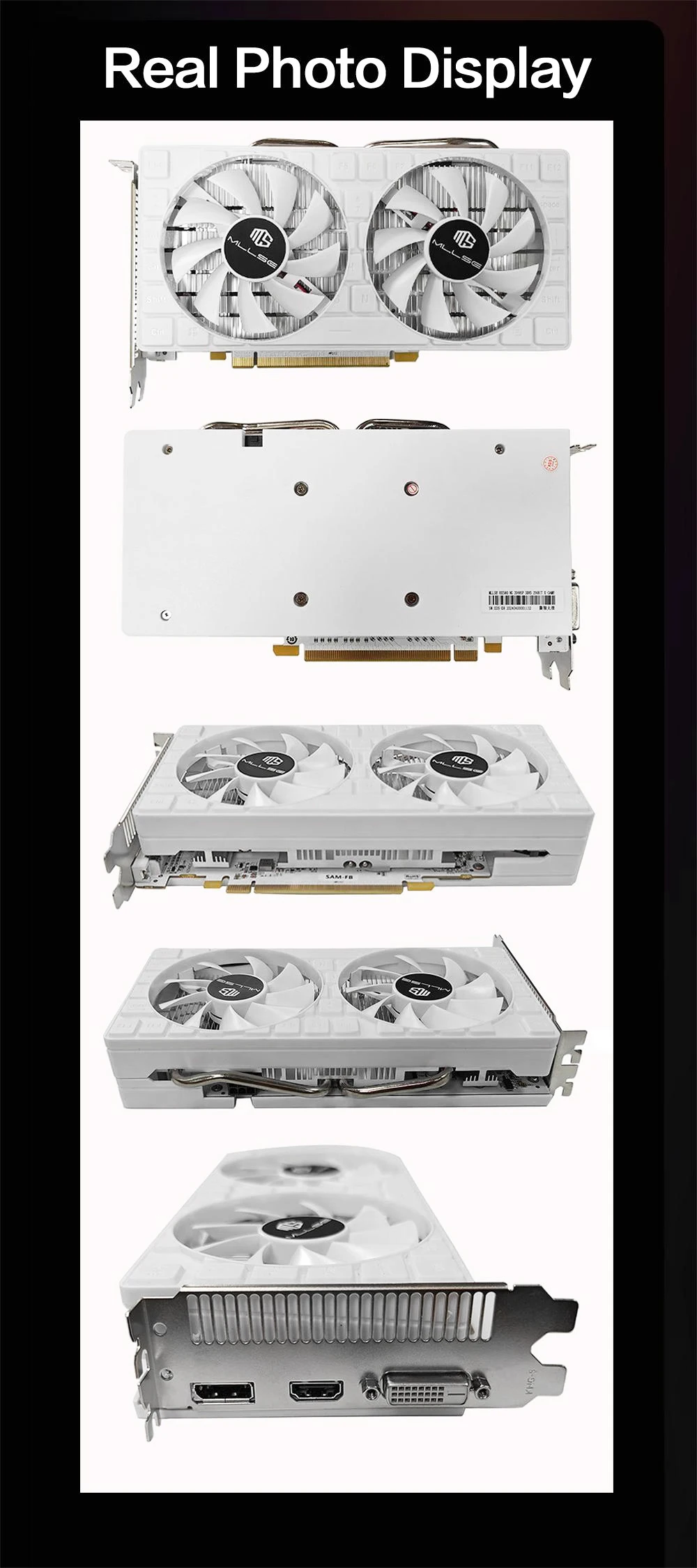
White appearance
Install the graphics card
2. Remove the chassis cover and find the PCle A location.
3. Remove the metal back plate from the extension location where you want to insert the graphics card.
4. Insert the PCle B connector into the PCle location and make sure it is inserted properly.
5. Fix the graphics card to the extension location with a screw.
6. Connect the PCle power connector corresponding to the independent power supply interface E of the graphics card.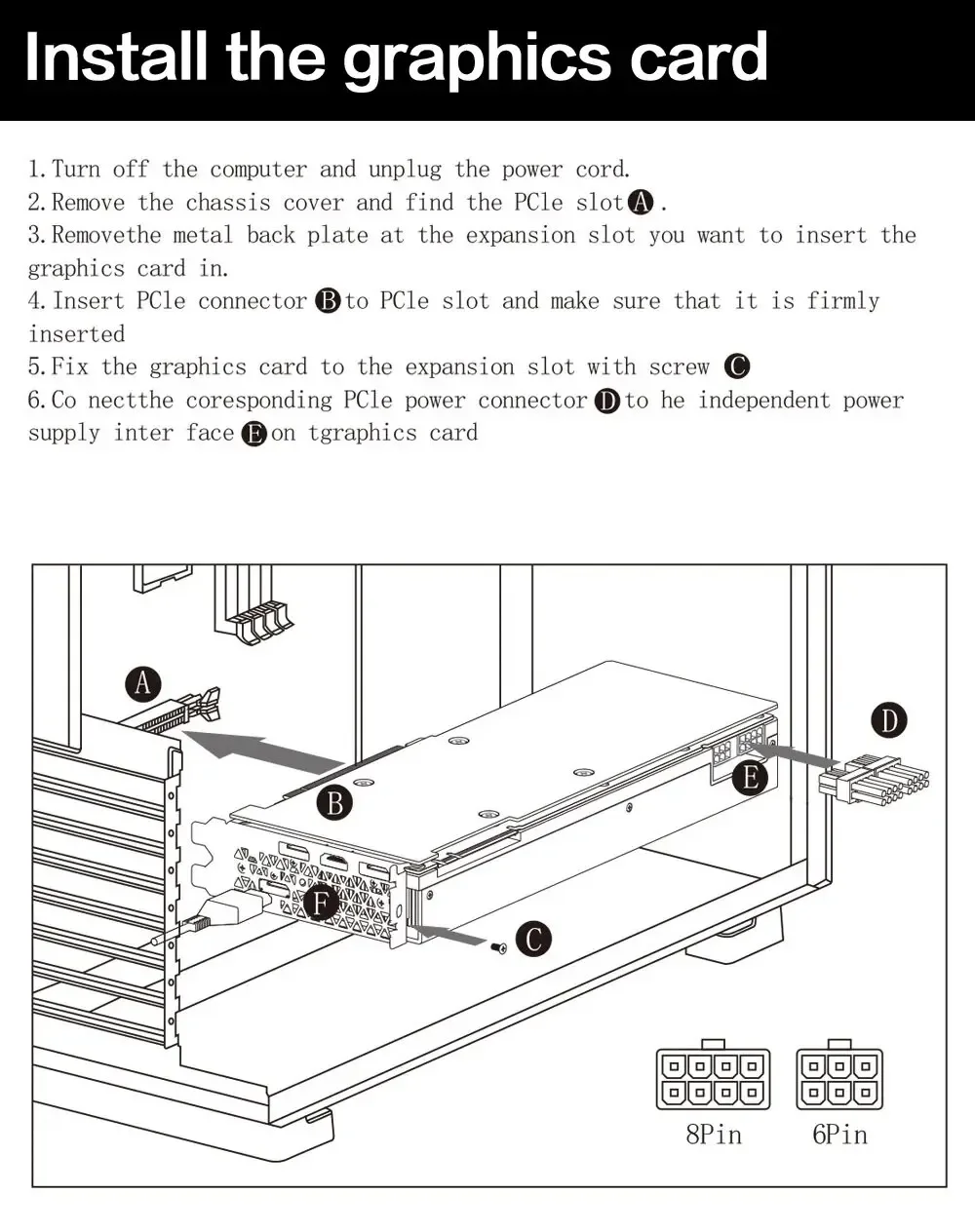
| Dostawa z | Francja |
|---|---|
| Overclocked | NIE |
| Power Connector | 6pin |
| Product Category | Desktop Graphics Cards |
| Product Features | VR READY |
| Chip Process | 14NM |
| Stream Processors | 2048 |
| Cooler Type | Double Fan |
| Output Interface Type | DVI-D,HDMI 1.4×1,DisplayPort x1 |
| Video Memory Type | GDDR5 |
| Memory Interface | 256 BIT |
| Chipset Manufacturer | AMD |
| Memory Clock(Mhz) | 1750MHz |
| Aplikacja | Desktop |
| Nazwa marki | MLLSE |
| RGB | NIE |
| Kolor | RX 580 8GB BLACK, RX 580 8GB WHITE |
Tylko zalogowani klienci, którzy kupili ten produkt, mogą napisać opinię.
Podobne oferty
Brak w magazynie

Laptop Ninkear A16 Pro, 16 cali, rozdzielczość 2560*1600, ekran IPS 120 Hz, procesor AMD Ryzen 7 8745HS, 8 rdzeni, maks. 4,9 GHz, 32 GB pamięci RAM DDR5, dysk SSD 2 TB, Wi-Fi 6
Pierwotna cena wynosiła: 3459,62 $.3176,56 $Aktualna cena wynosi: 3176,56 $. Wybierz opcje Ten produkt ma wiele wariantów. Opcje można wybrać na stronie produktu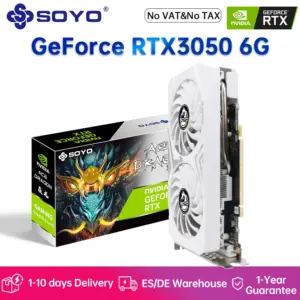
SOYO Nowa karta graficzna NVIDIA GeForce RTX 3050 6G z pamięcią GDDR6 Karta do gier PCIE4.0x16 zgodna z HDMI i DVI do komputerów stacjonarnych
Pierwotna cena wynosiła: 817,21 $.750,35 $Aktualna cena wynosi: 750,35 $. Wybierz opcje Ten produkt ma wiele wariantów. Opcje można wybrać na stronie produktu
Aigo AK PC PSU Power Supply 800W Competitive Game Gamer RGB 120mm Fan 220V ATX Desktop Computer Power Supply For BTC Pc gamer
Pierwotna cena wynosiła: 184,24 $.169,25 $Aktualna cena wynosi: 169,25 $. Wybierz opcje Ten produkt ma wiele wariantów. Opcje można wybrać na stronie produktu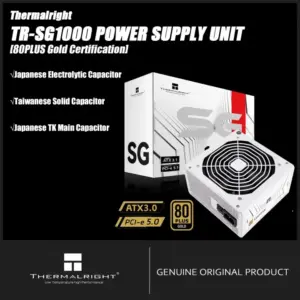
Thermalright TR-SG650/750/850/1000W Power Supply 100-240V 80PLUS GOLD Efficiency Full Modular Cable Design ATX 3.1 PCI-e 5.1
353,22 $ 414,49 $Zakres cen: od 353,22 $ do 414,49 $ Wybierz opcje Ten produkt ma wiele wariantów. Opcje można wybrać na stronie produktu
Recenzje
Nie ma jeszcze żadnych opinii.